UP

Apps

Tutorials, articles and recommendations about apps and programs that people use on their computers, smartphones, smartwatches, and other gadgets.

Notification area cleaner: 2 ways to reset the notification area icons in Windows

Do you need to remove obsolete icons from the notification area on the Windows taskbar? Do you see icons for apps that are no longer installed, and you want to get rid of them? While you can do this with dedicated apps, a simple trick is to remove two registry values and then restart the explorer.exe process in Windows. Here are two methods for cleaning the icons shown in the
tutorial 2 ways to find out when a partition was created in Windows

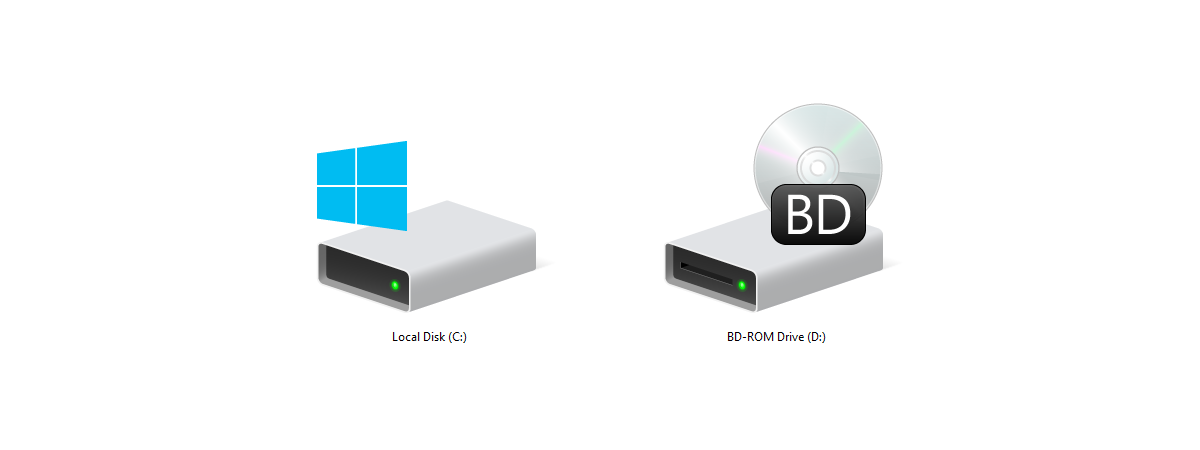
2 ways to find out when a partition was created in Windows

Have you ever needed to know when an NTFS partition was created or when Windows first initialized a drive and made it available for use? Although there are no easy, user-friendly ways to find out, we know two different methods by which you can find this information, by yourself. If you are curious to learn, read on: 1. Find out when a partition

How to track which apps use the most data in Windows 10

Do you need to find out which apps use the most data on your Windows 10 laptop, tablet, or desktop PC? Few people know that Windows 10 stores such data for the last 30 days, for WiFi, Ethernet, and Cellular connections. This data is automatically logged, and accessing it is easy. Here is how to track how much data is used by your apps in Windows 10: [DC-SUMMARY-BREAK] NOTE: This

How to turn off your activity history, and the Timeline, in Windows 10

In recent versions of Windows 10, Microsoft has introduced a new feature called the Timeline. However, most users refer to it as the Task View's app history. This feature stores the history of your activities in Windows 10, on Microsoft's cloud servers (if you want to) and synchronizes it across your Windows 10 computers and devices. If you do not use this feature and you want Windows 10 to stop

How to free up space when the File History drive is full

If you turn File History on without configuring it correctly, you are going to learn the hard way that it keeps the saved versions of your files in its backup location forever, until you run out of space and you have to do something about it. The first time we used it, the File History drive got full in just a few weeks. Here is how to clean up the
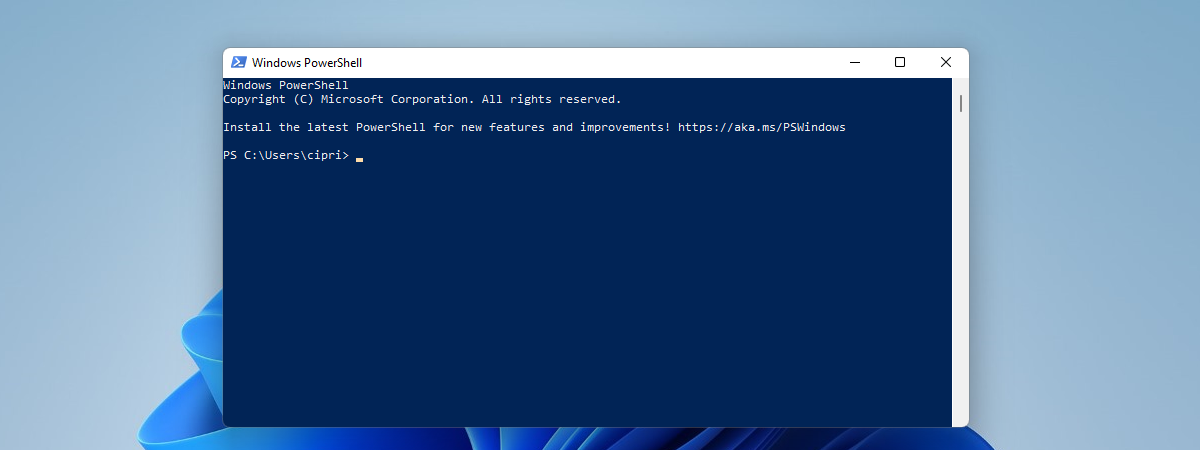
tutorial How to make PowerShell and the Command Prompt transparent

How to make PowerShell and the Command Prompt transparent

If you frequently use the Command Prompt or PowerShell, you may be tired of their opaque app windows. They are functional, useful, but also dull. Another issue is that when you work in a busy office, people can easily see what you type, due to their opacity. If you are a Windows 10 user, one neat little personalization that you can perform is to
tutorial How to use the Voice Recorder in Windows 10 to record audio

How to use the Voice Recorder in Windows 10 to record audio

The free Voice Recorder app bundled with Windows 10 is great in its simplicity, allowing you to make quick and clear audio recordings, without the use of a professional program or recording device. Whether you need to practice the acceptance speech for winning your Hearthstone Tournament, decide to interview your favorite pet or want to figure out if you are good enough for American
tutorial Fix problem: Windows 10 apps are not shown in the Start Menu

Fix problem: Windows 10 apps are not shown in the Start Menu

At times, the Windows 10 Start Menu may be populated with what appears to be invalid tiles, with download icons, and which do not work. This happens after you install Windows 10, or after a major feature update such as the May 2019 Update, or when you create and log in with a new user account. Here's more information about this problem, what is

View details about running processes with the Windows 10 Task Manager

Although Task Manager's Processes tab offers detailed information about how programs use system resources, it is the Details tab that allows you to find out everything you need to know about running processes (and more). Task Manager's Details tab provides generous data about each process running on your Windows 10 computer or device, and it can come in handy during advanced troubleshooting. In this tutorial, we go over the massive
tutorial How can I make my Skype theme dark (or light)?

How can I make my Skype theme dark (or light)?

You might be asking yourself: Is there a dark theme for Skype? Yes there is, and there's also a light theme, just like in Windows 10 May 2019 Update. Both themes are available in Skype for Windows 10, Android, and iOS. In this guide, we share how to change your Skype theme to dark or light, depending on what you want, on all platforms:

Use the App history from Task Manager to view your apps' resource consumption

Windows 10's Task Manager can be a gold mine of information when it comes to apps and how they use your computer's resources. While most of the tabs display real-time data, the App history tab collects and reports usage statistics for the apps and programs running on your computer or device over the last month. This feature is useful, especially for users of mobile devices, like laptops, tablets, or 2-in-1

How to make File Explorer open This PC, by default

One of the things I do not like about File Explorer in Windows 10, is the fact that it starts by default on the Quick Access section. There I see my recent files and frequent folders. However, I prefer viewing my drives and user folders like Documents or Downloads. If you do too, read this tutorial and see how to set File Explorer to open This PC instead of Quick
tutorial How to reset apps in Windows 10, and clear their data

How to reset apps in Windows 10, and clear their data

Sometimes, things break or no longer work well, for no apparent reason. That can happen to Windows 10 apps from the Microsoft Store, not only to the operating system. Luckily, there is more than just one way to make your apps behave, and one of them is to reset your Windows 10 apps to their default state, and clear their app data so that
tutorial Control music on Spotify when gaming, with the Xbox Game Bar

Control music on Spotify when gaming, with the Xbox Game Bar

Everybody likes to listen to their favorite music, and that includes gamers too. You might like to listen to your music even while playing games on your Windows 10 PC. However, we usually avoided doing so, because each time we wanted to skip or play a different song, we had to switch between the game and the media player, using the Alt + Tab

How to identify the Windows 10 apps that hog system resources

Regardless of how new or old your Windows 10 computer is, at times, you might find that it starts lagging and stops being responsive. That usually means that something is hogging its resources. It might be an app that takes up all your processor, one that consumes all your graphics resources, makes your hard drive spin at maximum speed, or sends massive amounts of data online. Whether it is one

How to view and disable startup programs from Windows 10's Task Manager

With Windows 10, Microsoft has improved the startup time of our PCs. However, performance degrades over time, slowing down your device. As you install more and more desktop apps, they sneak themselves or their agents onto the startup list, lengthening the list of startup applications and services. As a result, Windows 10 is forced to load more apps and background processes, before it can take input from you. The Startup