UP

Tutorials

Tutorials and how to guides about using gadgets, hardware, and software. Our tutorials cover all major operating systems: Windows, Android, iOS and others.

How to manage signed-in user accounts with the Task Manager in Windows 10

  Having multiple user accounts logged in on your Windows 10 computer can make swapping between them faster, but it can also waste resources as your computer is forced to maintain two separate environments in memory. If you want the chance to weigh the benefits of this action against the costs, the Task Manager can help. Do you know which tab of the Task Manager shows you the online users?

ASUS FX HDD review: The portable hard drive with RGB and AURA Sync!

ASUS has a tradition of designing devices with great RGB lighting systems. We have seen motherboards, CPU coolers, PC cases, keyboards, mice, and whatnot with RGB. However, we have never seen an external hard drive with RGB on it. Until this review! :) The device is called ASUS FX HDD, and it is a hard drive destined for backups, which has AURA-compatible RGB LEDs on it. Featuring lighting inspired by

How to make File Explorer open This PC, by default

One of the things I do not like about File Explorer in Windows 10, is the fact that it starts by default on the Quick Access section. There I see my recent files and frequent folders. However, I prefer viewing my drives and user folders like Documents or Downloads. If you do too, read this tutorial and see how to set File Explorer to open This PC instead of Quick
tutorial How to reset apps in Windows 10, and clear their data

How to reset apps in Windows 10, and clear their data

Sometimes, things break or no longer work well, for no apparent reason. That can happen to Windows 10 apps from the Microsoft Store, not only to the operating system. Luckily, there is more than just one way to make your apps behave, and one of them is to reset your Windows 10 apps to their default state, and clear their app data so that

How to connect my Android smartphone to my Windows 10 PC

Android smartphones have a USB port that you can use to charge them, but also to transfer files such as pictures or documents to your computer. Although the steps you need to take to do that are rather simple and intuitive, there are a few things to which you should pay attention. If you want to make sure that you do everything by the book when you connect your Android
tutorial The complete guide to Windows 10 updates

The complete guide to Windows 10 updates

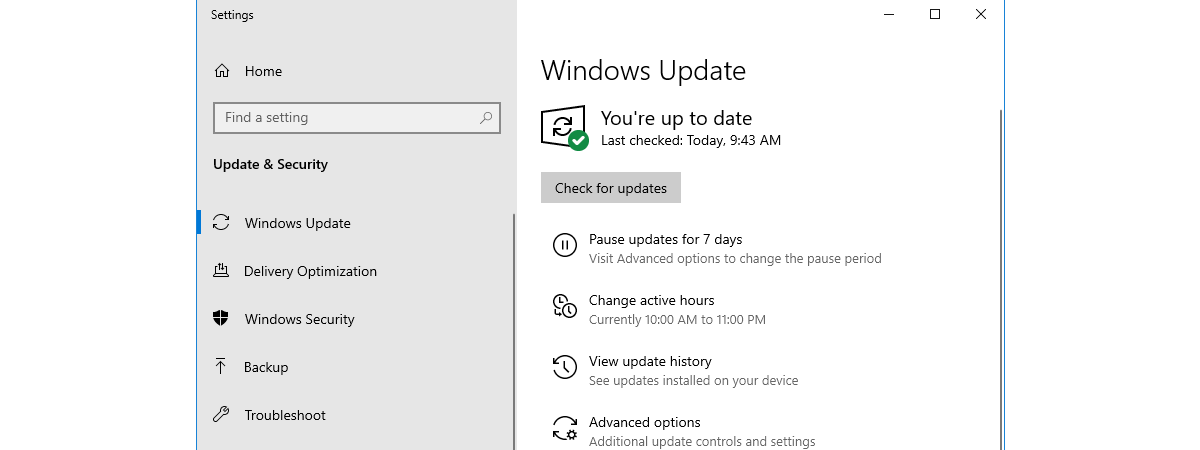
Windows Update is an essential part of running Windows 10, regardless of which edition or version of this operating system you are using. Windows Update is the way Microsoft releases not only the so-called feature updates, but also regular bug fixes and security patches. If you want to know everything there is to know about Windows Update in Windows 10, including how to open
tutorial Control music on Spotify when gaming, with the Xbox Game Bar

Control music on Spotify when gaming, with the Xbox Game Bar

Everybody likes to listen to their favorite music, and that includes gamers too. You might like to listen to your music even while playing games on your Windows 10 PC. However, we usually avoided doing so, because each time we wanted to skip or play a different song, we had to switch between the game and the media player, using the Alt + Tab

How to identify the Windows 10 apps that hog system resources

Regardless of how new or old your Windows 10 computer is, at times, you might find that it starts lagging and stops being responsive. That usually means that something is hogging its resources. It might be an app that takes up all your processor, one that consumes all your graphics resources, makes your hard drive spin at maximum speed, or sends massive amounts of data online. Whether it is one

How to view and disable startup programs from Windows 10's Task Manager

With Windows 10, Microsoft has improved the startup time of our PCs. However, performance degrades over time, slowing down your device. As you install more and more desktop apps, they sneak themselves or their agents onto the startup list, lengthening the list of startup applications and services. As a result, Windows 10 is forced to load more apps and background processes, before it can take input from you. The Startup

Manage, start, stop, or restart Windows 10 services from the Task Manager

A service is a special type of application intended to provide features to the user and the operating system, that launches and runs in the background, without a user interface to click on. As in previous versions, the Task Manager from Windows 10 comes with a Services tab, aimed to provide an overview of system services, their status and to handle basic management tasks. Here is everything you can do

11 ways to manage running processes with the Task Manager in Windows 10

The Windows 10 Task Manager gives you a lot of power when it comes to monitoring system resources. The Processes tab shares more information than ever before, allowing you to customize the data it shows according to your needs. Here is how to tweak the Task Manager's Processes tab in Windows 10 and become more efficient, by ensuring the data relevant to you is displayed in a way that suits

9 Things you can do from the Task Manager's compact view in Windows 10

The Task Manager is an app primarily used to get more information about the processes and applications running on your PC. That is why the first time you open the Task Manager in Windows 10, you might be in for a surprise (especially if you skipped Windows 8) because there is not much to see in its window. Don't worry, this is just a compact view of the Task Manager,
article 4 ways to download PowerPoint straight from Microsoft

4 ways to download PowerPoint straight from Microsoft

PowerPoint is the most popular slideshow presentation app in the world. It is developed and sold by Microsoft as part of its Office suite, together with other productivity apps such as Word, Excel, Outlook or Access. However, it is also available online as a web app. Unless you have already worked with PowerPoint, you might wonder how and where to download it. If you

The location of Windows 10 wallpapers for the Desktop & Lock Screen

Windows 10 uses impressive pictures for the desktop background and for the Lock Screen. Some of them look great, and we especially like the new default wallpaper for Windows 10 May 2019 Update. If you want to know the location of those images, so that you can use them as wallpapers for other PCs and devices, read this article: [DC-SUMMARY-BREAK] Where to see the background pictures used by Windows 10
tutorial How do I connect a Bluetooth mouse to my Mac?

How do I connect a Bluetooth mouse to my Mac?

The mouse is a big part of how cozy your experience is when you are using your computer. The more time you spend in front of your iMac or your MacBook, the more you realize that comfort is your biggest priority, so connecting your favorite mouse to it is the next logical step. But what if the mouse of your choice is not Apple's

9 ways to manage files with File Explorer, from the Home tab

One of the best things about File Explorer in Windows 10 is its ribbon user interface, which introduces a system of tabs and buttons that make it easier for users to work with files and folders. The Home tab is where you find the tools that you need most often while browsing files and folders with File Explorer. In this tutorial, we show you nine ways to use the Home
article 4 things you can do with Windows Sandbox

4 things you can do with Windows Sandbox

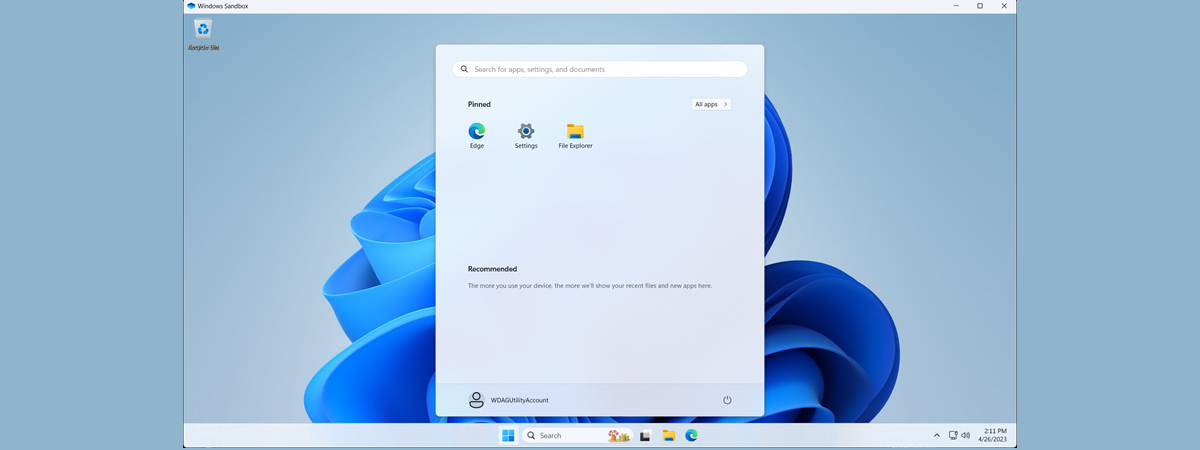
If you are running a Pro, Education or an Enterprise edition of Windows 10 with May 2019 Update, you have access to Windows Sandbox. It is a lightweight virtual machine that is easy to install and run, without paying anything for additional license fees. This app is excellent for browsing potentially dangerous websites, testing unknown apps and other things that could otherwise be hazardous.