UP

System Recovery

How to restore Windows to a working state. How to reset your Android smartphone, or your iPhone, to its factory settings. How to troubleshoot problems with your gadgets and computers.

tutorial How to create a System Repair disc in Windows 10 and Windows 11

How to create a System Repair disc in Windows 10 and Windows 11

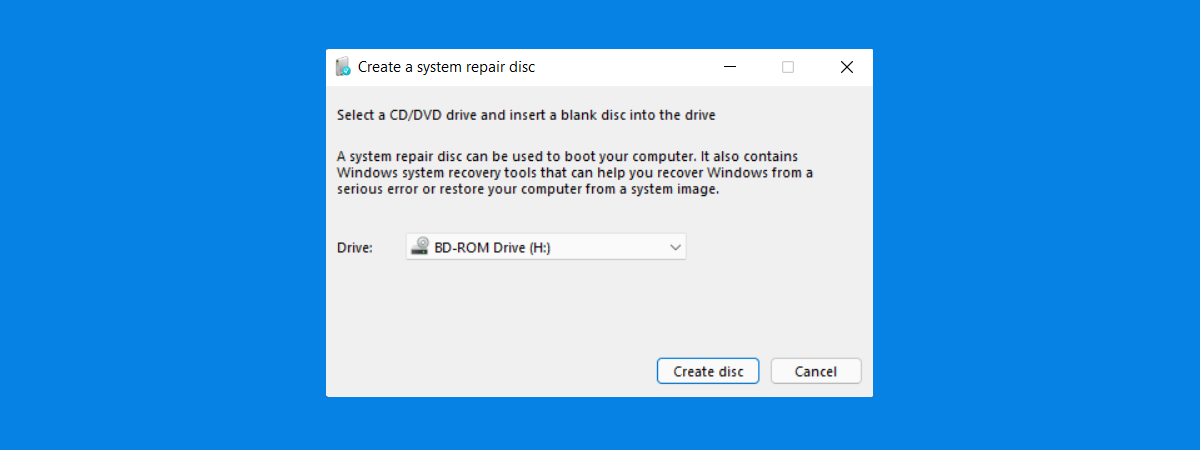
If you want to repair a malfunctioning computer with Windows 10 or Windows 11 installed, you need a USB recovery drive or a repair disc. Most people prefer using USB memory sticks to create such drives. However, if you still have a computer laying around with a DVD or Blu-Ray drive that can burn discs, in this guide, we show you how to create
tutorial How to pause Windows 11 updates

How to pause Windows 11 updates

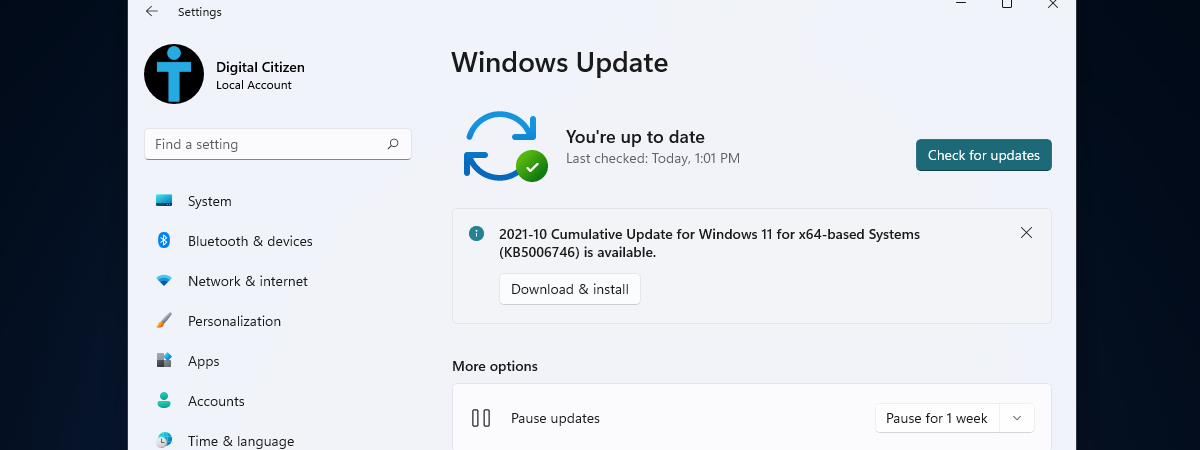
Unfortunately, Windows updates are often a hit-and-miss affair, with many users rushing to update their operating system only to find that the process broke built-in apps and features or even made their device unusable. If you’re cautious about updating Windows 11 or you want to troubleshoot a buggy update, you can postpone Windows 11 updates for up to five weeks. If you want to
article How to use a Windows 10 recovery USB drive

How to use a Windows 10 recovery USB drive

We encourage you to create a recovery drive as soon as you install Windows 10 on a computer or as soon as you buy a new PC. It can be a lifesaver when Windows 10 stops working, and you cannot use your apps or access your files. What exactly can you do with it? How can it help you in your hour of need?
tutorial How to test your RAM with the Windows Memory Diagnostic tool

How to test your RAM with the Windows Memory Diagnostic tool

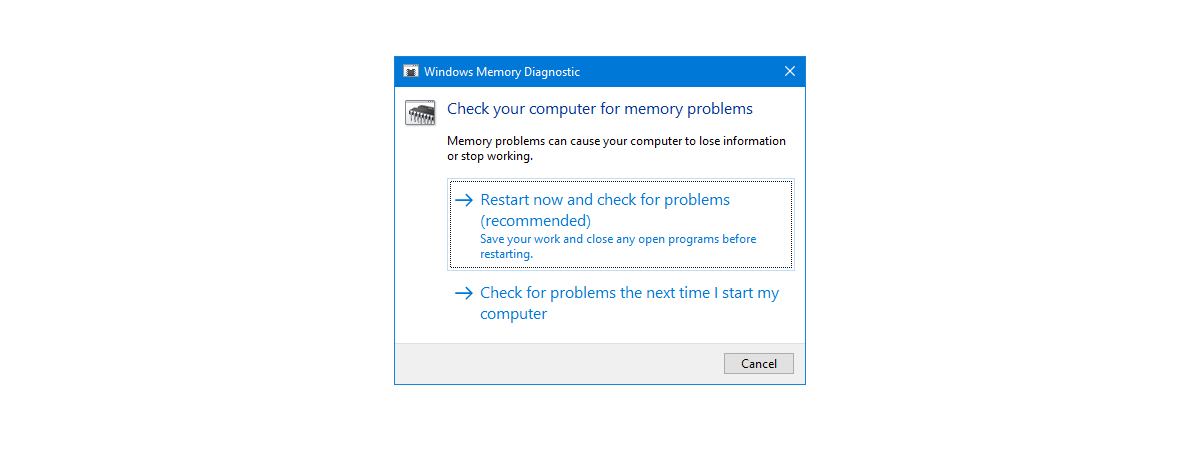
RAM can cause some of the most frustrating computer problems. Symptoms can be diverse and somewhat random: you may encounter high system instability, data corruption, or unexplained behaviors that leave you puzzled. When you have problems like these, it is a good idea to test the RAM on your Windows computer. One way to do it is to use the built-in Windows Memory Diagnostic
tutorial 12 ways to start the Windows Memory Diagnostic troubleshooting app

12 ways to start the Windows Memory Diagnostic troubleshooting app

Windows Memory Diagnostic is a troubleshooting tool that is less known by Windows users. That's because it can come in handy only when you have problems with your computer's RAM or experience random reboots and system instability. One possible cause for such problems may be faulty RAM. A way to test if this is the real culprit for your problems is to run Windows

How to do a Windows System Restore from boot, without reaching the desktop

System Restore is a great tool that allows you to revert Windows and its settings to a previous working state. This is useful when you encounter problems with drivers that destabilize the system or software that malfunctions. However, at times, some of the changes you make may affect your system so badly, that you can no longer log into Windows. What can you do to make Windows work again? You

How to configure System Restore in Windows 10

While having the ability to restore your system from a restore point is one of Windows' most useful features, it may be that some people will want to turn it off for all or some of their partitions. Others may wish to change how much space is used for System Restore and assign more or less. To help you out, this guide shows you how to configure System Restore in

What is System Restore and 4 ways to use it

System Restore is one of those Windows apps that can be categorized as being an "oldie but goldie." If something suddenly stops working as it should or if your Windows 10 PC breaks down without notice, you'll want to know about System Restore and how to use it. This system recovery tool can be a lifesaver and a fast one at that, as it can revert your PC to a

3 ways to create a restore point in Windows 10

When your Windows 10 machine breaks and refuses to work, System Restore is one of those lifesaving tools that makes you thankful they exist. That's because you can use it to repair your PC if you've created a system restore point before it started to misbehave. Did you create a system restore point? If you didn't, would you like to learn how to create a restore point in Windows 10?

2 ways to enable System Restore in Windows 10

System Restore is an old feature that has been present in Windows operating systems for a long time. However, it's still useful today on modern Windows 10 operating systems. It's one of those tools that can save you a lot of time and headaches when your PC crashes, or if something on it no longer wants to work, and you can't even boot properly. System Restore is a tool designed
tutorial How to uninstall drivers from Windows, in 5 steps

How to uninstall drivers from Windows, in 5 steps

Drivers are critical because you cannot fully use your computers and devices without them. However, some drivers can be too old and incompatible with your version of Windows or new and insufficiently tested. To get rid of errors, crashes, and Blue Screens of Death, you may need to delete the drivers that are causing problems. Here's how to uninstall drivers from Windows completely:

How to use the Windows USB/DVD Download Tool

Do you need to create a bootable USB memory stick or a bootable DVD with the Windows installation kit on it? Do you want to use tools that are compatible with any modern Windows version, such as Windows 10, Windows 7, or Windows 8.1? Luckily, Microsoft offers such free tools for all these Windows versions, and they are easy to use and work great. One of the best is called
tutorial How to reset your Android to its default factory settings

How to reset your Android to its default factory settings

You might come across situations where you need to know how to factory reset your Android tablet or smartphone. If your device is malfunctioning, restoring the default factory settings could fix the issue. It is also a good idea to perform this reset before setting up any pre-owned Android device, to ensure a clean operating system and the complete removal of any data left
tutorial How to update the BIOS of your motherboard

How to update the BIOS of your motherboard

One of the most important things that you should not mess up is updating the BIOS of your computer's motherboard. Yes, the process is not that complicated even though it is not easy either, but there are so many things that you must get right, it might seem overwhelming. We decided to help and share a list of best practices that should help you

Working with File History from the Control Panel: What you can and can't do!

File History is a useful app that is built into Windows 10 and Windows 8. It can be used to automatically back up personal files and folders, like your documents, pictures, and videos, without any user intervention, except for turning it on, and configuring how it works. If you use Windows 10, you can interact with File History both from the Settings app and the Control Panel. In each of

How to reset all settings (and content) on your iPhone or iPad

At some point, you might want to sell your iPhone or iPad, or you might want to give it to someone else. Before doing anything like that, you should reset it to its default factory settings and delete all the content on it. After all, you do not want to gift all your personal data as a present, right? If you want to know how to make a factory reset

How to use Diagnostic Data Viewer to learn what is not working in Windows 10

Windows 10 has made the headlines with the fact that it sends all kinds of data to Microsoft. To alleviate suspicions of wrongdoing, and increase transparency, Microsoft released the Diagnostic Data Viewer app which anyone can use to see what data Windows 10 sends to its parent company. One other convenient use of Diagnostic Data Viewer is for troubleshooting. With this app, you can see what does not work on
tutorial 5 ways to boot Windows 7 into Safe Mode

5 ways to boot Windows 7 into Safe Mode

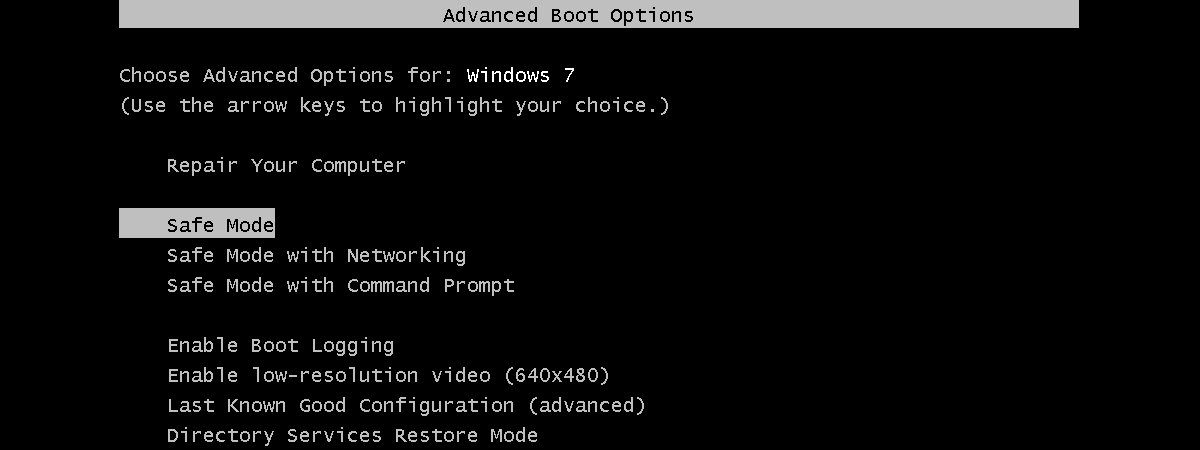
If you want to boot Windows 7 into Safe Mode, it means that there is probably something wrong with your computer. Safe Mode can help you diagnose and sometimes even repair issues. However, before doing so, you must first know how to boot your Windows 7 computer into Safe Mode. In this article, we discuss what Safe Mode is and how it works, and