UP

Accessibility

How to make your computers, smartphones and other types of devices easier to use, including for people with physical or situational disabilities.

tutorial How to use Snip & Sketch to take screenshots in Windows 10

How to use Snip & Sketch to take screenshots in Windows 10

Snip & Sketch is a Windows 10 screenshot tool that Microsoft has introduced with the October 2018 Update. In the future, it is going to replace the Snipping Tool, but so far both apps continue to exist in Windows 10 until Snip & Sketch reaches feature-parity with the Snipping Tools or it outperforms it. Here is how to open Snip & Sketch, the keyboard


How to Hard Refresh in your browser, on a Mac (Safari, Chrome, Firefox, Opera)

A hard refresh completely reloads a web page, clearing your browser's cache for that specific page. The most recent version of that web page is loaded and displayed instead, and all the elements previously stored in your browser's cache (to make that page load faster) get downloaded again. A hard refresh helps if you want to see the latest changes made to a page, ensuring that your web browser does
tutorial 8 ways to start the Skype app in Windows 10

8 ways to start the Skype app in Windows 10

Skype is one of the pioneers of making video and voice calls over the internet, and it has become popular over the years while enjoying its share of controversies too. When you use a Windows 10 PC or device, Skype is built-in, installed, and ready to make your calls and chats. Also, there are many ways to open this app, including methods you might
tutorial How to resize tiles in Windows 10, on the Start Menu

How to resize tiles in Windows 10, on the Start Menu

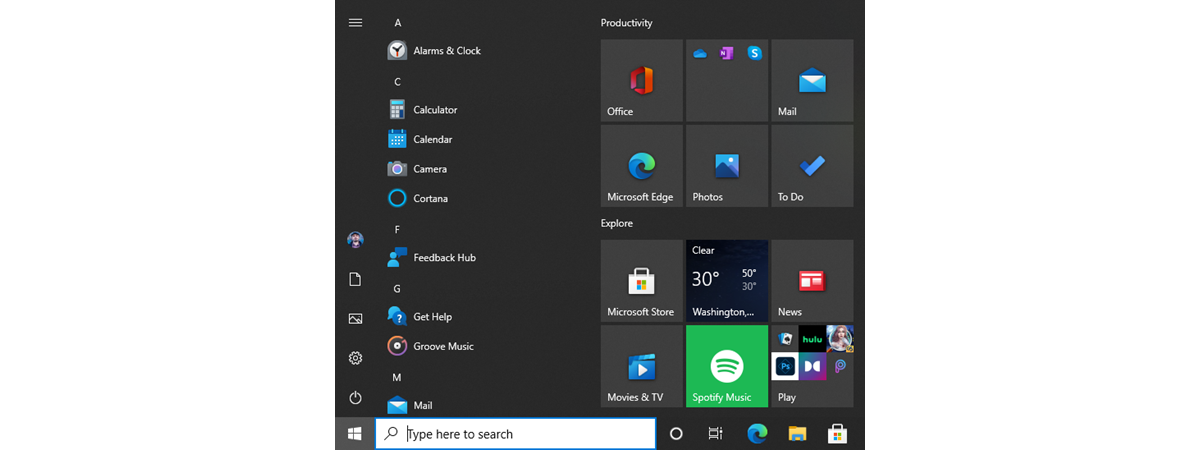
  In Windows 10, the Start Menu lets you use it to arrange apps and shortcuts just like you want, so that you can quickly access the apps you use more often. In this article, we show you how to resize the tiles from your Start Menu, and we also explain what each tile size gets you, and how they differ. As you are
article Download the shortcut for “Shut Down Windows”

Download the shortcut for “Shut Down Windows”

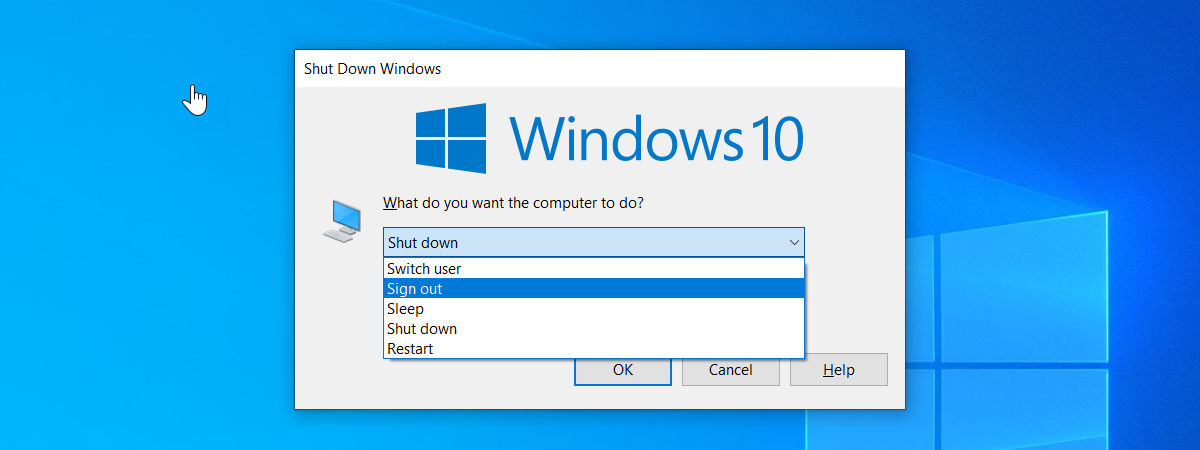
Do you want a shortcut that opens the "Shut Down Windows" menu, so that you can quickly shut down or restart your Windows computer or device? Based on requests from our readers, we have created this shortcut for you to use on any Windows computer. It works on Windows 10, Windows 8.1 and Windows 7. Here is how to use it and how to

10 ways to start System Information in Windows (all versions)

System Information is a system profiler in Windows provided by Microsoft, which comes in handy when you want to understand the hardware and the drivers found on your Windows computer or device. The tool produces detailed information about all the components of your system. Read this guide to learn how to get System Information started in all versions of Windows: [DC-SUMMARY-BREAK] NOTE: This guide covers Windows 10, Windows 7, and
tutorial How to set the Windows 10 Start Menu to take the whole screen

How to set the Windows 10 Start Menu to take the whole screen

When you use Windows 10 on a tablet or convertible device with a touchscreen, such as a Microsoft Surface Pro, Surface Go, Samsung Galaxy Book, HP Envy or Lenovo Miix, you might want to see the Start Menu in full screen instead of being displayed on the left corner of the screen. This allows you to pin more apps and shortcuts to it, and
article What is Copy, Cut, and Paste? What do they mean? How are they different?

What is Copy, Cut, and Paste? What do they mean? How are they different?

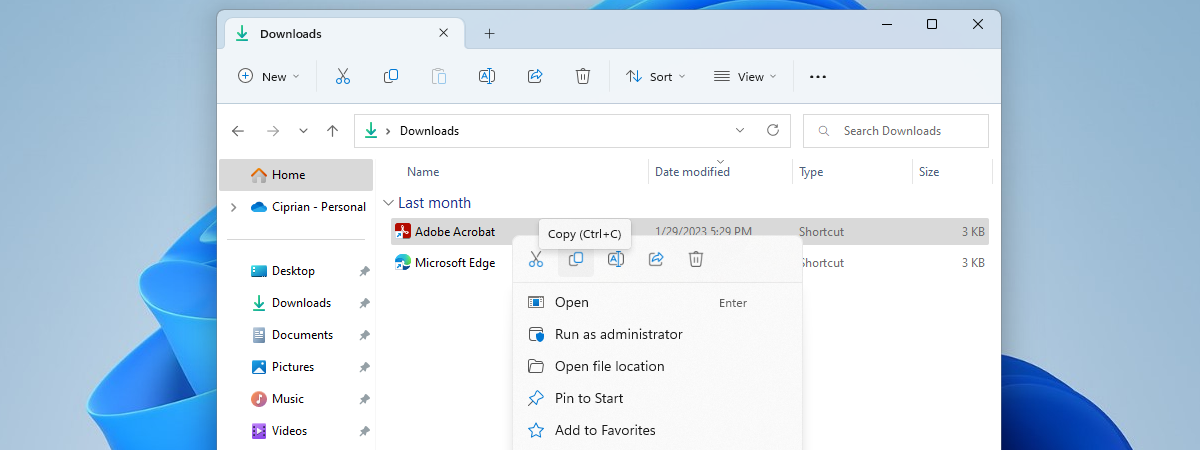
The Copy and Paste commands have been hailed as lifesavers by many computer users, eliminating the tedious work of recreating data that is already available elsewhere. They deal in saved time, and this is a precious commodity in our digital age. Do you understand what Copy, Cut, and Paste do? Do you know how they work? From where do the terms come? Read this

How to change your user account password in Windows 10

You are probably aware of the risks you are exposed to when you use the same password on all your accounts. Regardless of what type of account you use to log into Windows 10, a weak password can give access to your files to anyone who knows it or can crack it. Therefore, you may want to consider changing it. Also, if your Windows 10 account has been compromised, you

8 ways to start System Configuration in Windows (all versions)

The System Configuration tool is also known by its msconfig.exe executable file. This app is useful to people who want to manage the Windows startup and the boot options, as well as troubleshoot stability and performance issues. You can do all that from this handy little tool, but before that, you first have to open it. In this article, we show you eight ways to start System Configuration (msconfig.exe) in

Download The Desktop Shortcut To PC Settings/Settings For Windows 8.1 & Windows 10

While we do like the modern interface offered by Windows 8.1 and Windows 10, there is one thing that we definitely dislike: it's rather difficult to create custom shortcuts to different apps and configuration panels, including the new Settings app from Windows 10. That's why we decided to give you our own special shortcut for PC Settings in Windows 8.1 and Settings in Windows 10, which involved a bit of

The Complete Guide To Pinning Everything To The Windows 8.1 Start Screen

Have you ever wondered what kind of items can you pin on your Start screen? Well, there's a lot of stuff you can pin that you probably didn't know about such as libraries, networks locations, websites, different apps and many others. If you didn't really liked the Start screen or you never saw its usefulness maybe after reading our guide you will. If you haven't figured it out yet, our

Introducing Windows 8.1: Group Shortcuts On The Start Screen & Name Them

Organization is the key to productivity. Having important stuff you pinned on the Start screen scattered all over the place is not very efficient. Your favourite apps will be hard to find, especially if there's a large number of apps pinned on the Start screen. The best option for Windows 8.1 users is to group the items and label them properly. Besides the utility of this feature, you will notice

How To Clear Your Personal Information From Your Start Screen Tiles

If you're a Windows 8.1 user, you surely noticed that some of the tiles pinned on your Start screen gather and display personal information like notifications with messages you receive from others, your meetings and to-dos, your personal pictures and so on. At some point, you may want to clean all that information so that others won't see it. In this guide we will show you the steps you need

How To Make Advanced Searches In Windows Using Wildcards And Filters

Most of us have had times when we sort-of knew what it was we wanted to find on our computer, but didn't remember the exact file name. In this article, we will talk about some advanced ways to find what you want in Windows, some of which work better than others. [DC-SUMMARY-BREAK] NOTE: The process works the same way in Windows 7 and Windows 8.1, but as you'll see, the

How To Set Windows 8.1 To Display More Tiles On The Start Screen

If you have a high-definition tablet or hybrid with Windows 8.1, like the Surface Pro, you may want to have more tiles on the Start screen so that you don't have to scroll a lot in order to access all your main apps and desktop programs. Luckily, Windows 8.1 has a setting that allows you to do this. However, it is available only on devices with touch screens and not

9 Tips That Help You Use The Windows Taskbar More Productively

The Windows taskbar is an underappreciated tool which, when used properly, can have a very positive impact on your productivity. You can quickly start pinned applications, switch between multiple instances of an application, open a file with a specific application and so on. In this guide we would like to share several tips and tricks that will help you use the taskbar more productively. Let's get started: [DC-SUMMARY-BREAK] 1. Pin