




Buying a new TV can be confusing with all the tech terms floating around, especially when you hear about Fire TV and Smart TV. Both let you stream Netflix, Prime Video, and YouTube, but they work in different ways. Knowing the difference helps you pick the right setup for your home.
Fire TV vs Smart TV: The Core Difference
Smart TVs are televisions with built-in Wi-Fi and preinstalled streaming apps. You can launch Netflix or Hulu right from the TV; no extra device needed.
Fire TV is Amazon’s streaming platform. It can exist as a Fire TV Stick (a small HDMI dongle that plugs into any TV) or as a Fire TV Edition Smart TV that comes with Amazon’s Fire OS built in.
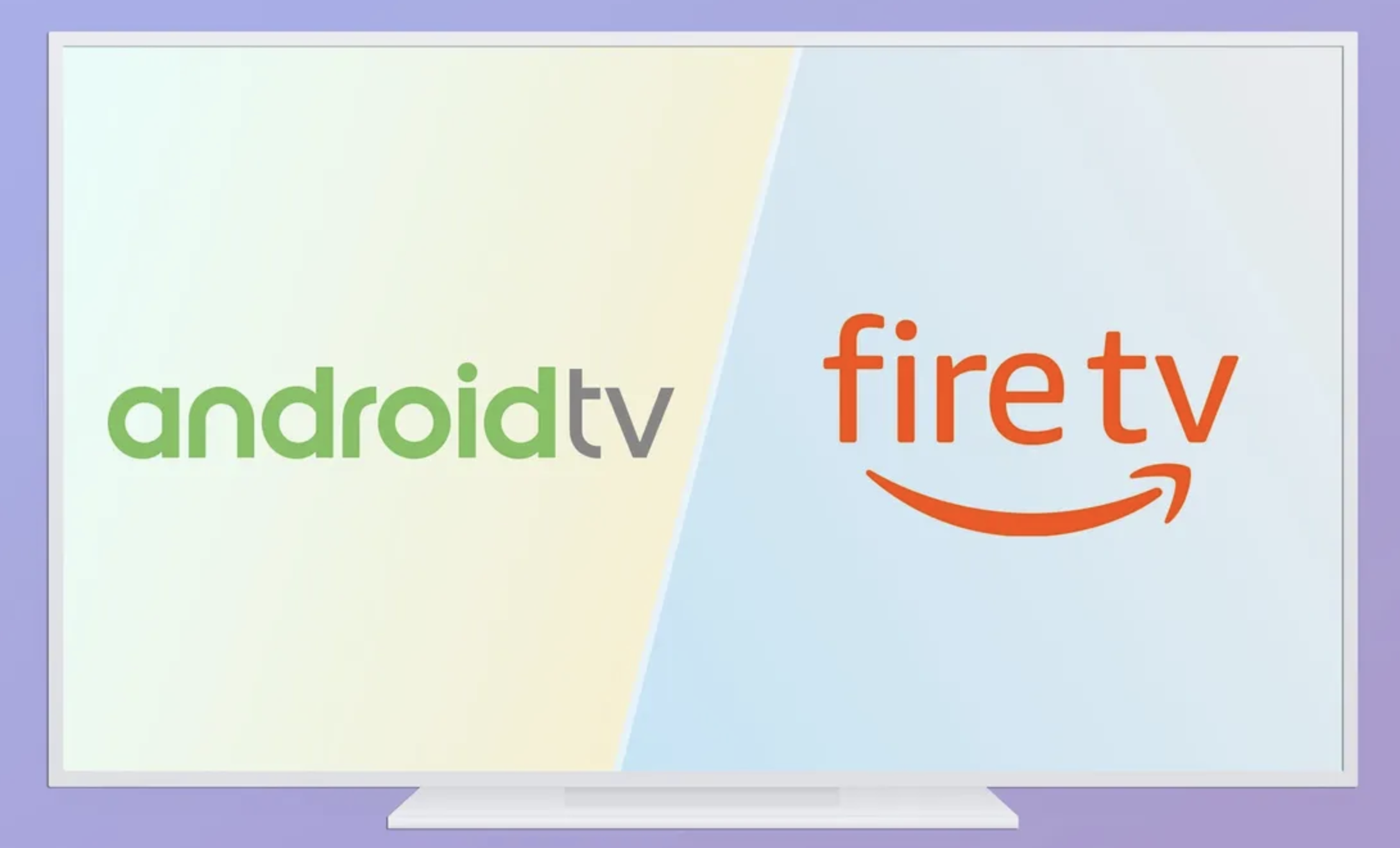
In short, every Fire TV is a Smart TV, but not every Smart TV runs Fire OS. Regular Smart TVs use other systems like Android TV, Google TV, Tizen (Samsung), or webOS (LG).
Hardware and Setup
Fire TV Stick models are plug-and-play devices that connect through an HDMI port. Setup takes a few minutes and instantly adds streaming features to any standard television.
Smart TVs already include the necessary hardware inside the screen. There’s no need for extra cables or devices, but you’ll pay more upfront for that built-in convenience.
Because Fire TV is external, it’s portable. You can unplug it and use it on another TV, making it great for households with multiple screens or for travel.
Operating System and Interface
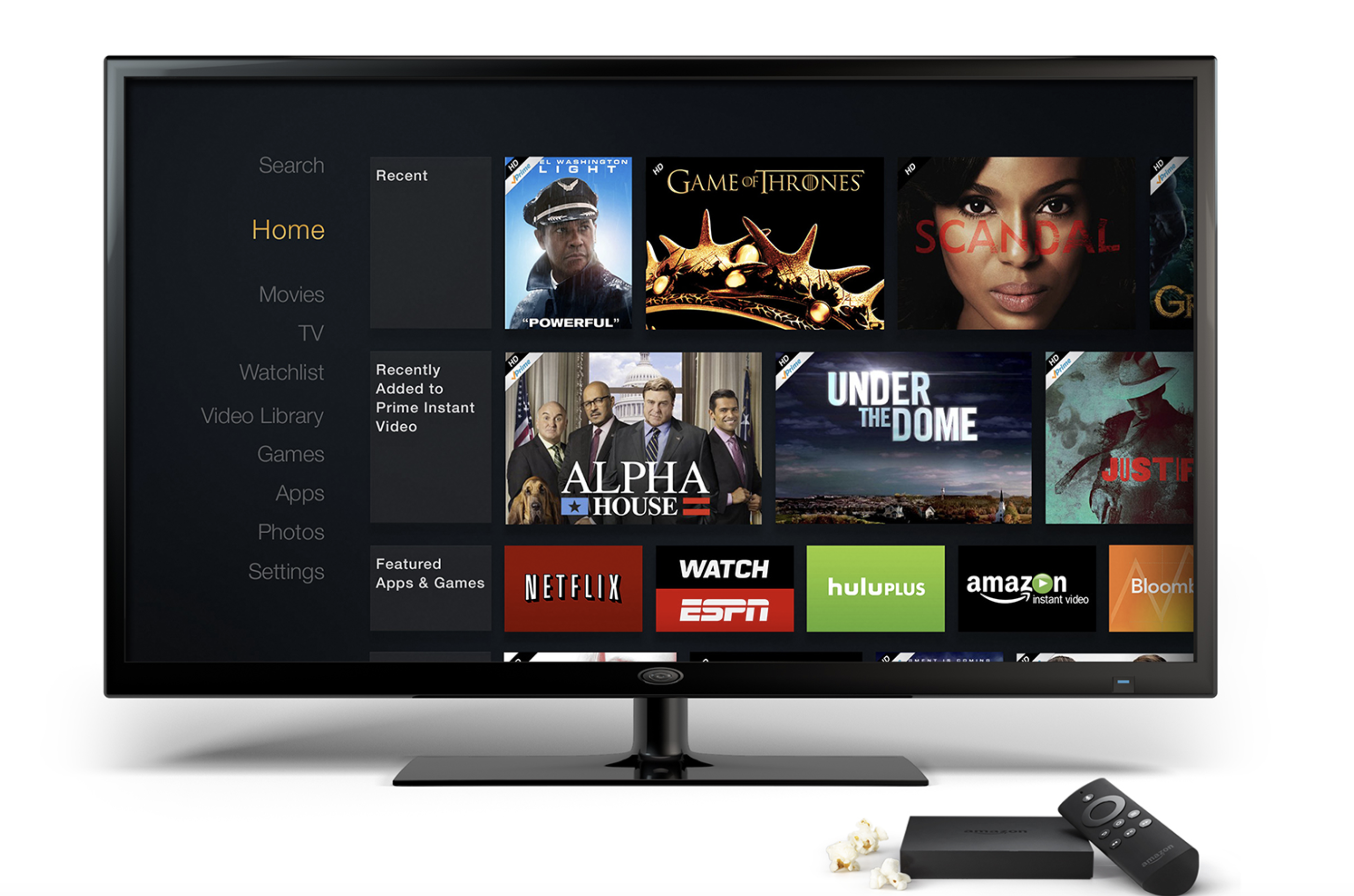
Fire TV runs on Amazon’s Fire OS, a custom Android-based system designed around Amazon services. The home screen prioritizes Prime Video, Alexa voice control, and Amazon’s Appstore. It’s fast, simple, and ideal if you already use Alexa or Amazon Prime.
Smart TVs vary by brand. Samsung uses Tizen, LG uses webOS, Sony and TCL use Google TV, and Hisense often uses VIDAA or Roku TV. Each system has its own layout, app selection, and update schedule, which can affect how smooth your experience feels over time.
Performance and Software Updates
Fire TV devices receive regular updates directly from Amazon. These updates improve speed, security, and app compatibility, keeping even older models usable for years.
Smart TVs often get software support for only a few years after purchase, but this varies by manufacturer. For example, Samsung is known to offer a relatively long software support period of around 5 years, while other brands might offer shorter lifespans. Once updates stop, newer apps or features may not work, forcing users to buy an external streaming stick later on.
App Store and Customization
Fire TV integrates directly with Amazon’s Appstore. You’ll find major apps like Netflix, Hulu, Disney+, and Spotify, and even Google’s native apps like YouTube TV. Alexa integration makes it easy to search or control playback hands-free.
Smart TVs using Android or Google TV offer broader customization. You can download from the Google Play Store, pair Bluetooth accessories, and even sideload apps if supported. Other Smart TVs, like Samsung’s Tizen or LG’s webOS, have smaller but well-curated stores focused on stability and speed.
Streaming Quality and Performance
Both Fire TV and modern Smart TVs support 4K Ultra HD and HDR formats like Dolby Vision. The difference lies in processing power. High-end Smart TVs with strong chipsets deliver smoother menus and faster app switching, while older or budget models may lag.
Fire TV Sticks, especially the 4K Max models, handle high-resolution playback efficiently and can outperform some built-in Smart TV systems. They also bring Dolby Atmos audio and better Wi-Fi 6 connectivity.
Voice Control and Smart Home Integration
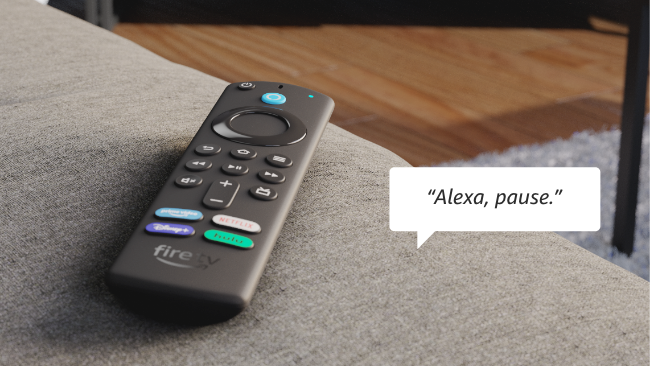
Fire TV is built around Alexa. You can use voice commands to launch apps, search for shows, or control compatible smart devices, all from your Fire TV remote.
Smart TVs offer varied voice assistants. LG uses ThinQ AI or Google Assistant, Samsung relies on Bixby, and Sony models typically include Google Assistant integration. Their effectiveness depends on the ecosystem you already use at home.
Price Comparison
Fire TV Stick devices start under $30 and rarely exceed $120, even for the 4K Max or Fire TV Cube. It’s the cheapest way to upgrade a regular TV into a streaming powerhouse.
Smart TVs cost more upfront, ranging from $88 for budget 32-inch models. However, you won’t need a separate device, and some Fire TV Edition sets bundle both systems in one screen.
Which One Should You Choose?
- Choose Fire TV if you already have a TV and want to add smart features, prefer Alexa voice control, or want something portable between rooms.
- Choose a Smart TV if you’re buying new, prefer an all-in-one system, or want better panel quality and fewer external cables.
- Choose Fire TV Edition Smart TV if you want both a built-in Fire OS interface and Amazon’s updates inside a single screen.
Key Differences at a Glance
Fire TV and Smart TVs both let you stream your favorite apps, but they differ in flexibility, hardware design, and software updates. Here’s how they compare in practice.
Platform: Fire TV runs on Amazon Fire OS, a customized Android-based system designed around Alexa and Amazon’s ecosystem. Regular Smart TVs, on the other hand, can use a range of platforms such as Tizen (Samsung), webOS (LG), Android TV, or Google TV, depending on the brand.
Hardware Type: Fire TV is typically available as an external streaming stick or as part of a built-in Fire TV Edition television. Generic Smart TVs have their streaming system built directly into the TV hardware, meaning there’s no external device to connect.
Voice Assistant: Fire TV devices come with built-in Alexa support for voice search and smart home control. Smart TVs may include other assistants like Google Assistant, Bixby (on Samsung models), or ThinQ AI (on LG models), depending on the manufacturer.
App Store: Fire TV uses the Amazon Appstore, offering thousands of popular streaming and utility apps. Smart TVs use their respective app stores — such as the Google Play Store, LG Content Store, or others — which may offer broader or brand-specific selections.
Portability: Fire TV sticks are highly portable — you can unplug and move them between TVs easily. Standard Smart TVs are fixed units, with streaming features tied to that particular TV set.
Software Updates: Fire TV devices receive frequent updates directly from Amazon, ensuring consistent performance and access to new features. Smart TV updates vary by brand and model, and some older sets may stop receiving updates sooner.
Starting Price: Fire TV sticks start at roughly $29, making them an affordable way to upgrade any TV. Smart TVs with built-in streaming capabilities usually start around $88 and go up depending on size, display quality, and brand.
In short, Fire TV is more portable, regularly updated, and ideal for users who want flexibility. A Smart TV is a convenient all-in-one option if you prefer fewer cables and an integrated experience.
FAQs
Is a Fire TV also a Smart TV?
Yes. Fire TV is a smart platform powered by Amazon’s Fire OS. It can be built into a TV or added using a Fire TV Stick.
Do I need internet for Fire TV or Smart TV?
Yes. Both require an internet connection for streaming apps and updates.
Can I use Fire TV without Amazon Prime?
Yes. You can still install Netflix, Disney+, Hulu, and many other apps without a Prime subscription.
Does a Smart TV get outdated?
Eventually, yes. Some older Smart TVs stop receiving updates, while Fire TV devices stay current longer through Amazon’s firmware updates.
Conclusion
Fire TV and Smart TV both let you stream your favorite shows, but the choice depends on what you already own. A Fire TV Stick instantly upgrades any TV, while a Smart TV gives you an all-in-one solution. If you’re invested in Amazon’s ecosystem, Fire TV is the clear winner. For brand flexibility and built-in convenience, go with a Smart TV that fits your budget and preferred operating system.


Discussion (0)
Be the first to comment.