UP

Recommended

The articles we recommend reading. The list includes some of the best gadgets we’ve reviewed, useful tutorials, detailed benchmarks and comparisons, and much more.

tutorial Four ways to forget a WiFi network in Windows 10

Four ways to forget a WiFi network in Windows 10

When you connect to a wireless network in Windows 10, the operating system creates a profile for that connection, in which it stores information like the network name (or SSID), the password, and the type of encryption that it uses. When you travel a lot, Windows 10 may end up storing lots of WiFi networks, so that it can easily connect to them the

AMD Radeon RX 5700 XT graphics card review

The summer of 2019 is a busy one for AMD. Not only has the company just released a new series of Ryzen processors, but it also launched a new lineup of graphics cards, namely the Radeon RX 5700, RX 5700 XT, and RX 5700 XT 50th Anniversary Graphics. In this review, we take a close look at their new high-end video card: AMD RX 5700 XT. It uses AMD's latest

Working with File History from the Control Panel: What you can and can't do!

File History is a useful app that is built into Windows 10 and Windows 8. It can be used to automatically back up personal files and folders, like your documents, pictures, and videos, without any user intervention, except for turning it on, and configuring how it works. If you use Windows 10, you can interact with File History both from the Settings app and the Control Panel. In each of

ADATA XPG Gammix S11 Pro SSD review: For gaming and high performance!

We recently got ahold of one of the newest and fastest M2 NVMe SSD drives built by ADATA, the ADATA XPG Gammix S11 Pro SSD, and it uses the PCIe Gen3 x4 technology which promises high data read and write speeds. It also has an out-of-the-ordinary design, as it comes covered by a red heatsink inspired by sports cars. If you want to know more about the ADATA XPG Gammix

ASUS FX HDD review: The portable hard drive with RGB and AURA Sync!

ASUS has a tradition of designing devices with great RGB lighting systems. We have seen motherboards, CPU coolers, PC cases, keyboards, mice, and whatnot with RGB. However, we have never seen an external hard drive with RGB on it. Until this review! :) The device is called ASUS FX HDD, and it is a hard drive destined for backups, which has AURA-compatible RGB LEDs on it. Featuring lighting inspired by
article What does AC1200, AC1750, AC1900 or more, mean and what's the difference?

What does AC1200, AC1750, AC1900 or more, mean and what's the difference?

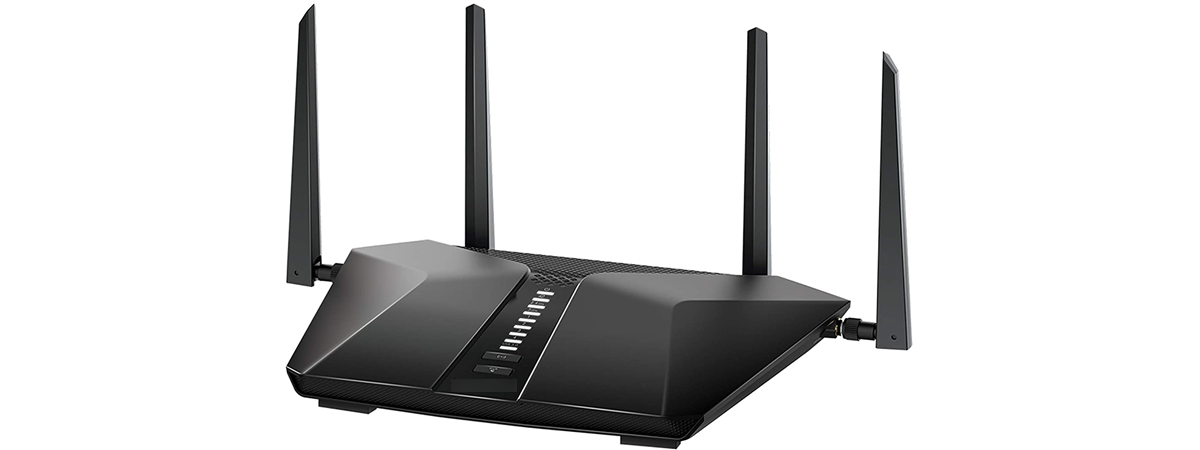
All wireless routers have AC in their name, followed by a number. For example, you have routers that are called: Tenda AC9 AC1200, TP-Link Archer C7 AC1750, NETGEAR Nighthawk XR500 AC2500, or ASUS RT-AC88U AC3100. What does this AC followed by a number mean? Does the number following AC tell you how fast the router is? Is an AC1900 router faster than an AC1200
tutorial How to reset apps in Windows 10, and clear their data

How to reset apps in Windows 10, and clear their data

Sometimes, things break or no longer work well, for no apparent reason. That can happen to Windows 10 apps from the Microsoft Store, not only to the operating system. Luckily, there is more than just one way to make your apps behave, and one of them is to reset your Windows 10 apps to their default state, and clear their app data so that

How to connect my Android smartphone to my Windows 10 PC

Android smartphones have a USB port that you can use to charge them, but also to transfer files such as pictures or documents to your computer. Although the steps you need to take to do that are rather simple and intuitive, there are a few things to which you should pay attention. If you want to make sure that you do everything by the book when you connect your Android
tutorial The complete guide to Windows 10 updates

The complete guide to Windows 10 updates

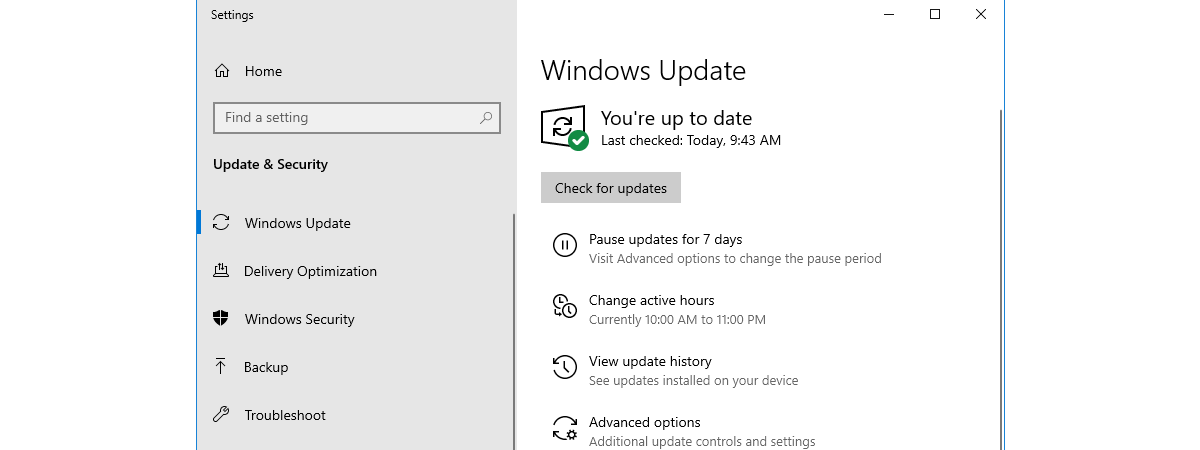
Windows Update is an essential part of running Windows 10, regardless of which edition or version of this operating system you are using. Windows Update is the way Microsoft releases not only the so-called feature updates, but also regular bug fixes and security patches. If you want to know everything there is to know about Windows Update in Windows 10, including how to open

How to identify the Windows 10 apps that hog system resources

Regardless of how new or old your Windows 10 computer is, at times, you might find that it starts lagging and stops being responsive. That usually means that something is hogging its resources. It might be an app that takes up all your processor, one that consumes all your graphics resources, makes your hard drive spin at maximum speed, or sends massive amounts of data online. Whether it is one

Sony HT-S350 review: High quality sound for your living room!

Are you looking for a great soundbar to fill your living room with high fidelity sound? Do you want a wireless 2.1 soundbar that is easy to set up, sounds great and has a powerful bass? The Sony HT-S350 soundbar might be what you are looking for. Read this review, see its strengths and weaknesses, and whether it is a good fit for your budget, and your needs: [DC-SUMMARY-BREAK] The

How to view and disable startup programs from Windows 10's Task Manager

With Windows 10, Microsoft has improved the startup time of our PCs. However, performance degrades over time, slowing down your device. As you install more and more desktop apps, they sneak themselves or their agents onto the startup list, lengthening the list of startup applications and services. As a result, Windows 10 is forced to load more apps and background processes, before it can take input from you. The Startup

Manage, start, stop, or restart Windows 10 services from the Task Manager

A service is a special type of application intended to provide features to the user and the operating system, that launches and runs in the background, without a user interface to click on. As in previous versions, the Task Manager from Windows 10 comes with a Services tab, aimed to provide an overview of system services, their status and to handle basic management tasks. Here is everything you can do

11 ways to manage running processes with the Task Manager in Windows 10

The Windows 10 Task Manager gives you a lot of power when it comes to monitoring system resources. The Processes tab shares more information than ever before, allowing you to customize the data it shows according to your needs. Here is how to tweak the Task Manager's Processes tab in Windows 10 and become more efficient, by ensuring the data relevant to you is displayed in a way that suits
article 4 ways to download PowerPoint straight from Microsoft

4 ways to download PowerPoint straight from Microsoft

PowerPoint is the most popular slideshow presentation app in the world. It is developed and sold by Microsoft as part of its Office suite, together with other productivity apps such as Word, Excel, Outlook or Access. However, it is also available online as a web app. Unless you have already worked with PowerPoint, you might wonder how and where to download it. If you
article 4 things you can do with Windows Sandbox

4 things you can do with Windows Sandbox

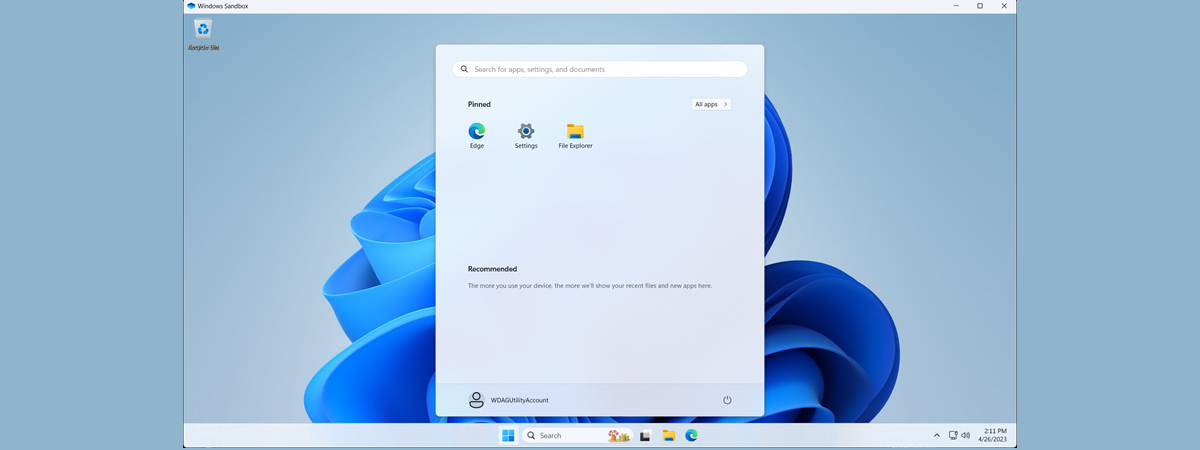
If you are running a Pro, Education or an Enterprise edition of Windows 10 with May 2019 Update, you have access to Windows Sandbox. It is a lightweight virtual machine that is easy to install and run, without paying anything for additional license fees. This app is excellent for browsing potentially dangerous websites, testing unknown apps and other things that could otherwise be hazardous.

10 ways to view files like a Pro, in File Explorer

In Windows 10, File Explorer has a ribbon interface with lots of tabs and options. The View tab is one of the most useful, as it gives you many different ways in which to browse and look at your files. You can make File Explorer show you different panes with different types of information, change the layout of your files and folders, sort them, hide them and so on. Here
tutorial Create new Windows user accounts and groups, like an IT Pro

Create new Windows user accounts and groups, like an IT Pro

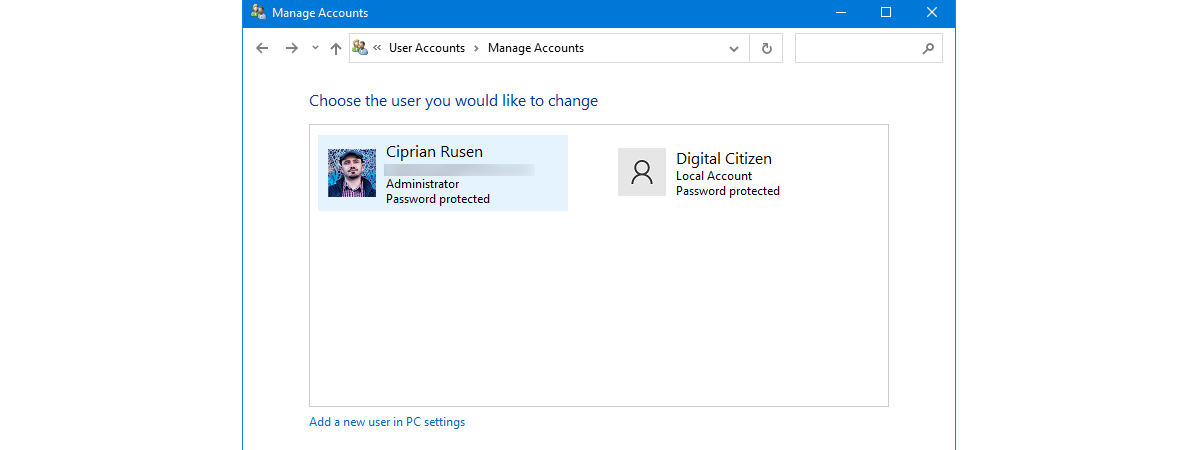
All Windows versions offer easy ways to create user accounts using click-based wizards. You can create users using the Settings app from Windows 10 just as easily as you can create user accounts from the Control Panel, in Windows 7. However, you do not see IT Pros using such tools too often, do you? No, IT admins use snap-ins, consoles, scripts or commands for