UP

Recommended

The articles we recommend reading. The list includes some of the best gadgets we’ve reviewed, useful tutorials, detailed benchmarks and comparisons, and much more.

article Windows 11 system requirements: Can you run it?

Windows 11 system requirements: Can you run it?

Windows 11 introduced much stricter hardware requirements than its predecessor, Windows 10, and those have also increased slightly with recent updates. As of the Windows 11 version 24H2 release (the “2024 Update”), Microsoft adjusted the minimum specs required to run this operating system. In this article, I will show you the Windows 11 minimum requirements (including the changes introduced by version 24H2), detail the
review ASUS NUC 14 Pro AI+ review: A mini PC with an eye-catching E Ink display

ASUS NUC 14 Pro AI+ review: A mini PC with an eye-catching E Ink display

Creating compact computers that offer outstanding performance is a challenging endeavor. The limited space affects how much hardware can be incorporated, the level of noise produced, and overall power consumption. However, ASUS has successfully impressed us with its NUC 14 Pro lineup, providing good performance in small, quiet, and energy-efficient packages. Devices like the new ASUS NUC 14 Pro AI+ also introduce innovative features,
tutorial How to download Google Chrome (32-bit, 64-bit, MSI, PKG/DMG, etc.)

How to download Google Chrome (32-bit, 64-bit, MSI, PKG/DMG, etc.)

If you download Google Chrome from places other than its official website, you might download the wrong version, with bundled extras you might not want. For example, you may have Windows 10 on 64-bit and install Chrome on 32-bit, which won’t deliver you as good performance as the 64-bit version. In case you’re using an older version of Windows, like Windows 7, you probably
review GIGABYTE X870E AORUS MASTER review: Powerful and expensive

GIGABYTE X870E AORUS MASTER review: Powerful and expensive

Building a high-performance PC can be both thrilling and challenging, especially if you’re aiming for the latest hardware innovations. One key component that often determines your system’s capabilities is the motherboard. In this review, the GIGABYTE X870E AORUS MASTER takes center stage, combining the advanced X870E chipset with robust power delivery, an abundance of expansion slots, and next-generation connectivity. If you’re a content creator
review HUAWEI FreeArc review: Comfortable open-ear headphones!

HUAWEI FreeArc review: Comfortable open-ear headphones!

Finding earbuds that stay in place during a workout can be challenging. It's even harder to find a pair that offers good sound quality at a reasonable price. Fortunately, the fitness earbuds market is growing, and HUAWEI has just introduced a new model designed to provide an excellent user experience without breaking the bank. Meet the FreeArc, a pair of earbuds that stays securely
article What is Wi-Fi 7? A complete guide to features, benefits, and compatibility

What is Wi-Fi 7? A complete guide to features, benefits, and compatibility

If you've recently shopped for a new wireless router or mesh Wi-Fi system, you've probably noticed a new technology being promoted by all manufacturers: Wi-Fi 7. It's being marketed as the next big thing in wireless connectivity, with promises of lightning-fast speeds and ultra-reliable connections. But what exactly is Wi-Fi 7, and does it actually deliver meaningful improvements? Is it truly all about benefits
review ASRock Radeon RX 9070 Steel Legend 16GB OC review: Cool & efficient!

ASRock Radeon RX 9070 Steel Legend 16GB OC review: Cool & efficient!

The ASRock Radeon RX 9070 Steel Legend 16GB OC is a new graphics card that aims to offer strong performance in games, good looks, and reliability, all for a reasonable price. ASRock’s Steel Legend line is known for its solid build quality and appealing design, and this card continues that tradition. With AMD’s latest RDNA 4 technology, 16GB of VRAM, and a top-notch cooling
review AMD Ryzen 9 9950X3D review: A powerhouse for creativity and gaming

AMD Ryzen 9 9950X3D review: A powerhouse for creativity and gaming

The Ryzen 9 9950X3D is the latest high-performance processor from AMD, featuring the company’s cutting-edge 3D V-Cache technology. Designed for content creators, power users, and gamers who demand the best, this CPU aims to push the boundaries of desktop computing. But does it fulfill its promises? Is it really the best processor you can find? In this review, I’ll go through my hands-on experience
tutorial How to open Settings in Windows 11 (17 ways)

How to open Settings in Windows 11 (17 ways)

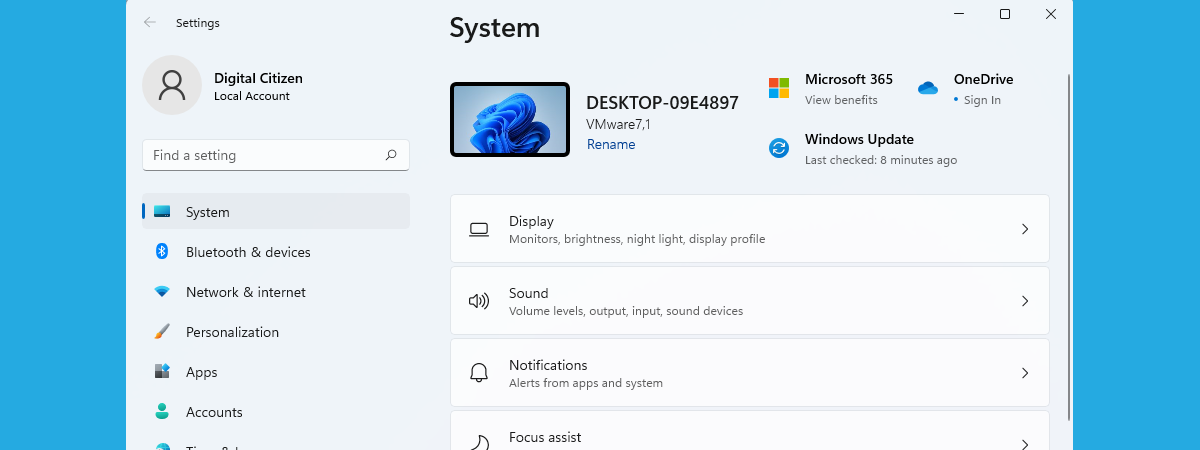
When you want to change how Windows 11 looks and how your computer or device works, you must use the Settings app. Knowing how to open it is important, and many people prefer the easiest and/or fastest methods that allow them to be more productive, like using a keyboard shortcut, or a command they can run in the app they’re already using (such as
review ASUS PRIME Radeon RX 9070 XT OC Edition review: 4K gaming for less!

ASUS PRIME Radeon RX 9070 XT OC Edition review: 4K gaming for less!

The ASUS PRIME Radeon RX 9070 XT OC Edition is a brand new graphics card based on AMD’s latest entry into the GPU market. Designed to deliver top-notch 4K gaming performance at a competitive price, and built upon the RDNA 4 architecture, this graphics card brings significant improvements in ray tracing, power efficiency, and cooling compared to its predecessors. Equipped with 16GB of GDDR6
review TP-Link Archer BE230 review: The Wi-Fi 7 router under 100$!

TP-Link Archer BE230 review: The Wi-Fi 7 router under 100$!

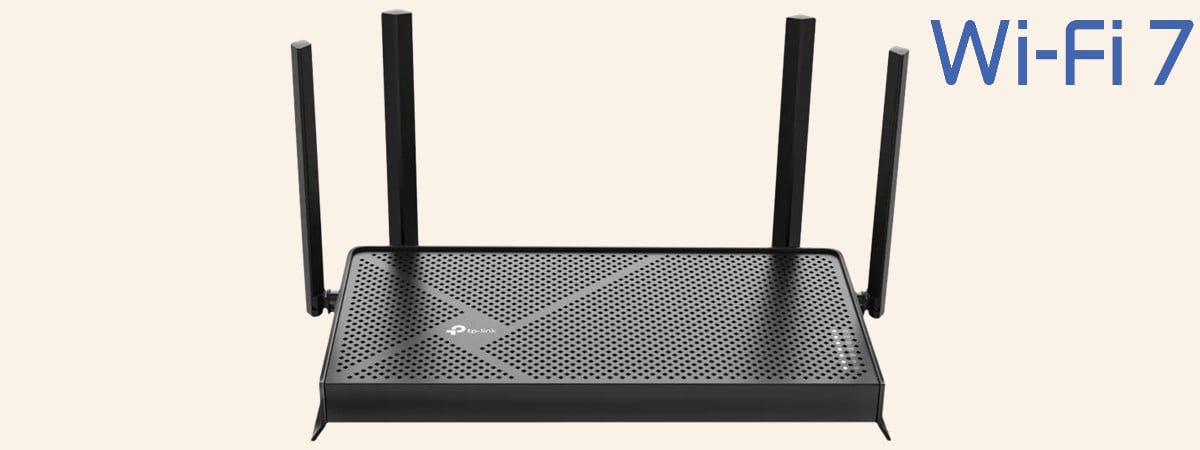
Since I started testing Wi-Fi 7 networking devices, I have been interested in reviewing affordable devices. At first, such devices weren’t available on the market, but things have changed for the better. Today, you can buy Wi-Fi 7 routers that cost less than 100 USD, marking an important milestone in the adoption rate of this wireless networking standard. TP-Link Archer BE230 (or BE3600) is
tutorial How to change the mouse and touchpad scroll direction in Windows 11

How to change the mouse and touchpad scroll direction in Windows 11

By default, a computer mouse scrolls down three lines at a time in Windows 11. Therefore, the active app window goes three lines lower each time you roll the mouse scroll wheel downward. When you use a Windows 11 laptop with a touchpad, scrolling on the touchpad reverses the direction. Dragging down two fingers on the touchpad scrolls the active window upwards. If you
review ASUS RT-BE92U review: The router for IoT devices

ASUS RT-BE92U review: The router for IoT devices

Smart homes are no longer a futuristic concept but a reality for many people worldwide. In a smart home, many devices require wireless connectivity on the 2.4 GHz frequency band: sensors, surveillance cameras, vacuum cleaners, air purifiers, smart bulbs, smart plugs, and so on. Having a router that offers more bandwidth to IoT devices is an excellent idea in this type of network. Unfortunately,
tutorial How to type using your voice in Windows 11

How to type using your voice in Windows 11

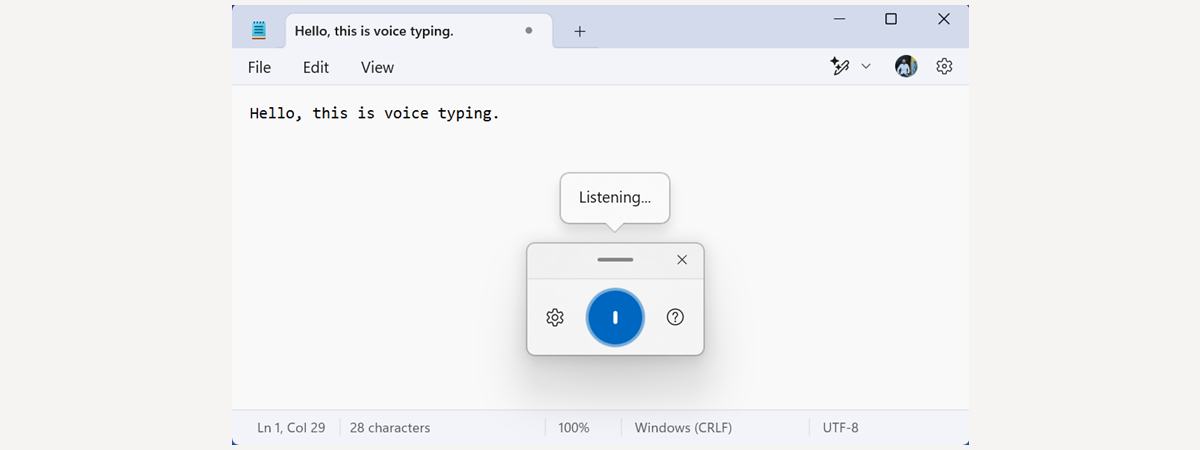
Did you know you can type in Windows 11 using your voice and turn your words into text? This feature, called Voice Typing, is available for free in all editions of Windows 11. It works with any app you can use to type text (Word, Notepad, PowerPoint) or any web-based app for text editing, including Google Docs. If you want to try it out,
review ASUS PRIME GeForce RTX 5070 Ti review: Worth upgrading to?

ASUS PRIME GeForce RTX 5070 Ti review: Worth upgrading to?

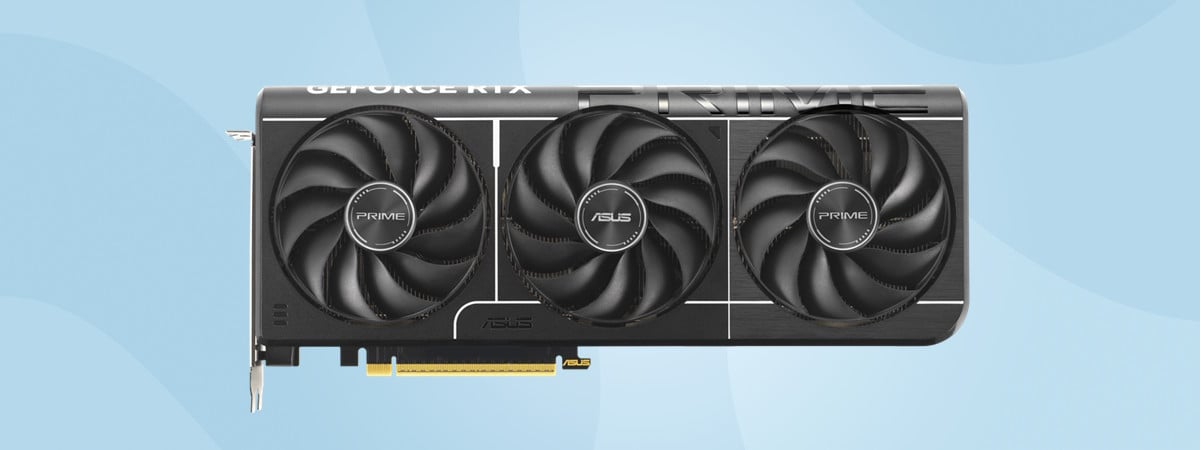
The ASUS PRIME GeForce RTX 5070 Ti is a new graphics card (GPU) that aims to deliver strong performance without an extreme price. And as you very well know, when choosing a new GPU, you have to be careful about the balance between performance, efficiency, and cost. ASUS PRIME GeForce RTX 5070 Ti comes with NVIDIA’s latest features, like DLSS 4 and improved ray
tutorial How to change the Administrator account in Windows 11 (6 ways)

How to change the Administrator account in Windows 11 (6 ways)

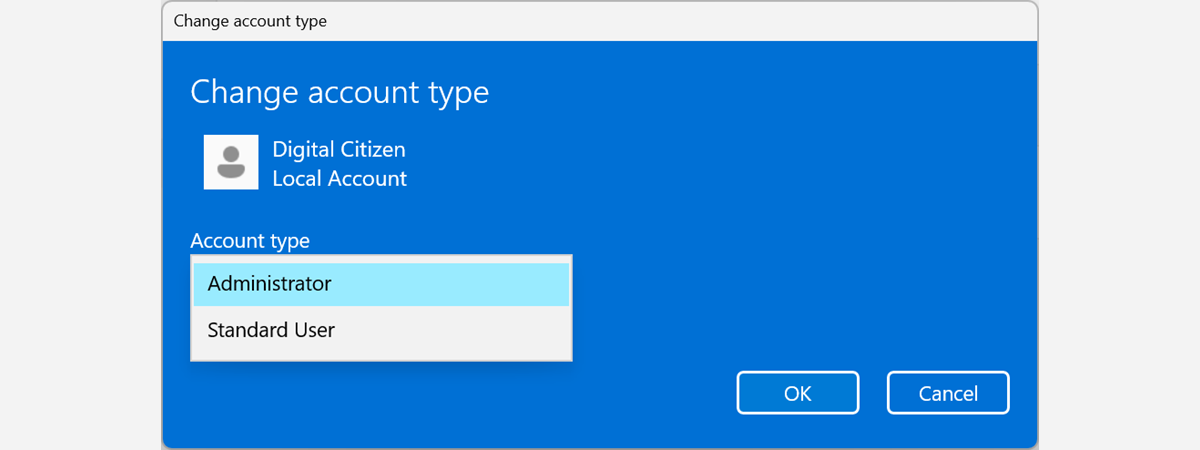
When you create a new user account in Windows 11, the operating system sets it as a Standard account without Administrator permissions. If you want to make that user an Administrator, you can, but only from another account with Administrator permissions. Does this sound complicated? Then, you’re in the right place, as this guide shares all the ways to change the Administrator in Windows
article What is Ctrl Alt Delete? What does Ctrl Alt Del do?

What is Ctrl Alt Delete? What does Ctrl Alt Del do?

Most Windows users have heard about Ctrl Alt Delete, or Ctrl + Alt + Del if you prefer. It’s one of the most famous keyboard shortcuts in the world. But what does Ctrl Alt Delete do, exactly? When would you use the Ctrl+Alt+Delete keyboard shortcut? And if you’re on a touchscreen device or using a remote desktop connection, how do you press it? In
review Samsung Galaxy S25 Ultra review: Small steps forward!

Samsung Galaxy S25 Ultra review: Small steps forward!

The Galaxy S25 Ultra is Samsung’s most powerful smartphone yet, intending to outmatch everything else in the Android world. Focusing on performance and artificial intelligence (AI), the S25 Ultra refines last year’s model by bringing improvements in aspects such as the processing power, camera system, and software. However, some compromises also have been made, like the loss of Bluetooth connectivity for the S Pen.
tutorial 44 keyboard shortcuts for Command Prompt (Windows 10 & Windows 11)

44 keyboard shortcuts for Command Prompt (Windows 10 & Windows 11)

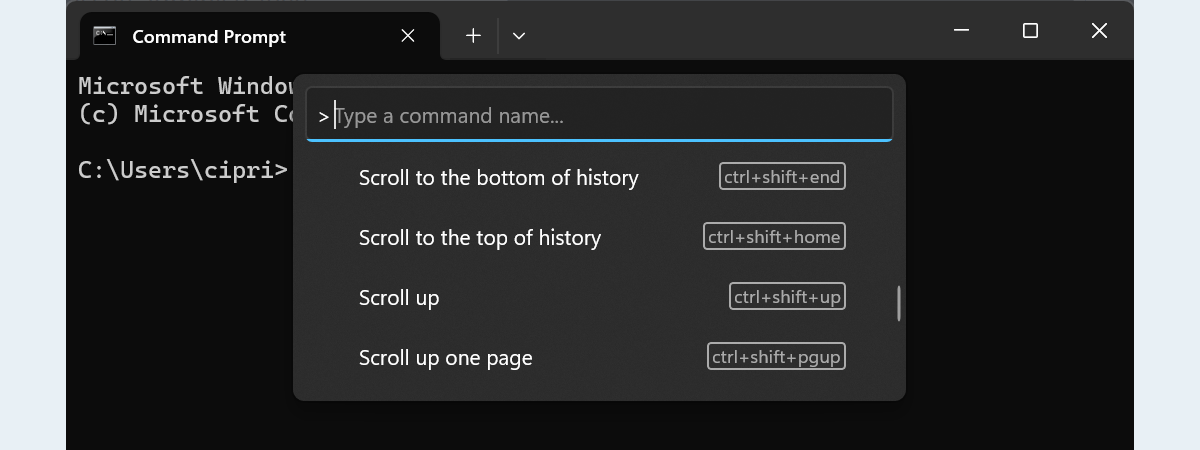
Most power users love the Command Prompt because it’s a straightforward way to run text-based commands and administrative tasks. Fortunately, over time, Microsoft improved the Command Prompt by adding many handy keyboard shortcuts in both Windows 10 and Windows 11. In this article, I’ll show you some of the best keyboard shortcuts for CMD so that you can work faster and more efficiently. Without
tutorial How to move your user folders to another drive in Windows 10 & Windows 11

How to move your user folders to another drive in Windows 10 & Windows 11

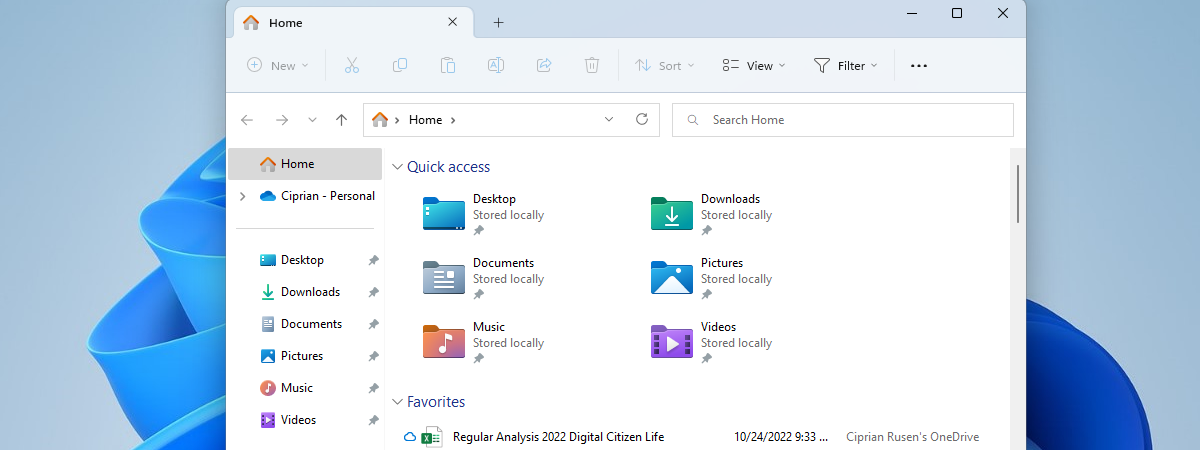
All user accounts in Windows get their separate user folder, which contains other subfolders like the ones you see in File Explorer: Downloads, Documents, Pictures, Videos, Music, and so on. These user folders are stored on the C drive by default, but their location can be changed. Transferring them may be useful on PCs with multiple drives or on laptops that don’t have a