



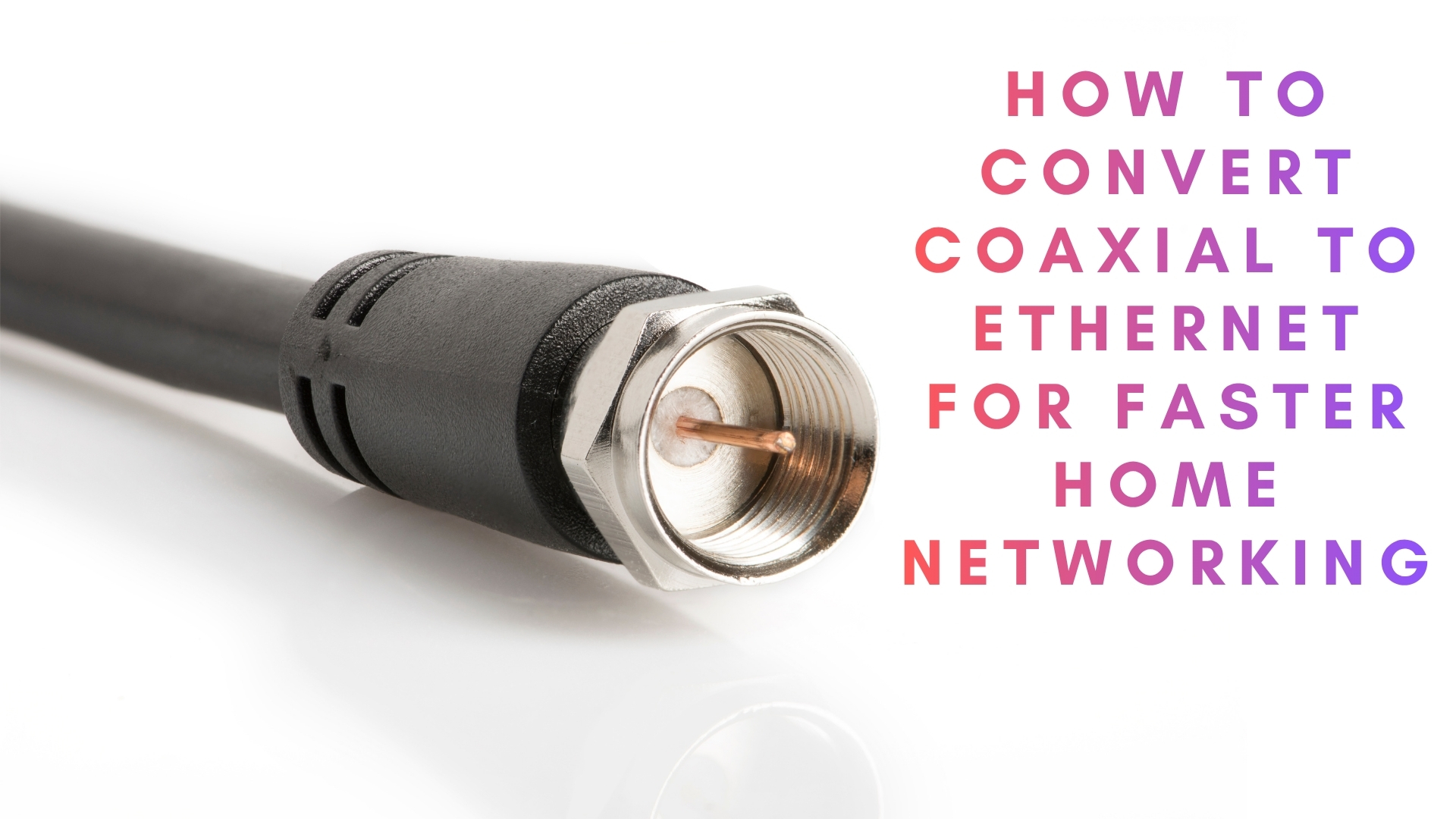
Do you know how to convert coaxial to Ethernet? A lot of people make this query online when they move into a home with existing TV wiring but no network ports. The good news is that you can often turn those old coax runs into a fast wired connection instead of pulling new cable through walls.
This guide explains how Ethernet over coax works, what a coax to Ethernet adapter actually does, and when MoCA adapter kits make sense. You also get a simple checklist to decide if your coax lines are suitable and step-by-step instructions to set everything up without drilling or rewiring.
What does converting coaxial to Ethernet really mean?
When you convert coax to Ethernet, you do not change the cable itself into twisted-pair wiring. Instead, you use small network devices that send Ethernet signals over the copper inside the existing coax run. These devices usually rely on MoCA (Multimedia over Coax Alliance) or other Ethernet-over-coax standards.
A typical setup uses two MoCA adapter units. One connects to your router and the coax wall jack. The other sits near your TV, console, or PC and connects to the coaxial outlet. Together, they act like a long Ethernet cable hidden inside your walls.
Why use Ethernet over coax?
Using Ethernet over coax lets you reuse existing cabling while you upgrade your home network. That approach helps especially when you cannot easily run new Cat 6 through finished walls or between floors.
- Higher speeds than Wi-Fi in tricky homes: Modern MoCA adapter kits often support up to 1 Gbps or more under ideal conditions, which helps with 4K streaming and gaming.
- Better stability: A wired link avoids wireless interference from neighbors, thick walls, or crowded apartment buildings.
- Cheaper than professional rewiring: You invest in a coax to Ethernet adapter pair instead of paying for new cable runs.
- Flexible placement: You can create wired drops where you already have coaxial outlets, such as living rooms, home offices, or bedrooms.
Before you start: check your coax setup
Not every coax installation works with a MoCA adapter kit. Before you follow any how to convert coaxial to Ethernet tutorial, you should inspect your existing wiring and service type.
Things to verify first
- Confirm that your coax lines run inside your home and connect through a splitter rather than going straight to a satellite dish.
- Check whether you use cable internet or TV over coax. Most MoCA systems work alongside cable TV, but not with satellite providers that use different frequencies.
- Open your low-voltage panel or follow the cables to find the central splitter where all coax runs meet.
- Look at cable labels if available. Modern RG-6 works better for fast Ethernet over coax than older RG-59.
- Decide which rooms need wired Ethernet so you know how many coax to Ethernet adapter units you need.
If your coax lines connect directly to a satellite dish or you have very old or damaged cabling, a MoCA adapter kit may not deliver reliable results. In that case, a fresh Ethernet run or a mesh Wi-Fi upgrade might work better.
What you need to convert coaxial to Ethernet
You only need a few core pieces of hardware to build a stable Ethernet over coax link. Most home users can handle the installation without advanced tools.
- Coax to Ethernet adapter kit: Look for MoCA 2.0 or MoCA 2.5 devices from reputable brands. Most kits ship with two identical adapters and power supplies.
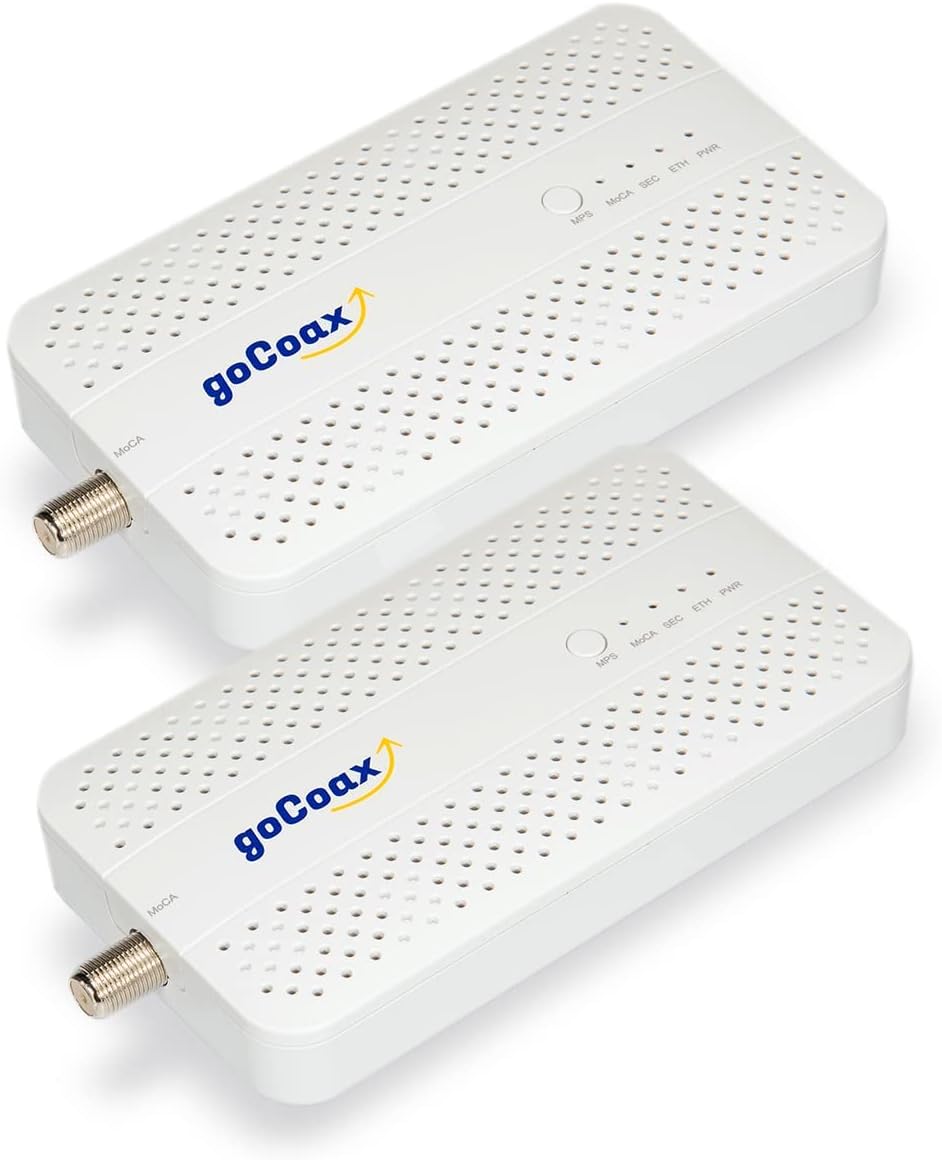
- Existing coax runs in usable condition: These cables should already connect each room to the central splitter.
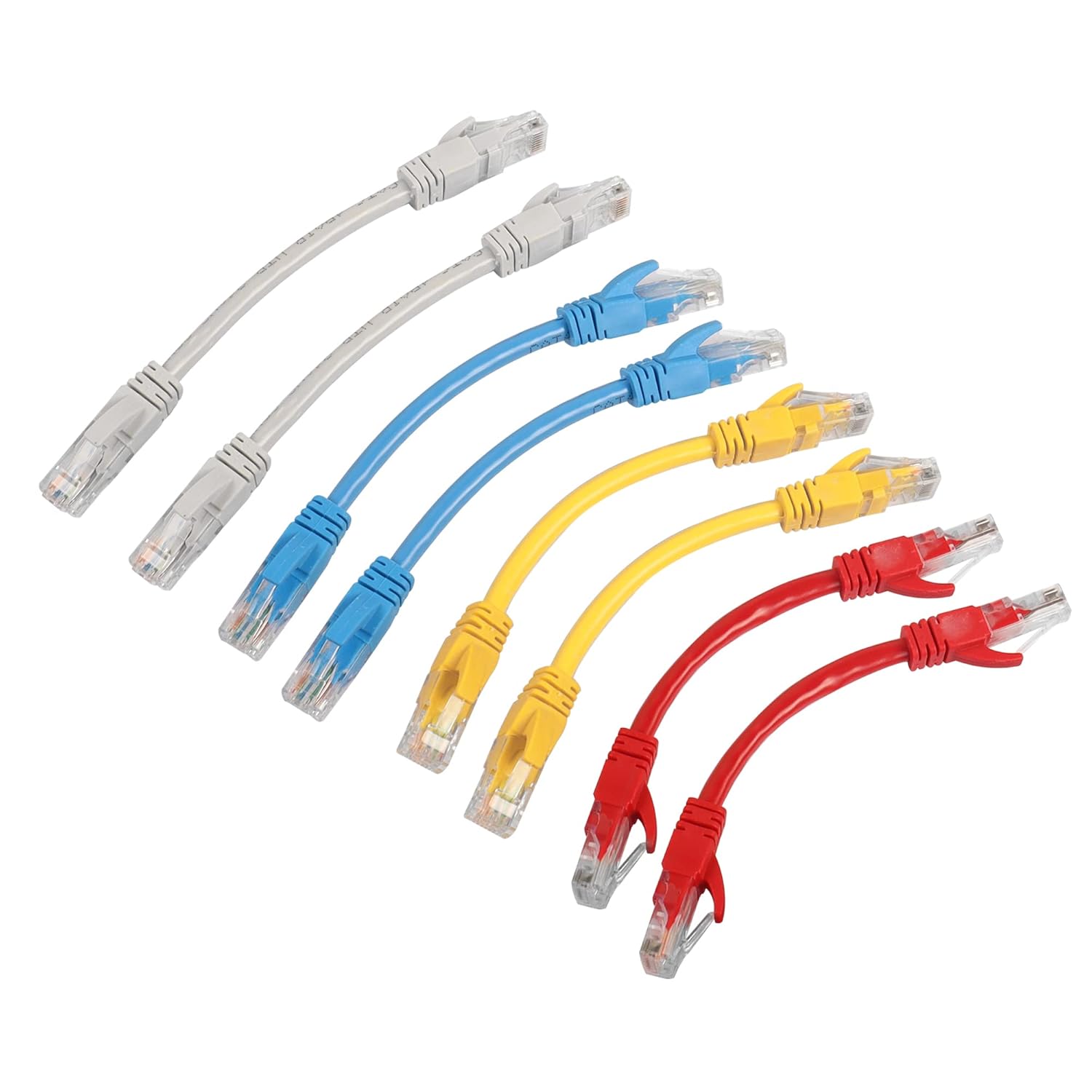
- Short Ethernet patch cables: Use Cat 5e or Cat 6 cables to link each adapter to your router or device.
- Coax splitters and terminators, if needed: MoCA-compatible splitters help when you want to feed several rooms. Unused coax ends should have terminators to reduce noise.
- Access to your router: The router needs at least one free LAN port to connect the first MoCA adapter.

You do not need to cut coax or crimp connectors for most modern kits. The adapters usually screw onto existing F-type connectors and then expose a standard Ethernet port on the other side.
Step-by-step: how to convert coaxial to Ethernet with MoCA
Once you have compatible wiring and a MoCA adapter kit, you can follow these steps to turn coax jacks into wired network ports.
1. Set up the main adapter at your router
- Place the first MoCA adapter near your router so both devices can reach power and cabling comfortably.
- Connect a coax cable from the wall jack or splitter output to the “Coax In” port on the adapter.
- Use a short Ethernet patch cable to link the adapter’s Ethernet port to a free LAN port on your router.
- Plug in the power adapter and wait for the MoCA and Ethernet lights to turn solid, which usually indicates a working link on that side.
2. Install the remote adapter in the room you want wired
- Place the second MoCA adapter near the device you want to connect, such as a TV, gaming console, or desktop PC.
- Connect the room’s coax outlet to the adapter’s “Coax In” port.
- Use another Ethernet cable to connect the adapter to your device’s Ethernet port.
- Plug in the power adapter and wait for the status lights. Most kits show a MoCA link light when both adapters see each other over the coax run.
3. Test your new Ethernet over coax link
- Check that the router still has internet access and that other devices function normally.
- On the wired device, run a speed test to compare the new link against your old Wi-Fi connection.
- Stream a 4K video or download a large file to verify stability over time.
- Move or tidy cables once you confirm that the coax to Ethernet adapter kit performs as expected.
Advanced tips and common problems
Even with a good MoCA adapter kit, your how to convert coaxial to Ethernet project can run into a few common issues. Most of them relate to splitters, filters, or conflicting gear on the same coax run.
- Replace very old splitters: Legacy splitters may not support the higher MoCA frequencies. Look for splitters labeled as MoCA-compatible or rated to at least 1 GHz or higher.
- Add a point-of-entry filter if recommended: Some setups use a MoCA filter at the demarcation point to keep signals inside your home and reduce noise from the provider side.
- Avoid mixing with satellite on the same line: Many satellite systems do not play nicely with MoCA. If you use satellite TV, keep those coax runs separate when possible.
- Terminate unused coax ports: Screw terminators onto unused jacks and splitter outputs to improve signal quality and reduce reflections.
- Check for firmware updates: Some adapters ship with updatable firmware that can fix stability problems or compatibility bugs.
When you should run new Ethernet instead
MoCA and other Ethernet over coax systems offer a powerful shortcut, but they are not perfect for every layout. Sometimes a fresh Cat 6 cable gives you a simpler, more future-proof solution.
- Your coax cables are damaged, poorly terminated, or use nonstandard wiring.
- You rely heavily on satellite TV that shares the same coax routes.
- You plan multi-gigabit networking that outgrows what your current MoCA adapter supports.
- You remodel the home anyway and have easy access to walls and ceilings.
In those cases, using the existing coax temporarily while you plan a proper Ethernet install still helps. You can move the same devices to the new ports later and repurpose the MoCA adapter kit in another part of the house.
Final thoughts
Learning how to convert coaxial to Ethernet lets you squeeze more value out of the wiring already in your walls. With a reliable coax to Ethernet adapter kit, you can create fast, stable wired connections for TVs, consoles, and work PCs without calling an installer.
Start by checking your coax layout, pick a MoCA adapter that matches your internet speed, and follow the simple connection steps. In many homes, Ethernet over coax delivers a noticeable upgrade over Wi-Fi alone and gives you a flexible foundation for future network improvements.


Discussion (0)
Be the first to comment.