




A weak password lets attackers break into your accounts with almost no effort. Modern threats like credential stuffing and automated brute-force tools make short or predictable passwords unsafe. Strong passwords and simple security habits keep your data protected across all your devices.
1) Core rules for creating secure passwords
These principles help you build passwords that stay both strong and memorable. They also reduce the risk of attackers guessing your passwords from public information or known patterns.
Use long passphrases
Long passphrases increase security more than adding symbols or random characters. A simple sentence can reach 20 or more characters while staying easy to remember.

Avoid personal details and predictable patterns
Names, birthdays, cities, pets, and sports teams weaken your password immediately. Attackers scrape these details from social profiles and public records.
Mix character types without forcing complexity
Using uppercase letters, lowercase letters, numbers, and symbols improves password security and strength. You do not need to force complicated combinations that you cannot recall later.
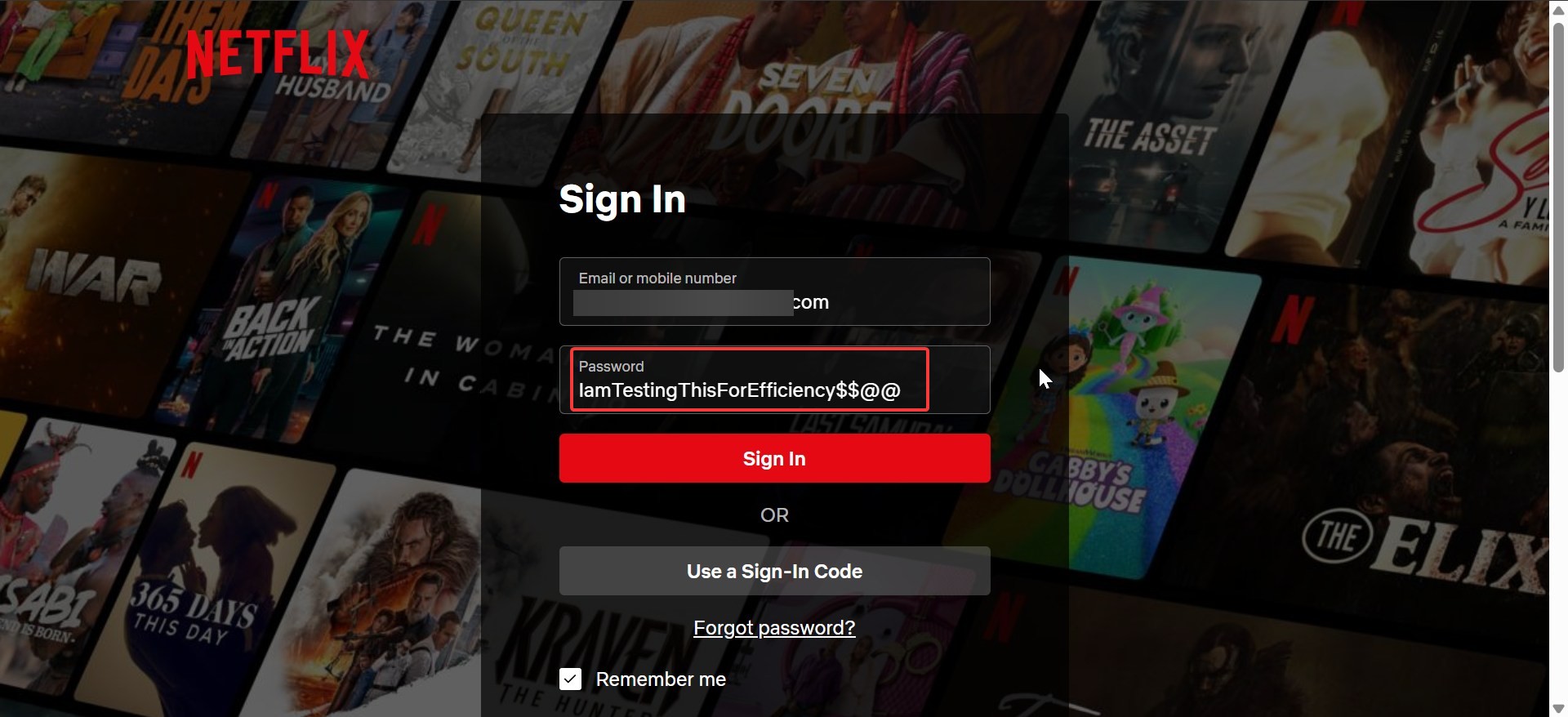
2) Easy password ideas that stay secure
You can build strong passwords without memorizing long strings of random characters. These methods help you stay secure while keeping your workflow simple.
Pass-sentences and everyday phrases
Turn a sentence into a password with spacing removed or symbols added. This gives you length and variety without extra effort.

Person-object-action formula
Pick a person, an object, and an action. Combine them into a unique phrase that attackers cannot guess, such as using unrelated elements from your daily life.
Multi-language or hybrid word combinations
Combine English words with another language you know. Mixed-language passwords have high entropy while staying easy for you to recall.
3) Password frameworks you can reuse
The 4-word entropy method
Choose four unrelated words and join them with symbols or capitalization. This creates long, secure passwords that avoid predictable patterns.

Pattern-plus-unique-addon method
Use a general pattern as your base and add a unique element for each site. This keeps consistency while preventing attackers from reusing stolen passwords.
Offline notebook method (safe version)
If you prefer writing passwords down, store the notebook securely. Keep it away from shared spaces and avoid labeling pages with account names.
4) How to manage many passwords safely
Managing dozens of unique passwords gets easier with a simple structure. The goal is to avoid reuse while staying organized.
Use a password manager
Password managers store encrypted passwords and generate strong new ones. This reduces the chance of reuse and keeps everything in a single, protected place.

Store recovery codes securely
Many services use recovery codes to help you regain access. Keep these codes offline in a secure place, separate from your device.
Rotate weak or reused passwords first
Start by replacing passwords that appear on multiple sites. Target your email, banking, and social platforms before less critical accounts.
5) Tips to harden your accounts further
Strong passwords work best when paired with additional layers of protection.
Enable multi-factor authentication
Multi-factor authentication stops most unauthorized access attempts, even if someone knows your password. It adds a simple, effective barrier that attackers cannot easily bypass.
Set up login alerts where available
Login alerts notify you when someone tries to sign in from a new location. These alerts help you detect suspicious activity fast.
Avoid using the same password on multiple devices
Shared or public devices increase the risk of exposure. Use unique passwords for each login environment.
6) Password examples to avoid
Avoid short passwords, common dictionary words, names, sports teams, or keyboard patterns such as qwerty123. Predictable substitutions such as Pa$$w0rd also weaken security.
7) Common mistakes and how to fix them
Users often repeat small variations of old passwords, such as adding numbers or symbols at the end. Replace these with fully new passphrases. Avoid writing passwords on sticky notes, storing them in email drafts, or sharing them through unencrypted messages.
FAQs
How often should I change my passwords? Update passwords when they are weak, reused, or exposed in a breach. Strong, unique passwords do not need frequent scheduled changes.
Are password managers safe? Password managers encrypt your data locally before syncing it. They increase safety by removing the need to memorize or repeat passwords.
Should I use symbols in my password? Symbols help increase complexity, but passphrase length matters more. Use both length and variety to strengthen your passwords.
What should I do after a breach notification? Change your password immediately, enable multi-factor authentication, and check for unusual account activity.
Summary
- Use long passphrases that stay memorable.
- Avoid personal data and predictable patterns.
- Build passwords using repeatable frameworks.
- Store passwords securely or use a manager.
- Enable multi-factor authentication for all major services.
Conclusion
Strong passwords protect your accounts from automated attacks and targeted threats. Use long passphrases, avoid personal details, and pair your passwords with multi-factor authentication for better security. Start with your most important accounts and update older, weaker passwords to build a safer digital foundation.
Discussion (0)
Be the first to comment.