



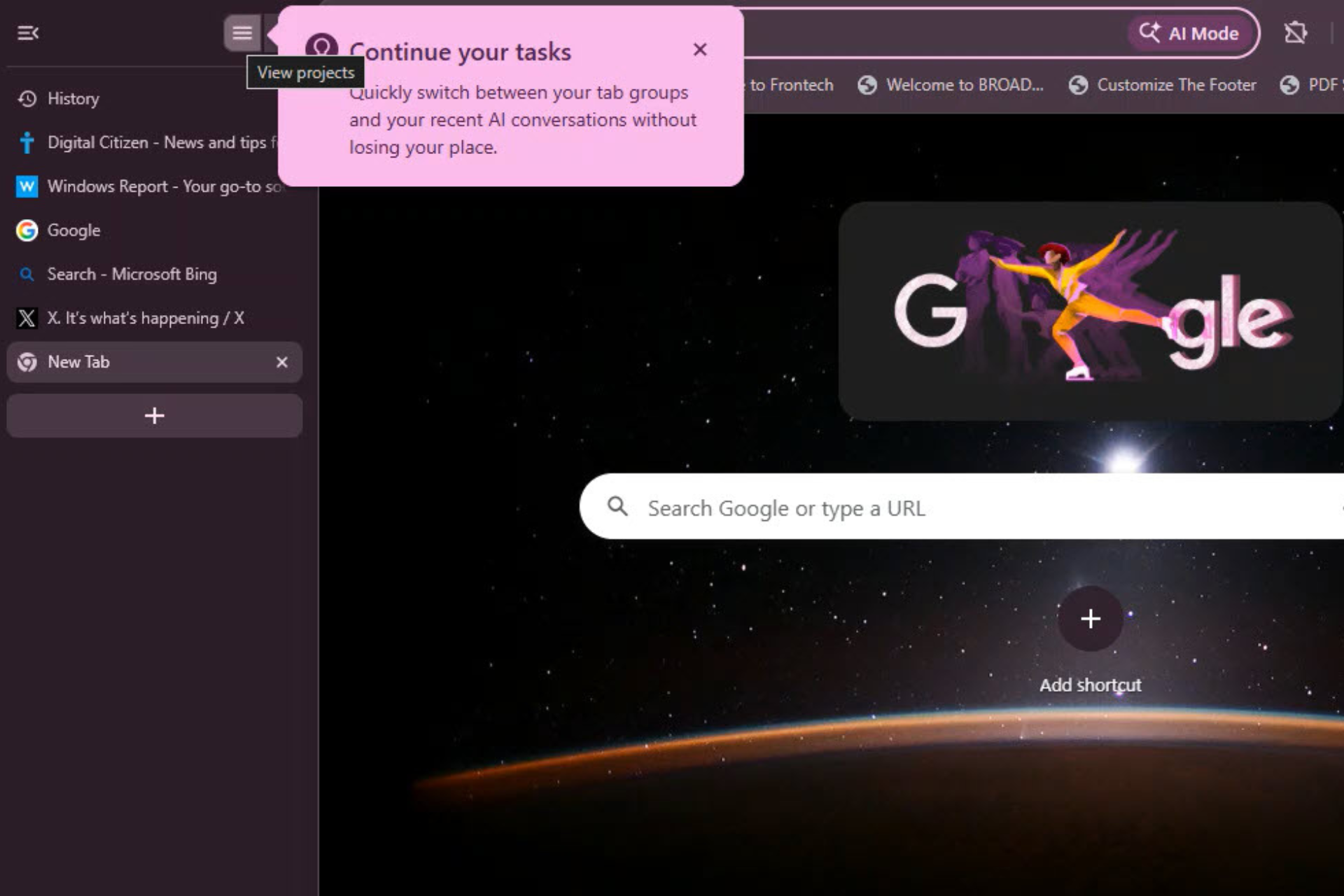
Google is testing a new Projects panel for Chrome’s vertical tabs that could organize browsing into structured tasks instead of separate pages.
Vertical tabs themselves were only recently made available behind a flag in Chrome. They place open tabs in a vertical layout along the side of the browser window instead of the traditional top row. The new Projects panel builds on that layout by grouping work and related conversations inside the same space.
Early interface text describes the feature as a way to “quickly switch between your tasks and your recent AI conversations without losing your place.” This description links open tabs with the conversations behind the task.
Current development may include two layouts. One groups only tab groups inside the Projects panel, while the other adds threads that keep related conversation history connected to the same flow of work.
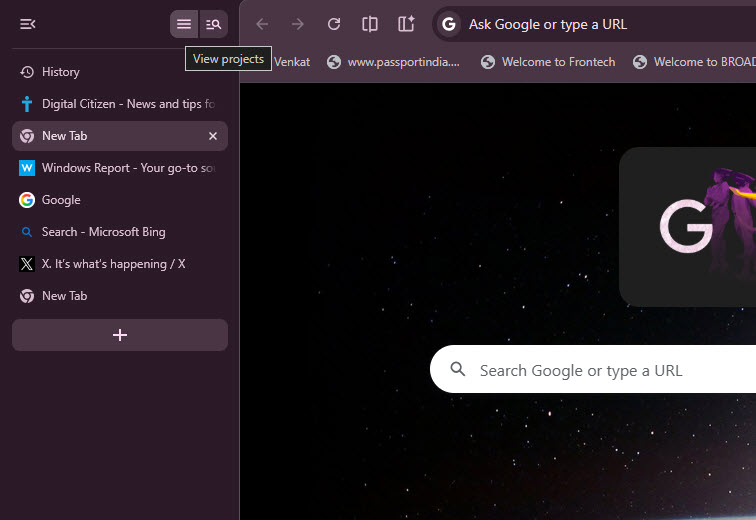
Threads here mean the back-and-forth conversations users have with Gemini while researching or working on a task. Keeping those discussions attached to tab groups would allow the browser to retain both visited pages and the thinking behind them in one location.
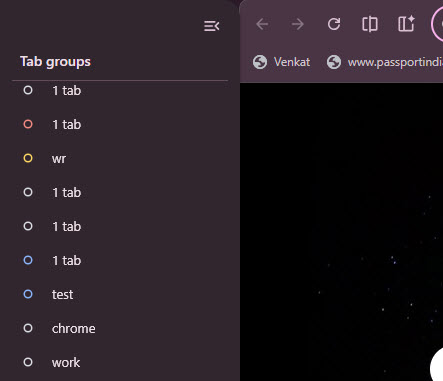
Tabs are arranged around a single task instead of being handled as separate pages. Research, discussions, and related sites can remain connected within the same vertical view rather than being scattered across many tabs.
Chrome already includes AI features such as writing help, page summaries, and task automation. The Projects panel keeps tabs, task context, and conversation history together within one area of the browser.
The current design keeps work and related conversations together within the same vertical view.



Discussion (0)
Be the first to comment.