




Twitter, now known as X, can feel overwhelming depending on what you follow and how you use it. One way to improve your experience is by using Twitter bots, which are automated accounts designed to perform specific tasks using the X API.
At the time of writing, many bots stopped working due to API changes, but several still function reliably and offer real value. Below are some of the best Twitter bots that continue to work and help with everyday tasks.
- Some bots reply instantly, others may have rate limits
- Most bots work by replying to a tweet or following the account
- Availability can vary depending on API load
Pikaso Bot For Tweet Screenshots
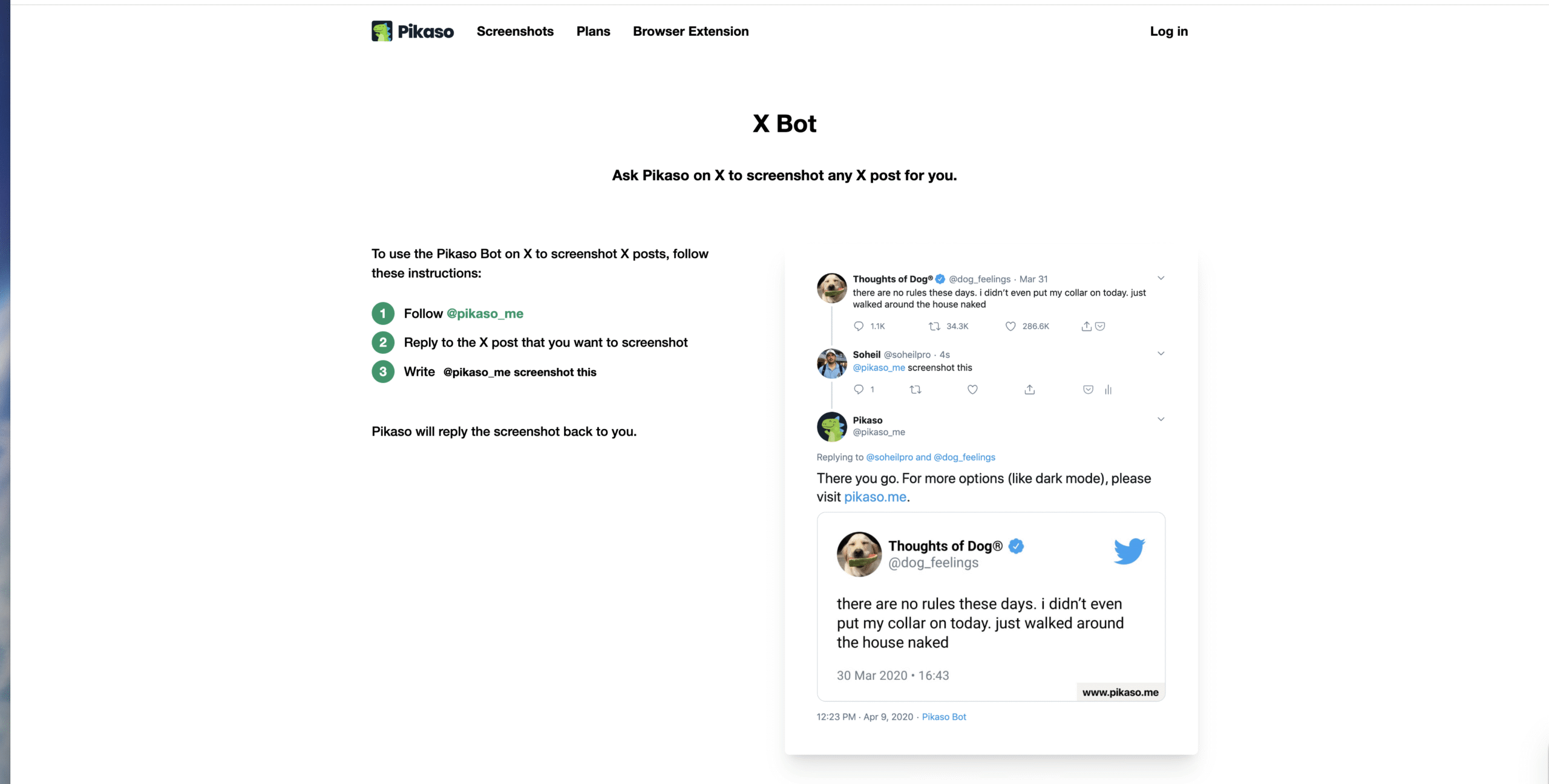
Pikaso is one of the most useful Twitter bots for capturing clean screenshots of tweets. It removes UI clutter and generates share-ready images.
- Reply to a tweet with the bot handle and a screenshot request
- Receive a link to a high-quality tweet image
- Customize layout and background before saving
Thread Reader Bot For Unrolling Threads
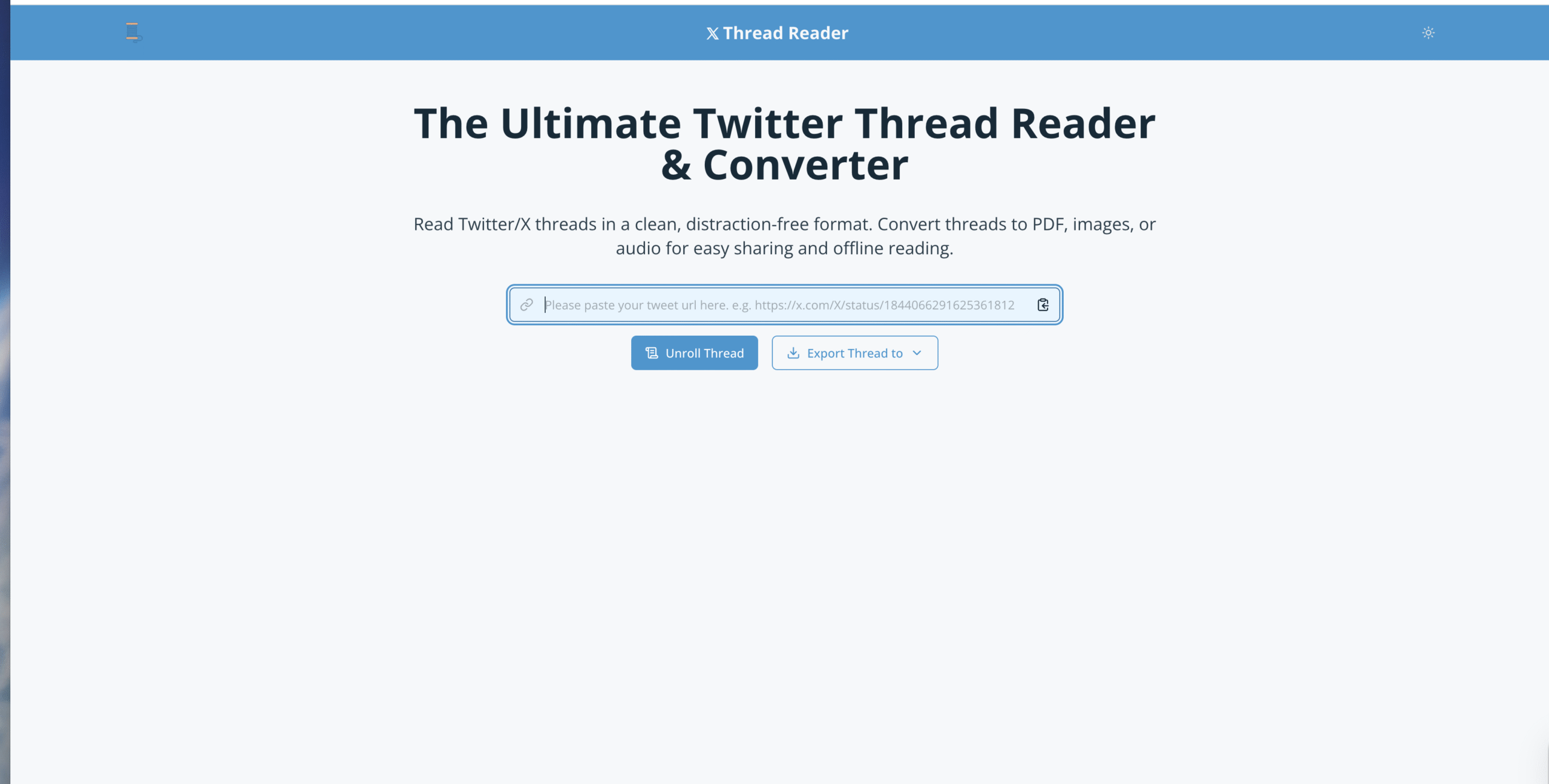
Thread Reader converts long Twitter threads into a single readable page. It is especially useful for saving tutorials, explainers, and discussions.
- Reply to a thread with the unroll command
- Get a clean, blog-style version of the thread
- Save or bookmark the content for later
Video Download Bots For Twitter Media

Several Twitter bots still help download videos and GIFs despite stricter API limits. These bots usually respond with a download page or media link.
- Reply to a tweet containing a video
- Receive a download link from the bot
- Save the file locally on your device
Free Game Deal Bots
Game deal bots track free and discounted games across PC and consoles. They are useful if you want to discover limited-time giveaways.
- Follow the bot to receive deal tweets
- View platform-specific free game alerts
- Check posts regularly during sales events
Image And Media Utility Bots
Some bots focus on creative or informational content, such as colorizing photos or sharing real-time images from satellites.
- Mention the bot under a compatible image
- Wait for the processed media reply
- Save or bookmark the result
Accessibility And Audio Bots
Audio bots convert tweets into spoken audio, which can help users who prefer listening or need accessibility support.
- Reply to a tweet with the audio command
- Receive a link to generated audio
- Control playback speed and sharing options
Troubleshooting Common Problems
If a Twitter bot does not respond, API limits or temporary downtime may be the cause. Waiting and retrying later often resolves the issue.
Check the bot’s profile bio for usage instructions and known limitations.
Tips
- Follow bots you use often to avoid lookup issues
- Do not spam commands, as rate limits apply
- Bookmark bot replies you want to keep
- Expect slower responses during peak traffic
FAQ
What is a Twitter bot? A Twitter bot is an automated account that performs tasks such as replying, posting, or processing content.
Are Twitter bots allowed? Bots are allowed as long as they comply with X platform rules and API limits.
Why do some bots stop working? API changes, pricing updates, and rate limits can disable or restrict bot functionality.
Summary
- Twitter bots automate useful tasks on X
- Some bots still work despite API changes
- Bots can save time and improve usability
Conclusion
Twitter bots remain a practical way to enhance your experience on X when used correctly. By following reliable bots and understanding their limits, you can make the platform more useful, efficient, and accessible.


Discussion (0)
Be the first to comment.