



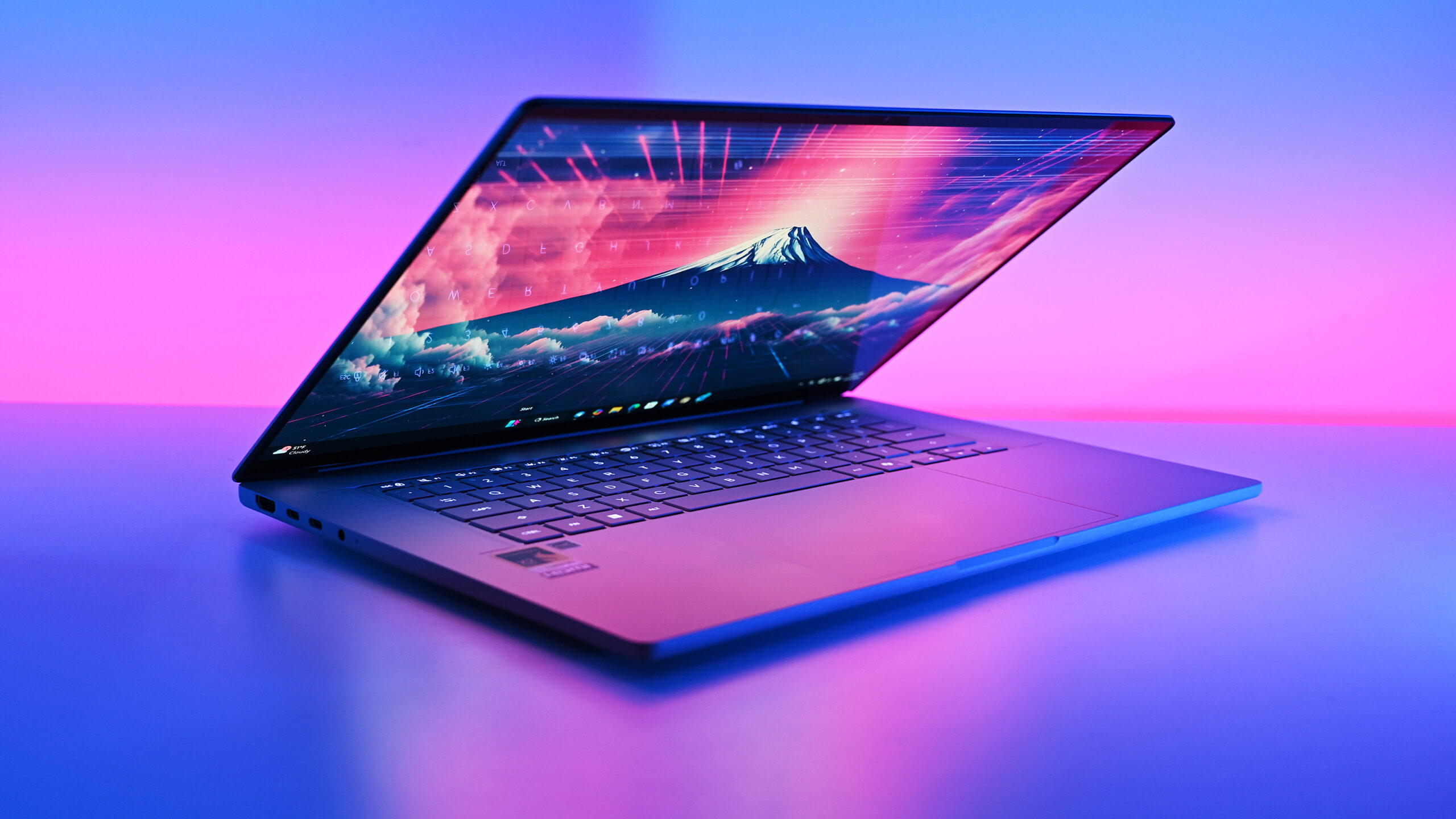
Qualcomm has released a new Snapdragon Control Panel update that improves game management, driver access, and one click optimization on Windows PCs powered by Snapdragon X processors.
Version 2026.2.0 does not increase graphics performance directly, but it makes several parts of the gaming experience easier to manage. The update redesigns the game library, improves software update controls, and gives you direct access to newer Hexagon NPU drivers.
Snapdragon Control Panel is Qualcomm’s utility for adjusting game settings and maintaining drivers on Snapdragon X laptops. Its role is similar to the control software offered by major graphics companies, although Qualcomm’s gaming ecosystem is still developing.
The latest release suggests Qualcomm is continuing to invest in gaming support for Windows on Arm, even though Snapdragon X laptops are still marketed mainly around productivity, battery life, and AI features.
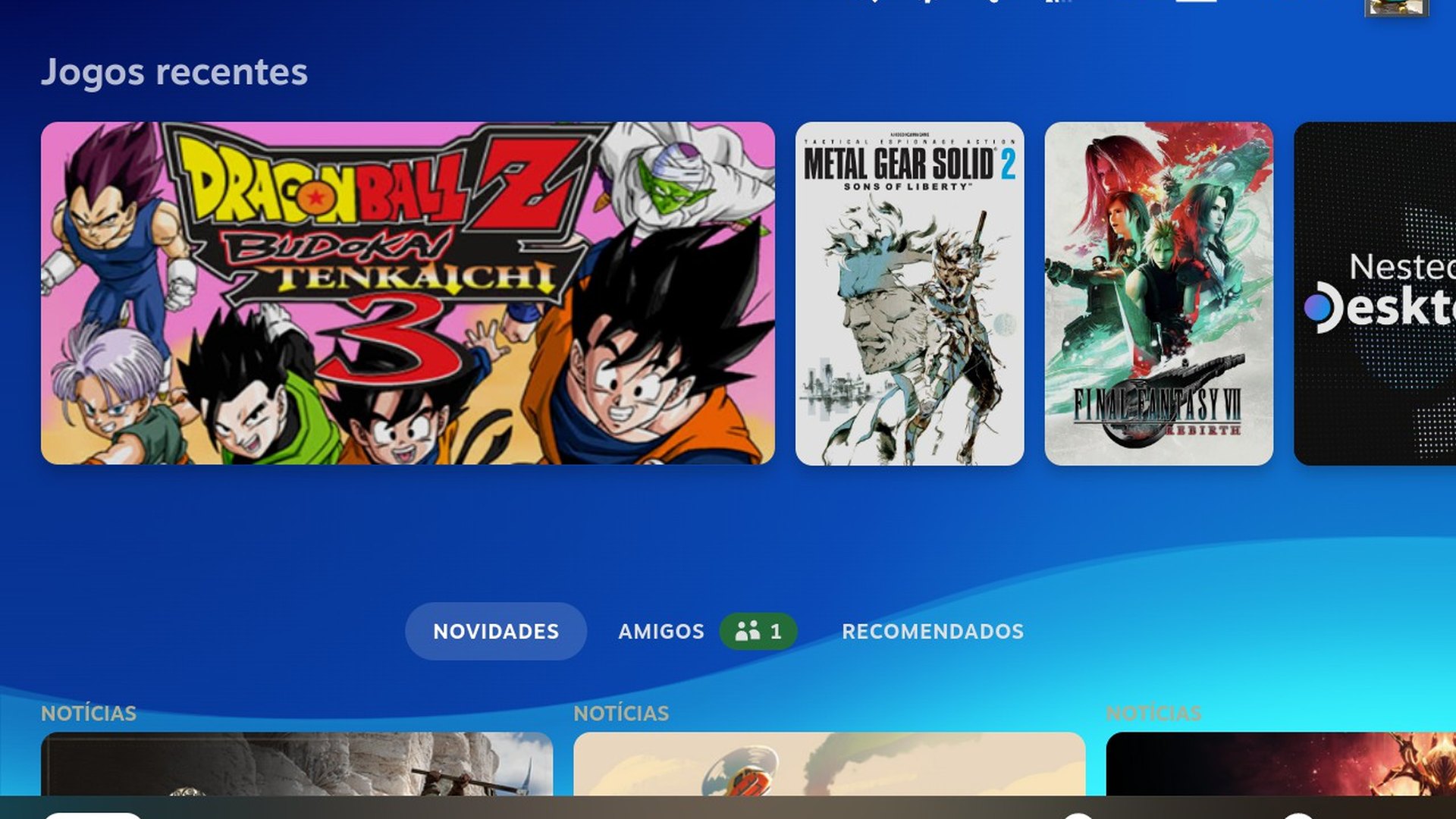
Game Library navigation is clearer and more consistent
The Game Library has received a redesigned interface intended to make navigation more intuitive.
Adding or removing favourites should now behave more consistently, while the navigation sidebar can remember its previous state after the application is closed. Qualcomm has also removed the top level back button and expanded the clickable areas inside the Help dialog.
These are small changes, but they can make the software easier to use, especially as more games and optimization profiles are added.
| Snapdragon Control Panel improvement | What it changes |
|---|---|
| Redesigned Game Library | Makes games and favourites easier to manage |
| New Software Update page | Combines updates for the app and supported drivers |
| Better update feedback | Shows installation status more clearly |
| Direct NPU driver access | Delivers newer Hexagon drivers through the app |
| Improved optimization tools | Makes applying and reversing settings more reliable |
| Saved sidebar state | Restores the previous navigation layout |
| General fixes | Improves stability and usability |
GPU and NPU updates are now easier to manage
The Software Update page has also been redesigned. It now provides a more consistent place to check updates for Snapdragon Control Panel, Adreno graphics drivers, and Hexagon NPU drivers.
Clearer status information should make it easier to see whether an update is available, downloading, installed, or waiting for another action.
The addition of direct Hexagon NPU driver access is notable because Snapdragon X processors include dedicated hardware for AI workloads. New drivers can improve compatibility and reliability for applications that use the NPU, although the update does not promise better game frame rates.
Gaming performance depends mainly on the processor, Adreno graphics hardware, driver quality, and game compatibility. The NPU may become more relevant if developers begin using it for background AI tasks, image processing, or future game features.
One click optimization becomes more reliable
Qualcomm has improved the reliability of its One Click Game Optimization system.
The feature can apply recommended settings for supported games, restore the previous configuration, and refresh optimization data. Version 2026.2.0 is designed to reduce failures during those actions.
However, one click optimization remains limited to first generation Snapdragon X devices. Owners of newer Snapdragon X2 laptops can use the redesigned library and driver tools, but they may not receive the same automatic optimization support yet.
Qualcomm has not explained when the feature will expand to Snapdragon X2 systems.
Snapdragon X gaming still faces compatibility limits
Gaming on Snapdragon X PCs has improved as Windows on Arm receives stronger application support and developers release native versions of important software.
Many games can run through Windows translation technology, while others now support Arm hardware more directly. Peripheral software is also improving, with more gaming applications adding native Snapdragon compatibility.
However, Snapdragon X laptops are not yet direct replacements for systems with dedicated NVIDIA or AMD graphics. Some games perform well, while others face weak frame rates, missing drivers, unsupported anticheat systems, or launch problems.
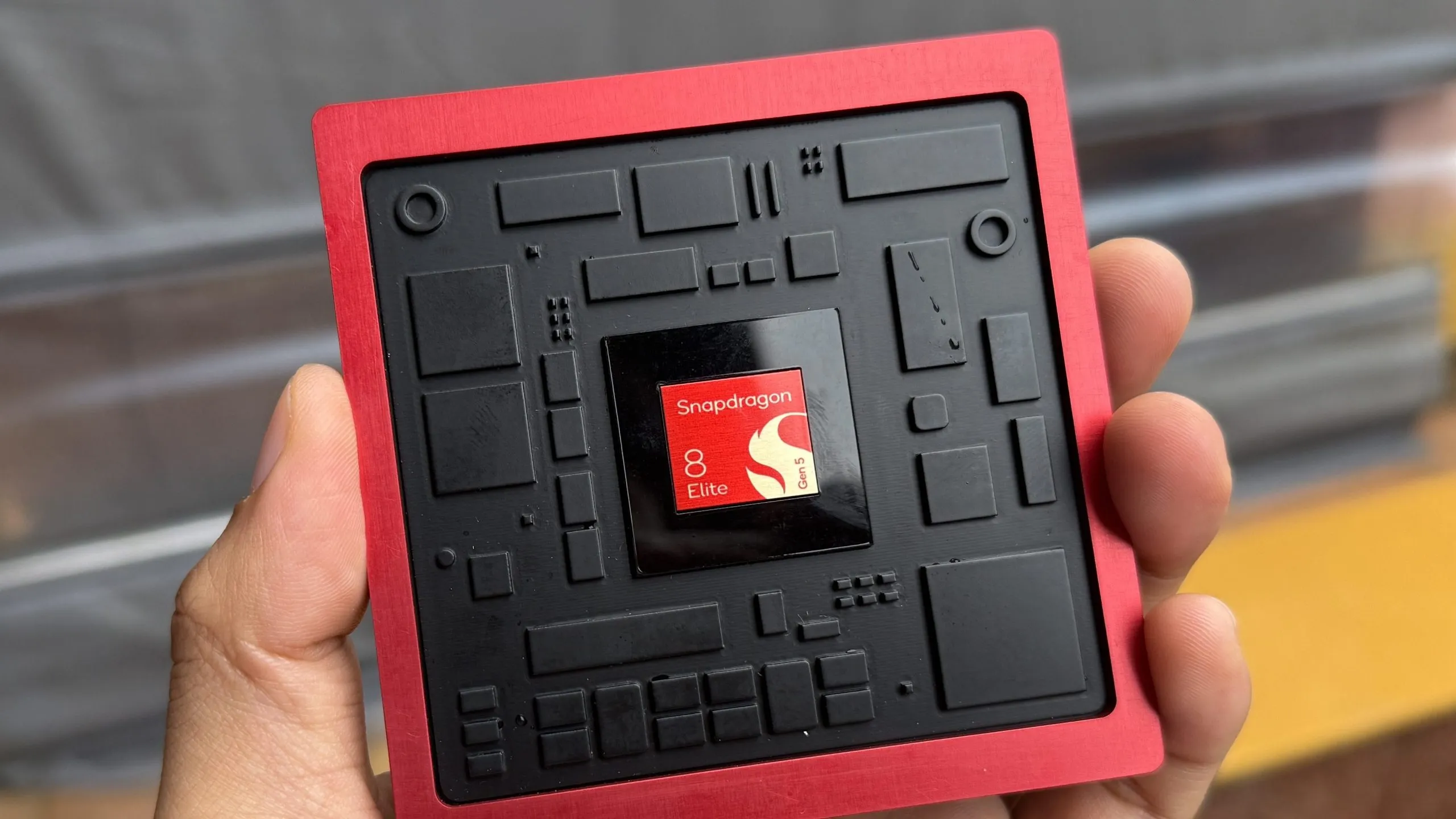
The latest Snapdragon X2 Elite and X2 Elite Extreme processors provide stronger graphics performance than earlier models, but software support remains just as important as hardware power.
Qualcomm has also been cautious about promoting Snapdragon X as a gaming platform. Gaming was not a major part of its early Snapdragon X2 announcements, although laptop manufacturers later highlighted the ability to run popular titles.
The Snapdragon Control Panel update shows that Qualcomm is building the software needed for a more complete gaming platform. Better navigation and driver management will not transform performance on their own, but they remove some of the inconvenience around maintaining a Snapdragon gaming PC.
Version 2026.2.0 is another step toward making Windows on Arm more practical for gaming. Snapdragon X laptops still need broader game compatibility, stronger graphics performance, and more mature optimization tools before they can compete fully with established gaming laptops.
Discussion (0)
Be the first to comment.