




Finding a song from a TikTok video often feels harder than it should. TikTok clips use shortened audio, remixes, or original creator sounds that regular music apps struggle to recognize. Once you know where to look and which tools to use, you can identify most TikTok songs in minutes.
We have detailed everything you need to find and get the songs used in most TikTok videos.
Table of contents
- Use TikTok’s built-in sound info first
- Identify TikTok songs with music recognition apps
- Find songs from TikTok videos on desktop
- How to find sped-up, slowed, or remixed TikTok songs
- What to do when the song has no official name
- Troubleshooting when song finders fail
- Tips for finding TikTok songs faster
- FAQs
- Summary
Use TikTok’s built-in sound info first
TikTok already gives you the best starting point for song discovery. Always check the app before trying third-party tools.
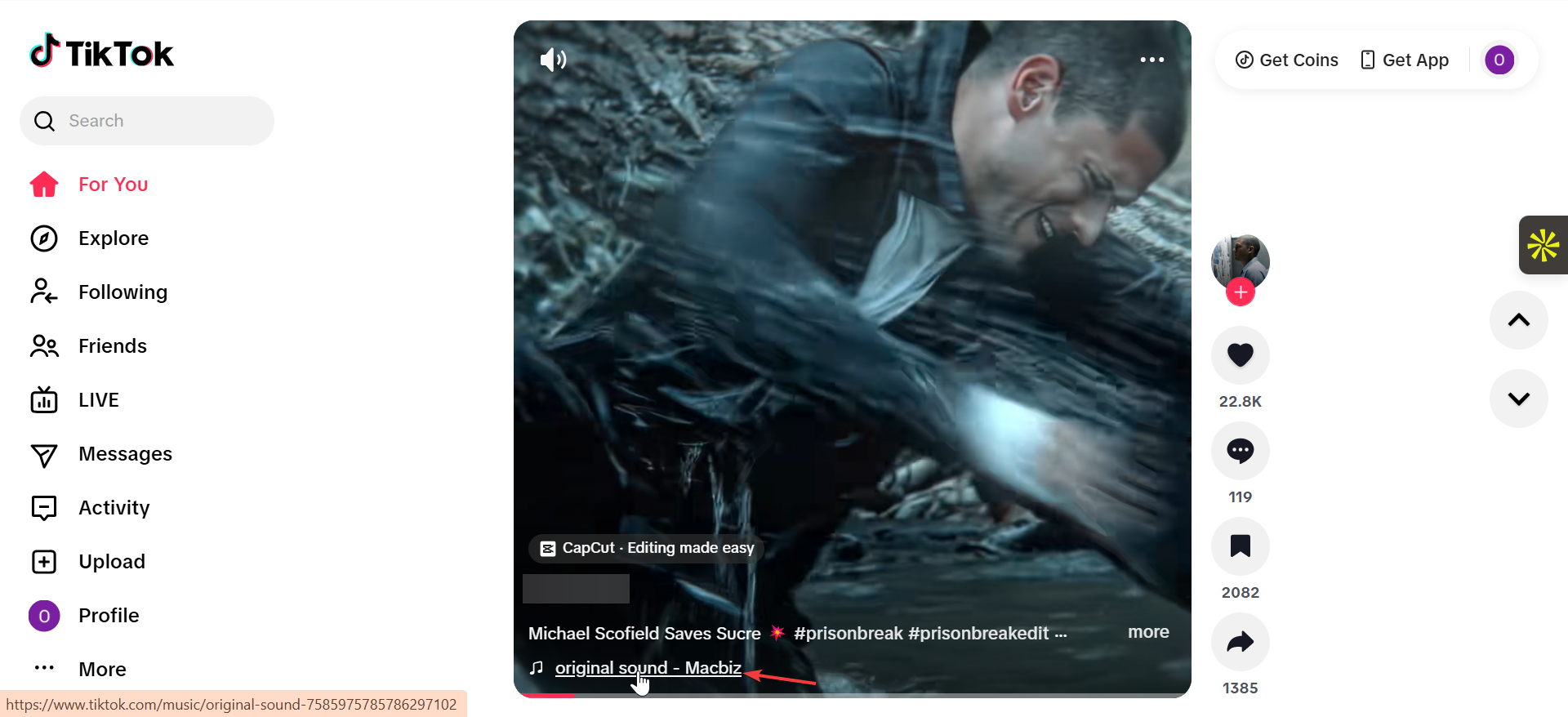
Find the song from the video’s sound label
Open the TikTok video and tap the rotating disc or sound name at the bottom. TikTok opens the sound page, which usually shows the song title, artist, and other videos using the same audio.
Check the original sound page
If the label says “Original sound,” tap it anyway. The sound page often links back to the creator’s original post, caption, or comments where they credit the song source.
Identify TikTok songs with music recognition apps
When TikTok does not show a song title, external apps become useful.
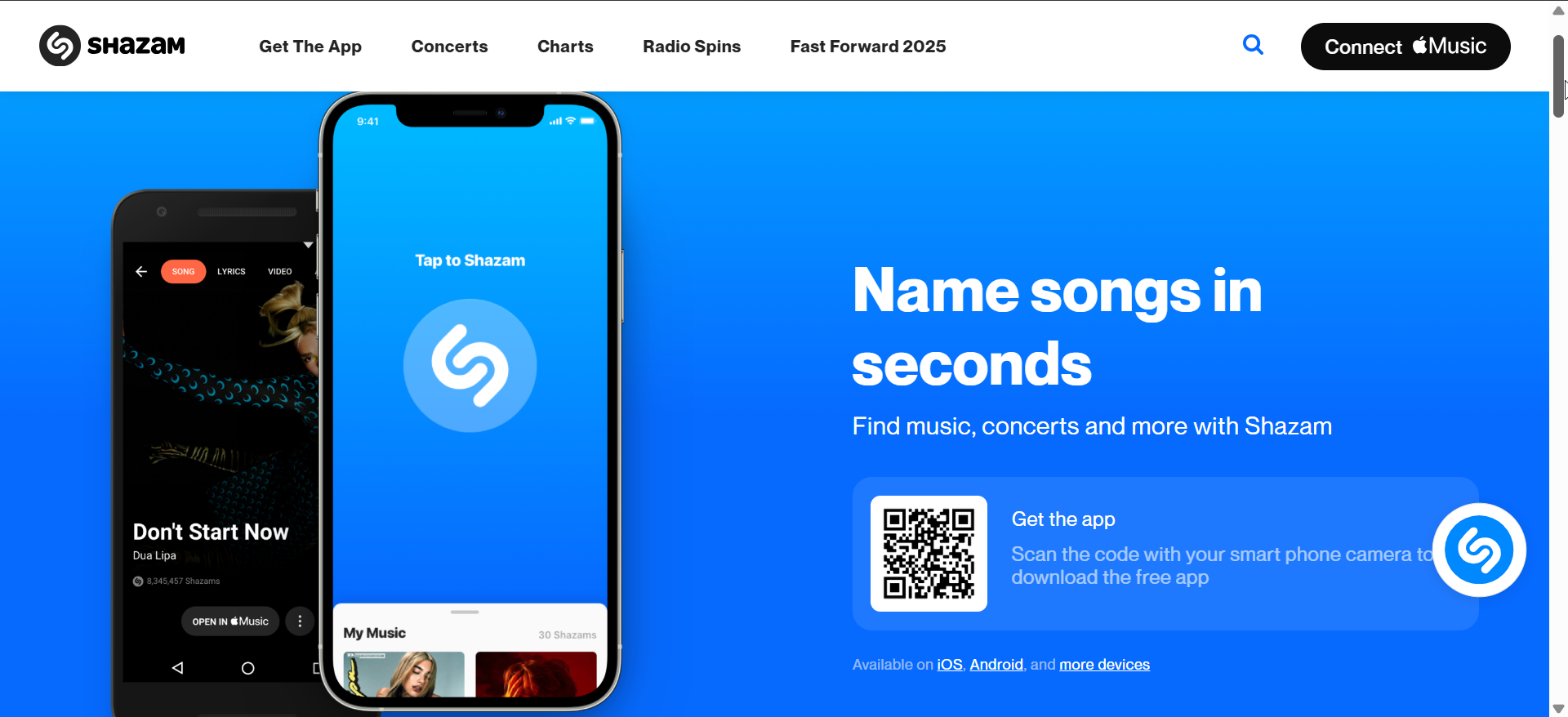
Use Shazam while a TikTok video plays
Play the TikTok video at full volume and open Shazam. For best results, start Shazam during the clearest part of the clip, usually the chorus or hook.
Use Google’s “Hum to Search” or voice search
Open Google Search, tap the microphone, and choose song search. You can hum, sing, or let Google listen to the TikTok audio directly.
Find songs from TikTok videos on desktop
Many users watch TikTok on a PC or Mac, which removes in-app tools.
Identify songs using your phone while watching on a computer
If you have downloaded the TikTok video on your PC, play it your media player and use an online song finder tool that can listen to your speaker. You can also play the TikTok video on the website and use Shazam or Google on your phone to recognize the audio.
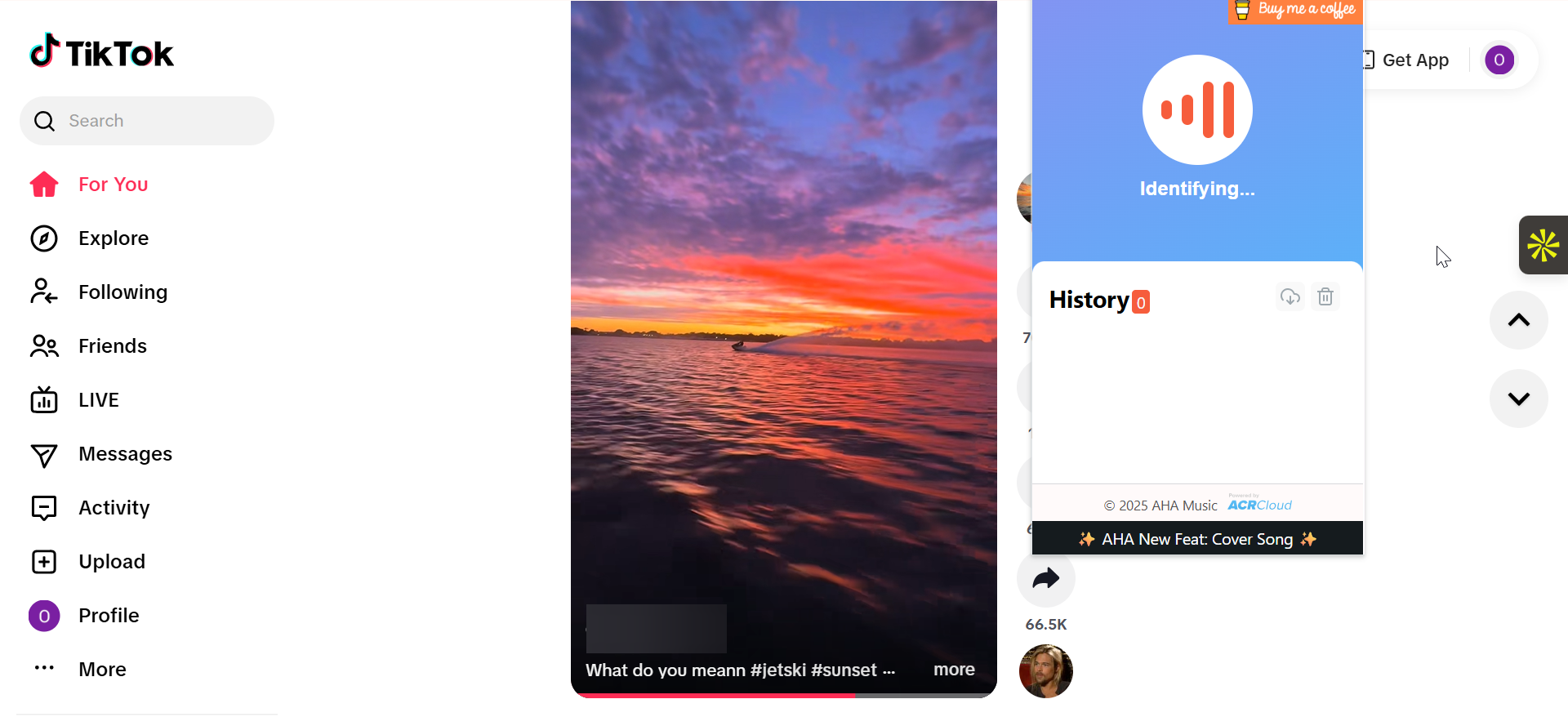
Use browser-based audio recognition tools
Some browser extensions can identify music, but results vary. These tools work best with clean, unedited audio.
How to find sped-up, slowed, or remixed TikTok songs
Edited audio causes most recognition failures.
Search lyrics instead of the song title
Listen for a short lyric line and search it directly. Even partial lyrics often reveal the original song behind a TikTok edit.
Look for “sped up” or “TikTok version” tags
Search the lyric plus phrases like “sped up,” “TikTok remix,” or “TikTok version.” Many unofficial edits appear under these labels.
What to do when the song has no official name
Some TikTok sounds simply do not exist outside the platform.
Original creator audio and unreleased tracks
Many creators upload previews or unreleased music. In these cases, the sound page and creator profile offer the only source information.
AI-generated and custom-made sounds
Some TikTok audio comes from AI tools or manual edits. These sounds rarely match any database, so attribution stops at the creator.
Troubleshooting when song finders fail
- Try multiple tools in a specific order: Start with TikTok sound pages, then Shazam, then Google song search. Switch to lyric searches if recognition apps fail.
- Check comments and creator captions: Creators often answer song questions in comments. Pinning or repeated replies usually reveal the track name.
Tips for finding TikTok songs faster
- Save the video before searching so you can replay it easily
- Increase volume and reduce background noise
- Start recognition during the clearest audio segment
FAQs
Can I find TikTok songs without Shazam?
Yes. TikTok’s sound pages and Google’s song search often work without Shazam.
Why does Shazam get TikTok songs wrong?
Short clips, remixes, and speed changes reduce recognition accuracy.
Can I identify TikTok songs offline?
Offline identification rarely works. Most tools require an internet connection.
Do TikTok songs always have official titles?
No. Many sounds are original, unreleased, or custom-made.
Summary
- Start with TikTok’s built-in sound and original audio pages.
- Use Shazam or Google when TikTok shows no song title.
- Switch to lyric searches for remixed or sped-up audio.
- Accept that some TikTok sounds have no official song source.
Understanding how TikTok handles audio saves time and frustration. Once you combine in-app sound pages with external tools and lyric searches, finding TikTok songs becomes fast and reliable, even for obscure clips.


Discussion (0)
Be the first to comment.