




Discord is one of the most popular platforms for community communication and gaming, offering users the ability to interact, share, and play together. One key feature that enhances the experience is music bots.
These bots allow server members to play music directly in voice channels, turning any Discord server into a lively and entertaining hub. In this article, we’ll explore the best music bots for your Discord server in 2025, including their features, pricing models, and how to choose the right one for your needs.
1) Jockie Music

Jockie Music offers one of the most powerful music bot experiences for large Discord servers. It can run multiple instances, allowing users to create separate queues for different voice channels. The bot integrates with major platforms like Spotify, YouTube, and Apple Music. Its versatility makes it an excellent choice for servers that require dedicated music channels or multi-streaming capabilities.
2) FredBoat
FredBoat is a classic music bot that has been serving the Discord community for years. Known for its reliability, FredBoat supports platforms such as YouTube, SoundCloud, and Bandcamp. It’s a simple, no-frills bot that’s easy to set up, making it a great option for users who need a straightforward music bot without complex features.
While FredBoat is mostly free, it does have some premium options for additional features.
3) Lara

Lara is a modern music bot designed to offer 24/7 playback with broad platform support. Whether you're streaming from Spotify, SoundCloud, or Deezer, Lara offers excellent integration with these platforms.
It comes with customizable audio filters like bass boost, nightcore, and more, giving users the flexibility to tailor the listening experience. Lara is ideal for servers looking for both quality and customization.
4) Rythm
Rythm has been a staple in the music bot community, and its new version focuses on licensed streaming, ensuring that it can legally play content from major platforms like YouTube. With a premium subscription model, Rythm offers advanced features such as group listening sessions and more.
While it has a paid tier, it remains a top choice for those who prioritize legal streaming and a polished user experience.
5) Hydra
Hydra is a feature-rich bot that supports multiple sources like Spotify, SoundCloud, and YouTube. It offers a premium dashboard for users who need more control over their bot's settings. With Hydra, you can create playlists, set audio filters, and enjoy a seamless listening experience.
However, some users have reported occasional uptime issues, so it's important to check the bot's current status before relying on it for important events.
6) Uzox
Uzox is a great choice for servers that primarily use Spotify. It supports 24/7 playback and allows users to create music queues with ease. Uzox is perfect for those who are already heavily invested in Spotify's ecosystem, offering a streamlined experience.
However, it lacks the multi-source flexibility of other bots, making it a less versatile choice for users who want to pull from multiple platforms.
7) Green-bot
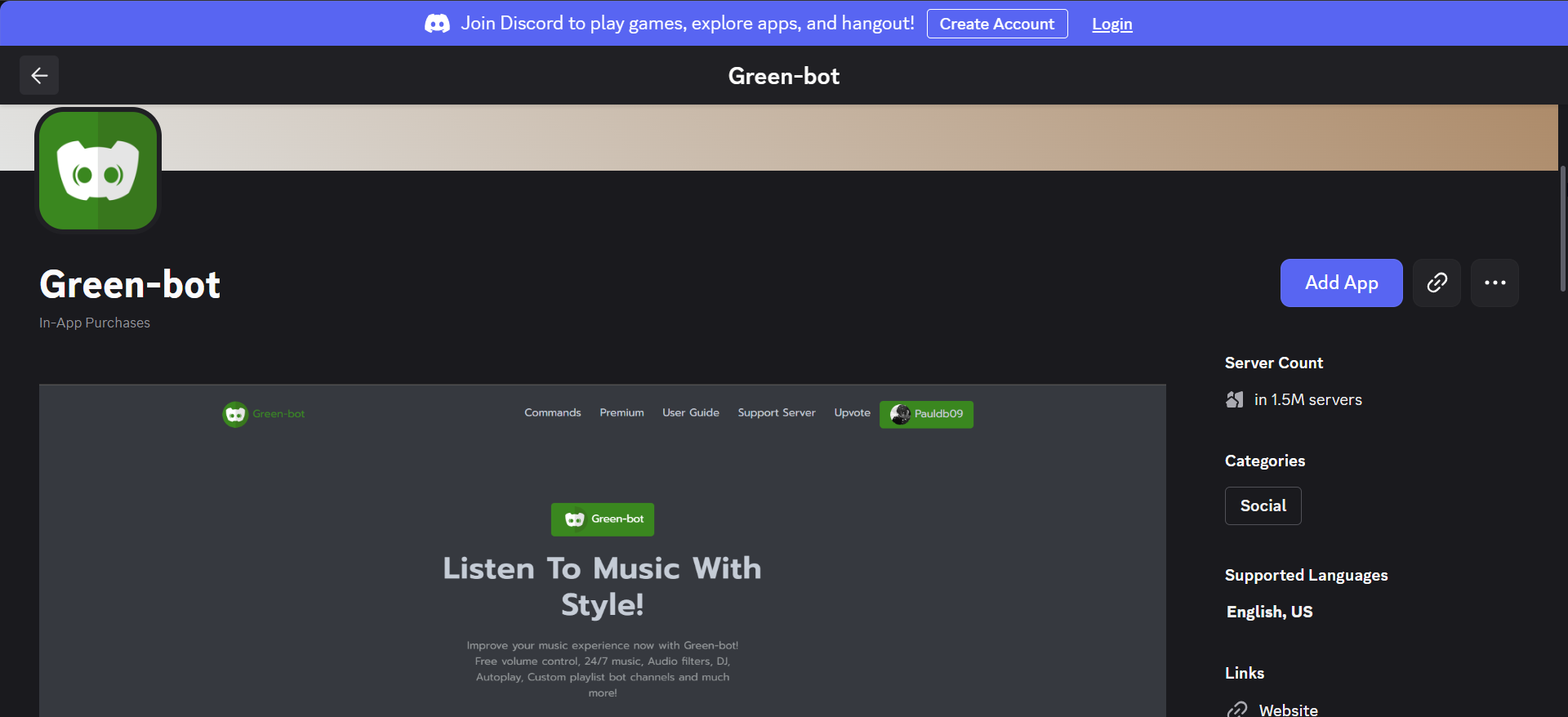
Green-bot is an all-around server bot that offers music functionality alongside moderation and server management tools. While it’s not solely dedicated to music, Green-bot provides robust support for streaming from platforms like Spotify and SoundCloud. It’s a good option for users who want a bot that can handle multiple server needs beyond music streaming.
8) Luna Bot
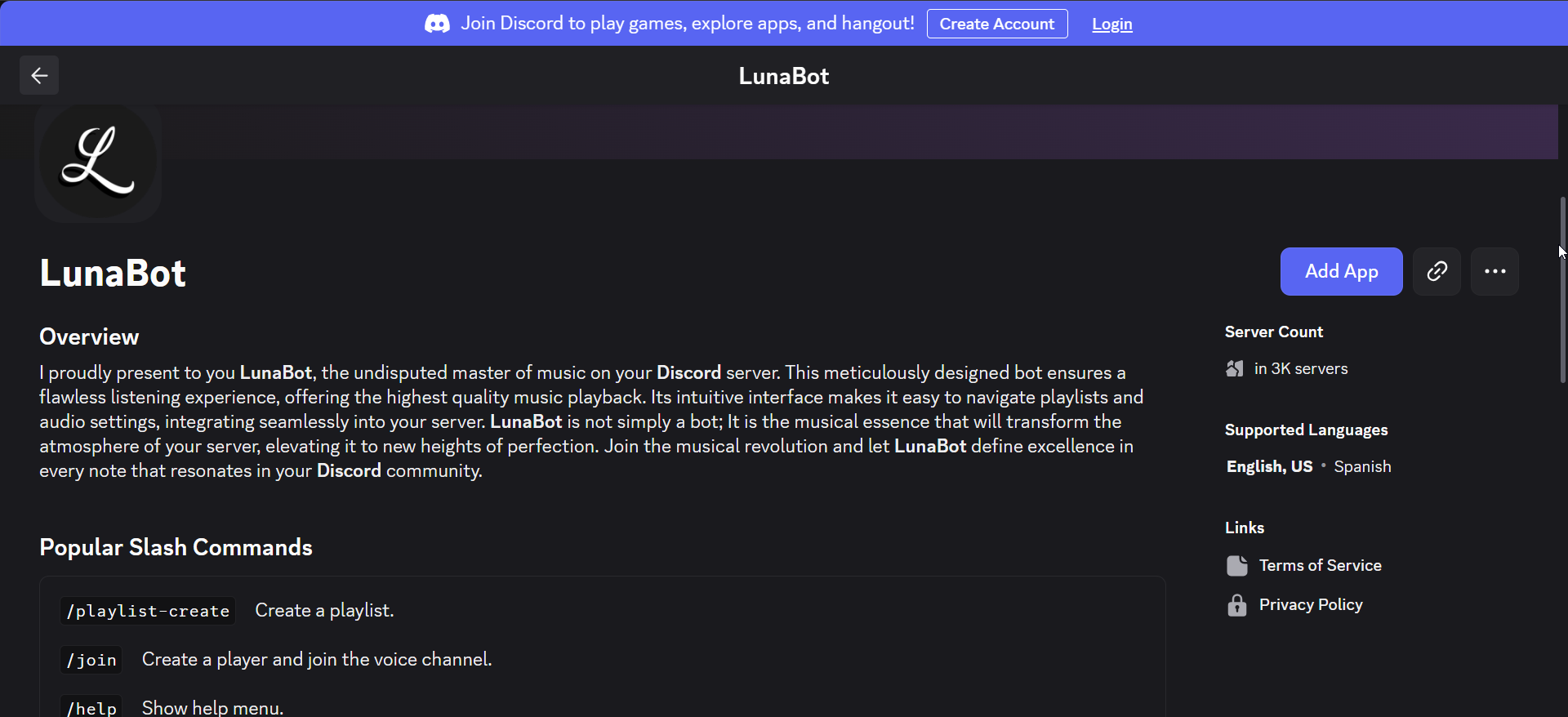
Luna Bot is designed for users who prefer a more interactive experience. It allows server members to request music by typing song names in a dedicated channel. Luna Bot supports a variety of music platforms, including Spotify and Apple Music, and offers users the ability to customize the bot’s behavior.
While it’s less widely known than other bots, Luna Bot’s simplicity and ease of use make it an excellent option for smaller servers.
How to add a music bot to your Discord server
Below are steps to follow to add a music bot to your Discord server:
Find the Bot
Search for the bot you want to use on a trusted listing site like Top.gg. Make sure the bot is reputable and has good reviews.
Invite the Bot
Once you've chosen a bot, click on the "Invite" button on its page. You will be redirected to Discord's permissions page.
Grant Permissions
The bot will ask for permissions to join your server. Make sure to grant it the necessary permissions to connect to voice channels and manage music.
Set Up Commands
Once the bot is in your server, use the bot’s command prefix (usually a “!” or “/”) to start playing music. Most bots have simple commands like “/play [song name]” or “/queue [song name].”
When selecting a music bot, consider these factors:
FAQs on Discord music bots
Can I use music bots for free? Yes, many music bots offer free versions, though they may have limitations like fewer features or ads. Check the bot’s documentation for specifics.
Can music bots play from YouTube? Yes, most music bots support YouTube integration, though be aware of potential issues with copyright or bot availability.
How to fix music bot not working in Discord? If your bot isn’t working, try restarting the bot, checking your permissions, and ensuring the bot is up to date. You can also try troubleshooting through the bot's support page.
Conclusion: Best music bot for your server
In conclusion, choosing the best music bot for your server depends on your specific needs - whether it's a simple bot for casual listening or an advanced bot for large, feature-rich servers. Popular choices like Jockie Music, FredBoat, and Lara offer great functionality for various use cases. Be sure to test a few bots and select the one that works best for your community.


Discussion (0)
Be the first to comment.