




Virtual reality, or VR, creates a lifelike digital world that replaces what you see and hear in real life. Using a headset and motion tracking, it places you inside a computer-generated 3D space where you can move naturally and interact with virtual objects.
What Is Virtual Reality (VR)?
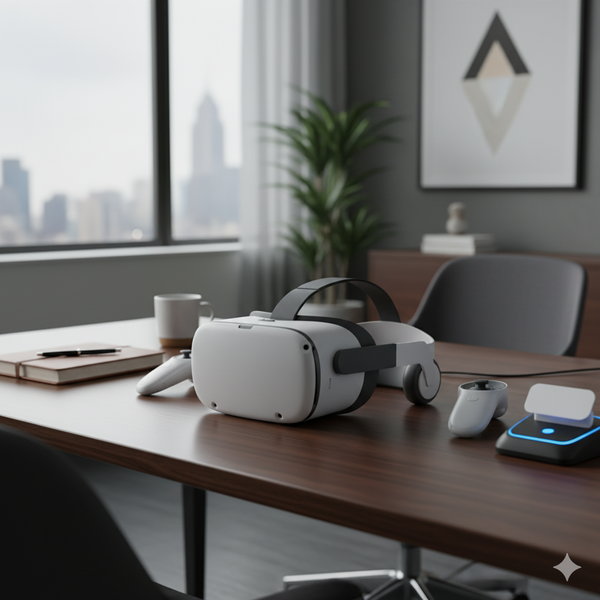
Virtual reality is a simulation that immerses you in a 3D environment created by computers. Instead of watching a flat screen, you step inside a digital scene that reacts as you move your head or hands.
You can explore virtual landscapes, play interactive games, or train for real-world tasks - all while feeling physically present in a different space.
How VR Differs From AR and MR
Augmented reality (AR) adds digital overlays to the real world, while mixed reality (MR) blends both worlds together. Virtual reality, however, shuts out your surroundings completely to create full immersion.
How Virtual Reality Works
Every VR experience relies on a fast feedback loop between your movements and what you see on screen. The system tracks your position, processes the data, and redraws the scene almost instantly to keep the illusion believable. Below is a quick rundown on how it
Head and Motion Tracking: Headsets use built-in gyroscopes, accelerometers, and infrared sensors to detect movement. As you tilt or turn your head, the system updates your viewpoint in the virtual scene.
Stereoscopic Display: Each eye sees a slightly different image, creating a 3D effect similar to human vision. Higher refresh rates and wider fields of view make the experience smoother and more realistic.
Real-Time Rendering: A computer or built-in processor generates 3D graphics at high speed. This ensures that every movement is rendered in sync with your motion to prevent nausea or visual lag.
Interaction and Feedback: Motion controllers, gloves, or even eye-tracking sensors let you interact with objects inside VR. Some accessories provide haptic feedback so you can “feel” virtual textures or impacts.
Core Components of a VR System
Several pieces of hardware and software work together to make VR possible. Understanding them helps you choose the right setup for your needs.
Display devices: VR headsets display two images - one for each eye - to create depth perception. Models like Meta Quest, Valve Index, and PlayStation VR2 use high-resolution OLED or LCD panels for sharp visuals.
Tracking systems: Inside-out tracking uses cameras on the headset, while outside-in setups rely on external sensors. Both capture precise motion data to keep the virtual world stable as you move.
Input devices: Hand controllers, gloves, and treadmills allow physical interaction in VR. Each device adds realism by translating natural gestures into digital responses.
Processing Hardware: Tethered headsets rely on a gaming PC or console with strong GPU power. Standalone devices use efficient mobile chipsets that balance performance with portability.
Types of Virtual Reality Experiences
Not every VR setup delivers the same level of immersion. Understanding the categories helps users decide what fits their goals and budget.
- Fully immersive: Full headset and controller experience that blocks the real world.
- Semi-immersive: 3D simulations on large screens or projection systems.
- Non-immersive: Standard computer or mobile apps using virtual environments.
Real-World Uses of Virtual Reality
Entertainment and gaming: VR lets gamers experience worlds firsthand, from rhythm titles to open-world adventures. Popular platforms like SteamVR and Meta Horizon support thousands of interactive experiences.
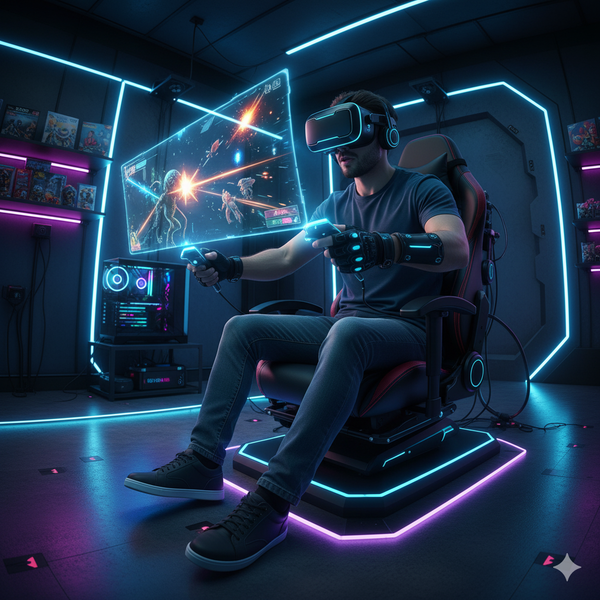
Education and training: Students and professionals use VR to practice skills in safe, controlled environments. It’s widely used for driver education, surgery training, and technical simulations. It can also be paired with a PC that is VR-ready to make learning effortless
Healthcare and therapy: Hospitals and clinics use VR for pain management and exposure therapy. Immersive environments help patients confront fears or recover motor control through virtual exercises.
Business and Design: Architects, engineers, and product designers rely on VR to visualize ideas before production. Companies also host virtual meetings and training sessions for remote teams.
Reality Check: Limitations and Safety
While VR is exciting, it’s not without downsides. Extended sessions can cause motion sickness or eye strain if frame rates drop or the headset isn’t adjusted properly.
Make sure you have enough room to move safely and take frequent breaks. Most systems include “guardian” boundaries that help you avoid obstacles in real space.
The Future of Virtual Reality
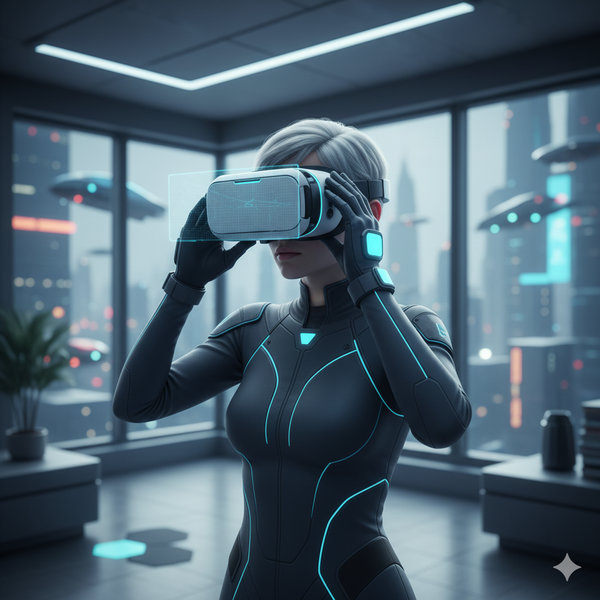
Next-generation headsets are moving toward mixed reality, combining digital and physical spaces. Devices like the Apple Vision Pro and Meta’s upcoming models point to a more seamless spatial computing era.
Artificial intelligence and cloud rendering will make VR worlds richer and more responsive, allowing users to collaborate and create in ways that weren’t possible before.
FAQs
Can VR cause motion sickness? Yes, if visuals lag behind movement. Using higher-refresh-rate headsets and limiting session length can reduce symptoms.
Do I need a powerful PC for VR? Tethered setups like Valve Index require a gaming-grade GPU. Standalone options like Quest 3 handle processing internally, so they’re easier for beginners.
Is VR safe for kids? Manufacturers usually recommend ages 12 and up because children’s eyes are still developing. Always supervise and limit playtime.
What’s the cheapest way to try VR? Entry-level standalone headsets or smartphone-based viewers offer affordable starting points before investing in premium gear.
Can I use VR for work or productivity? Yes. Many teams use VR for virtual meetings, design reviews, or focus sessions in distraction-free spaces.
Summary
- Virtual reality creates 3D digital environments that react to your movements.
- It works through sensors, stereoscopic displays, and real-time rendering.
- Modern headsets range from standalone devices to high-end PC systems.
- VR is useful for gaming, training, design, and healthcare.
- Future devices will blend VR and real-world interaction through spatial computing.
Conclusion
Virtual reality has evolved from a futuristic concept into a powerful tool for entertainment, learning, and innovation. By combining motion tracking, advanced displays, and real-time processing, VR makes digital worlds feel remarkably real.
As hardware improves and more creators experiment with immersive content, the line between the virtual and physical worlds will continue to blur. Whether you’re gaming, training, or exploring new ways to work, VR offers a glimpse into how technology will shape the way we experience reality itself.


Discussion (0)
Be the first to comment.