



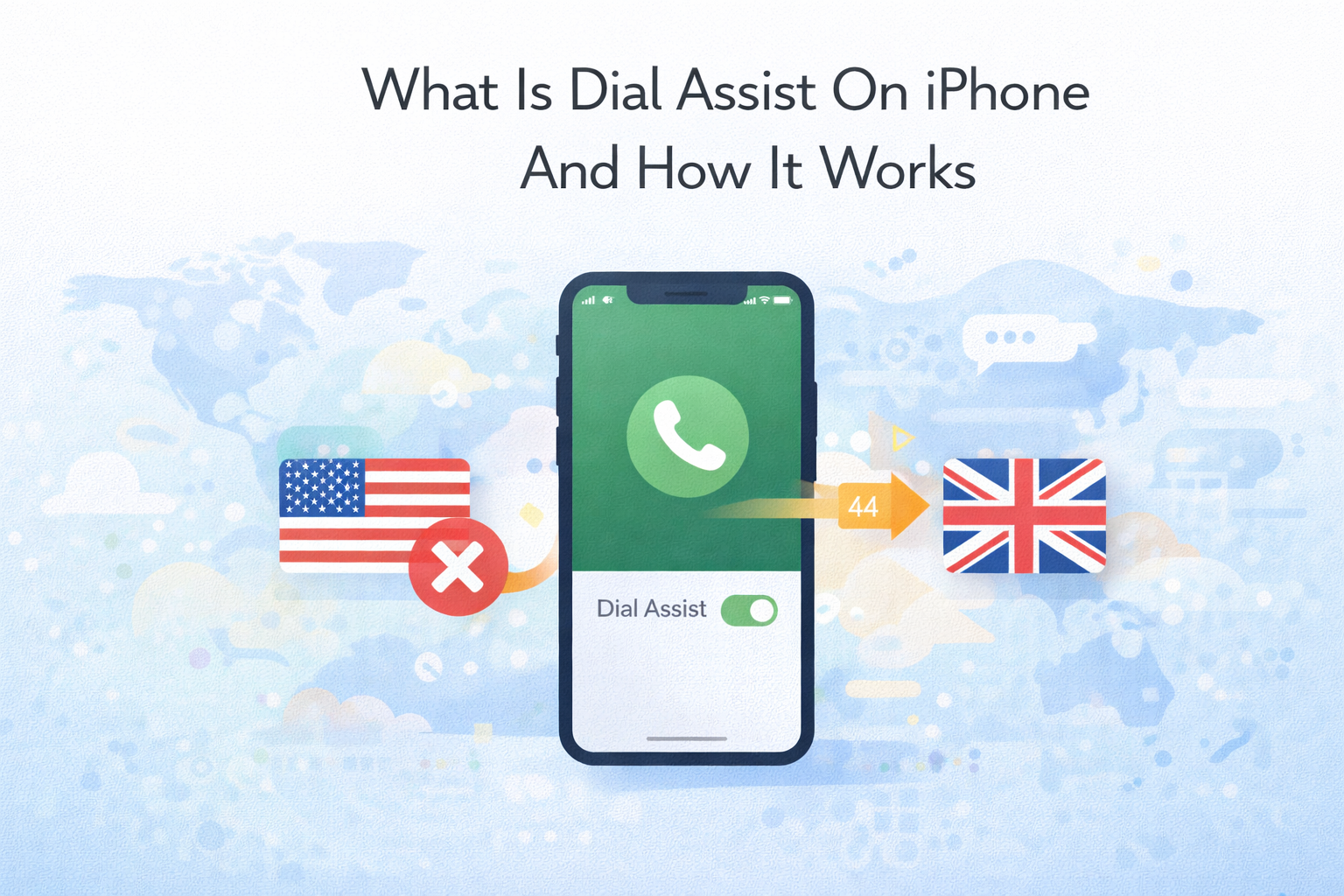
Dial Assist is an iPhone feature designed to make international calling easier by automatically adding the correct country code when you place a call. Instead of manually entering international dialing prefixes, iOS handles it in the background based on your location and network.
If you frequently call international numbers or travel often, Dial Assist can reduce dialing errors and save time. The feature is available on iPhones running iOS 9 or later and works through the Phone app.
What Dial Assist Does On iPhone
Dial Assist automatically formats phone numbers by inserting the appropriate international or local country code when needed. You dial the number as it’s saved in your contacts, and iOS adjusts it for international routing.
For example, if you are in the United States and call a UK contact saved without +44, Dial Assist adds the correct country code automatically before placing the call.
How Dial Assist Works
Dial Assist uses your current location, carrier information, and calling context to determine whether a country code is required. If iOS detects an international call, it modifies the number format before connecting.
This process happens instantly and does not change the iPhone number stored in your contacts. The adjustment only applies at the time of dialing.
How To Turn Dial Assist On Or Off On iPhone
You can enable or disable Dial Assist at any time from the iPhone settings. Changes apply immediately and affect all outgoing calls.
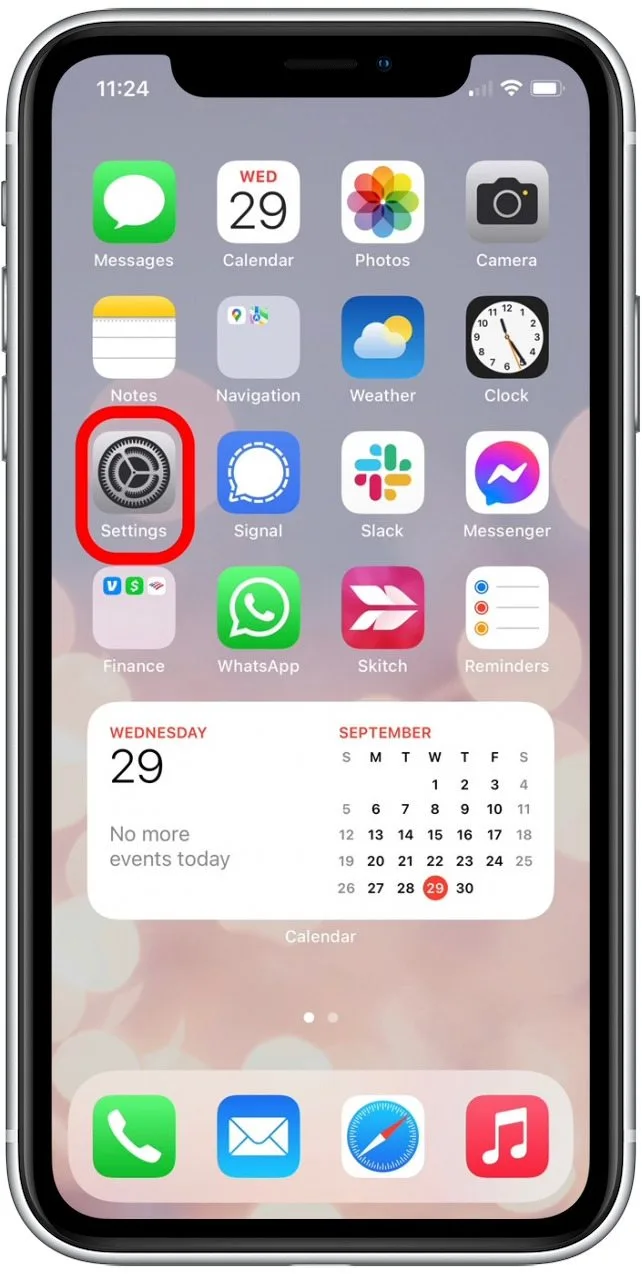
- Open Settings on your iPhone
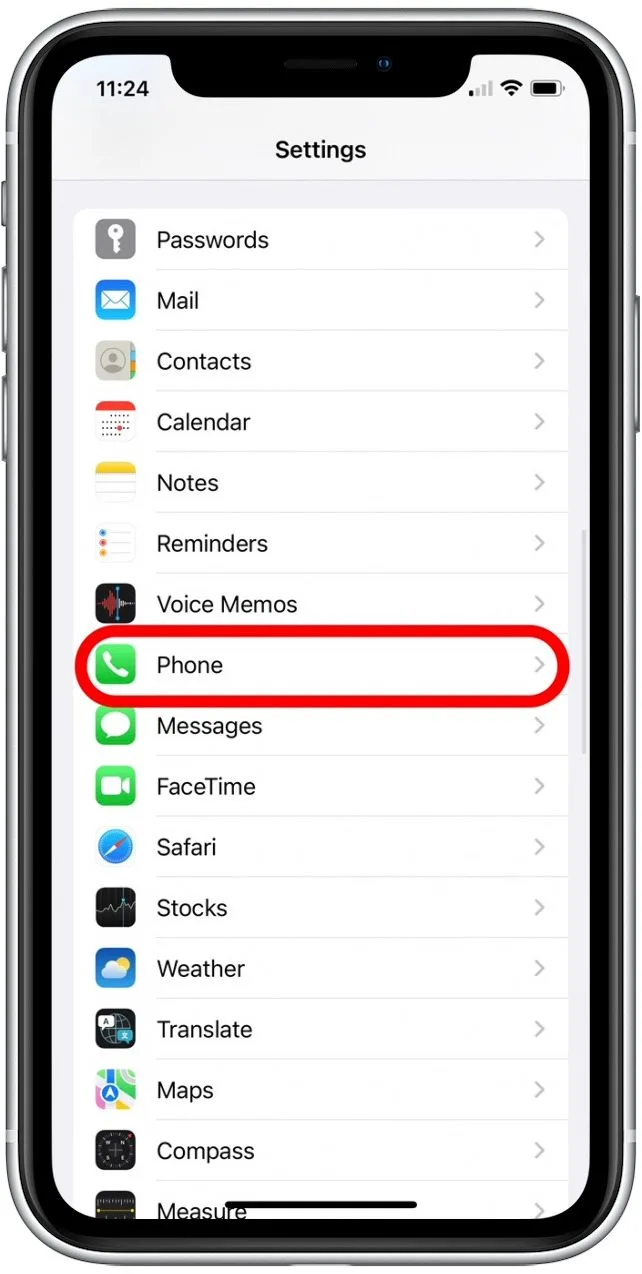
- Scroll down and tap Phone
- Scroll to the bottom and find Dial Assist
- Toggle Dial Assist on or off

When You Should Use Dial Assist
Dial Assist is useful if you regularly make international calls or travel between countries. It eliminates the need to remember country codes and reduces failed calls caused by incorrect dialing formats.
For everyday users who mainly place local calls, the feature is optional and does not offer significant benefits.
When Dial Assist Can Cause Issues
Dial Assist may create problems if your contacts already include full international numbers. In some cases, iOS may add an extra country code, causing the call to fail.
Carrier limitations can also affect how Dial Assist works. Some mobile networks do not fully support automatic number formatting, which can lead to connection issues.
Troubleshooting Common Problems
If Dial Assist is enabled but not working correctly, try the following fixes.
- Restart your iPhone to clear temporary system glitches
- Update iOS to the latest available version
- Toggle Dial Assist off, wait a few seconds, then turn it back on
- Reset network settings if calls consistently fail
Tips
- Save contacts without manually adding country codes if you rely on Dial Assist
- Disable Dial Assist if you notice duplicated country codes
- Test international calls after changing carriers or SIM cards
- Keep iOS updated to maintain dialing compatibility
FAQ
What does Dial Assist mean on iPhone?
Dial Assist is a feature that automatically adds the correct country code when making international calls.
Does Dial Assist work for local calls?
Dial Assist mainly affects international calls. Local calls are usually unchanged.
Why can’t I see Dial Assist on my iPhone?
If Dial Assist is missing, your carrier may not support the feature or international calling may be disabled.
Can Dial Assist affect emergency calls?
No. Emergency numbers are not modified by Dial Assist.
Summary
- Dial Assist automatically adds country codes for international calls
- The feature works based on location and carrier support
- It can be enabled or disabled from Phone settings
- Some carriers or saved contact formats may cause issues
Conclusion
Dial Assist on iPhone is a helpful feature for users who make frequent international calls or travel often. By handling country codes automatically, it reduces dialing mistakes and simplifies calling across borders.
If you encounter problems, disabling the feature or adjusting contact formats usually resolves the issue. Understanding how Dial Assist works allows you to decide whether it fits your calling habits.


Discussion (0)
Be the first to comment.