UP

Windows

Tutorials, how-to guides, and blog posts about using Windows. How to use laptops, tablets, PCs, and other gadgets with Windows.

tutorial How to open WordPad in Windows (9 ways)

How to open WordPad in Windows (9 ways)

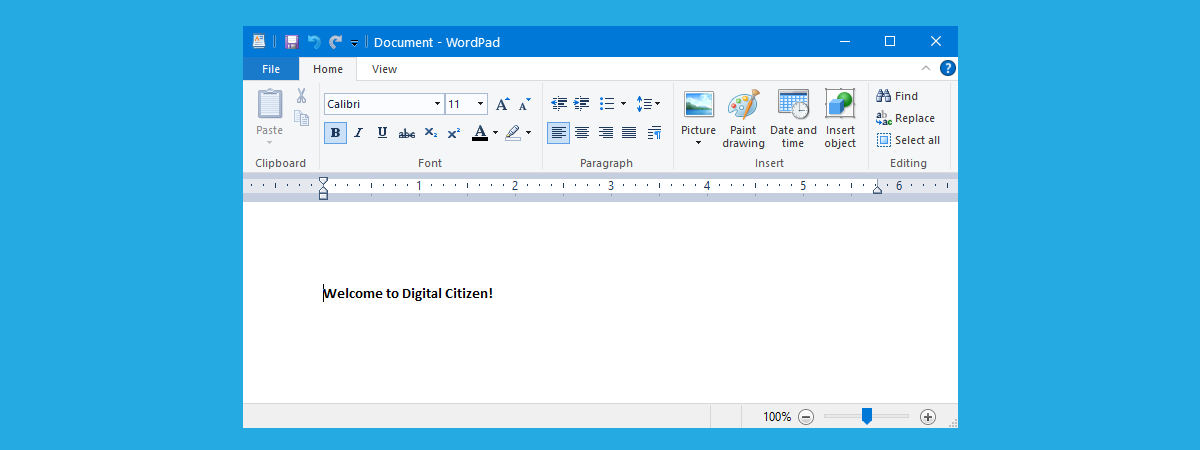
WordPad has been around for a long time, since Windows 95, which means it’s over 25 years old. If you are an old-school user, you may still want to use it for editing documents in Windows. Although the venerable WordPad app is a bit hidden in Windows, there are many ways to find and open it. Without further ado, here’s how to open WordPad
review ASUS ROG Flow X13 GV301 review: A convertible gaming laptop

ASUS ROG Flow X13 GV301 review: A convertible gaming laptop

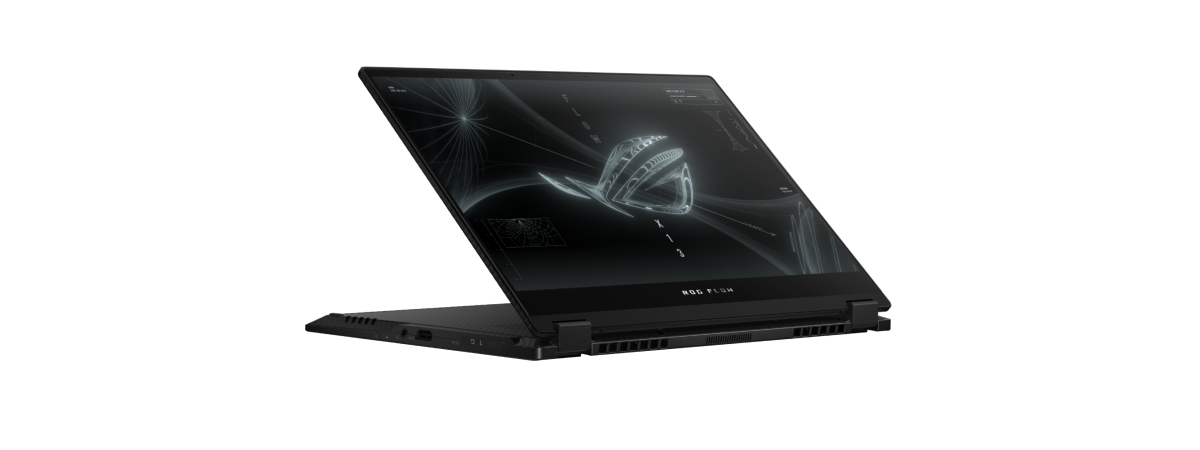
Each year, gaming laptops are getting lighter and thinner than they’ve ever been. However, no gaming laptop can truly match ultraportables in terms of portability. That’s where ASUS goes off the beaten path with the new ROG Flow X13. It’s a thin 13.4-inch gaming convertible laptop that weighs less than 2.87 lbs (1.5 kg) but features AMD's impressive Ryzen 9 5980HS mobile processor with
article 12 small things that Windows 10 does better than older versions

12 small things that Windows 10 does better than older versions

More than a couple of years have passed since Windows 10 was launched back in 2015, and many things have changed since then. Although the most popular operating system in the world has received important improvements over time, there are also quite a few smaller things that make Windows 10 a better choice than the old Windows 7 or Windows 8.1. Here are the

How to pin Steam games to Start in Windows 10

If you’re a gamer and want everything within reach, it’s a great idea to pin Steam games to the Start Menu in Windows 10. While Steam offers a Favorites list, launching the app to open a game can feel like a long time when your friends are waiting for you online. But once you pin Steam games to Start, all you need are a couple of clicks and taps. No
tutorial How to change the keyboard language on Windows 10

How to change the keyboard language on Windows 10

Approximately half of the world population is bilingual, so knowing how to change the keyboard language on Windows 10 is important to many users. Furthermore, you may want a computer keyboard layout that’s comfortable and helps you type faster in the chosen input language. This guide illustrates how to add a language to keyboard and how to switch between keyboards in Windows 10, including
tutorial 5 ways to upload files to Google Drive

5 ways to upload files to Google Drive

Are you a fan of Google’s services, especially Google Drive? Why wouldn’t you be, considering that it’s one of the best cloud storage solutions out there? However, if you didn’t have the chance to use it until now, you might be wondering how it works. Do you know how to upload files or folders to Google Drive? Do you know how to upload a
tutorial How to enable Flash in Firefox

How to enable Flash in Firefox

Once one of the most widely used technologies for displaying media-rich content on the web, Adobe Flash has been deprecated and has now made its exit from the internet. Although Mozilla disabled Flash in Firefox starting January 2021, as the platform reached its end of life, you can still use it if you need to access websites that rely on Adobe Flash. This tutorial
article What are drivers? What does a driver do?

What are drivers? What does a driver do?

If you have used a computer, then you have probably heard about drivers. However, do you know what a driver is? Moreover, what does it do that makes it so crucial to a computer’s operation? Even if you have an idea of what a driver is and does, do you know the best practice when it comes to updating drivers? Is it best to
tutorial 3 ways to disable the Windows Registry

3 ways to disable the Windows Registry

The Windows Registry is one of the most critical tools in Windows 10. As it can profoundly alter how your operating system works (or doesn’t work, for that matter), letting every user on your PC access it is not a good idea. If you don’t want others to be able to change keys or values using the Registry Editor, you should consider disabling access
article Best free file recovery software: Recuva vs. the competition

Best free file recovery software: Recuva vs. the competition

In this day and age, you can find many apps that promise to help you recover deleted files. It is great to have lots of options, but the question is, which programs are good at recovering deleted files? Which of them deliver on their promise? To find out, we tested some of the most popular applications in this niche, all of which are free
tutorial How to clean up Windows 10 using Storage Sense

How to clean up Windows 10 using Storage Sense

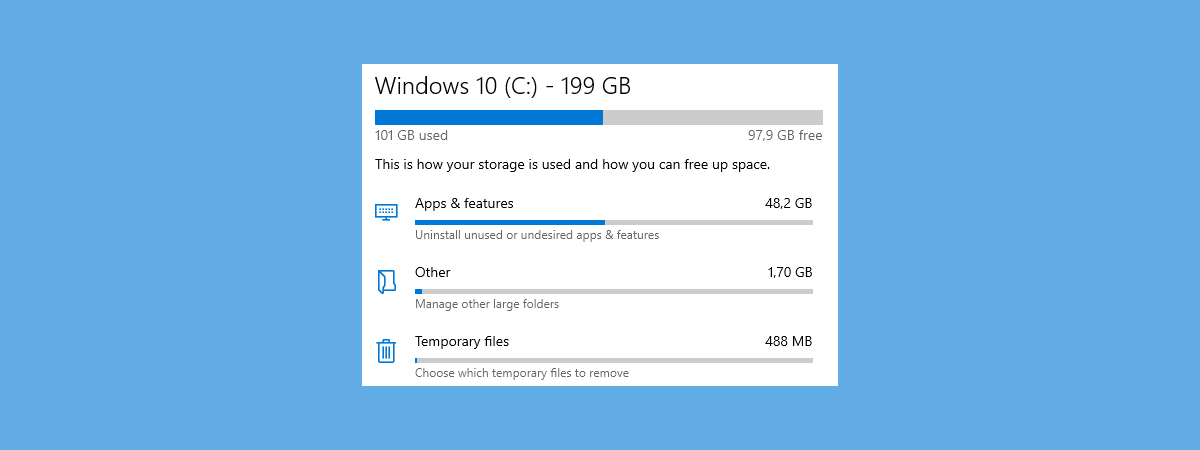
The Storage Sense from Windows 10 is an excellent tool for keeping tabs on the amount of data stored on your drives, as well as for cleaning the storage devices connected to your PC or device. If you filled your hard drive with lots of data, or if you have a Windows 10 device like a tablet or a 2-in-1 with a small storage
tutorial How to unblock Adobe Flash Player on Windows 10’s Microsoft Edge

How to unblock Adobe Flash Player on Windows 10’s Microsoft Edge

Adobe, the company that created it, laid Flash to rest on January 12, 2021. As Flash is no longer developed or supported by its developer, that means that now you can’t download it from adobe.com, and you can’t even run it in your web browser. In other words, Adobe Flash Player is blocked in Windows 10. However, with a bit of tinkering, you can
tutorial 4 ways disable Meet Now in Windows 10

4 ways disable Meet Now in Windows 10

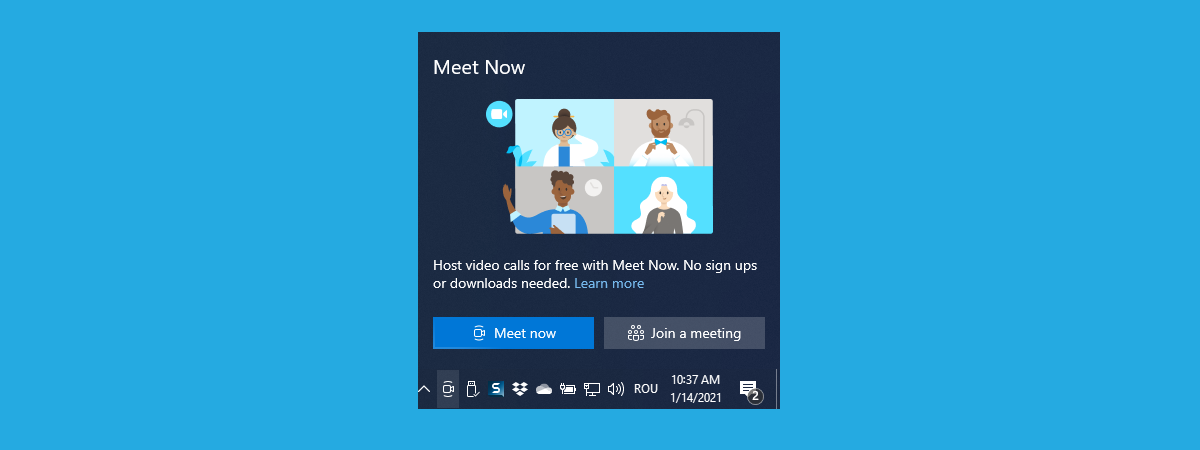
The Meet Now icon from Windows 10 allows you to start or join Skype meetings with others quickly. However, those who don’t use it or don’t like Skype may not want it shown on their taskbar, near the clock. If that is the case for you, and you want to remove the Meet Now icon from Windows 10, here are four ways to “uninstall”
tutorial How to change language on Windows 10: All you need to know

How to change language on Windows 10: All you need to know

If you just got a new computer or device, you might want to change the language on Windows 10 to one you’re comfortable with. However, to change the Windows display language, you first need the corresponding Windows 10 language pack. At the time this guide is written, Microsoft offers around two hundred Windows 10 language packs that you can download and use, as long
tutorial How to unblock Adobe Flash Player in Google Chrome

How to unblock Adobe Flash Player in Google Chrome

Adobe Flash used to be one of the most widely used technologies for displaying media-rich content on the web. However, as web content creators moved away from it and towards the faster and more secure open web technologies, even Adobe threw in the towel, announcing they would stop supporting Flash at the end of 2020 and determining major tech companies like Google to do
tutorial How to block Remote Desktop on your Windows PC

How to block Remote Desktop on your Windows PC

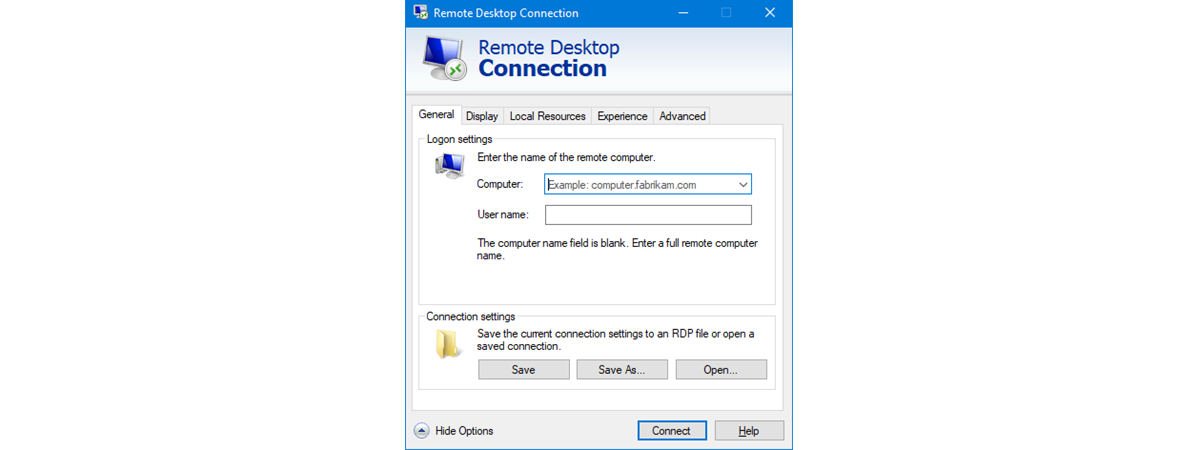
The Remote Desktop feature from Windows operating systems can be useful to many. However, it can also be a security concern, as hackers can take advantage of it in order to break into your computer. If someone with bad intentions manages that, he or she can get access to your information, personal or otherwise. Hackers can also exploit Remote Desktop to install malicious software
tutorial What is Meet Now in Windows 10, and how to use it

What is Meet Now in Windows 10, and how to use it

You might have noticed a new icon showing up in Windows 10, next to the clock from the system tray. It is a symbol of a video camera, and if you hover your mouse over it, the tooltip says Meet Now. You may wonder how it got there and whether it is a virus. How did Meet Now get installed on your Windows 10
tutorial How to change language on Facebook: All you need to know

How to change language on Facebook: All you need to know

Knowing how to change language on Facebook can be useful in a variety of situations. Maybe you need to check your Facebook account on a friend’s device, or perhaps you’re helping someone use the popular social media site in their native tongue. With a few clicks or taps, you can change the language on Facebook to another, regardless of your reasons. And, while we
article What is a Windows user group, and what does it do?

What is a Windows user group, and what does it do?

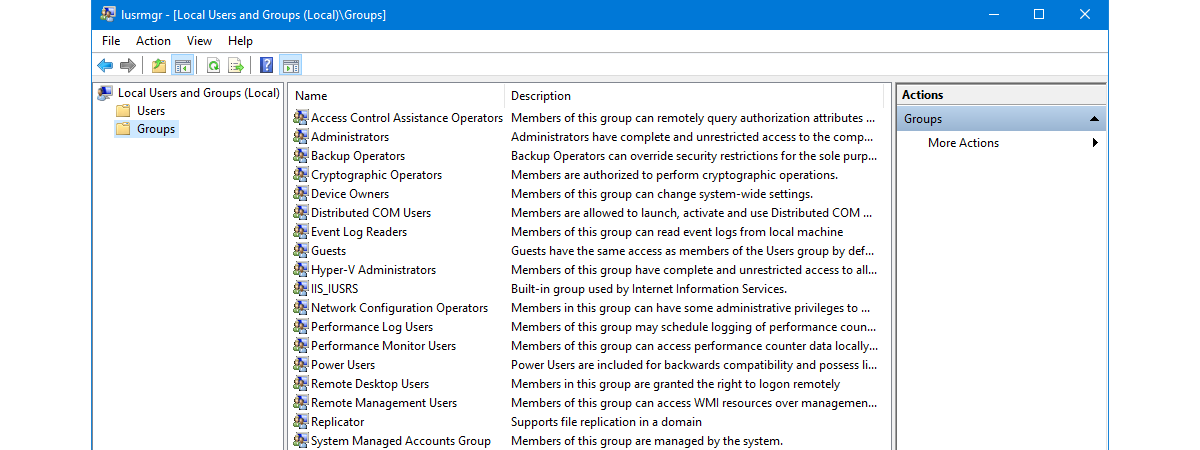
Security is essential in any digital environment, so to make it easier for users to manage permissions and other user accounts, Windows offers a useful feature called user groups. Although it may seem a bit intimidating at first, this feature is not that hard to understand and use, and it might just save you a lot of time and energy when managing multiple accounts.