UP

Networking

Articles and tutorials on how to build your own network, use Wi-Fi routers, share files and folders, transfer files, or stream media over the internet.

review TP-Link Archer AX20 review: Redefining value for money?

TP-Link Archer AX20 review: Redefining value for money?

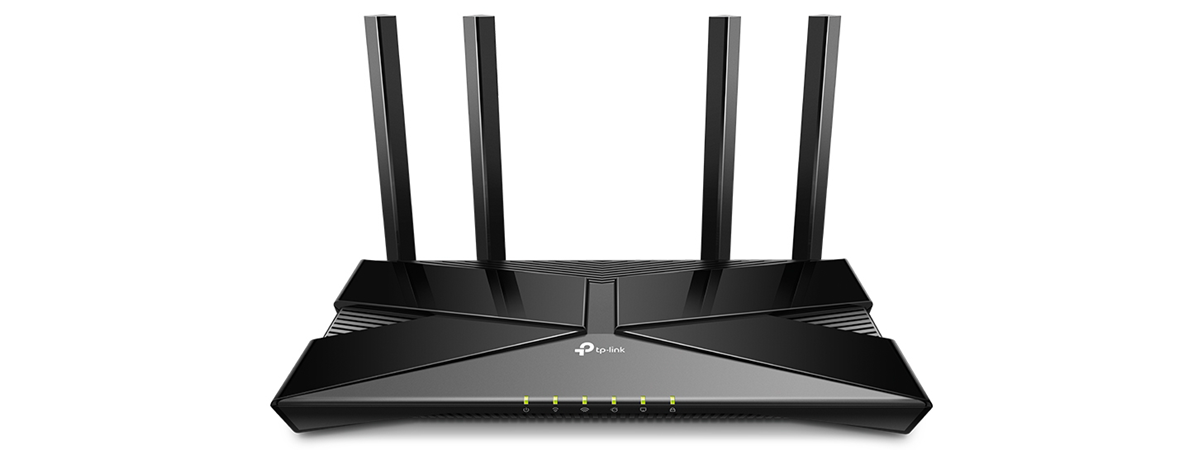
TP-Link’s line-up of Wi-Fi 6 routers includes some exciting models with good hardware that are very reasonably priced. If you want a good mid-range model, you should look at the new TP-Link Archer AX20 or TP-Link WiFi 6 Router AX1800, as you find it on Amazon. For a bit more money than Archer AX10, the Archer AX20 adds features and improvements that may pique
tutorial How to block Remote Desktop on your Windows PC

How to block Remote Desktop on your Windows PC

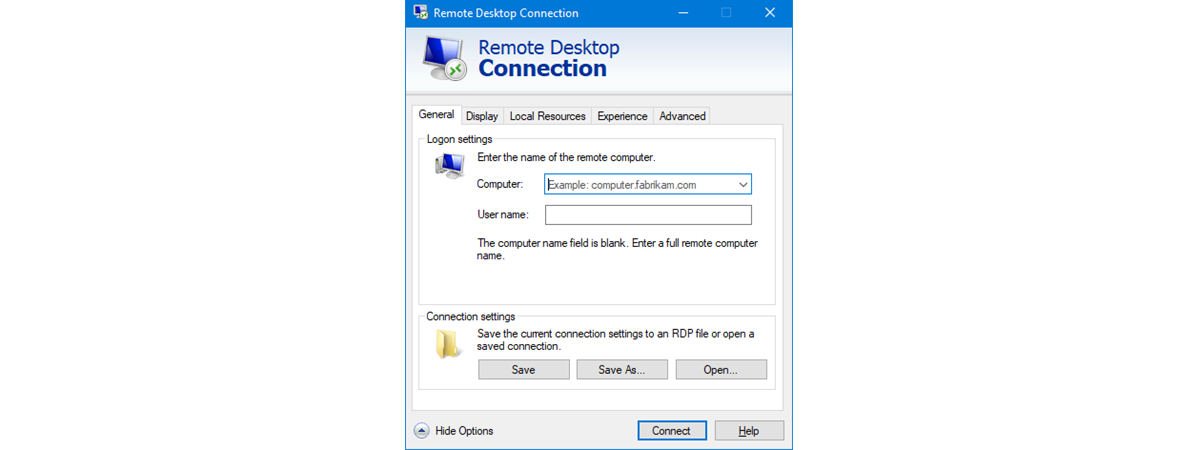
The Remote Desktop feature from Windows operating systems can be useful to many. However, it can also be a security concern, as hackers can take advantage of it in order to break into your computer. If someone with bad intentions manages that, he or she can get access to your information, personal or otherwise. Hackers can also exploit Remote Desktop to install malicious software
tutorial How to enable file sharing (Samba) and set the workgroup in Ubuntu Linux

How to enable file sharing (Samba) and set the workgroup in Ubuntu Linux

Windows computers and devices can interconnect and share files and folders between them using network shares. However, if you also use Ubuntu Linux on some of your computers, network sharing between them and Windows is not straightforward. To connect your Ubuntu Linux computers to Windows computers and share files and folders, you need to make a series of settings. The first one is to
review TP-Link Archer AX10 (AX1500) review - Affordable Wi-Fi 6 for everyone!

TP-Link Archer AX10 (AX1500) review - Affordable Wi-Fi 6 for everyone!

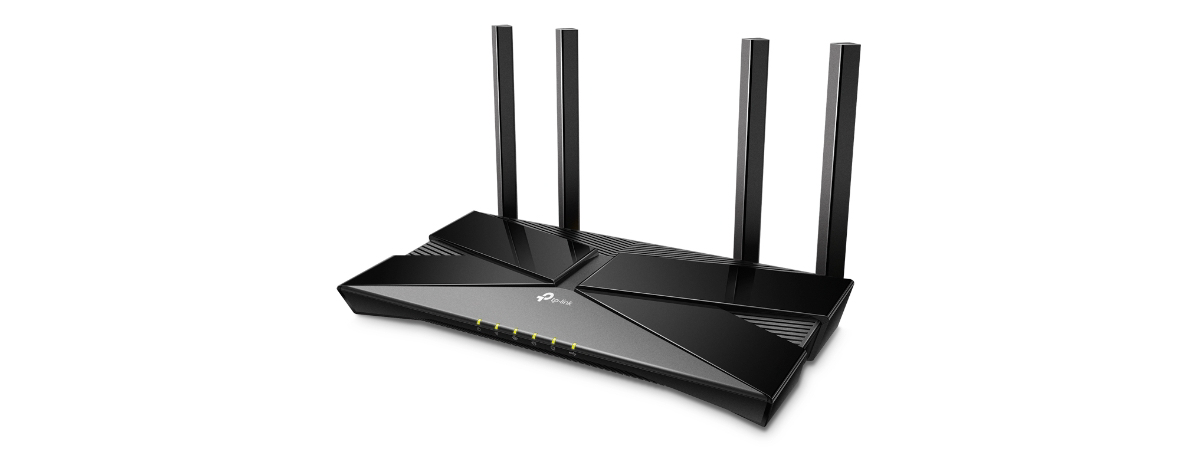
TP-Link Archer AX10 or TP-Link Archer AX1500 has a different name depending on the country and the shop you buy it from. However, it is the same router, with the same hardware and specifications in all countries. We wanted to test it because it is one of the most affordable routers with Wi-Fi 6, and many people are interested in it. Even Amazon recommends
news Synology DiskStation Manager 7: Beta available, free update coming in 2021

Synology DiskStation Manager 7: Beta available, free update coming in 2021

Synology makes some of the best Network Attached Storage (NAS) solutions on the market, and they are all powered by its DiskStation Manager (DSM) software platform. In our reviews, we always appreciated the flexibility and ease of use of DSM. Synology is now working on finalizing a new version of its software - DSM 7.0, which promises to bring many upgrades and new features

How to connect to an FTP server in Windows 10, from File Explorer

Did you know that Windows 10 includes a built-in FTP client? It might come as a surprise, but we’re talking about File Explorer! One of the lesser-known features available in File Explorer is that it can handle connections to FTP servers. You can use File Explorer to do all the file and folder management operations you would expect on an FTP server: copy, move, delete, create, rename, and so on.
article Proxy vs. VPN: When to use a proxy server and when to use a VPN?

Proxy vs. VPN: When to use a proxy server and when to use a VPN?

Both VPN (Virtual Private Networks) and proxy servers are designed to keep you anonymous on the internet. They can also help you access websites and services that are not available to everyone because of censorship or various restrictions. Proxies and VPNs each have their advantages and weaknesses, and some are better than others in certain situations. Do you know what to choose when? Should
tutorial How to add and use a VPN in Windows 10 (all you need to know)

How to add and use a VPN in Windows 10 (all you need to know)

VPNs, or Virtual Private Networks, have become widely used tools that help people securely access a private network and share sensitive data through public networks. The main idea is that VPNs can generate virtual P2P (point-to-point) connections, or so-called encrypted tunnels, that allow you to use the internet as a medium for transporting data that is hard to intercept and access by third parties.
review ASUS RT-AX82U review: gaming meets Wi-Fi 6!

ASUS RT-AX82U review: gaming meets Wi-Fi 6!

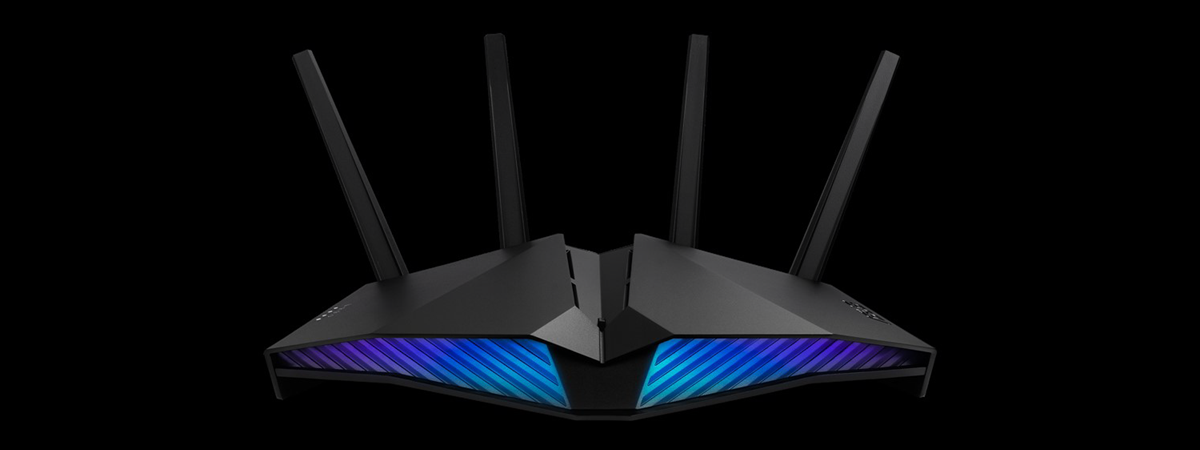
ASUS RT-AX82U is a dual-band gaming router with support for Wi-Fi 6. It features RGB lighting, a more reasonable price than other Wi-Fi 6 routers, and interesting features that are useful for people that play games online. To make it even more appealing, you can also use it as part of a mesh Wi-Fi system, alongside another ASUS router. If you want to know

TP-Link Deco X20 review: Wi-Fi 6 for a more affordable price!

Mesh Wi-Fi systems are all the rage now, especially the newer models that feature support for the Wi-Fi 6 standard, which promises the fastest wireless networks to date. TP-Link has launched several new models in their Deco line-up, and the most accessibly priced is TP-Link Deco X20. It is a dual-band, mesh Wi-Fi system that broadcasts its network using three standards at the same time: Wi-Fi 6, Wi-Fi 5, and

Provide remote support to Windows 10 users with Windows Remote Assistance

There aren't many people who know about Windows Remote Assistance and how to use it to provide remote technical support to other Windows 10 users. Therefore, in this tutorial, we're going to cover this tool in detail. It's an app that works smoothly for quick assist sessions and does not require installing any third-party software whatsoever. So, without further ado, here's how to provide Windows remote support using the built-in

How to make a Windows 10 hotspot: All you need to know

If you have a Windows 10 PC, laptop, or tablet, one of the best features you have at hand is the ability to transform it into a mobile hotspot. In other words, you can share your internet connection with other devices over Wi-Fi or even Bluetooth. Also, it doesn't even matter whether your internet connection is established via Wi-Fi, Ethernet, or cellular data. All it takes is a few clicks

About InPrivate and Incognito. What's private browsing? Which browser is the best?

When you want to hide something you do online, you use a private browsing mode like Incognito, Private Browsing, or InPrivate. However, do you know how private you actually are when you use this way of browsing the web? Can others still see what you are doing online? Also, do you know which browser is best at protecting your privacy? We tested the latest versions of Google Chrome, Mozilla Firefox,

How to turn your Android into a Wi-Fi hotspot

If there's no wireless network nearby or if your main internet connection goes down, you can rely on your trusty Android smartphone or tablet. You don't even need a cable, just an affordable data plan. With just a few taps, you can set up a mobile Wi-Fi hotspot on your Android, and other devices can be tethered to it and share its internet connection. This tutorial illustrates how to turn

How to edit the list of allowed apps in Windows Defender Firewall (and block others)

In Windows 10, the old Windows Firewall has been rebranded by Microsoft to Windows Defender Firewall. It is a security feature built into the operating system that helps block unauthorized access to your computer, while permitting authorized communications. This tool can filter both inbound and outbound traffic or set rules and exceptions, depending on the type of network to which you're connected. In this article, we're going to show you

The Windows 10 workgroup and how to change it

The Windows 10 workgroup is a simple way to link together a small number of computers and devices, which makes it ideal for home networks, as well as small offices and businesses. If you want to facilitate sharing resources (files, printers, etc.) with other devices on the same network, make sure they are part of the same workgroup in Windows 10. Continue reading to get answers to questions like "What