UP

Networking

Articles and tutorials on how to build your own network, use Wi-Fi routers, share files and folders, transfer files, or stream media over the internet.

How to Set Up and Use Work Folders in Windows 8.1

One of the many new enterprise-friendly features in Windows 8.1 is named Work Folders. Folders? Work? Sounds boring, doesn't it? :) But, to some people this feature will be very useful. Especially to people that have many devices and need to work also on their personal PCs and devices. Here's how to set up Work Folders on the client side and how to use them to do your work and
Introducing Windows 8.1: How to Synchronize & Back Up Your Settings

A great feature, first introduced in Windows 8 and further improved in Windows 8.1, is the ability to synchronize your important Windows settings through the SkyDrive service. What's new in Windows 8.1 is that it can also back up your settings automatically, so that you can restore them manually, when needed. Here's how to use all the available sync and backup settings, in Windows 8.1 [DC-SUMMARY-BREAK] NOTE: The synchronization service

How to Create, Configure and Use a VPN Connection in Windows 8 & 8.1

Virtual Private Networks (VPN) provide an easy way to extend a private network across the Internet and gain access to them when needed, in a secure manner. You may use VPN to connect to the network from your workplace, or to your home network when you are on the go. Indifferent of the reason, both Windows 8 and Windows 8.1 offer features that enable you to create, configure and use

5 Reasons Why the Windows Firewall is One of the Best Firewalls

Since we launched 7 Tutorials, we have tested lots of security products. Over the years, we learned a lot about what it means to provide a good security product and, we also learned that the Windows Firewall is one of the best firewalls available. Here are five reasons why we believe that the Windows Firewall is awesome: [DC-SUMMARY-BREAK] 1. The Windows Firewall Offers the Best Integration With Windows The Windows

Scan for Open Ports & Evaluate the Security of Your System with Nmap

Would you like to know how many open ports are found on each computer or device that is part of your network? Do you want to evaluate how good their firewall protection is and how vulnerable they are? Then, you should try Nmap - an open source tool for security auditing. We use it in our reviews for security solutions and we think it is awesome. You should also try

How to Remove Network Locations Mapped as Drives in Windows 8

The process called mapping, assigns a drive letter on your computer to a location on a remote system allowing you to access and save files over the network easily. We have shown how to make these links permanent by reconnecting them every time you log on, which assures they'll never disappear on you. However, it also means you'll get annoying messages from your tray if the network drive doesn't exist
tutorial 4+ Free Tools for Making Remote Connections from Macs to Windows PCs

4+ Free Tools for Making Remote Connections from Macs to Windows PCs

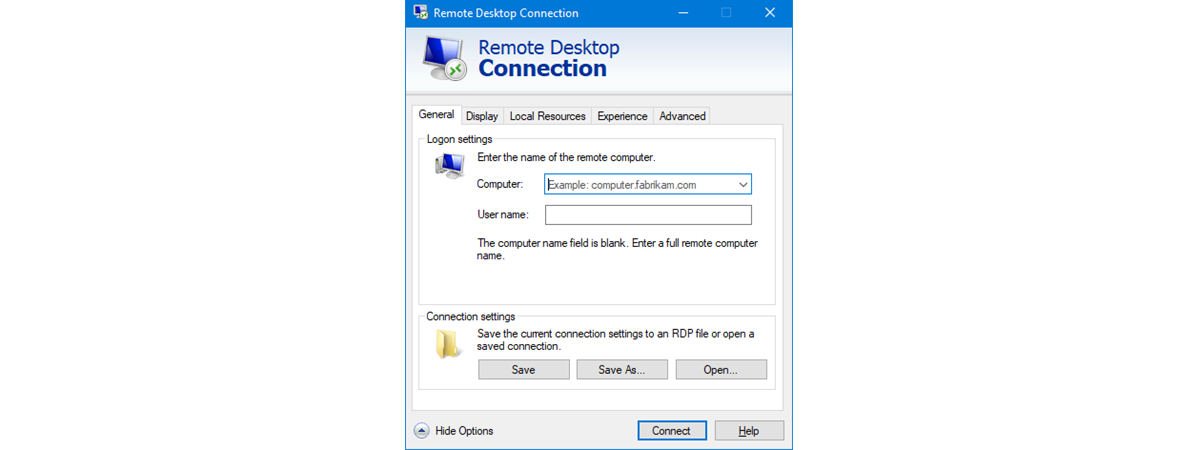
When I was asked to update our 2010 article about connecting remotely to a PC from a Mac, I thought it would be a fairly simple task. However, since that article was written, Microsoft has dropped support for their Remote Desktop Connection software for Macs. While there are anecdotal reports of it working on OS X Lion, it definitely will not work on OS
tutorial How to Install Any Version of Windows from Other Network Computers

How to Install Any Version of Windows from Other Network Computers

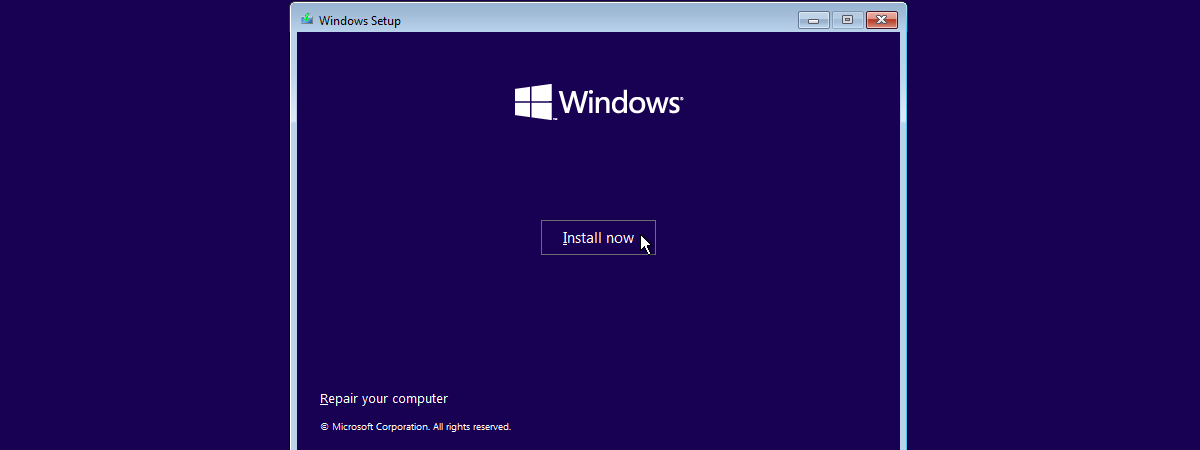
Talk about a complex thing to do: installing Windows over the network. Even installing it via a USB drive is simpler. However, this doesn't mean it cannot be done. Using a free tool named Serva and a bit of time and attention, anyone can set up his/her network environment so that Windows installations are performed with ease, from one network computer. Here's how the

What is the Public Folder & How to Use it?

The Public folder was first introduced in Windows Vista and it has appeared in every version of Windows since. It is not much of a feature - just a folder with a slightly special setup that can be useful in certain scenarios. To help you understand what the Public folder is, how to use it, and when it is useful to use it, we created this guide which explains the

How to Use File History with Network Drives & Locations to Backup Data

File History can work both with local drives plugged into your computer and drives connected to other computers on the network or to the network itself. How does this work and what is the best way to set things up? Learn this and more from this article. [DC-SUMMARY-BREAK] Connect an External Drive to a Computer & Recommend it to the Homegroup One way to use the same drive to backup
tutorial Introducing Windows 8: How to Configure Mail App Accounts

Introducing Windows 8: How to Configure Mail App Accounts

When adding accounts to the Windows 8 Mail app, most of the account settings are configured automatically. For most providers all you'll need to do is enter your email address and password to get the account configured, synced and functional. While this is preferable to many users, some would rather take a firmer hand with their account configurations. If you fall into this group,
tutorial How to Manage Wireless Network Connections & Profiles in Windows 8

How to Manage Wireless Network Connections & Profiles in Windows 8

When you connect to a wireless network, the network's security information, settings and password are automatically stored on your computer in the form of a network profile. This profile allows Windows to connect automatically the next time this network is in range. In previous versions of Windows you could open a list of available profiles for management purposes. From this list you could easily

How to Sync Offline Files & Network Folders on a Set Schedule

Did you know that you can set the Offline Files feature in Windows 7 to synchronize network folders on a schedule set by you? I didn't know either, until very recently. Therefore, in this tutorial I will share how to schedule your sync partnerships and have network folders synced when you want to. [DC-SUMMARY-BREAK] Viewing Sync Partnerships First, you need to access the network folders synchronized by Offline Files and
tutorial The Layman's Guide to Solving Wireless Network Interference Problems

The Layman's Guide to Solving Wireless Network Interference Problems

One of the most common root causes for having slow and unstable wireless network connections is interference. Many things interfere with a wireless network: everything from walls to the microwaves you use in the kitchen to other wireless networks. That's why I decided to learn more on the subject, experiment with my own wireless network and share what I have learned. In this article,

Use Network Files While Offline with Sync Center & Offline Files

Even though Sync Center and Offline Files are features present in older versions of Windows, few people know about them, let alone use them. That's why I decided to cover these tools in a mini-series of articles. In this first episode you will learn what Sync Center and Offline Files are, how to access them and the basics about working with them. [DC-SUMMARY-BREAK] What's Changed About the Sync Center in
tutorial Troubleshoot Wireless Network Connection Problems by Yourself

Troubleshoot Wireless Network Connection Problems by Yourself

Lots of people have issues with wireless network connections and they don't know how to fix them. If you have access to an Internet connection, at least you can Google things and find some help. But what do you do when the wireless connection you have trouble connecting to is the only that can give you Internet access. Well... you can read & learn
tutorial The Network Map - Access Your Network Computers in a Fun Way

The Network Map - Access Your Network Computers in a Fun Way

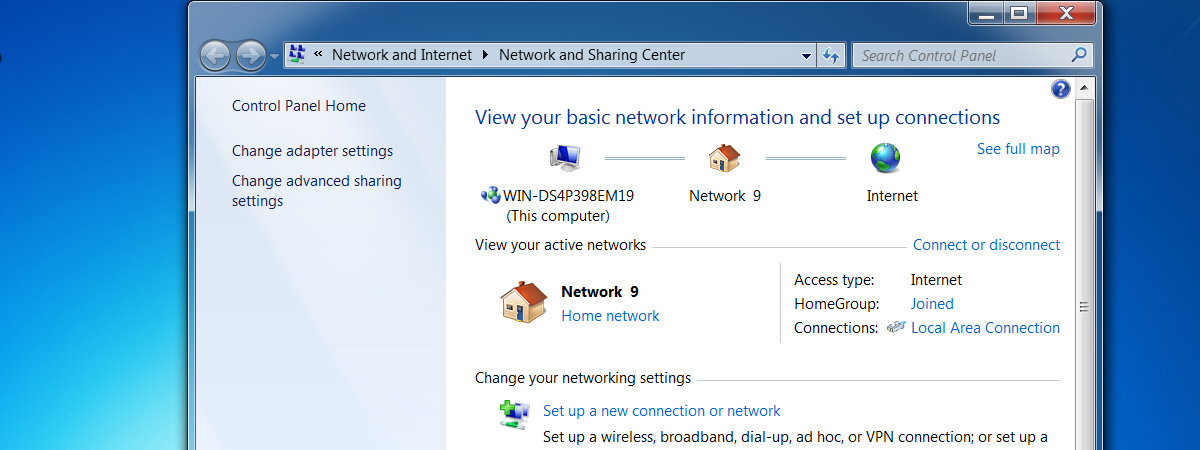
One of the less known features of Windows 7 is the network map. This feature does what its name implies: it shows you a complete map of all the computers connected to your network at a specific point in time. It was first introduced in Windows Vista and it was kept pretty much unchanged in Windows 7. In this guide I will show you