UP

Hardware

Reviews, tutorials and articles about hardware components, laptops, smartphones, computers, and gadgets of all kinds. Learn how to manage your hardware and its settings.

review ASUS RT-AX82U review: gaming meets Wi-Fi 6!

ASUS RT-AX82U review: gaming meets Wi-Fi 6!

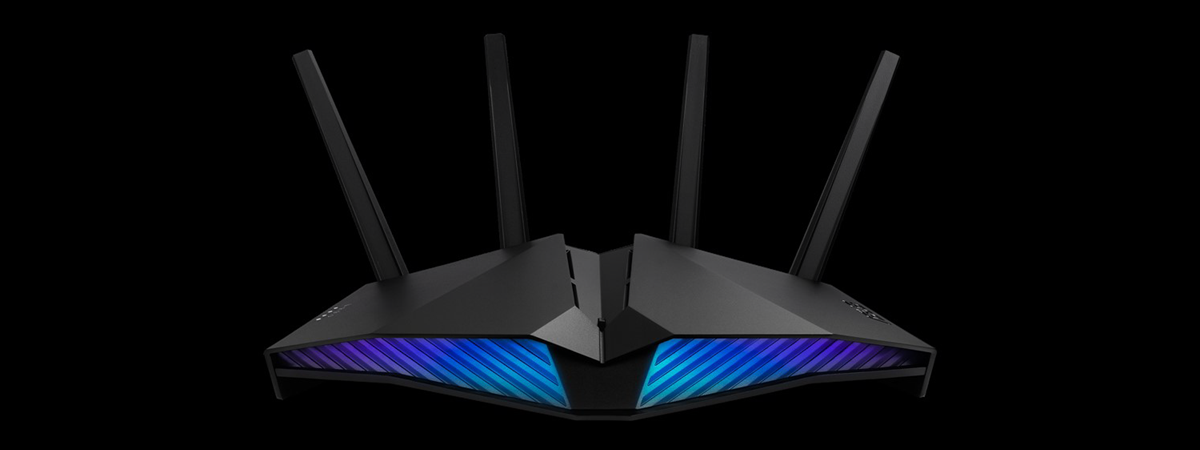
ASUS RT-AX82U is a dual-band gaming router with support for Wi-Fi 6. It features RGB lighting, a more reasonable price than other Wi-Fi 6 routers, and interesting features that are useful for people that play games online. To make it even more appealing, you can also use it as part of a mesh Wi-Fi system, alongside another ASUS router. If you want to know

AMD Zen 3 and Ryzen 5000 processors are coming (specs, prices, release date)

In an online event that was held on YouTube, AMD's CEO Lisa Su announced the official launch of the company's new Ryzen 5000 series processors. Obviously, the focus of the presentation was underlining the improvements brought by the new Zen 3 architecture and the increase in performance offered by the Ryzen 5000s. Here's what's coming this November, from AMD: [DC-SUMMARY-BREAK] Welcome to AMD's Zen 3 architecture Zen 3 is AMD's

How to make a Windows 10 hotspot: All you need to know

If you have a Windows 10 PC, laptop, or tablet, one of the best features you have at hand is the ability to transform it into a mobile hotspot. In other words, you can share your internet connection with other devices over Wi-Fi or even Bluetooth. Also, it doesn't even matter whether your internet connection is established via Wi-Fi, Ethernet, or cellular data. All it takes is a few clicks

Razer Naga Pro review: The high-end mouse for any game genre

Razer is one of the most popular gaming companies in the world, and its computer peripherals are well-known for their excellent performance and solid build quality. The latest gaming mouse that they launched is called Razer Naga Pro, a high-end device that comes with something fairly unique: three swappable side plates, each with its own set of buttons. Made to accommodate MMO, MOBA, and FPS games, the side plates can

Antlion Audio ModMic Wireless review: Wireless microphone for any headphones

There are people who own great headphones that don't have a built-in microphone. Others have excellent gaming headsets, but their built-in microphones just broke. What can you do in such a situation? The answer is to look for a good headset microphone that can attach to any type of headphones. If you can find a wireless one, that's even better. That's exactly what Antlion Audio aims to offer with its

How to manage BitLocker on a USB memory stick or flash drive

If you've taken the time to protect your data using BitLocker To Go, you might want to understand the options you have for managing your encrypted USB memory stick or flash drive. Basic usage includes nothing more than entering your password, but you need to know more for special circumstances. Perhaps you want to change the password, add a smart card as a second unlock method, or reprint your recovery

Samsung Galaxy Note20 Ultra 5G review: Ultra in every way!

Samsung Galaxy Note20 Ultra 5G is a luxury device aimed at people who want the latest innovation in the world of phablets. The premium price tag and colossal size didn't stop it from being preordered by many people online, so much so that Samsung bragged about its preordered performance in select markets, such as the UK. If you want to know what Samsung Galaxy Note20 Ultra 5G can do, why

PowerColor Radeon RX 5600 XT Red Devil review: Outstanding for 1080p gaming

The market is full of great graphics cards these days, both for high-end gaming and lesser uses. Although every gamer desires the best GPU he or she can get, many of us have budgets that limit our buying choices to mid-range or affordable solutions. If your budget lets you opt for a mid-range graphics card, and what you're looking for is something that can handle top-notch 1080p gaming, then PowerColor

ASUS AI Noise-Canceling Mic Adapter review: Crystal-clear voice. Always!

This summer, ASUS launched a series of new devices designed to offer or improve the audio quality of voice communications. The devices we're talking about use AI (Artificial Intelligence) to remove unwanted noise seamlessly, without requiring any software or additional setup from the user, which sounds great. :) One of the most exciting devices of this kind is the ASUS AI Noise-Canceling Mic Adapter. After checking and testing what it

Reviewing Trust GXT 258 Fyru: First-class microphone for streaming

Trust is a computer electronics company from the Netherlands that's well-known for manufacturing devices with an excellent price-performance ratio. One of the areas in which they are active is computer microphones, and the latest such product in their portfolio is the new Trust GXT 258 Fyru. Advertised as being a USB 4-in-1 multipurpose microphone, the Fyru sounds like a great choice for home recording. We've had the pleasure of testing

Samsung AX60R5080WD review: The air purifier for large apartments!

Samsung creates all kinds of technology: smartphones and tablets, laptops, Smart TVs, and even smart refrigerators or washing machines. However, few people know that Samsung also makes air purifiers. One of their newest models is Samsung AX60R5080WD, and it is a promising model for people who live in cities where air quality is poor. If you want to know what it has to offer, read this review: [DC-SUMMARY-BREAK] Samsung AX60R5080WD:

ASUS VivoWatch SP review: Smart wearable health tracker for geeks!

ASUS VivoWatch SP is a new health-tracking device that looks like a smartwatch but doesn't aim to be one, so don't be fooled by its looks. This wearable device is designed for running, pace coaching, speed monitoring, distance, and route mapping. There's even an altimeter included for people who like hiking. The features of the VivoWatch SP are compelling for anyone who wants a fitness tracker, so we decided to

ASUS TUF Gaming GT301 review: Compact mid-tower computer case

Computer cases are not things you often buy, as they tend to last for a long time, even if you upgrade all your hardware components. That's why a good computer case should be right at the top of your buying list when you decide to build your own computer. We've recently received a pre-made computer from ASUS, that used a new case made by them in collaboration with Cooler Master.

ASUS TUF GAMING Z490-PLUS (WI-FI) review: Excellent motherboard!

Intel's 10th generation processors came out this year, and they require a different type of socket than previous processors. They also work on newer chipsets, with the Z490 being the best of them. Unfortunately, many motherboards based on this chipset have high prices that are not for everyone. The good news is that more affordable motherboards are also being launched, one of them being the ASUS TUF GAMING Z490-PLUS (WI-FI).

Review Intel Core i5-10600K: An outstanding mid-range processor!

Compared to Intel's previous line of processors, codenamed Coffee Lake, the new Comet Lake CPUs, Intel Core i5-10600K included, keep the same number of cores, but ramp up both the base and the turbo frequencies. That can only mean good news for users and should bring Intel's i5 mid-range processors up to par with AMD's. Is all that true, and how does the Intel Core i5-10600K measure against the competition?
tutorial How to share internet from an Android smartphone to a PC via USB

How to share internet from an Android smartphone to a PC via USB

Sharing the internet data connection available on your mobile smartphone with your Windows PC through a USB cable is called USB tethering. In other words, if you're wondering "what is USB tethering?", the answer is quite simple: it's a way of using your Android smartphone as a modem or router to get mobile internet via USB on any PC. Say you have access to
tutorial How to check the BIOS version from Windows (8 ways)

How to check the BIOS version from Windows (8 ways)

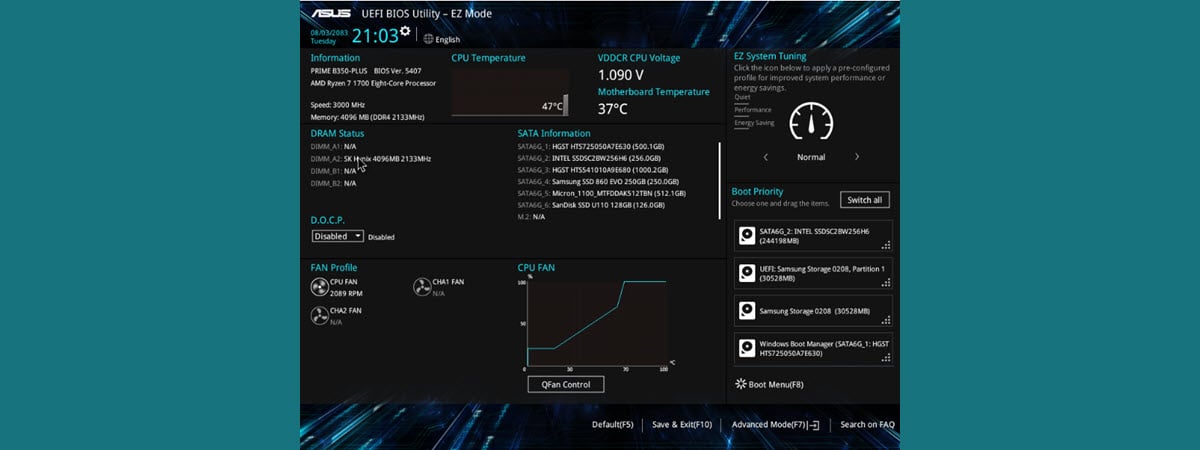
Do you need to know the exact version of the firmware (BIOS or UEFI) installed on your computer's motherboard? Traditionally, this means that you have to restart your computer, manually enter the BIOS and check the version information displayed there. It is one way of doing it, but it's not the fastest, nor the easiest. Without further ado, here's how to find your BIOS
tutorial How to uninstall drivers from Windows, in 5 steps

How to uninstall drivers from Windows, in 5 steps

Drivers are critical because you cannot fully use your computers and devices without them. However, some drivers can be too old and incompatible with your version of Windows or new and insufficiently tested. To get rid of errors, crashes, and Blue Screens of Death, you may need to delete the drivers that are causing problems. Here's how to uninstall drivers from Windows completely: