




Kahoot rewards players who react fast, read quickly, and use the right setup. You gain an edge when you understand how scoring works, trim device lag, and build steady practice habits. This guide shows simple steps that help you score higher and win more games.
1) Understand how Kahoot scoring works
Speed vs accuracy
Kahoot gives more points when you answer correctly and submit your choice quickly. A slow tap lowers your ranking even if you answer correctly. Aim to answer fast, but keep your accuracy high.
Streak bonuses and combo multipliers
Kahoot boosts your score when you string together correct answers. Long streaks push you ahead of players who rush and miss. Protect your streak by staying calm and reading carefully.
Question timer reading
Teachers often reveal questions with a consistent timing pattern. Watch the countdown so you know when to tap without hesitation. Predictable timing helps you shave off extra milliseconds.
2) Optimize your device for faster responses
Phone vs laptop: which wins?
Phones register taps quickly and give you quicker input. Laptops give you more visibility, which helps when questions run long. Choose the device that fits your reading speed and hand comfort.
Reduce input lag on any device
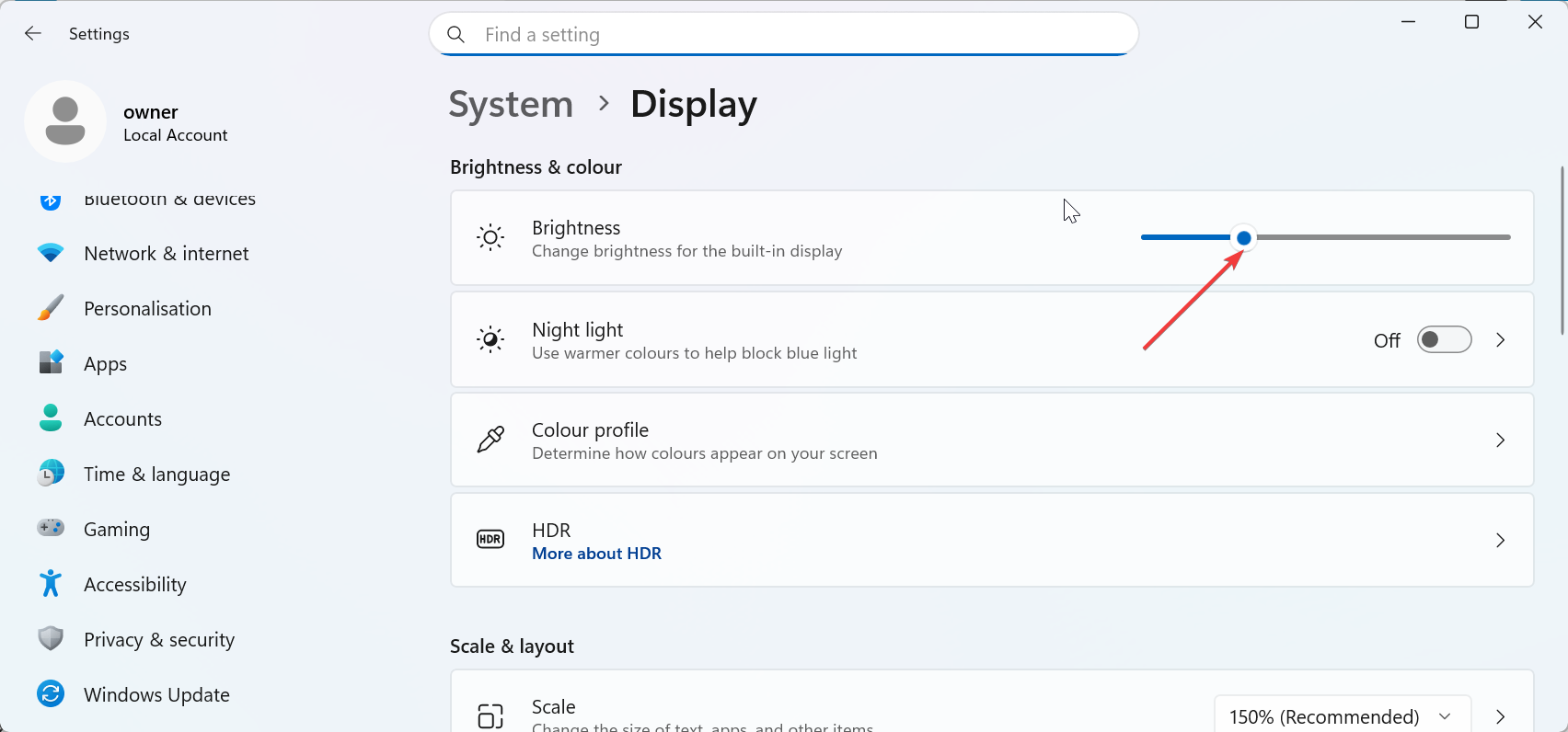
Close background apps. Increase screen brightness so you can read questions quickly. Disable battery-saver settings so your device runs at full speed.
Network stability and low-latency setup
Use a strong Wi-Fi signal or switch to a 5 GHz band for lower lag. Move closer to your router to boost signal strength. A wired laptop connection works best when you play at home.
3) Master fast-reading techniques
Scan question stems efficiently
Focus on the first few words of the question to understand the topic. This lets you anticipate answer types earlier.
Pre-read answer shapes and colors
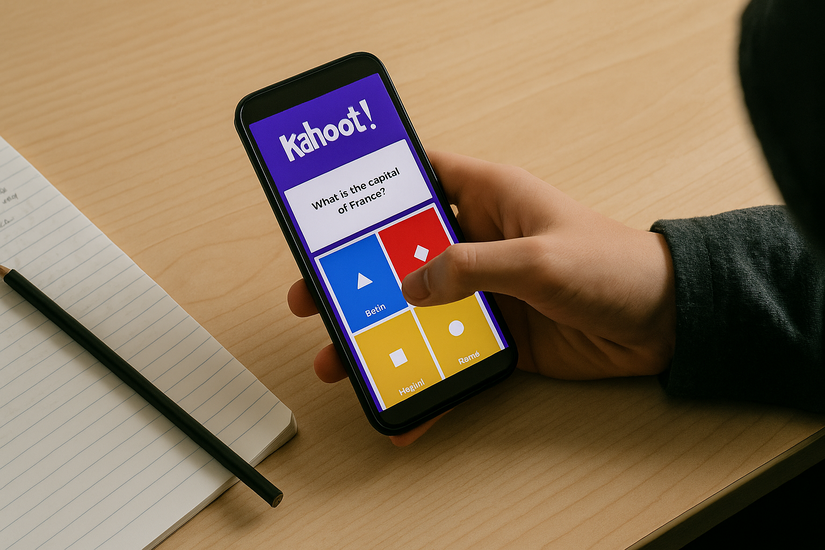
Kahoot uses consistent color and shape patterns for choices. Train your eyes to lock onto the right color instantly so you don’t waste time matching text.
Handling trick questions
Look for double negatives, extra adjectives, or unusual phrasing. Creators often use these to increase difficulty and break streaks.
4) Build a consistent Kahoot practice routine
Use public Kahoots for speed drills
Join other kahoot games and run through popular quizzes to improve timing and decision speed. Repetition strengthens instinct and question recognition.
Ghost mode or replay simulations
Replay previous games when available so you challenge your old scores. You see exactly where you slowed down.
Timed practice sets
Play short sets of three to five quizzes to build focus without burnout. These micro-sessions raise speed and stamina.
5) Learn pattern recognition to predict answers faster
Common teacher question styles
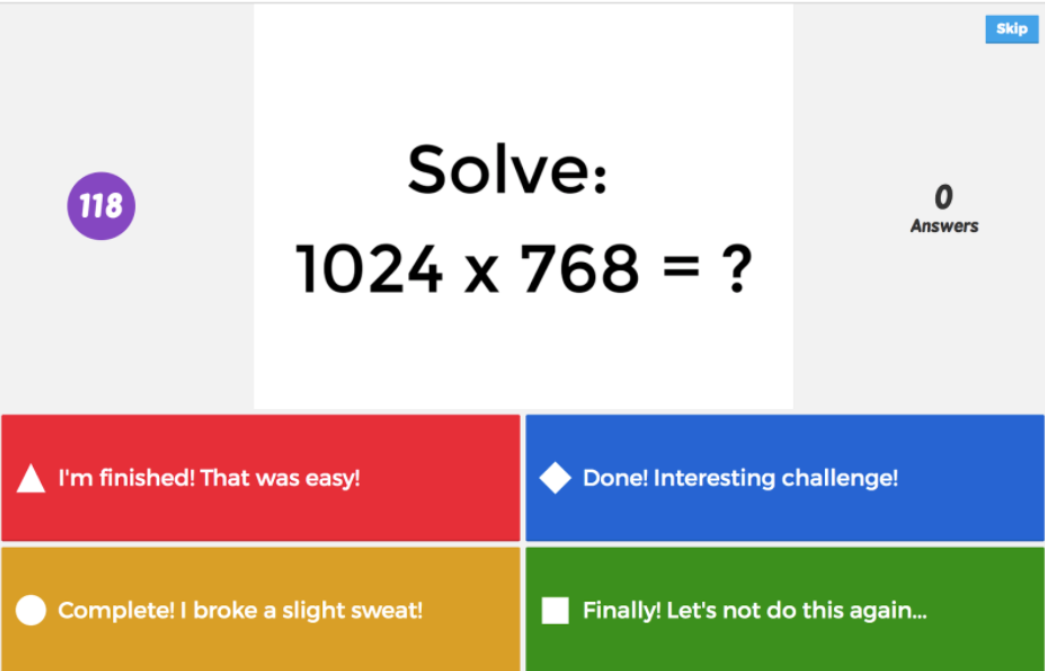
Teachers reuse formats like “Which of the following…,” “What is the definition of…,” or “Solve for x.” Spot these patterns so you move faster.

Recognize answer placement habits
Creators often repeat answer locations for certain topics. Look for cues such as longer answers, leaning correct, or repeated patterns in true/false items.
Use context clues for faster decisions
Look at keywords like dates, formulas, or names. These clues help you reach the correct choice quickly.
6) Adopt the right gameplay mindset
- Stay calm during streaks: You score more when you stay focused. Read the whole question before tapping to avoid careless misses.
- Recover quickly from mistakes: A single miss doesn’t end your run. Reset quickly because late questions often carry bigger scoring swings.
- Avoid overthinking under time pressure: Your first instinct hits most of the time. Long hesitation costs speed and breaks streaks.
Use positioning and ergonomics to gain milliseconds
Best finger placement for instant taps
Keep your thumb close to where answers appear. This trims reaction time and improves precision.
Screen angle and visibility
Angle your device to avoid glare and increase clarity. Better visibility helps prevent misreads.
Sound cues for timing
Kahoot sound cues signal when questions appear. Use them to get ready before answers display.
Advanced strategies for competitive Kahoot games
- Analyze opponent behavior
- Play high-difficulty quizzes to sharpen reflexes
- Use trivia knowledge expansion
Troubleshoot performance issues during Kahoot
- Fix lag or stuttering mid-game: Switch networks if Wi-Fi slows. Close apps or refresh the page to restore normal speed.
- Avoid phone overheating: Remove the phone case or lower the brightness to cool your device. Overheating causes touch delays.
- What to do when answers don’t submit: Reload the page or rejoin with the quiz PIN. Quick recovery keeps you in the game.
FAQs: common Kahoot improvement questions
What device works best for Kahoot? Phones register taps quickly and often give the best chance to win. Laptops help when questions run long.
How much does speed matter? Speed creates most of the scoring gap between first and second place. A half-second delay lowers your total.
Can I win without shortcuts or hacks? Yes. Good setup and consistent practice give you enough of an edge without breaking rules.
How long does improvement take? Daily short practice sessions improve your scores within a week.
Summary
- Understand how Kahoot scores speed, accuracy, and streaks.
- Use a fast, stable device with low input lag.
- Read quickly and spot question patterns.
- Build a short, consistent practice routine.
- Protect streaks by staying calm.
Conclusion
Kahoot rewards players who react fast, read clearly, and keep a steady streak. You perform best when you use a fast device, stick to a strong network, and read the question stem before scanning the answers. Small adjustments in timing and focus lift your score more than risky speed tapping.
Build short practice sessions into your routine so you get used to quick decisions. Stay calm when the game ramps up, and protect your streak by avoiding careless mistakes.



Discussion (0)
Be the first to comment.