UP

Productivity

What does it mean to use technology productively? Which apps and gadgets make your work easier? How to personalize the computers and other gadgets you’re using?

tutorial How to remote access Windows 10 from Mac

How to remote access Windows 10 from Mac

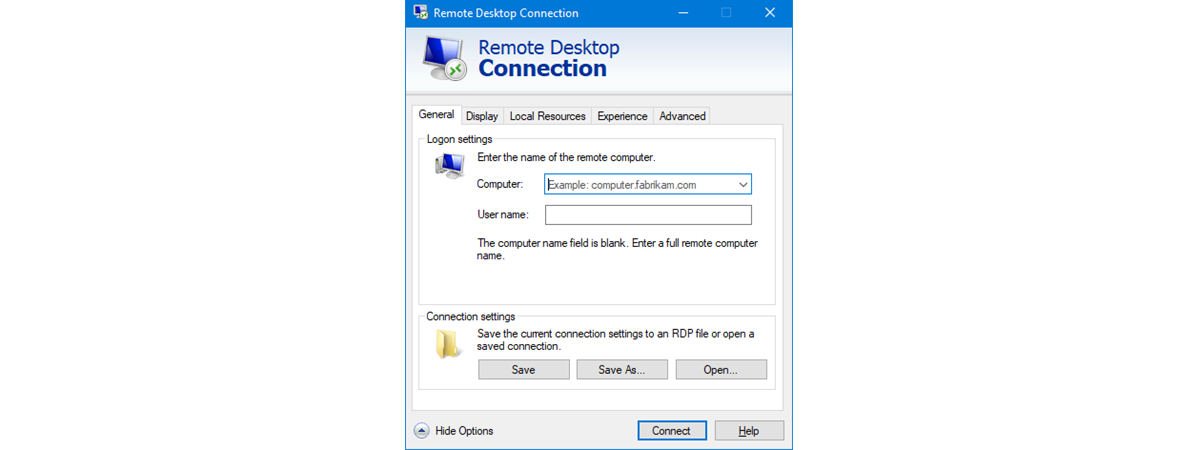
To remote access Windows 10 from Mac, you can use the Microsoft Remote Desktop 10 app. With it, computers running Windows 10 Professional or Enterprise can be controlled remotely through the Remote Desktop protocol. This allows a remote user using macOS to log in to the Windows 10 computer and control it as if he or she were sitting right in front of it.
tutorial How to use Skype on Windows 10 like a Pro

How to use Skype on Windows 10 like a Pro

Both on Windows 10 and on mobile platforms, Microsoft simplified Skype's user experience, making it look similar and work the same on touch-based devices and regular mouse and keyboard ones. In this tutorial, we show you how to use Skype on Windows 10, in the hope that we can help you understand Skype's main user interface elements. So here's how you can use Skype

Windows 10 Tablet mode: Learn all about it and how to use it!

The Windows 10 Tablet mode was designed to help you take advantage of your touchscreen device. However, if you enjoy the full-screen Tablet mode environment more than the classic windowed one, you can also use it on your desktop computer. This tutorial explains what the Windows 10 Tablet mode is and how to activate it. See how to configure Tablet mode, and use it to make the most out of
tutorial How to enable Remote Desktop in Windows 10 (or Windows 7)

How to enable Remote Desktop in Windows 10 (or Windows 7)

Remote Desktop connections allow you to connect to a PC or device through the internet or a local network. When you are connecting to a Windows 10 or Windows 7 PC, you see that computer's desktop, and you can access its apps, files, and folders as if you were sitting in front of its screen. This is useful for IT professionals and business users

How to remove metadata from a file (PDF, JPEG, Word, etc), in Windows 10

All the files on your computer also store information about their source, author, and other details, through metadata. If you don't want this contextual information to be available to others, it is a good idea to remove all the metadata of a file. This way, you can't tell who created a specific PDF file, which camera was used to take a controversial picture, or when a Word document was created.
tutorial 9 ways to pin shortcuts to the Windows 10 taskbar

9 ways to pin shortcuts to the Windows 10 taskbar

You probably have some apps, programs, or other tools that you use often, and, as such, you want to have speedy access to them. An excellent way to make that happen is to pin those items to the taskbar. Furthermore, that's not everything that you can pin to it. You can also pin special shortcuts and items to the taskbar, such as File Explorer's
tutorial Reset PowerShell and CMD to their default settings

Reset PowerShell and CMD to their default settings

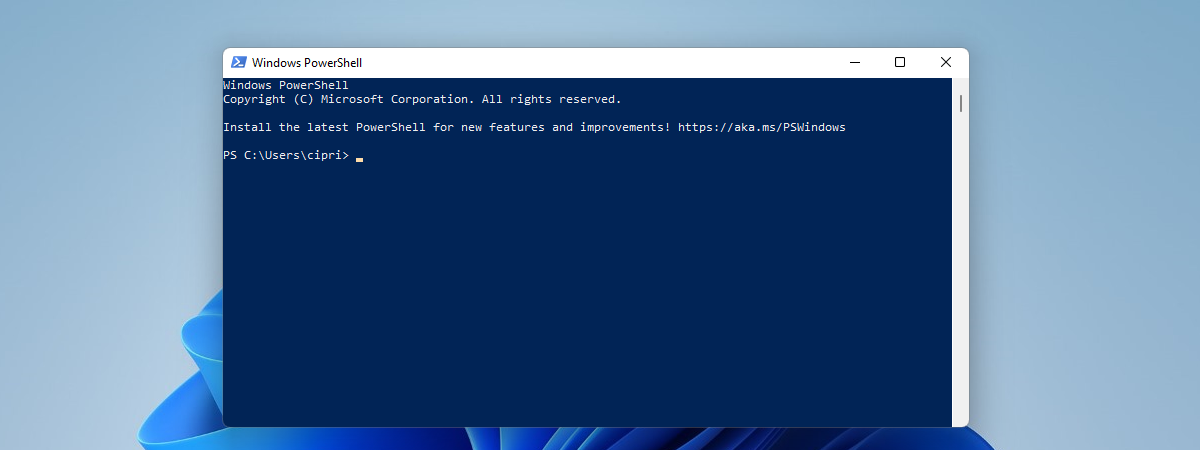
After you work for a while with the Command Prompt or PowerShell, you are likely to end up customizing the way they look. After all, by default, their looks and colors look quite dull for many. You might change the font, its size, the color of the background, and other things. What do you do if you want to reset PowerShell to its default
tutorial How to update the BIOS of your motherboard

How to update the BIOS of your motherboard

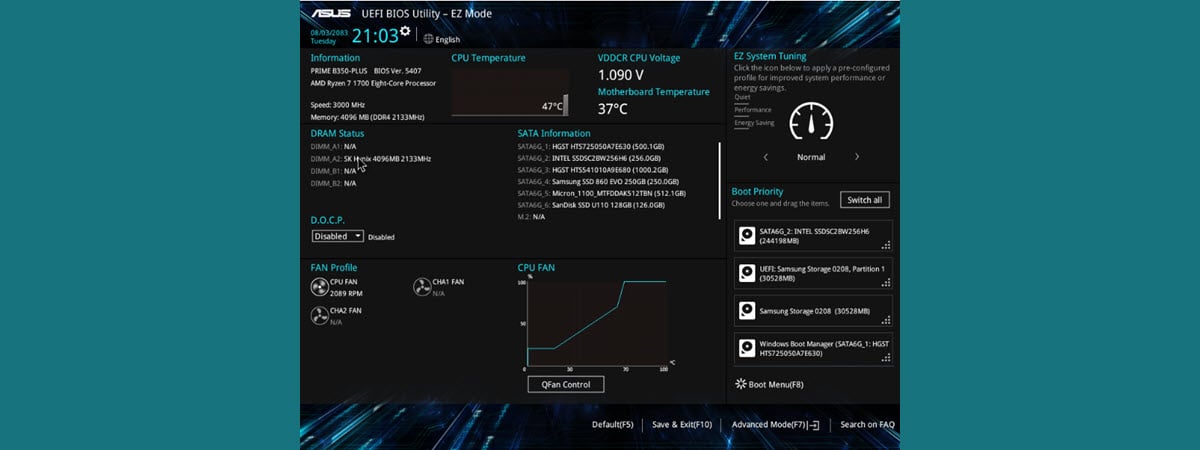
One of the most important things that you should not mess up is updating the BIOS of your computer's motherboard. Yes, the process is not that complicated even though it is not easy either, but there are so many things that you must get right, it might seem overwhelming. We decided to help and share a list of best practices that should help you

How to use Hot Corners on a Mac: All you need to know

While not popular, Hot Corners are, in our opinion, one of the greatest features of macOS. With Hot Corners, you can assign a different action to each of the four corners of your Mac's display screen. You can then move your cursor to these special areas, and your Mac performs the designated action. This tutorial illustrates all you need to know about the Mac Hot Corners and how to use
tutorial 3 ways to hide the taskbar in Windows 10

3 ways to hide the taskbar in Windows 10

If you use a laptop, tablet, or even a desktop computer with a small or medium-sized monitor, you know that screen space is essential. Unfortunately, on displays with modest sizes or low resolutions, that space is quite limited. One of the best ways to get more screen space is to make Windows 10 auto-hide the taskbar when you're not using it. In this article,
tutorial How to open the Action Center in Windows 10

How to open the Action Center in Windows 10

The Action Center from Windows 10 is where the operating system centralizes all the notifications that you receive, and the available Quick Actions. To use the Action Center productively, you first need to know how to open it. Here are all the ways to open the Action Center in Windows 10, using the mouse, the keyboard, touch gestures, or Cortana: TIP: If you
article Windows tiles: What are they? What do they do?

Windows tiles: What are they? What do they do?

While the old and familiar desktop shortcuts continue to be reliable, the Windows 10 Start Menu includes a different way of launching and organizing things, using a concept called Windows tiles. Everyone has an opinion about Windows tiles. In spite of Windows 10 being one of the most customizable operating systems to date, the debate rages on between Team Tiles and Team Tiles Suck
tutorial 5 ways to rename any drive in Windows 10

5 ways to rename any drive in Windows 10

In Windows 10, every drive uses a familiar name that helps you identify it. For instance, the drive that holds the operating system is called Local Disk. At the same time, a USB memory stick is named USB Drive. Also, network drives and mapped drives use the locations they point to as their names. Although Windows 10 sets default names for every drive, you

How to rename all files in a folder in Windows 10

Renaming multiple or all the files in a folder can be a tedious, repetitive task in Windows 10. However, there are some tricks you can use to save time and rename a batch of files, either using a keyboard shortcut, from File Explorer's ribbon, or from the right-click menu. This tutorial illustrates how to rename a group of files in one go in Windows 10: [DC-SUMMARY-BREAK] How to rename multiple

5 ways to configure how the Windows 10 Search works

The Search in Windows 10 has evolved with every new version of the operating system. It is now more powerful and more complete than it has ever been. Whether you want to find documents, apps, photos, files, folders, emails, or even do web searches, the Search from Windows 10 can find almost anything. Although you can start using it as soon as you need it, it's best if you spend

4 ways to enable an app to run at the Windows 10 startup

In Windows 10, there are certain apps and programs that are launched automatically when the operating system starts. These are called startup apps. Although some apps configure themselves to load at the Windows 10 startup, not all your apps do that, and there are situations when you might want to enable a specific app to run as soon as Windows 10 boots. Here are four ways to make any Windows
tutorial 13 ways to use

13 ways to use "Run as administrator" in Windows 10

In Windows 10, knowing how to run programs as administrator is very important. By default, apps and games in Windows 10 run without administrator permissions, to prevent unauthorized changes to your system. However, there are times when some programs require administrator permissions to work properly or to run specific commands. Windows 10 offers you the ability to run programs as admin without having to
tutorial How to view the contents of a dump file in Windows 10

How to view the contents of a dump file in Windows 10

Dump files are a special type of files that store information about your computer, the software on it, and the data loaded in the memory when something bad happens. They are usually automatically generated by Windows or by the apps that crash, but you can also manually generate them. The question that arises afterwards is: "How do I read the contents of a dump
tutorial 4 ways to align text in Microsoft Word

4 ways to align text in Microsoft Word

One of the essential things about formatting text in any word processor is the ability to align text. Fortunately, whether you need to align pieces of text to the left, to the right, or center it on the page, Microsoft Word lets you do that easily. To make things even simpler for you, we've created this guide which illustrates four different ways of aligning