UP

Productivity

What does it mean to use technology productively? Which apps and gadgets make your work easier? How to personalize the computers and other gadgets you’re using?

How to work with files, folders and apps in Bash on Ubuntu on Windows 10

The addition of the Windows Subsystem for Linux in Windows 10 came as a surprise for many, us included. Although it is a tool intended to be used mainly by developers, regular users seem to be interested in this feature too. We thought it would make sense if we show you how to run commands in Bash on Ubuntu on Windows 10 to work with files, folders, and apps. There
article PCI Express 4 vs PCIe 3: Is there a performance improvement?

PCI Express 4 vs PCIe 3: Is there a performance improvement?

Thanks to AMD, in the summer of 2019, new PCI Express hardware has arrived in our computers, promising graphics cards and solid-state drives that are faster than ever. The PCI Express 4.0 interface offers double the bandwidth of PCI Express 3.0 (PCIe 3), and it can do that for any expansion cards that connect to your motherboard. Now we have both graphics cards and

5 ways to Cut, Copy, and Paste text on a Mac

  The basic commands Cut, Copy, and Paste are essential in any operating system. On a Mac, these commands are not that different from the ones in Windows, especially when it comes to text. This guide illustrates all the different ways in which you can Cut, Copy, and Paste text on a Mac and everything there is to know about these commands on macOS: [DC-SUMMARY-BREAK] NOTE: This guide covers macOS

Logitech MX Master 3 review: Possibly the best wireless mouse of 2019

Logitech MX Master 3 is a wireless mouse that promises to offer outstanding performance and features, together with premium build quality and ergonomy. It supports both Bluetooth and 2.4 GHz wireless connections and showcases Logitech's latest MagSpeed Electromagnetic technology, that delivers incredible speed for the scroll wheel. Logitech MX Master 3 has a bold design and some impressive specs. Read this review and see whether this should be your next

The complete guide to selecting text on your Mac

Selecting portions of text can come in handy in a variety of situations. Whether you need to highlight some text to better focus on it, or want to copy or cut it in order to paste it somewhere else later, knowing all the ways you can select text can save you precious time and enhance your productivity. In this tutorial we show you all the different ways you can select

How to view and manage your Agenda from Windows 10's taskbar

For many Windows users, opening the clock from the system tray is the go-to way to check the calendar, whether they are trying to plan their personal or professional lives. In Windows 10, the clock from your taskbar comes with an upgrade: it's capable of showing your Agenda, while also letting you manage events and reminders in your Calendar. It is a small feature, yet a useful one, helping you
tutorial How to run old programs using Windows 10's Compatibility mode

How to run old programs using Windows 10's Compatibility mode

While, at its core, Windows 10 is similar to Windows 8 and Windows 7, it is also very different from older operating systems like Windows XP. Most desktop apps developed for Windows 8 or Windows 7 should run in Windows 10. On the other hand, it's unlikely that apps developed for Windows XP would work well or at all on Windows 10. If you

Review ADATA XPG Gammix S50: Lightning-fast SSD for gamers!

ADATA XPG Gammix S50 is a new SSD that uses the latest PCI Express 4.0 interface. That's exciting because it can theoretically reach unprecedented speeds in the world of SSD drives for consumers: read speeds of 5000 MB per second and write speeds of 4400 MB/s. XPG Gammix S50 is ADATA's flagship drive for users who want the maximum performance possible. Read our review, find out what it has to

5 ways to Cut, Copy, and Paste files and folders on a Mac

Cut, Copy, and Paste are basic commands that help you multiply and organize files and folders on your computer or device, making you more productive and efficient. On a Mac, finding a way to copy and paste files and folders is pretty intuitive. However, when it comes to cutting and pasting, the process is not as straightforward, because, on a Mac, you first Copy content, and then use the "Move
tutorial How to use the Settings app from Windows 10 like a Pro

How to use the Settings app from Windows 10 like a Pro

Being able to change the settings that govern the way your computer or device works is important on any operating system. Windows 10 is no different, and its Settings app continues to receive new updates, making it easier than ever to find a setting and to set up everything according to your preferences. This tutorial shows you the current setup of the Settings app
tutorial How to resize the Start Menu in Windows 10 (3 methods)

How to resize the Start Menu in Windows 10 (3 methods)

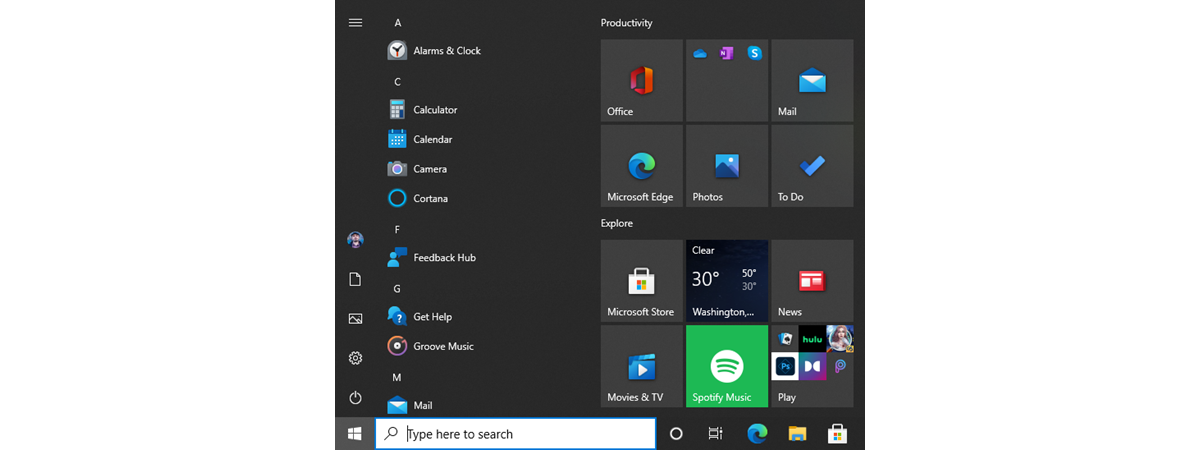
After its highly controversial removal from Windows 8, the Start Menu made a comeback in Windows 10. In an effort to please its entire user base, Microsoft redesigned the Start Menu from scratch, making it highly customizable and better than ever before. One of the best Start Menu features in Windows 10 is that it can be resized. Read this guide to find out

How to remove or hide the ribbon from File Explorer in Windows 10

Did you ever think about making the File Explorer in Windows 10 look and work more like the Windows Explorer from Windows 7? If you could hide or completely remove its ribbon and get rid of all those large buttons shown on it, you might feel more at home in Windows 10 than you do now. If you want to know how to hide or disable the ribbon from File

Eight Windows 10 features that are useful to developers

With Windows 10, Microsoft does not try just to make the lives of home users easier. They also have quite a few features addressed strictly to developers. They allow you to install, run, test and manage apps that were not certified by the Microsoft Store, while also enabling you to track and monitor them both locally and remotely. Here are eight Windows 10 features that are useful to software developers:

7 better alternatives to the Task Manager from Windows

The Task Manager app from Windows is an essential feature of the operating system, and nearly everyone has used it on their computers. We also think that the most frequent use of this tool is to close apps that no longer respond to clicks and commands. Besides that, the Task Manager gives you a perspective of the resources available on your devices, how they are used, the performance of your

ASUS Designo Curve MX38VC review: Meet the beautiful giant!

ASUS Designo Curve MX38VC is a large computer display, with an elegant design, that aims to impress users. It surely impressed us from the moment we saw its huge box on our doorstep. Seeing this monster on our desk, and turning it on for the first time were other awe-inspiring moments. Not many people are looking for a monitor this big and this expensive. However, some do. If you are

The performance impact of Precision Boost for AMD Ryzen processors

Modern processors come with two stock frequencies, or clocks if you prefer, which tell us their base speed and their boost speed. To be able to adjust their speed on-the-fly, processors need algorithms that tell them when to do that. For AMD's Ryzen processors, those algorithms are called Precision Boost. It is a feature that's built into them and which, theoretically, has a significant effect on their performance. We were
tutorial How to convert a PDF into a Word document that can be edited

How to convert a PDF into a Word document that can be edited

Do you have a PDF file that you want to be able to edit using Microsoft Word? Do you want to learn how to do that without having to buy specialized software or uploading your PDF files to online conversion tools? If you answered yes, then here are two easy and free ways to convert a PDF file into an editable Word document, using

How do I get the Windows Subsystem for Linux?

It's been a while since Microsoft declared its love for Linux, and, at first, it felt strange to see Windows 10 embrace the Tux penguin. However, the fact that Windows 10 can run native Linux applications directly, without having to resort to using virtual machines, is proof of Microsoft's new strategy of embracing other ecosystems. Strange times we're living in, right? Were you expecting to see Ubuntu, openSUSE, Fedora, and