




Apple still limits how you set custom ringtones on iPhone, which makes “free” sound misleading. The apps below still let you get free iPhone ringtones, either by downloading ready-made tones or by creating your own sounds that work with current iOS versions.
Table of contents
1) ZEDGE
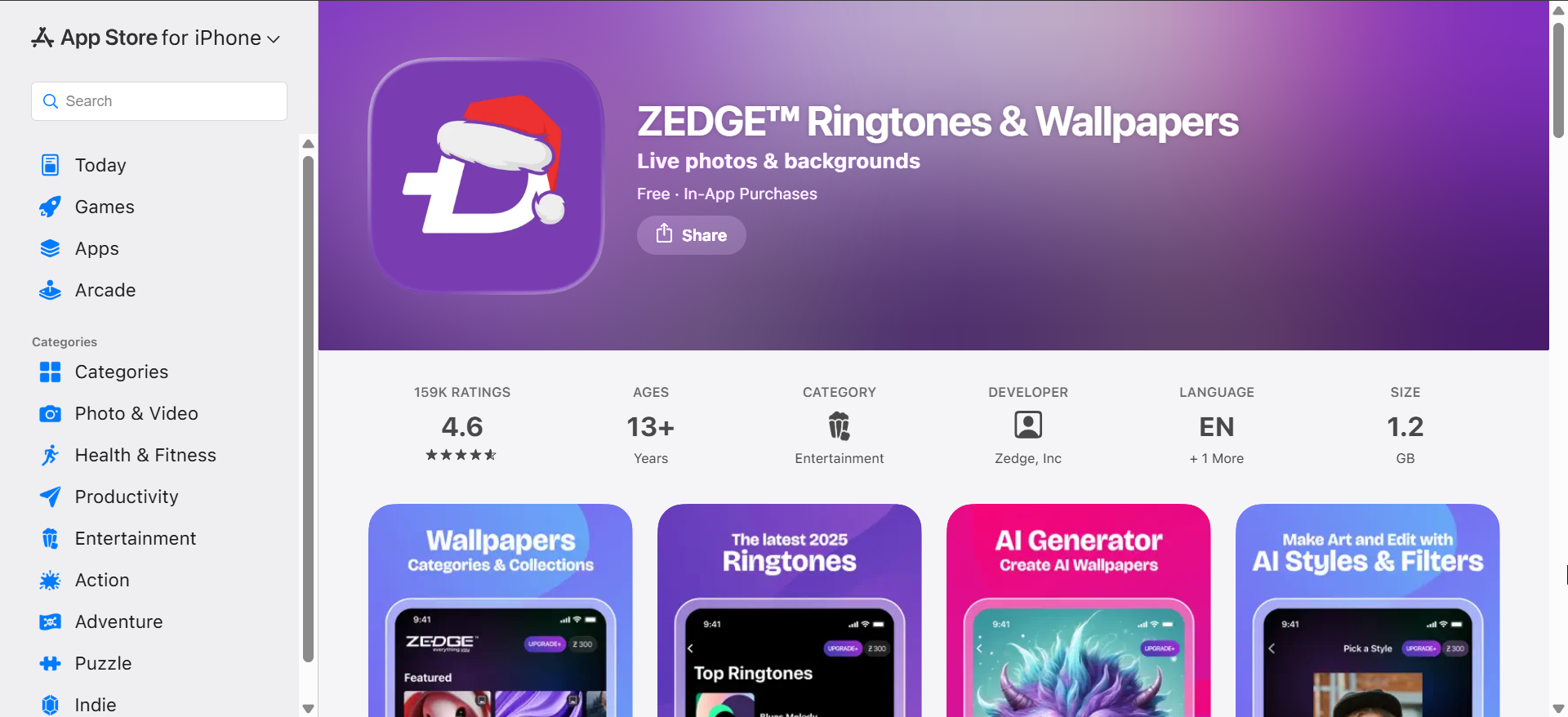
ZEDGE offers one of the largest free ringtone libraries for iPhone users. You can browse categories like classic tones, sound effects, and minimal alerts without creating an account.
The app includes ads, but it does not block free downloads. You still need GarageBand to finish setting the ringtone, which adds an extra step for new users.
2) Ringtones Maker - the ring app

Ringtones Maker focuses on creating custom ringtones from audio files you already own. You can trim songs, recordings, or downloaded sounds into ringtone-length clips.
The free version supports ringtone exports with ads. This app works best if you want personalized sounds instead of browsing preset ringtone libraries.
3) GarageBand

GarageBand remains the most reliable free way to create iPhone ringtones. Apple fully supports it, and iOS allows direct ringtone export from the app.
The learning curve feels steeper than other apps. Once you learn the steps, GarageBand gives you complete control without ads or subscriptions.
4) Ringtone Maker - Tuunes Lite

Tuunes Lite provides a curated library of modern ringtones and notification sounds. Free users can download a limited number of tones daily.
Premium content stays locked behind a subscription. The free tier still works well if you only need one or two new iPhone ringtones.
5) Audiko ringtones

Audiko combines ringtone downloads with built-in trimming tools. You can preview tones before exporting them for use on your iPhone.
The app includes ads and optional paid upgrades. Free users can still create and set custom ringtones with a few extra taps.
6) RingTune: Ringtones for iPhone
RingTune focuses on trending and pop-style ringtone sounds. The interface makes it easy to preview tones before exporting them.
Ads support the free version, but exports remain unlocked. You must still finish the setup through GarageBand, which adds a short manual step.
How to set a ringtone on iPhone using these apps
Free iPhone ringtones apps usually rely on GarageBand for final setup. This process ensures the ringtone follows Apple’s system rules.
Once exported correctly, the ringtone appears in your iPhone sound settings. You can then assign it to calls, contacts, or alerts.
Method 1: Set ringtones using GarageBand
GarageBand lets you import or record audio and export it as a ringtone. iOS immediately adds the sound to your ringtone list.
This method works without third-party services. It also avoids ads and subscriptions entirely.
Method 2: Set ringtones using third-party apps
Most ringtone apps guide you to GarageBand to finish the setup. The app prepares the audio and hands it off for export, after which you can change your iPhone ringtone to the audio.
The steps vary slightly between apps. The final result stays the same once the ringtone is saved to iOS.
Privacy, ads, and in-app purchases to watch for
Free ringtone apps often request media access and tracking permissions. Always review what the app needs before granting access.
Avoid apps that force subscriptions before exports. Legitimate free apps clearly show when payment is optional.
Tips for getting the best free iPhone ringtones
- Pick tones shorter than 30 seconds for reliable playback
- Choose louder clips to avoid missed calls
- Avoid copyrighted music if you plan to share ringtones
- Keep your custom ringtones organized by name
- Test the ringtone before assigning it to contacts
FAQs
Do free iPhone ringtones apps still work on the latest iOS versions?
Yes, most free iPhone ringtones apps still work, but they rely on GarageBand for final setup. If an app supports GarageBand export, it usually works on newer iOS releases.
Why can’t I set a ringtone directly without GarageBand?
Apple does not allow MP3 or audio files to be set as ringtones directly. GarageBand acts as Apple’s approved method for converting audio into a ringtone format.
Do free ringtones disappear after an iOS update?
In most cases, custom ringtones remain after updates. If a ringtone goes missing, re-exporting it through GarageBand usually restores it.
Are free iPhone ringtones apps safe to use?
Most popular apps are safe if downloaded from the App Store. Always review permissions and avoid apps that force subscriptions before allowing exports.
Summary
- Free iPhone ringtones apps still work, but they require extra steps.
- GarageBand offers the most reliable free solution without ads.
- Apps like ZEDGE and Audiko provide free downloads with limitations.
- Sound quality and trimming affect how ringtones perform.
Free iPhone ringtones apps can still save you money if you know what to expect. Start with GarageBand for full control, then explore library-based apps if you want variety without paying.


Discussion (0)
Be the first to comment.