



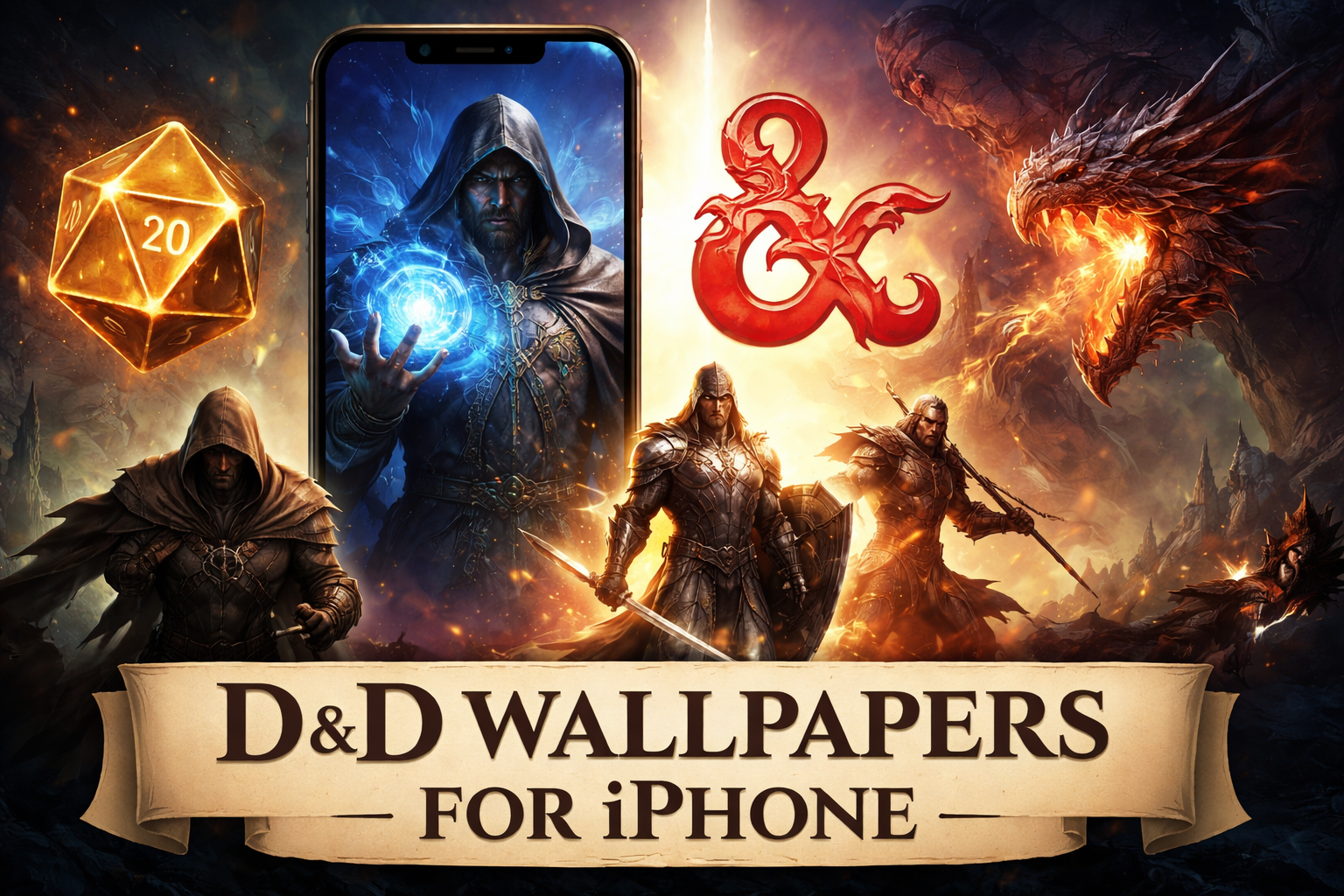
D&D wallpapers look great on iPhone screens when the artwork respects scale, contrast, and icon spacing. This guide focuses on wallpapers that actually work on modern iPhones, not random fantasy art awkwardly cropped to fit.
Below, you’ll find 12 real D&D-style iPhone wallpapers, grouped by visual style. Each one suits everyday use, whether you want a clean home screen or a dramatic lock screen.
Table of contents
Character-focused D&D iPhone wallpapers
Arcane mage portrait (Wizard)
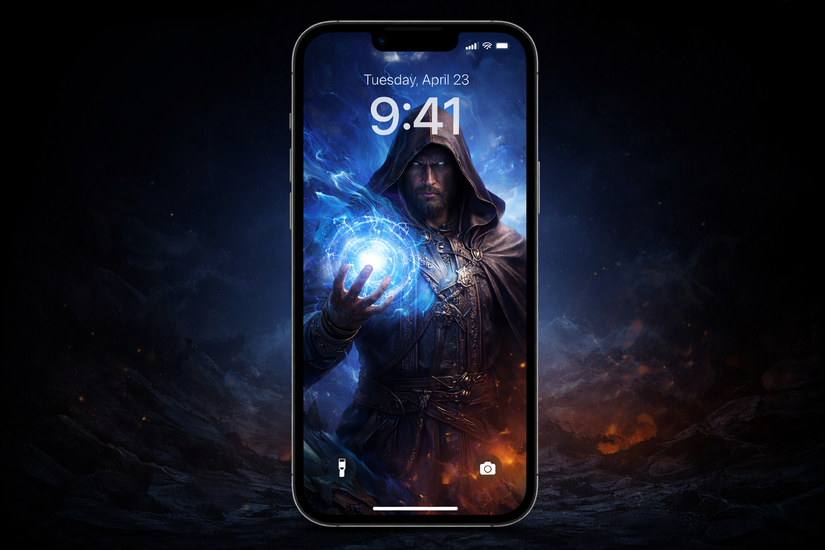
This wallpaper features a spellcasting wizard framed in a vertical composition, making it ideal for iPhone screens. The glowing magic sits above the midpoint, so the artwork stays visible behind widgets.
Dark blues and purples keep icons readable on the home screen. It works best as a lock screen, especially with subtle depth effects enabled.
Shadow rogue silhouette
This wallpaper uses a high-contrast rogue figure emerging from darkness, with negative space at the bottom. The design avoids visual noise, so app icons remain clear.
It suits users who prefer darker themes and stealth-focused characters. The composition works equally well on the lock screen and home screen.
Holy paladin lightburst
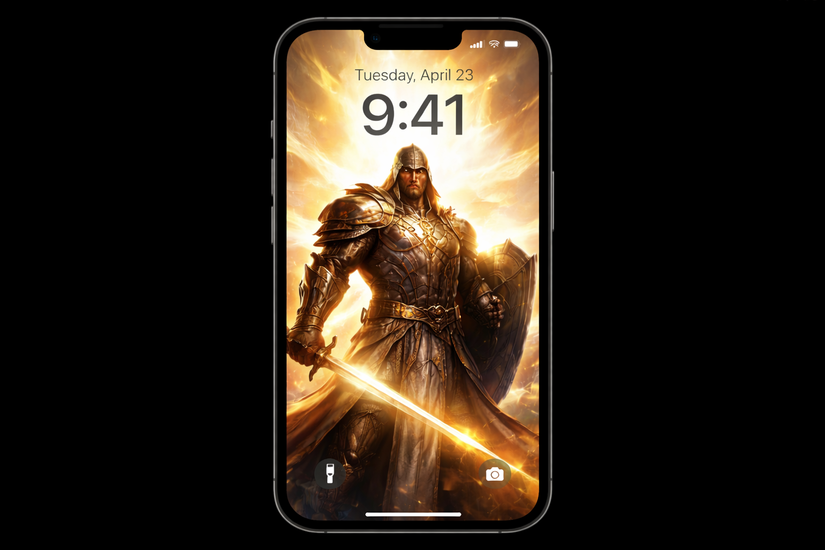
A paladin stands centered with radiant light flowing upward, leaving the lower area clean. This layout avoids overlap with the clock and notification stack.
The warm gold tones pop on OLED displays without overwhelming the screen. It fits best on the lock screen, where the glow adds depth.
Ancient red dragon close-up
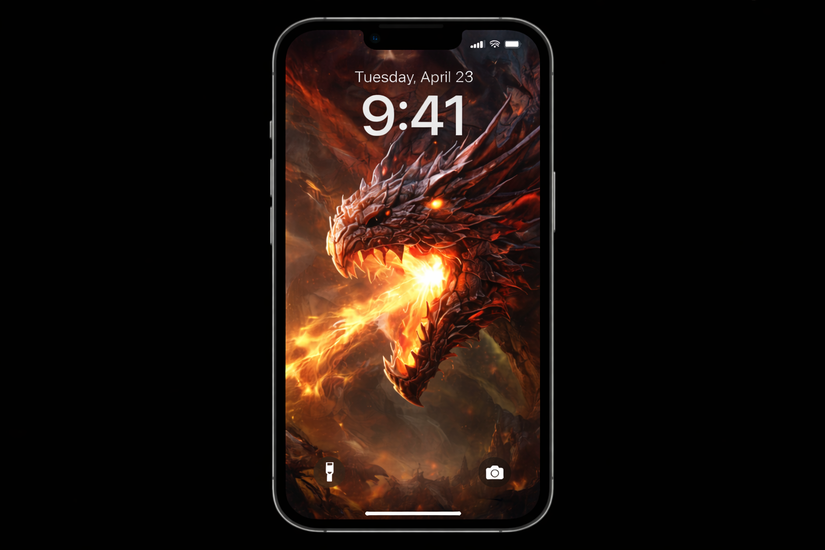
This wallpaper focuses on a dragon’s face and wings, cropped vertically for iPhone proportions. The focal point sits high, keeping UI elements unobstructed.
Deep reds and shadows add drama while maintaining contrast. It works best as a lock screen wallpaper for campaign-inspired setups.
Minimalist D&D symbol wallpapers
D20 dice on dark background
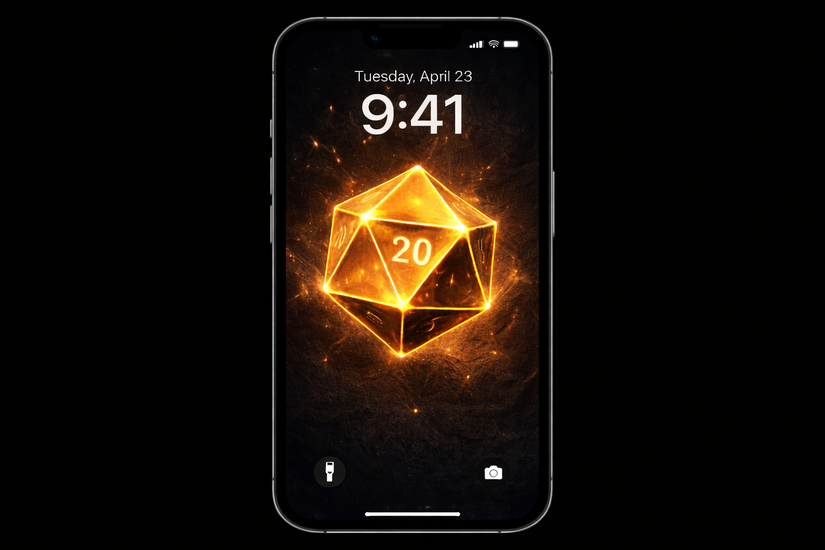
This wallpaper shows a single D20 dice centered on a matte black background. The simplicity makes it perfect for daily use without visual clutter.
Icons stay readable, and widgets blend naturally. It performs especially well as a home screen wallpaper.
Classic D&D ampersand symbol
The iconic ampersand symbol appears centered with subtle texture behind it. The design keeps plenty of empty space around UI elements.
This wallpaper suits fans who want a clean, recognizable D&D aesthetic. It works equally well on lock and home screens.
Minimal class icon set
This wallpaper features simplified class symbols arranged vertically with soft spacing. The icons feel decorative without dominating the screen.
It pairs well with dark mode and minimal app layouts. Home screen use feels especially balanced.
Rune circle sigil
A glowing rune circle floats against a dark gradient background. The circle sits above the midline, keeping icons clear.
The fantasy feel remains subtle and modern. This wallpaper fits lock screens that use widgets or depth effects.
Dark fantasy and campaign-style wallpapers
Forgotten Realms landscape
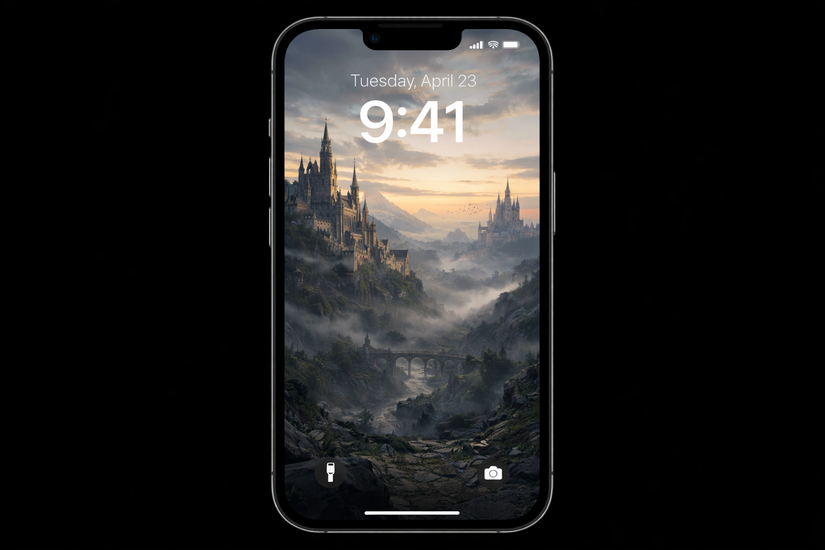
This wallpaper shows a sweeping fantasy landscape with castles and mountains fading into mist. The horizon line stays high, preserving UI space.
Muted colors prevent distractions during daily use. It works well on both lock and home screens.
Dungeon corridor torchlight
A narrow dungeon hallway lit by torches creates a strong vertical composition. Light sources guide the eye upward, away from icons.
The darker palette makes notifications easy to read. Lock screen use feels especially immersive.
Adventuring party silhouette
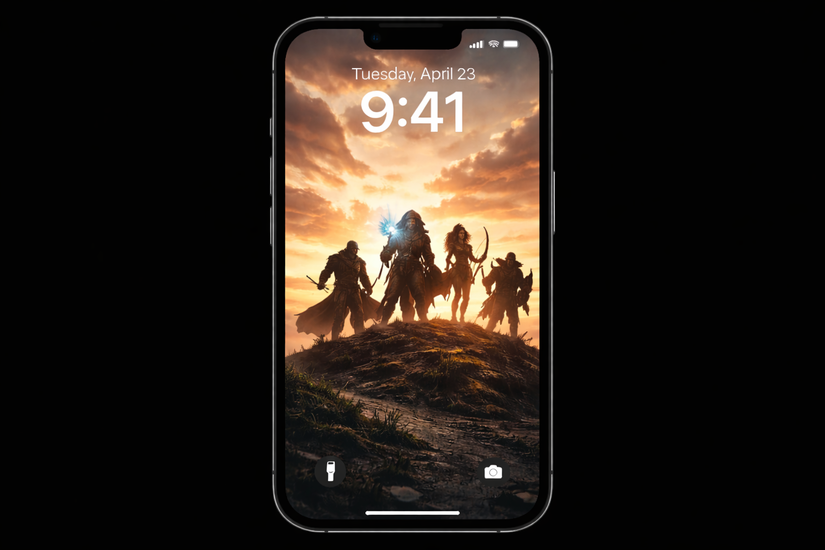
This wallpaper features a group of heroes walking into the distance, shown as silhouettes. The lower half stays intentionally empty.
It suits users who want story-driven visuals without clutter. Home screens benefit most from this design.
Baldur’s Gate–style cinematic art
Inspired by modern D&D RPG aesthetics, this wallpaper uses painterly lighting and dramatic framing. Characters sit higher in the frame to avoid UI overlap.
It delivers a premium fantasy look while remaining practical. Lock screen use shows the strongest visual impact.
How to use D&D wallpapers on iPhone
To change your iPhone wallpaper to D&D, save the wallpapers directly from their original source to avoid compression. When applying them, disable automatic zoom to preserve sharpness and framing.
Test both lock screen and home screen layouts before committing. Small adjustments often improve readability.
Tips for choosing the right D&D iPhone wallpaper
- Choose darker backgrounds for better icon contrast
- Avoid busy artwork near the bottom of the screen
- Test wallpapers with widgets enabled before finalizing
FAQs
Do these wallpapers work on all iPhone models?
Yes, most modern D&D wallpapers scale well across recent iPhone sizes.
Are AI-generated wallpapers safe for personal use?
Most are fine for personal use, but avoid commercial reuse unless stated.
Will iOS updates affect how wallpapers look?
Major UI changes may require repositioning or replacing wallpapers.
Summary
- Choose wallpapers designed for vertical iPhone screens.
- Match artwork style to lock or home screen usage.
- Prioritize contrast and negative space.
- Test wallpapers before settling on one.
D&D iPhone wallpapers work best when fantasy meets usability. Rotate styles based on campaigns or moods, and your iPhone stays both practical and immersive.



Discussion (0)
Be the first to comment.