




Brain training apps promise sharper memory, better focus, and improved mental clarity through short daily exercises. Some rely on cognitive science, others focus on gamification, and a few mix both approaches. Choosing the right brain training app for iPhone and Android depends on your goals, consistency, and how well the app fits your daily routine.
We have gathered the best of these apps for you in this guide, with some extra tips on how to choose the best of them.
Table of contents
- Best brain training apps overall
- Best free brain training apps
- Best brain training apps for long-term improvement
- Best brain training apps by goal
- Best brain training apps by age group
- What to look for in a brain training app
- Brain training apps vs traditional games
- Do brain training apps really improve intelligence
- Pricing, subscriptions, and hidden limitations
- iPhone vs Android experience differences
- Tips for getting real results from brain training apps
- FAQs
- Summary
Best brain training apps overall
Lumosity
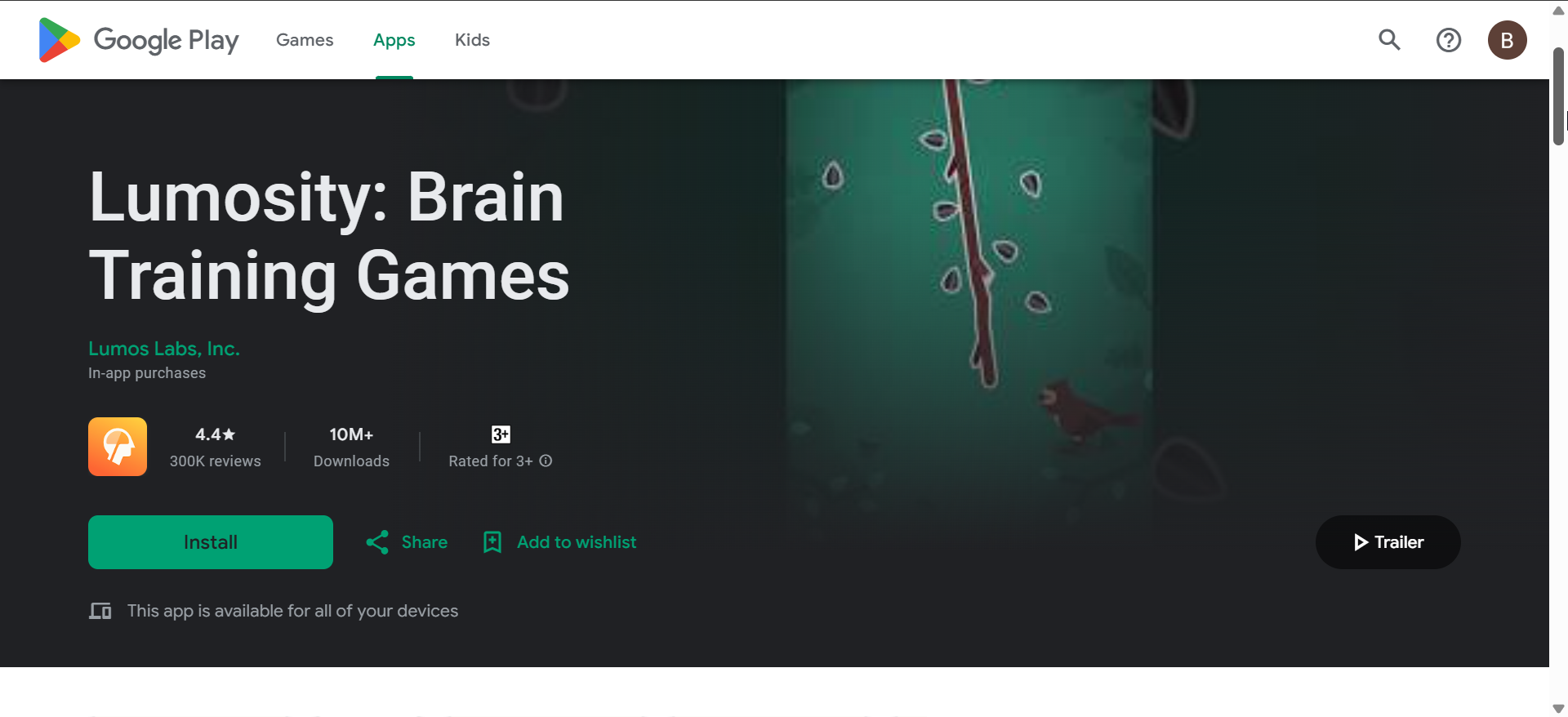
Lumosity focuses on short, science-inspired games targeting memory, attention, and processing speed. The app adapts difficulty quickly, which helps keep daily sessions engaging without becoming overwhelming.
The free version allows limited daily games, while the premium plan unlocks detailed insights and personalized training paths. Lumosity works equally well on iPhone and Android, making it a solid all-around brain training app.
Elevate
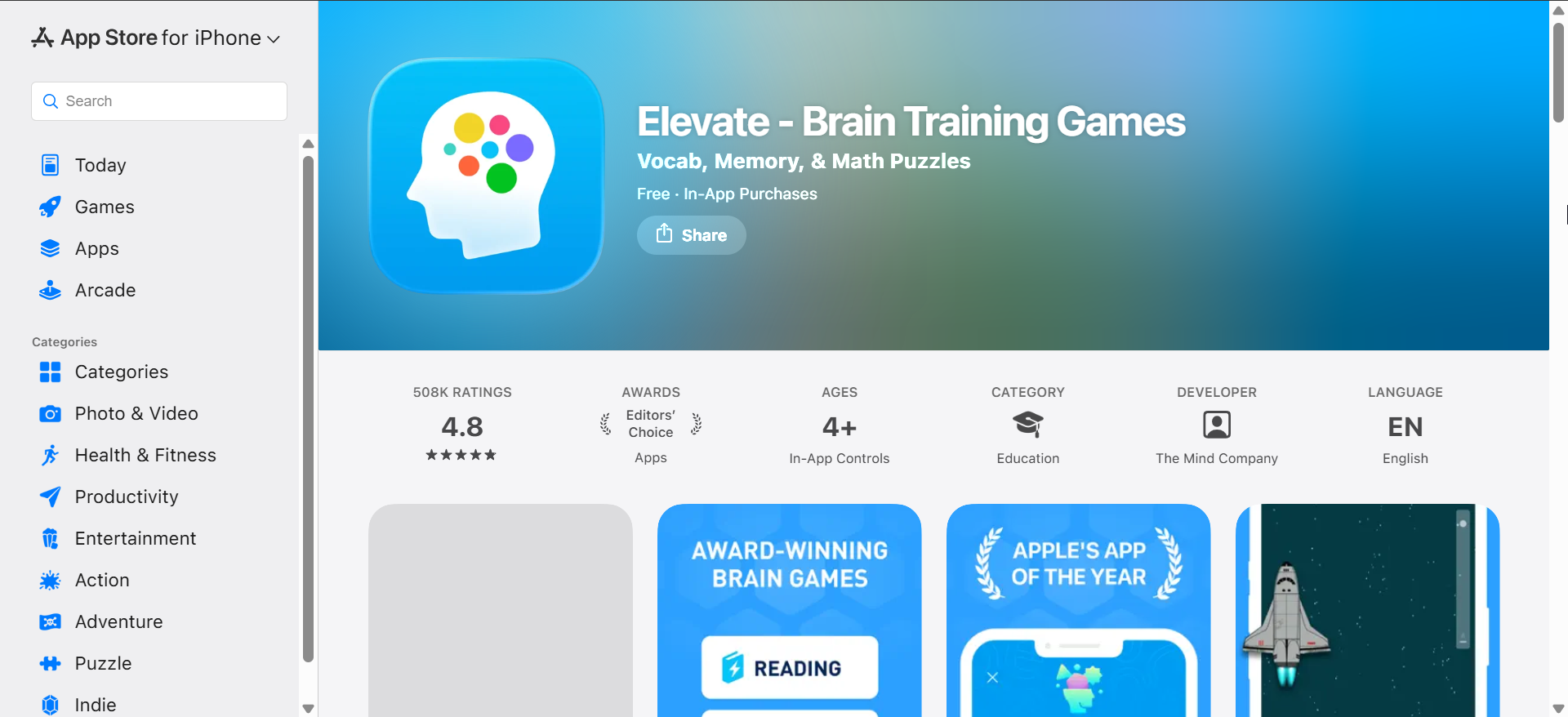
Elevate emphasizes practical cognitive skills like focus, reading speed, math, and memory. Its exercises feel less like games and more like structured mental workouts.
The app includes strong progress tracking and daily goals, which encourage habit formation. Elevate’s free tier is usable, but most long-term value sits behind the subscription.
Peak
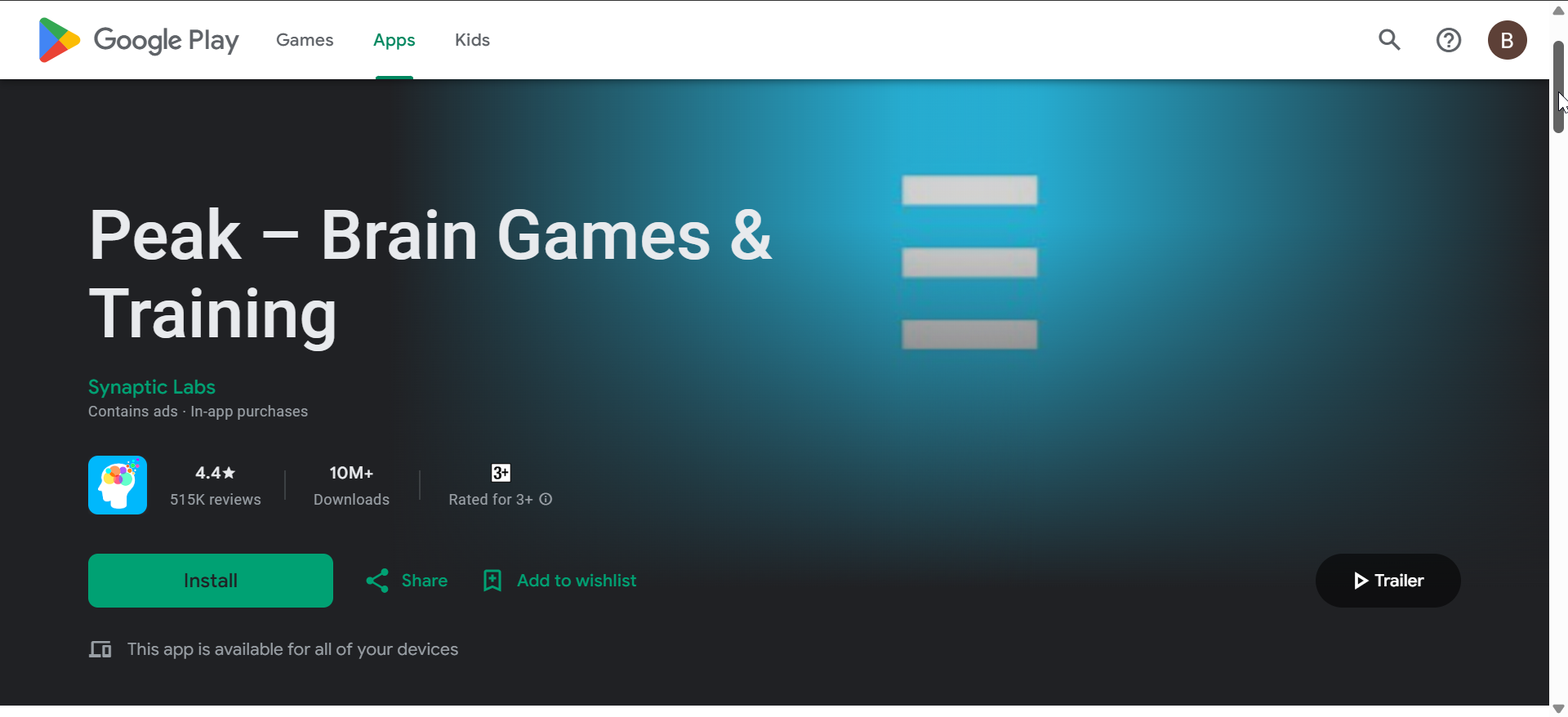
Peak combines cognitive training with light gamification and visually clean design. The app covers memory, problem-solving, attention, and language skills.
Peak includes short explanations for each exercise, which helps users understand what they are training. The experience stays consistent across iPhone and Android, though premium access unlocks most content.
Best free brain training apps
NeuroNation
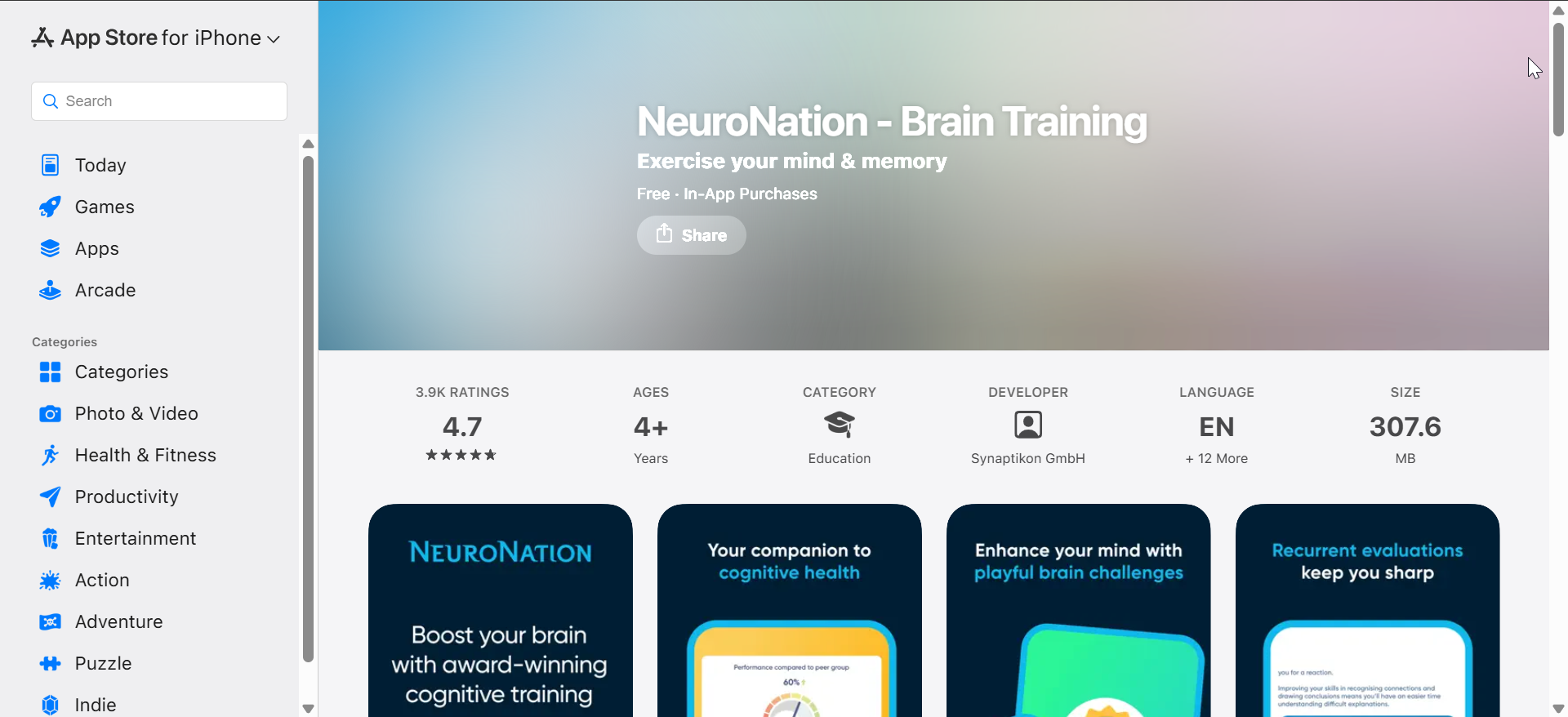
NeuroNation offers structured brain training plans with a strong emphasis on memory and logical thinking. The app allows more free usage than many competitors.
Its interface feels clinical rather than playful, which some users prefer for serious training. Premium access adds deeper analytics, but the free version remains functional for daily use.
Fit Brains Trainer
Fit Brains Trainer focuses on fast-paced cognitive exercises targeting speed and visual memory. Sessions stay short, making it easy to train daily.
The app offers a reasonable selection of free games with optional upgrades. While the interface looks dated, the exercises still deliver solid mental challenges.
Best brain training apps for long-term improvement
CogniFit
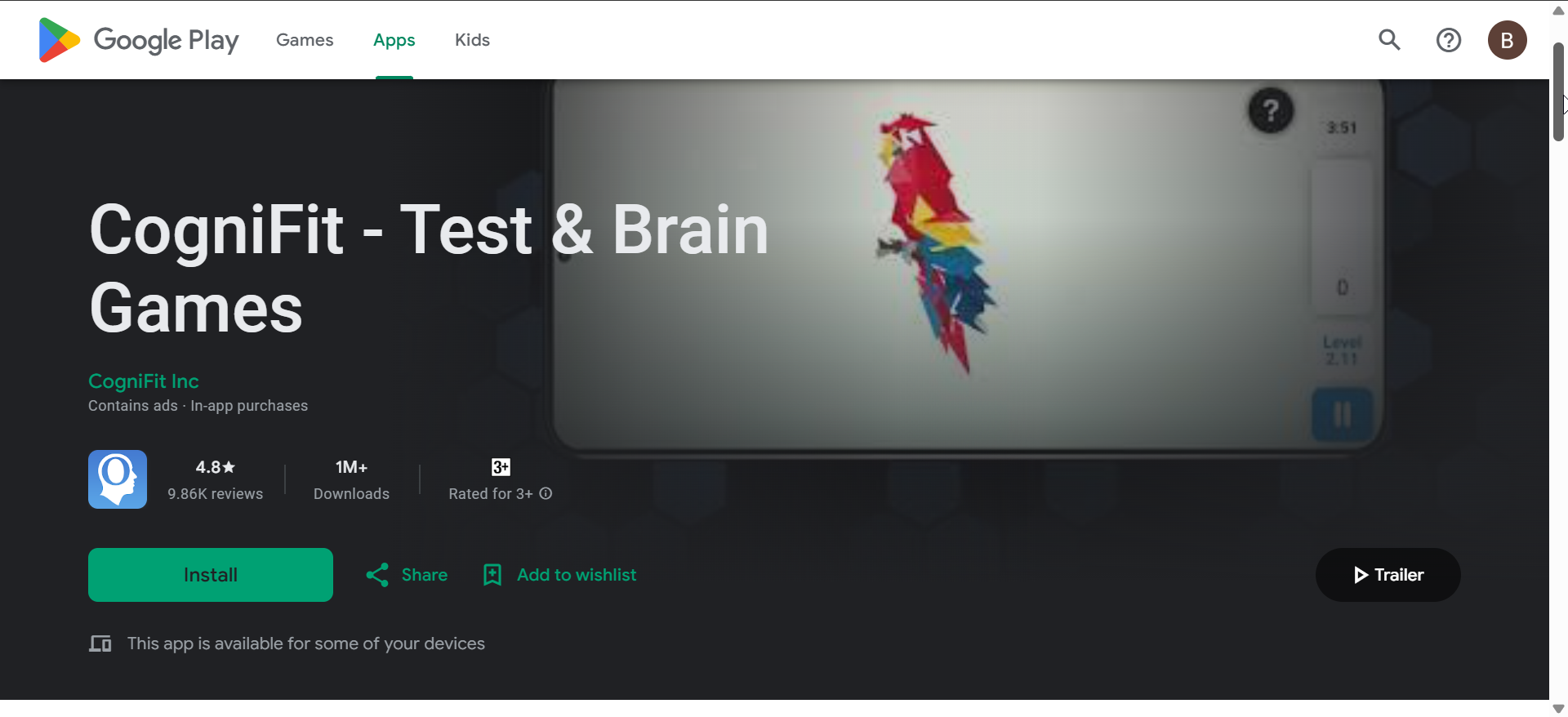
CogniFit leans heavily into cognitive assessment and structured training programs. It starts with baseline tests to personalize difficulty and focus areas.
The app suits users who want measurable progress rather than casual play. Premium access unlocks full assessments, but the core training remains accessible.
BrainHQ
BrainHQ focuses on neuroplasticity and speed-based exercises backed by published research. The exercises feel repetitive but highly targeted.
This app works best for users committed to long-term routines rather than quick sessions. Its design prioritizes function over aesthetics on both platforms.
Best brain training apps by goal
MindPal
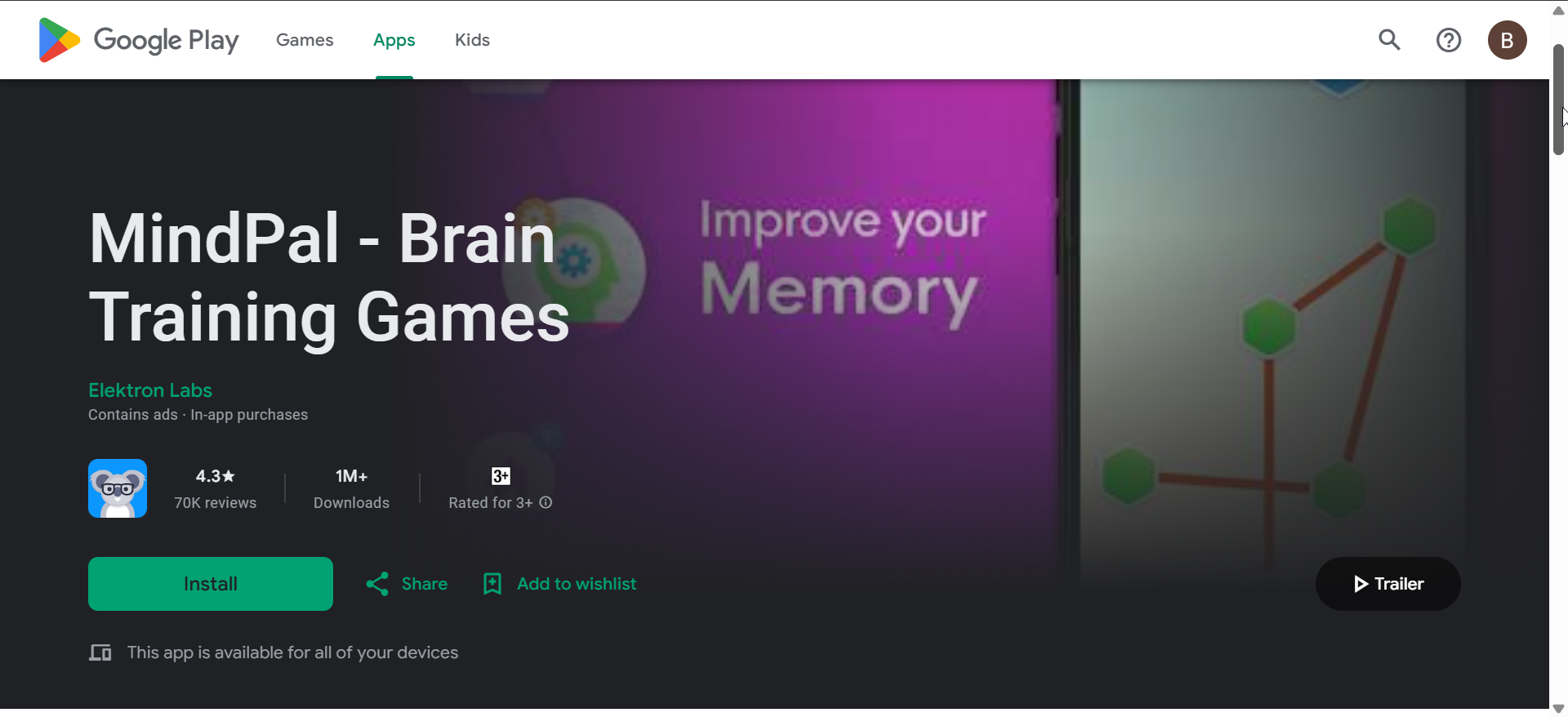
MindPal combines brain games with goal-based training paths for memory, logic, and focus. The app balances fun visuals with structured progression.
Daily challenges and streaks help maintain consistency. While premium unlocks advanced modes, casual users still get value without paying.
Mensa Brain Training
Mensa Brain Training offers logic puzzles and memory exercises inspired by classic IQ-style challenges. The app focuses less on gamification and more on raw problem-solving.
It appeals to users who enjoy structured mental challenges without flashy design. Content depth remains limited compared to subscription-heavy competitors.
Best brain training apps by age group
Khan Academy Kids
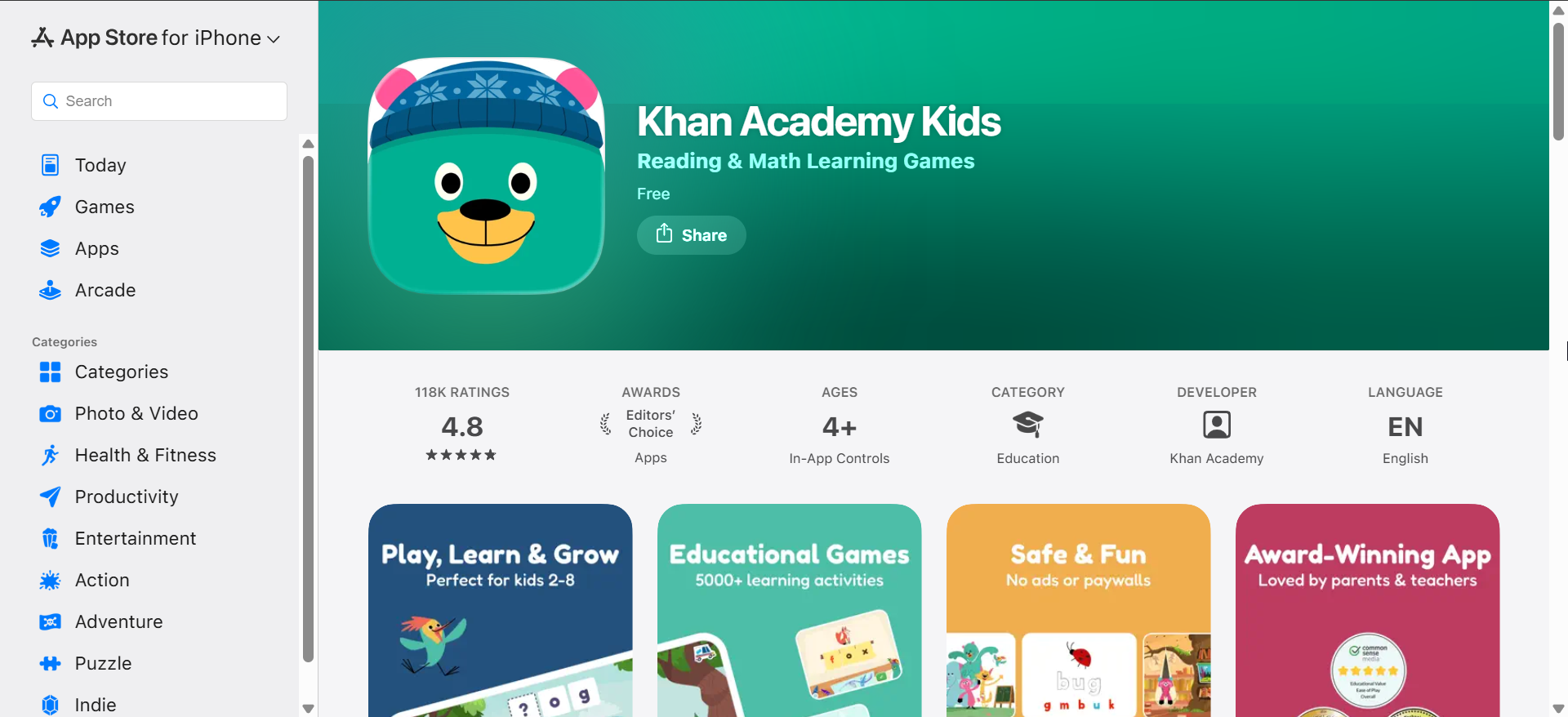
Khan Academy Kids focuses on early cognitive development through educational games and activities. It targets memory, attention, and problem-solving for younger users.
The app remains completely free and ad-free, making it ideal for families. Its design prioritizes safety and age-appropriate pacing.
Memorado
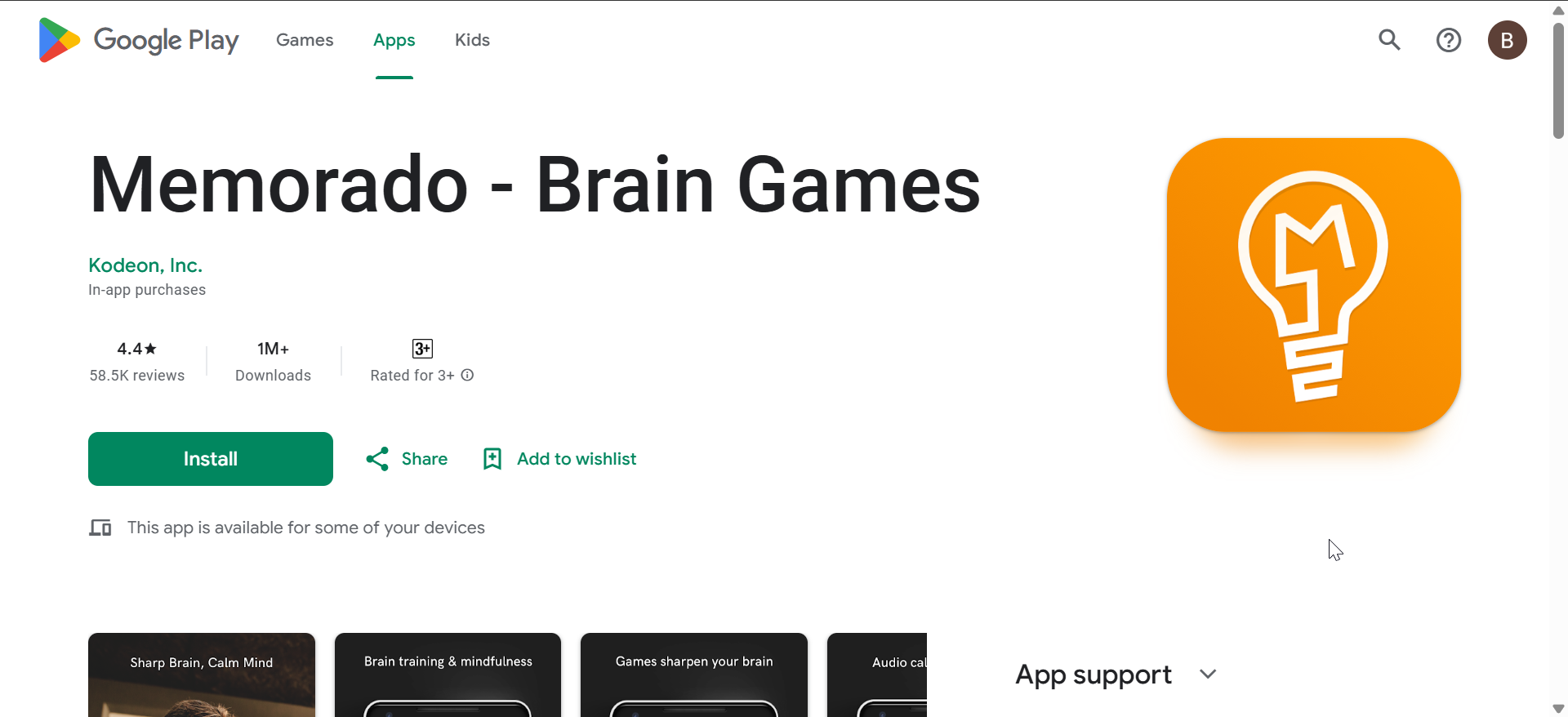
Memorado emphasizes memory techniques like spaced repetition and mnemonic training. It works well for adults and seniors seeking practical memory improvement.
The interface stays simple, which improves accessibility. While content variety feels limited, consistency delivers noticeable benefits over time.
What to look for in a brain training app
A good brain training app should offer personalized exercises, clear progress tracking, and balanced difficulty scaling. Platform parity between iPhone and Android matters if you switch devices. Transparent pricing and a usable free tier also make a real difference.
Brain training apps vs traditional games
Brain training apps use structured repetition and adaptive difficulty, unlike casual puzzle games. Games entertain, while training apps aim to reinforce specific cognitive skills.
Do brain training apps really improve intelligence
Research suggests brain training improves performance on trained tasks. Transfer to general intelligence remains limited, but focus and memory often improve with regular use.
Pricing, subscriptions, and hidden limitations
Most brain training apps use freemium models with daily limits. Subscriptions unlock personalization, deeper insights, and expanded exercise libraries.
iPhone vs Android experience differences
Top apps maintain feature parity across platforms. Minor UI differences exist, but training content remains the same.
Tips for getting real results from brain training apps
- Train daily for 10–15 minutes
- Stick with one app for at least four weeks
- Combine training with sleep, exercise, and stress management
FAQs
How much time do brain training apps require daily?
Most apps recommend 5–15 minutes per session.
Are brain training apps safe for kids?
Yes, if designed for children and used with parental oversight.
Do free brain training apps work?
Free tiers offer value, but consistency matters more than features.
Summary
- Choose apps based on specific cognitive goals
- Consistency matters more than session length
- Science-backed apps outperform casual games
- Free versions still provide useful training
Brain training apps for iPhone and Android work best as daily mental habits, not quick fixes. If progress stalls after several weeks, switch apps or adjust goals to maintain cognitive engagement and long-term benefits.


Discussion (0)
Be the first to comment.