




Choosing the best Android launcher can completely change how your phone feels and works. A good launcher improves speed, organization, and usability, while a bad one can slow everything down.
Android launchers replace your home screen and app drawer, letting you control layouts, gestures, icons, and navigation. Below are the best Android launchers, ranked by usability, performance, customization, and long-term reliability.
Table of contents
- 1) Nova Launcher
- 2) Niagara Launcher
- 3) Smart Launcher 6
- 4) Action Launcher
- 5) Hyperion Launcher
- 6) Microsoft Launcher
- 7) AIO Launcher
- 8) Square Home
- How we tested and ranked Android launchers
- Performance and battery impact
- Customization vs simplicity
- Privacy and permissions
- Accessibility and one-handed use
- Summary
1) Nova Launcher

Nova Launcher remains the go-to choice for users who want full control over their home screen. It offers deep customization for grids, gestures, icon packs, folders, and animations.
Performance stays solid even with heavy customization, making it suitable for both mid-range and flagship phones. However, development has slowed, which may concern users looking for rapid feature updates.
2) Niagara Launcher

Niagara Launcher focuses on speed, simplicity, and one-handed use. It replaces traditional grids with a vertical app list that adapts to your usage habits.
This launcher feels fast and distraction-free, especially on large phones. Customization options stay limited, but that restraint keeps the experience clean and focused.
3) Smart Launcher 6
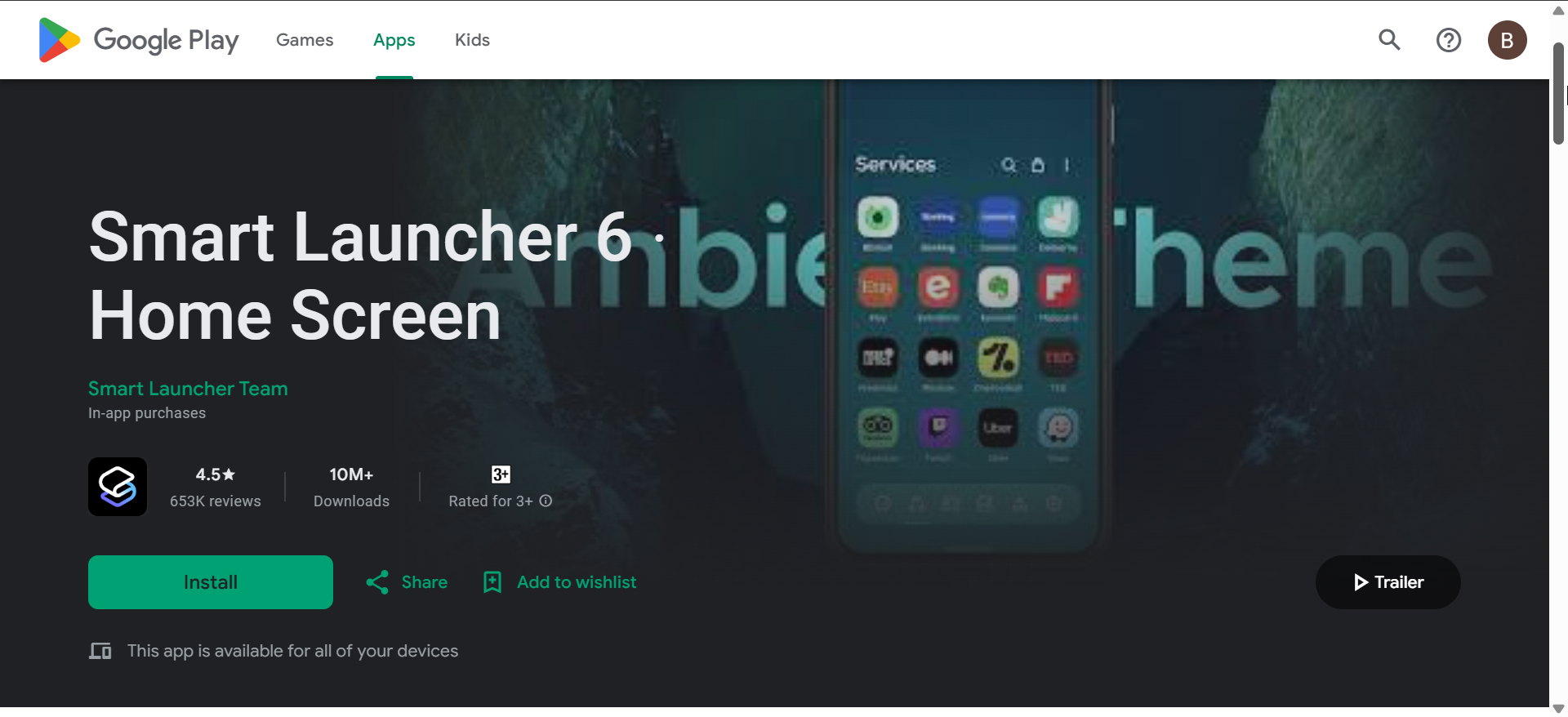
Smart Launcher 6 emphasizes organization and automation. It automatically sorts apps into categories and adapts colors based on your wallpaper.
The interface feels polished and easy to learn, even for new users. Advanced customization exists, but the launcher prioritizes simplicity over extreme control.
4) Action Launcher
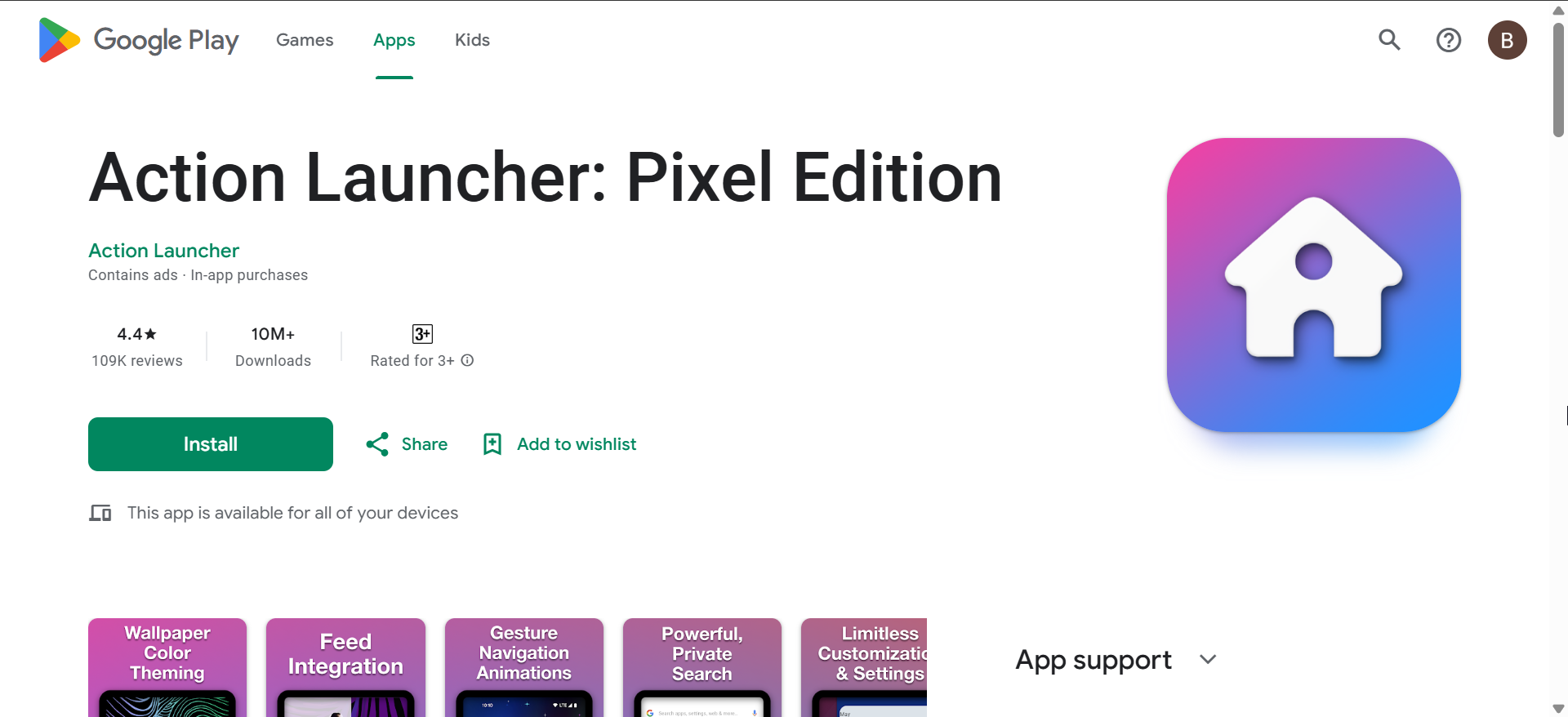
Action Launcher blends a traditional Android layout with powerful shortcuts. Features like Quickdrawer and shutter widgets speed up app access without changing familiar workflows.
It works well for users who want efficiency without abandoning classic home screens. The interface can feel busy if you enable too many features at once.
5) Hyperion Launcher
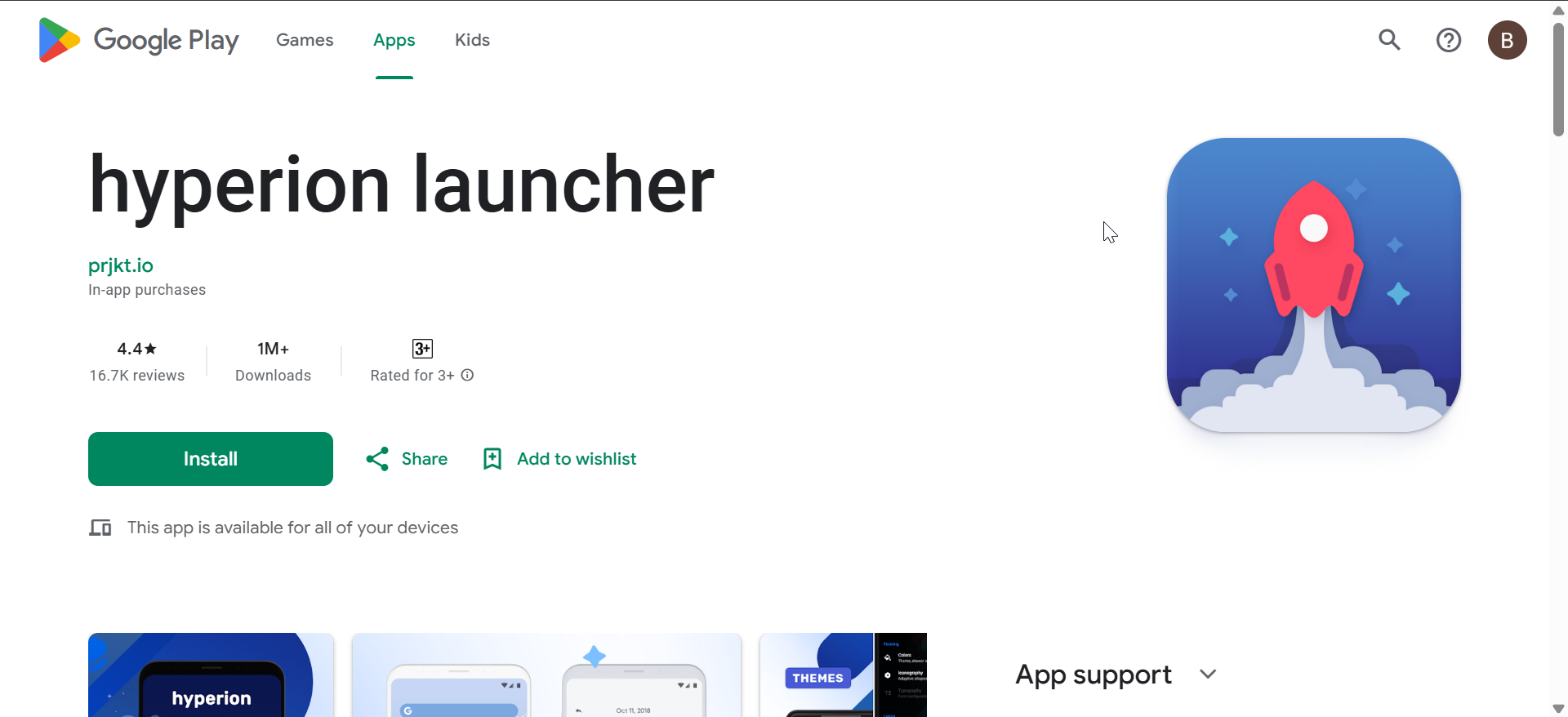
Hyperion Launcher aims to deliver Nova-like customization with a simpler interface. It supports icon packs, gestures, and grid tuning without overwhelming menus.
The free version covers basic needs, while advanced features require a paid upgrade. It suits users who want customization without diving into endless settings.
6) Microsoft Launcher

Microsoft Launcher focuses on productivity and cross-device workflows. It integrates calendars, to-do lists, news feeds, and Microsoft services directly into the home screen.
This launcher works best for users already invested in Microsoft apps. Customization exists, but the experience prioritizes information and efficiency over aesthetics.
7) AIO Launcher

AIO Launcher removes traditional icons entirely and replaces them with an information-dense dashboard. Everything from notifications to shortcuts lives on one scrolling screen.
Power users may appreciate the efficiency once configured properly. New users often face a steep learning curve before it feels intuitive.
8) Square Home

Square Home recreates a Windows-style tile interface on Android. Live tiles display real-time information and support flexible resizing.
The design feels unique and highly customizable. It appeals most to users who prefer structured layouts over free-form grids.
How we tested and ranked Android launchers
We evaluated each launcher based on performance impact, customization depth, ease of use, update frequency, and compatibility across different Android devices. We also focused on real-world usability rather than feature lists alone.
Our goal was to highlight launchers that stay fast, stable, and useful over time. Each recommendation fits a specific type of user, from minimalists to power users.
Performance and battery impact
Most modern launchers have minimal battery impact, but heavier customization can increase RAM usage. Lightweight launchers like Niagara and Smart Launcher perform better on older devices.
If your phone has limited memory, avoiding animation-heavy setups helps maintain smooth performance. Launcher choice matters more for mid-range and budget hardware.
Customization vs simplicity
Highly customizable launchers offer flexibility and allow you to customize your Android homescreen with ease. However, they require time to configure properly. Minimalist launchers trade visual freedom for speed and clarity.
Users should prioritize daily usability over feature count. The best launcher fits your habits rather than offering the most options.
Privacy and permissions
Android launchers require access to apps, notifications, and system navigation. Reputable launchers limit data collection and explain permissions clearly.
Privacy-conscious users should review permission requests during setup. Avoid launchers that request unnecessary access or rely heavily on cloud syncing.
Accessibility and one-handed use
Launchers like Niagara and Smart Launcher improve reachability on large screens. Gesture navigation also reduces reliance on top-screen controls.
Users with accessibility needs should look for scalable text, gesture support, and clean layouts. Simpler designs often provide better long-term comfort.
Summary
- Nova Launcher delivers the deepest customization options available.
- Niagara Launcher excels at minimalism and one-handed usability.
- Smart Launcher balances automation and simplicity.
- Performance and privacy matter as much as visual design.
Choosing the right Android launcher comes down to how you use your phone every day. Some launchers focus on deep customization, while others prioritize speed, simplicity, or productivity.
Start with your habits, not the feature list. A good launcher should feel fast, intuitive, and largely invisible once it’s set up.


Discussion (0)
Be the first to comment.