



Copy and paste on iPhone works for one item at a time, but it breaks down fast once you reuse text daily. Clipboard management apps for iPhone solve this by letting you save, organize, and quickly paste snippets manually, using widgets, keyboards, and Shortcuts within iOS limits.
These apps do not track everything you copy in the background. Instead, the best clipboard management apps for iPhone, like the ones listed below, focus on privacy, fast access, and smart workflows that make repeated copying far less frustrating.
Table of contents
1) Paste
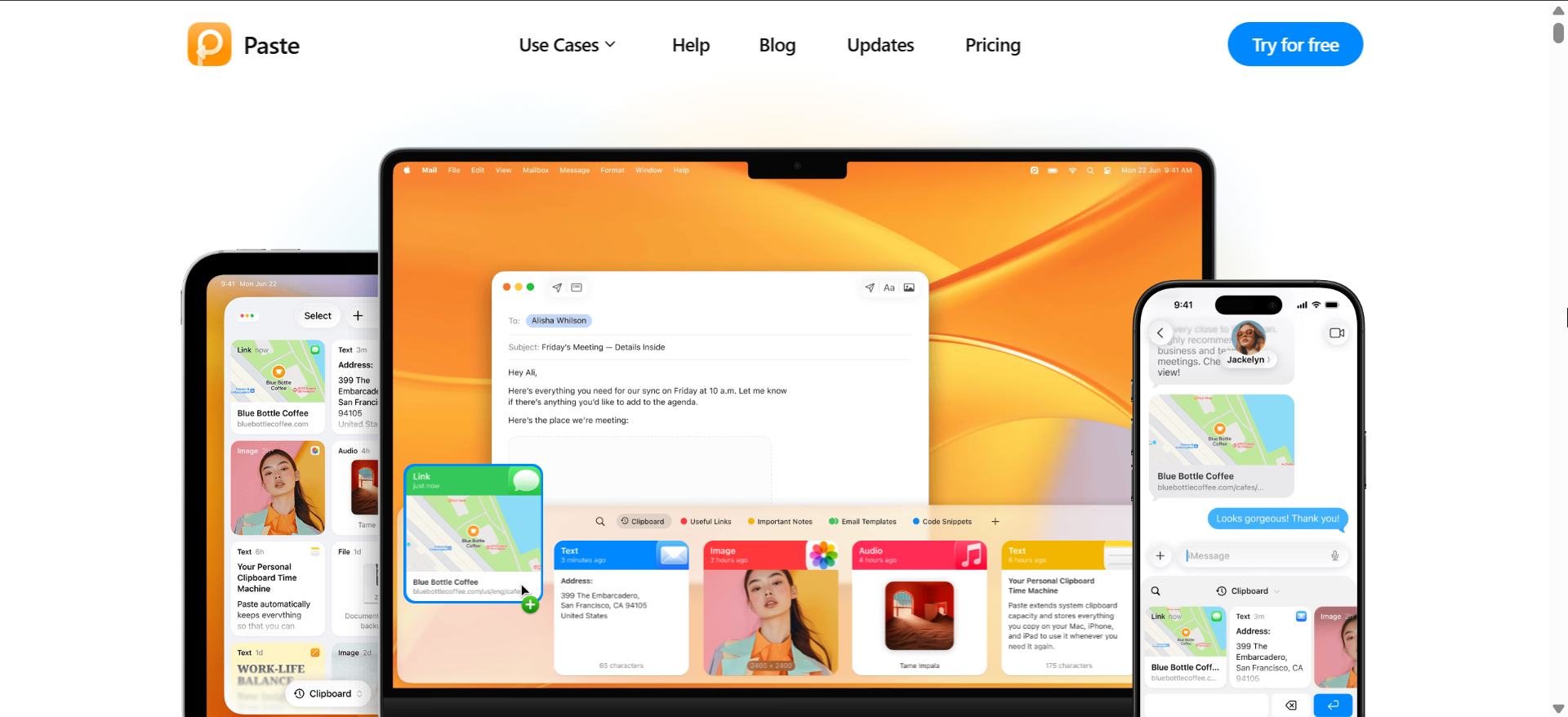
Paste ranks among the most polished clipboard management apps for iPhone, focusing on clean design and fast access. It stores text, links, and images manually, with strong search and categorization.
The app supports iCloud sync across Apple devices and integrates well with widgets. Paste suits users who want a premium clipboard manager without complex setup.
2) Copie
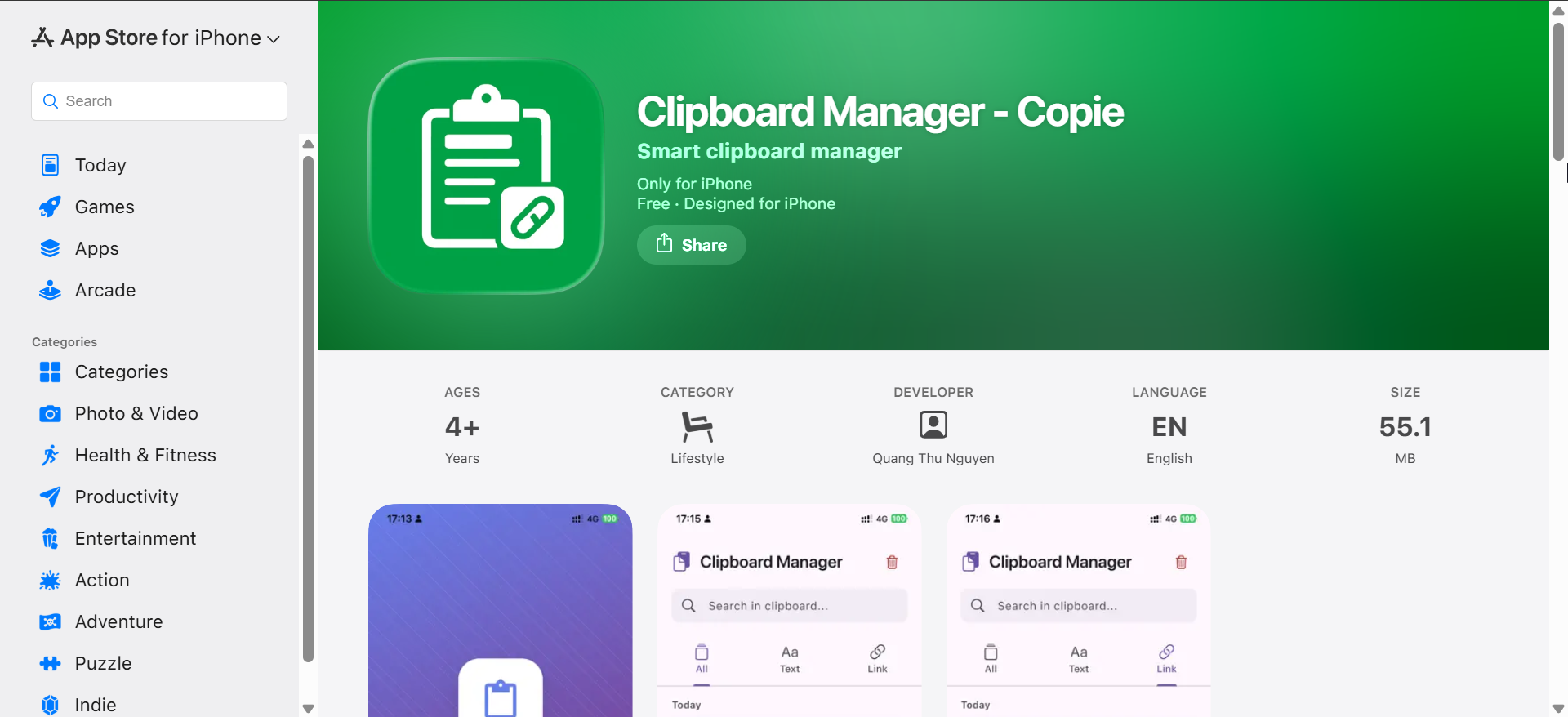
Copie targets users who reuse text snippets often, making it ideal for writing and communication. It supports rich text, tags, and snippet organization for faster reuse.
Its custom keyboard allows direct pasting inside apps, reducing friction. Copie works best for text-heavy clipboard management rather than images or files.
3) Anybuffer
Anybuffer focuses on saving frequently reused items like text, links, and images. It organizes clipboard content into visual buffers that you can access from widgets or keyboards.
This clipboard management app for iPhone emphasizes manual control and simplicity. Anybuffer fits users who prefer structured saving over automation-heavy workflows.
4) Clipboard++
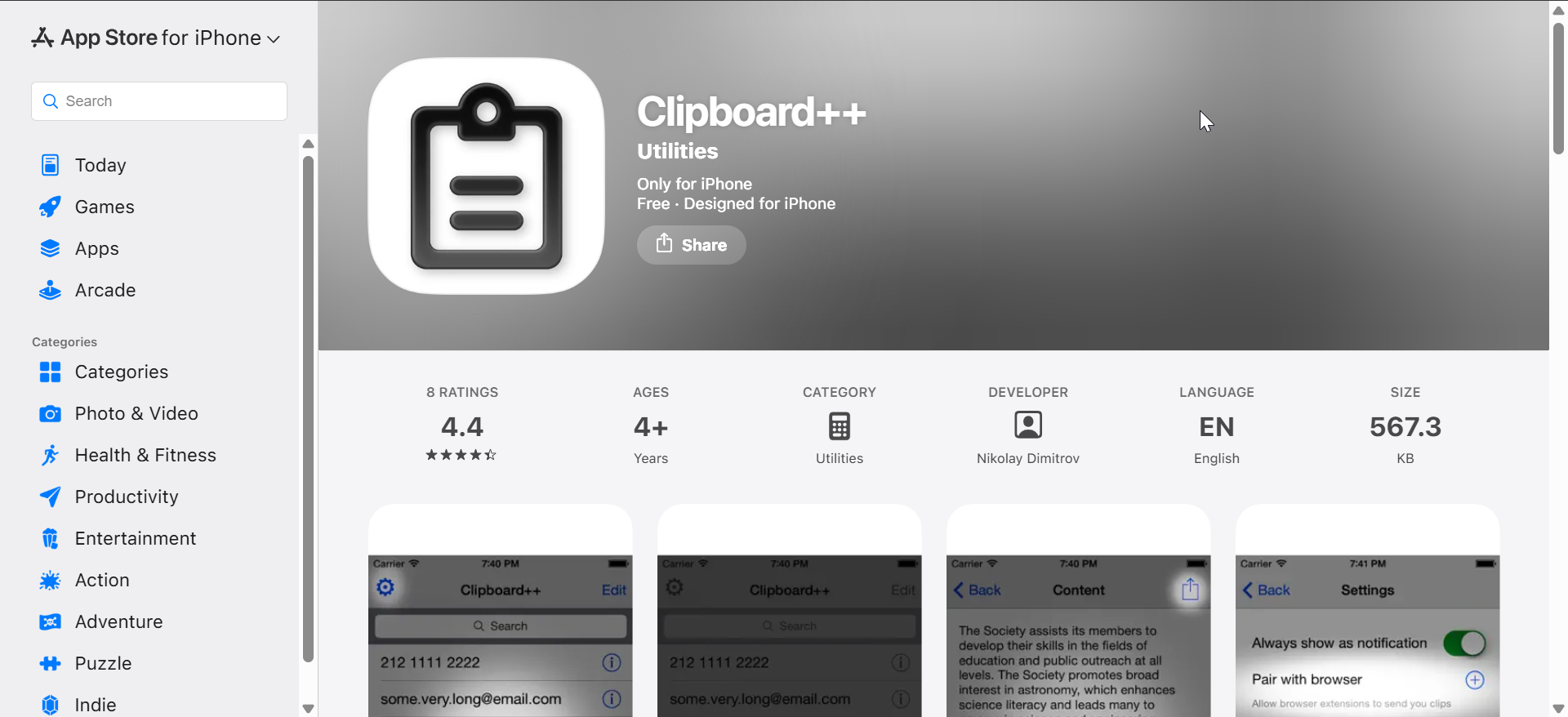
Clipboard++ offers a straightforward approach to clipboard management on iPhone. It saves copied text and keeps a searchable history you control.
The interface stays simple, making it easy for beginners. Clipboard++ works best for basic text management without advanced automation needs.
5) Yoink
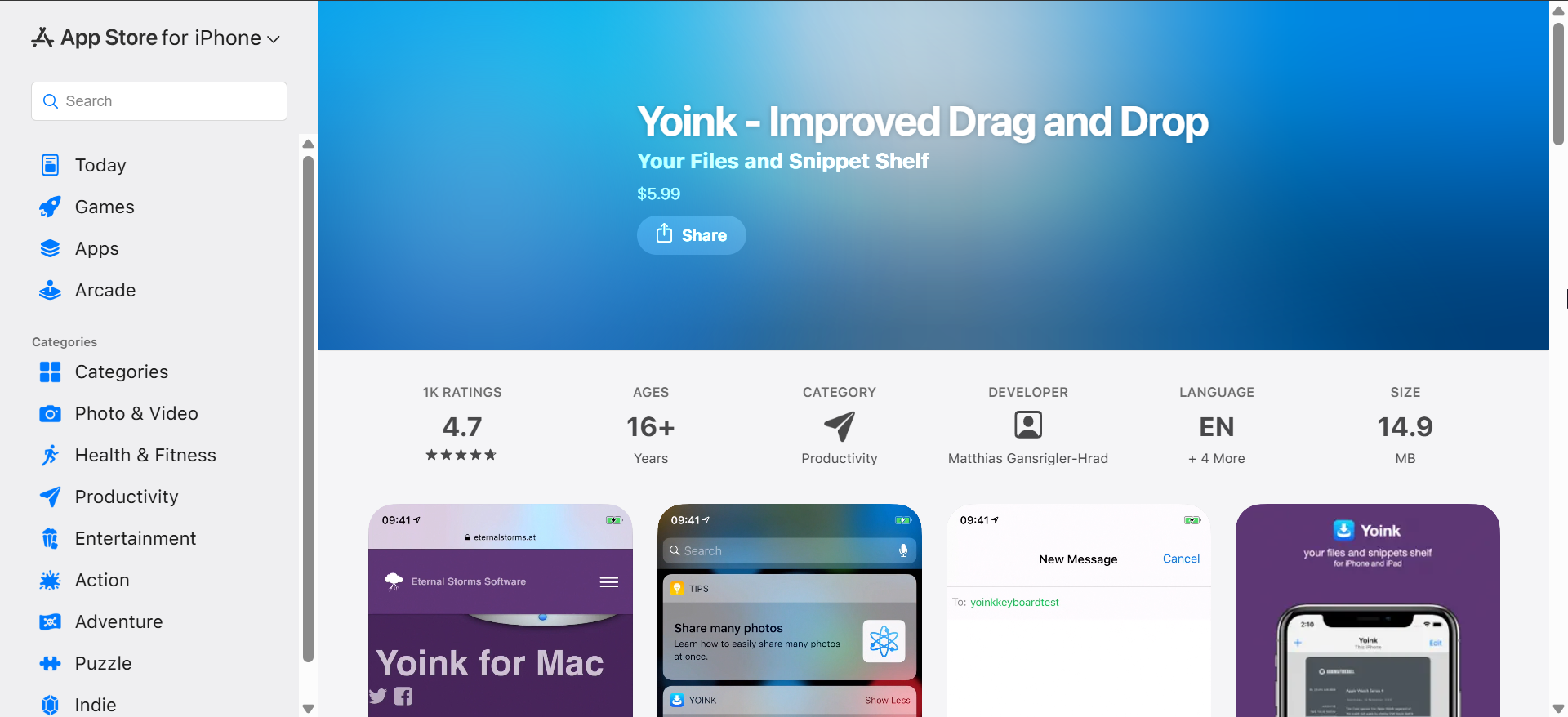
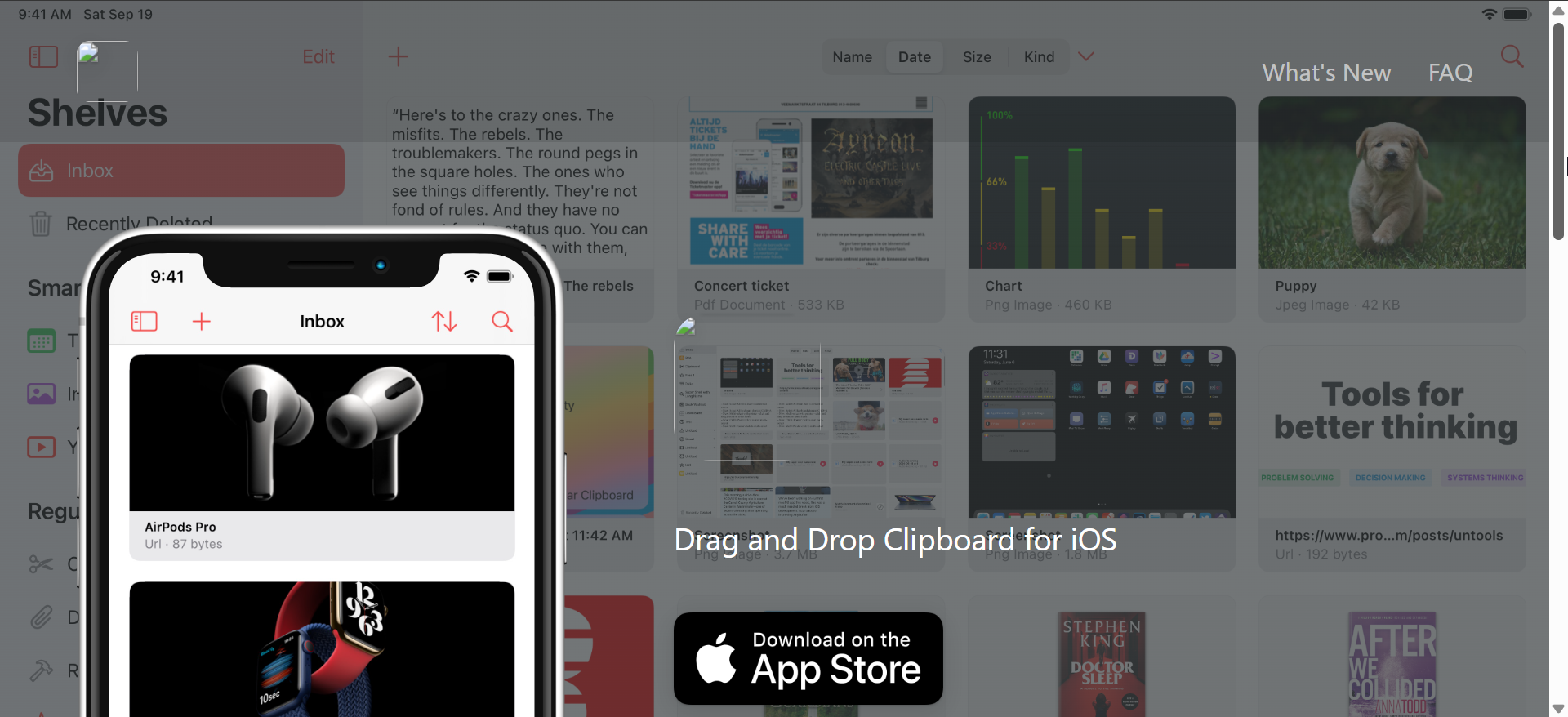
Yoink acts as a temporary holding space rather than a traditional clipboard history app. You drag or share content into Yoink to keep it accessible across apps.
Its shelf-style interface works well for multitasking and short-term storage. Yoink suits visual thinkers and users who frequently move content between apps.
How clipboard management works on iPhone
iOS keeps only the last copied item in the system clipboard. Clipboard apps rely on manual saves, widgets, keyboards, or Shortcuts to retain copied content.
iOS limitations you should know
Apps cannot silently read your clipboard in the background. You must interact with them directly, and iOS shows alerts when apps access clipboard content.
What makes a good clipboard management app for iPhone
A good clipboard management app balances ease of saving snippets with privacy, speed, and flexible access points. Since background history remains impossible, smart UI and automation matter most.
Clipboard history handling
Most apps store items only when you save them manually or through a share action. Unlimited background history does not exist on iOS.
Privacy and security
Strong clipboard management apps store data locally or use optional iCloud sync. Clear privacy labels help users avoid apps that scan clipboard data aggressively.
Automation and productivity features
Support for widgets, custom keyboards, and Siri Shortcuts defines real usability. These features replace missing background access.
Pricing and limitations
Free tiers usually cap saved items or features. Paid plans unlock unlimited snippets, sync, or advanced organization.
Tips to get more from clipboard apps on iOS
- Use widgets for faster access to saved snippets.
- Combine clipboard apps with Siri Shortcuts for manual automation.
- Review privacy permissions regularly to avoid unwanted clipboard access.
FAQs
Can iPhone clipboard apps track everything I copy?
No, iOS blocks background clipboard tracking. Apps save content only when you interact with them.
Are clipboard apps safe on iPhone?
Yes, if you choose apps with transparent privacy policies and local storage options.
Do clipboard apps sync across devices?
Some apps support iCloud sync, but syncing usually requires a paid plan.
Summary
- iOS clipboard management apps work within strict system limits.
- Manual saving replaces automatic clipboard history on iPhone.
- Widgets, keyboards, and Shortcuts define real usability.
- Privacy and sync options vary widely between apps.
Clipboard management apps for iPhone cannot replace desktop-style clipboard history, but they still add real value. Choose an app that matches your workflow, respects privacy, and offers fast access to saved content.


Discussion (0)
Be the first to comment.