




Alberta, British Columbia, Manitoba and Cuba are not turning their clocks back at 2 a.m. on Sunday, November 1. Windows PCs in all four can show the wrong local time unless they carry the right time zone update.

The three Canadian updates shipped weeks ago. Cuba's does not arrive until Tuesday, November 10, nine days after the change takes effect.
What actually changes on Sunday
Three of these changes are permanent. Alberta and affected Northwest Territories locations move to UTC-6, most of British Columbia moves to UTC-7, and Manitoba moves to UTC-5.
Each province keeps its summer offset and stops observing daylight saving time. Microsoft has created a new Windows time zone for each one.
Cuba is a different case. Microsoft says its time zone will maintain daylight saving time without interruption until November 7, 2027, which makes it one skipped transition, not a new standard offset.
Windows needing an update is separate from both. The operating system carries its own copy of the world's time zone rules, and an unpatched PC applies the old rule and rolls the clock back on schedule.
None of this touches the United States. Clocks there still go back at 2 a.m. on November 1, under the first-Sunday-in-November rule that has applied since 2007.
The Canadian updates have already shipped
Alberta and British Columbia arrived first, in the optional preview update released September 22 for Windows 11 versions 25H2 and 24H2. Every other supported version received them in the October security update on Tuesday, October 13.
Manitoba shipped in that same October 13 release across all supported versions. Windows 11 version 26H1 picked up all three in the optional update on October 28.
On Windows 11 25H2 and 24H2 the relevant packages are KB5124010 for the two western provinces and KB5127648 for Manitoba.
Microsoft says monthly security updates reach supported devices through normal update management, without any action by end users. Optional non-security updates are different, and must be fetched from Windows Update deliberately.
Managed fleets are the exception, because an update ring can hold a device back. Microsoft also states that devices on unsupported Windows versions will not receive the update at all.
Once patched, the correct selections are (UTC-06:00) Mountain Time (Alberta), (UTC-07:00) Pacific Time (British Columbia) and (UTC-05:00) Manitoba.
Cuba has no update yet, only a workaround
Cuba announced the change on Tuesday, October 27. Microsoft asks governments for at least eight weeks of notice before a time zone change, and for a year or more where possible.
That left five days. The fix therefore waits for the November security update on November 10, and until it installs the workaround is the only option.
Microsoft's steps are to open Settings, then Time & language, then Date & time. Turn off Set time zone automatically, then change the zone from (UTC-05:00) Havana to (UTC-04:00) Georgetown, La Paz, Manaus, San Juan.
That borrowed zone supplies the right offset and nothing else. Microsoft is explicit that such alternatives carry different names, geographic mappings and historical rules, and should not be treated as permanent replacements.
Canada has equivalents for devices that cannot be patched in time. Alberta borrows (UTC-06:00) Saskatchewan, British Columbia borrows (UTC-07:00) Yukon, and Manitoba borrows Eastern Time with the automatic daylight saving toggle switched off.
The Manitoba workaround holds before the transition as well as after, Microsoft notes, because the province already sits at UTC-5 on central daylight time.
What a wrong time zone actually breaks
The taskbar clock is only the visible part. Scheduled tasks, backup windows and anything else keyed to local time fire an hour out.
Calendars are worse, because existing entries do not move themselves. Microsoft says Outlook and Exchange Online users have to select the new time zone, and that recurring series after November 1 need checking.
Microsoft Teams Rooms devices showed time one hour behind Windows, and the mitigation is an Edge and WebView2 update. Power Automate flows drift by an hour on US-linked zones, and a Microsoft Bookings fix starts rolling out on Monday, November 2.
Anything that prints a local timestamp inherits the same error, which is worth remembering when reading Windows Event Viewer logs from November 1 onward.
The fix to avoid is setting the clock by hand. Every workaround Microsoft publishes changes the time zone selection, never the time itself.
Dragging the clock an hour instead leaves the machine an hour away from real time. The default tolerance Kerberos allows between a client and its domain controller is five minutes, so a one-hour error is twelve times the limit.
How to check which time zone a PC is set to
The setting lives in Settings, then Time & language, then Date & time, where the current zone is named in full. The steps match this guide to changing the time zone in Windows 11.
Devices with Set time zone automatically switched on, and location services available, will select the new zone themselves once the update is installed. Everything else must be chosen by hand.
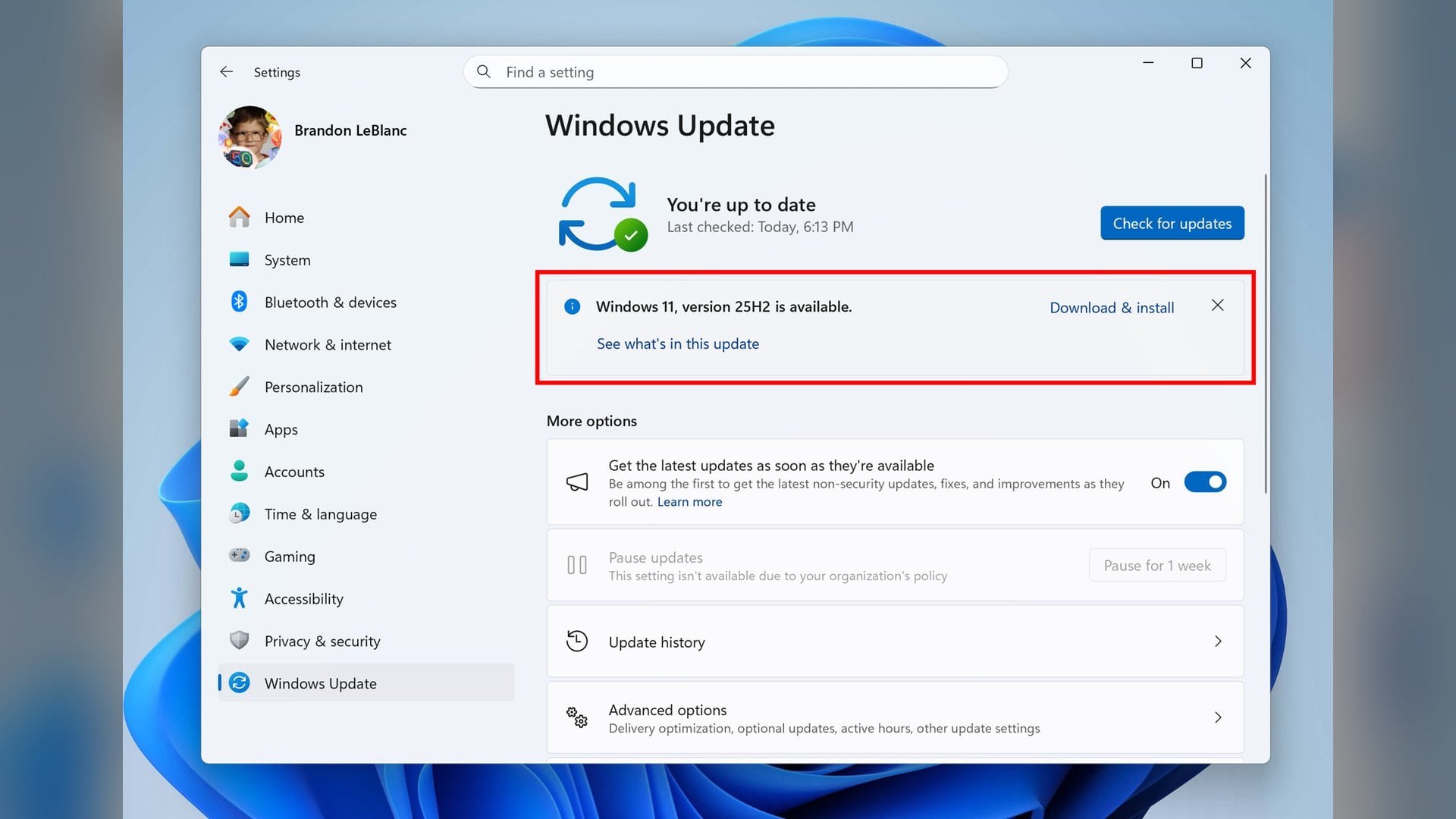
To confirm a package actually landed, Windows Update history lists the KB numbers already installed.
Microsoft has not said whether Cuba's fix might also be offered out of band before November 10, and it publishes no device count for any affected region. Support for the new zones in Fabric and the Power BI service is listed only as to be confirmed.


Discussion (0)
Be the first to comment.