



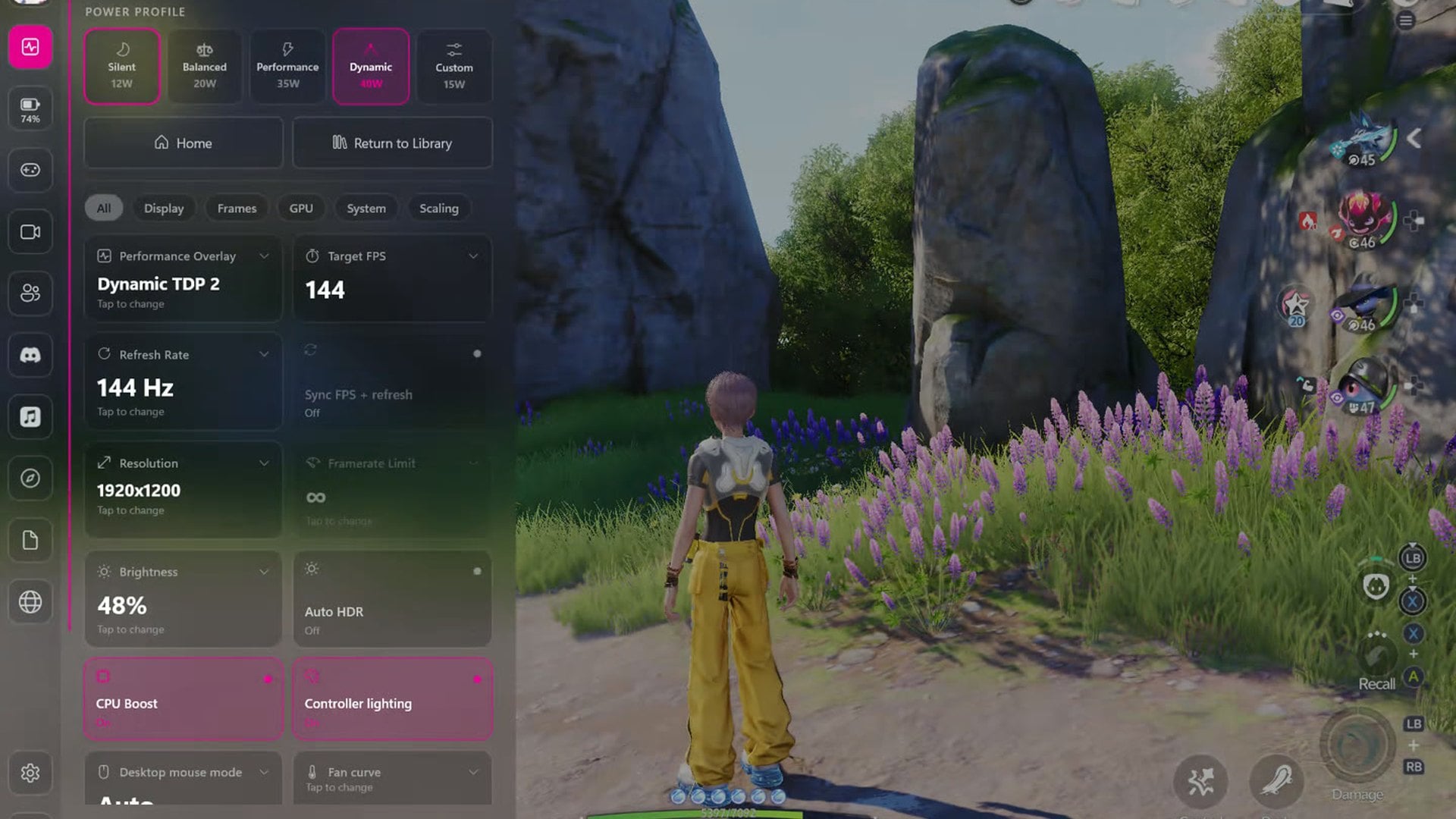
Winhanced has dated its 1.0 Beta to October 31, and the in-game overlay the release is built around does not reach everyone on day one. Early Access, "which includes the overlay during the beta", is a switch inside the app for Patreon supporters and Discord Supporter+ members.
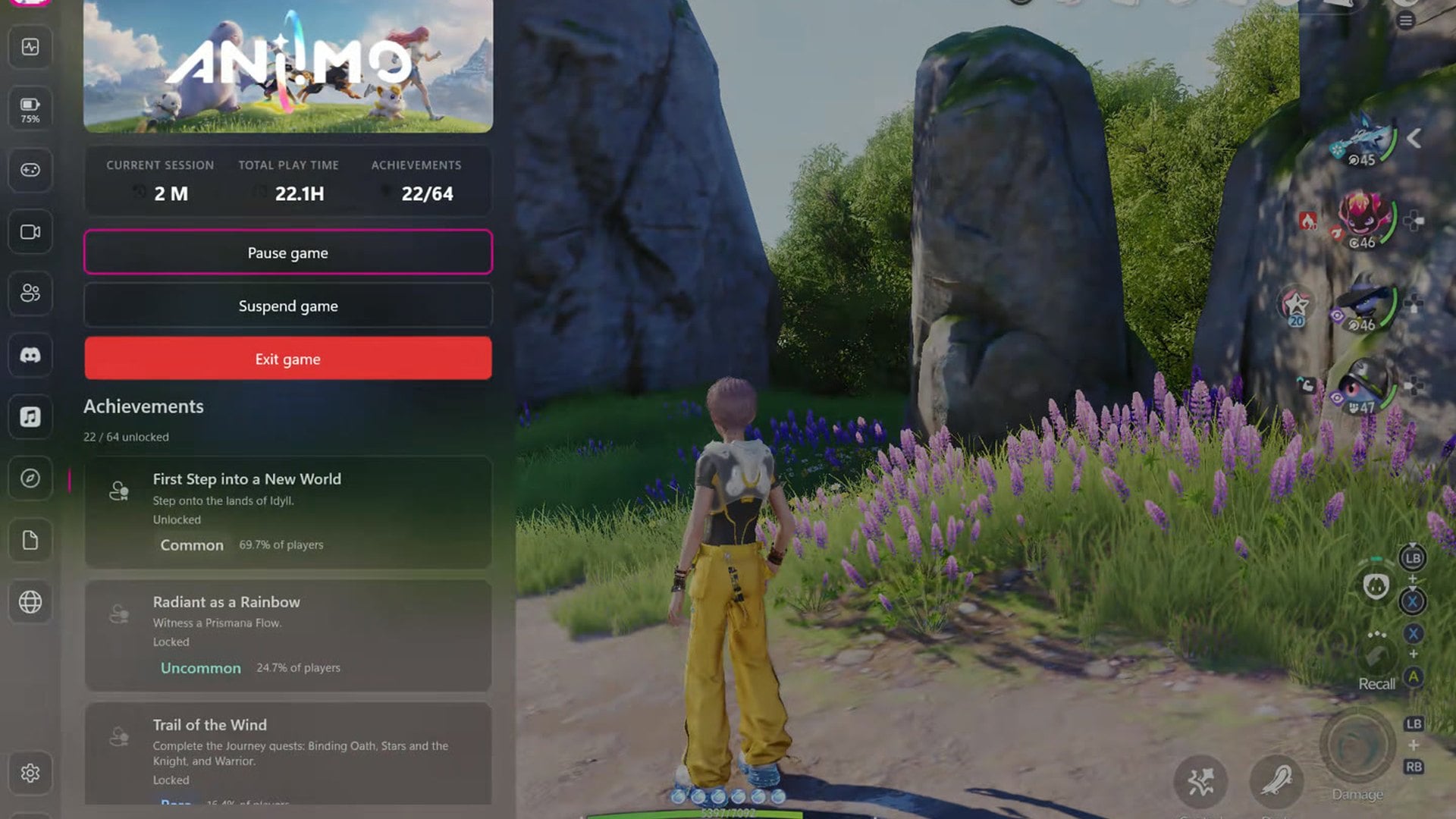
The version string is 1.0 Beta rather than a finished 1.0. Winhanced says the beta "runs for 30 days while the team fixes the last bugs", and that the overlay opens to everyone once it ends.
The project reached that point over 30 releases, the last of them 0.9.9.96 on October 18. It is a controller-first gaming shell for Windows 11 handhelds, not a Windows cleanup tool.
What version 1.0 Beta adds
The overlay opens over a running game with the Guide button, Start plus Select, or Windows plus Page Down. The patch notes say the game keeps running behind it at 30 frames per second, and the normal frame rate returns when the overlay closes.
It starts with pages for the current game, performance, battery, controller and power. Audio, network, recording, music, a browser, guides, a journal, friends and Discord are switched on separately.
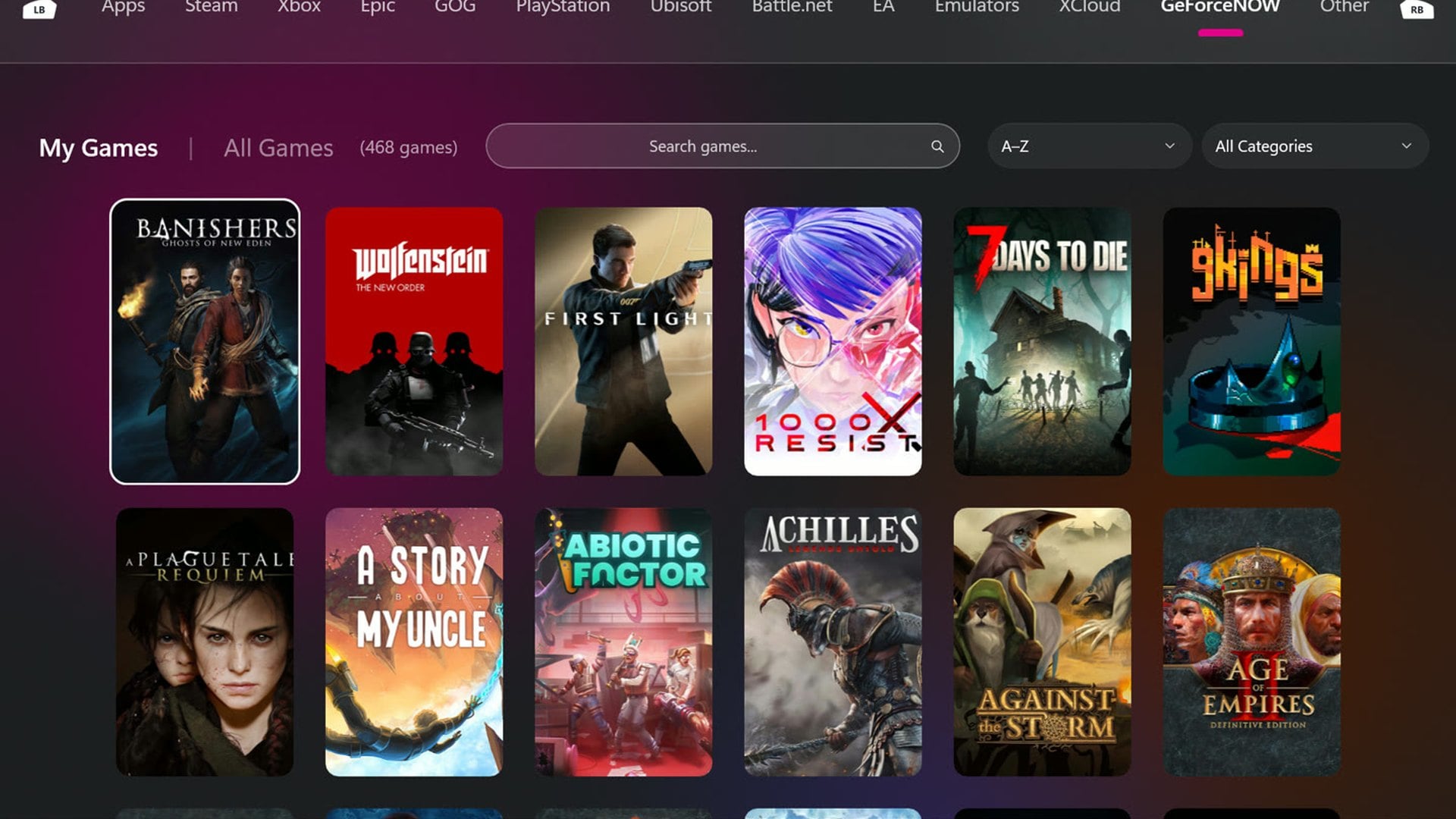
Elsewhere, 1.0 adds a Storage page that moves, copies or compresses games per drive. GeForce NOW joins the library, Battle.net games install in the app, and Theatre collects Netflix, Disney+ and other video services.
OptiScaler is now built in, adding DLSS, FSR or XeSS to games known to work with it. Winhanced says it never touches games that use anti-cheat.
On AMD handhelds one switch runs FSR 4.1 in place of FSR 3.1. That includes Radeon graphics AMD does not officially support for FSR 4.
What it asks for, and what it changes
Nothing Winhanced publishes describes stripping Windows components, but the install is not hands-off. Its FAQ says Windows asks for administrator rights once, to register a background service called WHService that owns hardware control, game monitoring and the sleep path.
The app runs unelevated after that. The 1.0 notes add that the installer and the app now ask to turn User Account Control on if it is off.
The sharpest change sits inside the FSR 4 switch. To run it, the notes say, "Winhanced adds a certificate to Windows, and removes it when you turn FSR 4 off or uninstall Winhanced".
On supported handhelds it also stops the vendor software. Armoury Crate, Legion Space and MSI Center M are shut down along with their services, because two apps cannot own the same fans and lighting.
Windows Update is deferred rather than disabled, with updates held until the player stops playing. Nothing on the project's site mentions Microsoft Defender, and it publishes no list of the registry keys or scheduled tasks it writes.
The undo path, and the order it has to run in
There is a published route back, and it is specific. Turning Winhanced Control off hands the hardware over, restarts the vendor app and re-enables the services it stopped.
The FAQ is blunt about the order. "Do this before you uninstall. The app that knows how to put your OEM software back is the one you're removing."
Version 1.0 widens that. Uninstalling now restores the Guide button, Game Bar and Steam settings, and a reinstall starts with device control off.
The same notes show the route has failed before. One line fixes "the Legion device control restore that never worked".
Another says Winhanced will now admit when MSI Center M could not be brought back, instead of reporting that it is back in control. That is a useful admission, and it is also a reason to test the handback before trusting it.
Licence, team and a name one letter away
Winhanced is closed source with no public repository, which has not changed since the last big pre-1.0 patch. The FAQ says the source stays shut because this is a two-person team funded through Patreon.
The build the project shipped ahead of 1.0 is at least signed. The 0.9.9.96 installer, a 716MB download from the project's own server, carries a valid Authenticode signature issued by SSL.com and timestamped. The certificate is in an individual developer's name rather than a company's.
The terms grant a personal, revocable licence, forbid redistributing modified builds, and offer the software as is with no warranty. A clause on hardware controls says misusing power limits, fan curves and controller firmware settings can cause instability, overheating, reduced component lifespan or a voided warranty.
Worth separating from all of this: Winhance, without the d, is a different project. It is a Windows optimisation and debloat tool in C# by another author, its source is public, and its most recent release is tagged v26.06.12. GitHub cannot match its licence to a standard one, listing it only as Other.
Winhanced publishes no system restore point, no settings backup file and no written inventory of what it changes. The 1.0 notes also ask for Streaming Companion 1.2.4.0 before updating, a step up from the 1.1.8.0 that served the 0.9 line. Dates and feature lists can move before a build appears.
Discussion (0)
Be the first to comment.