



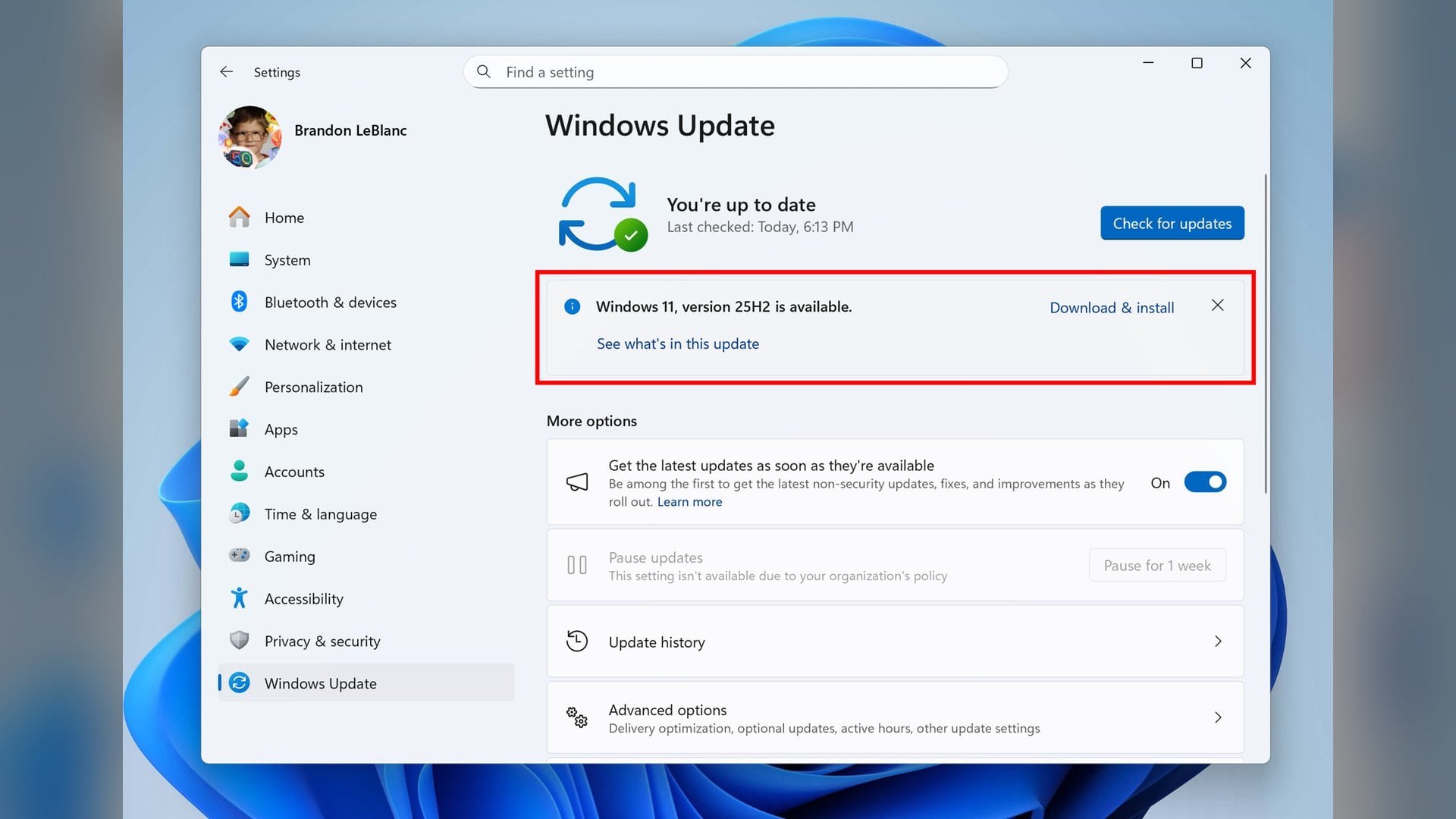
Microsoft will retire the certificates Windows Update uses to prove a PC is talking to a genuine Microsoft update server, on May 17, 2027 and June 19, 2027. The replacements are not a separate download, and most PCs picked them up months ago inside an ordinary security update.

The company published the schedule on its Windows IT Pro Blog on October 8, 2026, and flagged it the same day in the Windows message center. Microsoft frames this as routine certificate rotation rather than a response to any incident.
The stake is narrow but absolute. A device that misses the deadline keeps running normally, and simply stops being able to reach Windows Update at all.
What Microsoft is rotating
Windows Update relies on certificate-based trust to confirm that a device is connecting to authoritative Windows Update servers. Microsoft says that is what gives the delivered update content its credibility.
Certificates carry expiry dates as standard security practice, so they have to be replaced periodically. One set expires on May 17, 2027, and another on June 19, 2027.
Devices that receive their updates from Windows Server Update Services are excluded. Microsoft states that exemption directly, and names no other.

Which Windows versions need action, and by when
Windows 11 version 25H2 and later require nothing. Microsoft lists the action for that row as none.
Windows 11 version 24H2 and Windows Server 2025 need the September 2025 security update or later, installed before June 19, 2027. That update is already more than a year old.
Other in-support Windows 11 versions, Windows Server 2022 and in-support Windows 10 versions need the July 2026 security update or later, also before June 19, 2027. For a home Windows 10 PC, in support now means one still enrolled in Extended Security Updates.
Three older releases draw the earlier date instead. Windows 10 Enterprise 2019 LTSC, Windows Server 2019 and Windows Server 2016 need the July 2026 security update before May 17, 2027.
Everything else is told to upgrade. Microsoft says those devices are out of support and will lose access to Windows Update services regardless.
What actually stops working
Microsoft describes the failure as the connection itself, not one stage of it. Affected devices stop connecting to Windows Update and stop receiving all types of updates from it.
Checking for updates and downloading them therefore fail together, because the trusted connection is the thing that breaks. Microsoft restates the outcome as losing access to Windows Update services.
Nothing is said about anything beyond Windows Update. The post never mentions the Microsoft Store, Defender definitions or driver delivery, so the published scope is Windows Update alone.
It does not mention Secure Boot either. Those are a different set of certificates on their own schedule, covered here when the Secure Boot certificate deadline arrived in June, and Microsoft draws no link between the two.
There is no published way to check a PC
Microsoft has not documented any method of confirming that a machine already holds the replacement certificates. The post names no certificate, no thumbprint, no registry key and no command to run.
The only verification available is indirect. Open Settings, go to Windows Update, and confirm the qualifying security update is listed when you check for and install Windows updates.
Microsoft also says nothing about Intune, Windows Update for Business or Windows Autopatch. WSUS is the single exemption it names, which leaves administrators of the other services without a published answer.
The machines at risk, and the way back
The exposure sits with PCs that have been switched off, kept offline or deliberately left unpatched for a long stretch. A machine that has taken no security update since before July 2026 is the profile Microsoft is describing.
Missing the date is recoverable, and Microsoft publishes the route. The required update can be downloaded straight from the Microsoft Update Catalog and installed by hand, or pushed out through management tools.
That detail matters because such a device cannot fetch its own fix once Windows Update refuses the connection. The update has to arrive by another path.
What Microsoft has not published is any certificate detail or readiness check, so no fleet can be audited for this today. The managed update services are left unaddressed as well.
A nearer date sits on Microsoft's own lifecycle table. It records Windows 11 version 24H2 reaching end of updates for Home, Pro, Pro Education and Pro for Workstations on October 13, 2026.

Discussion (0)
Be the first to comment.