



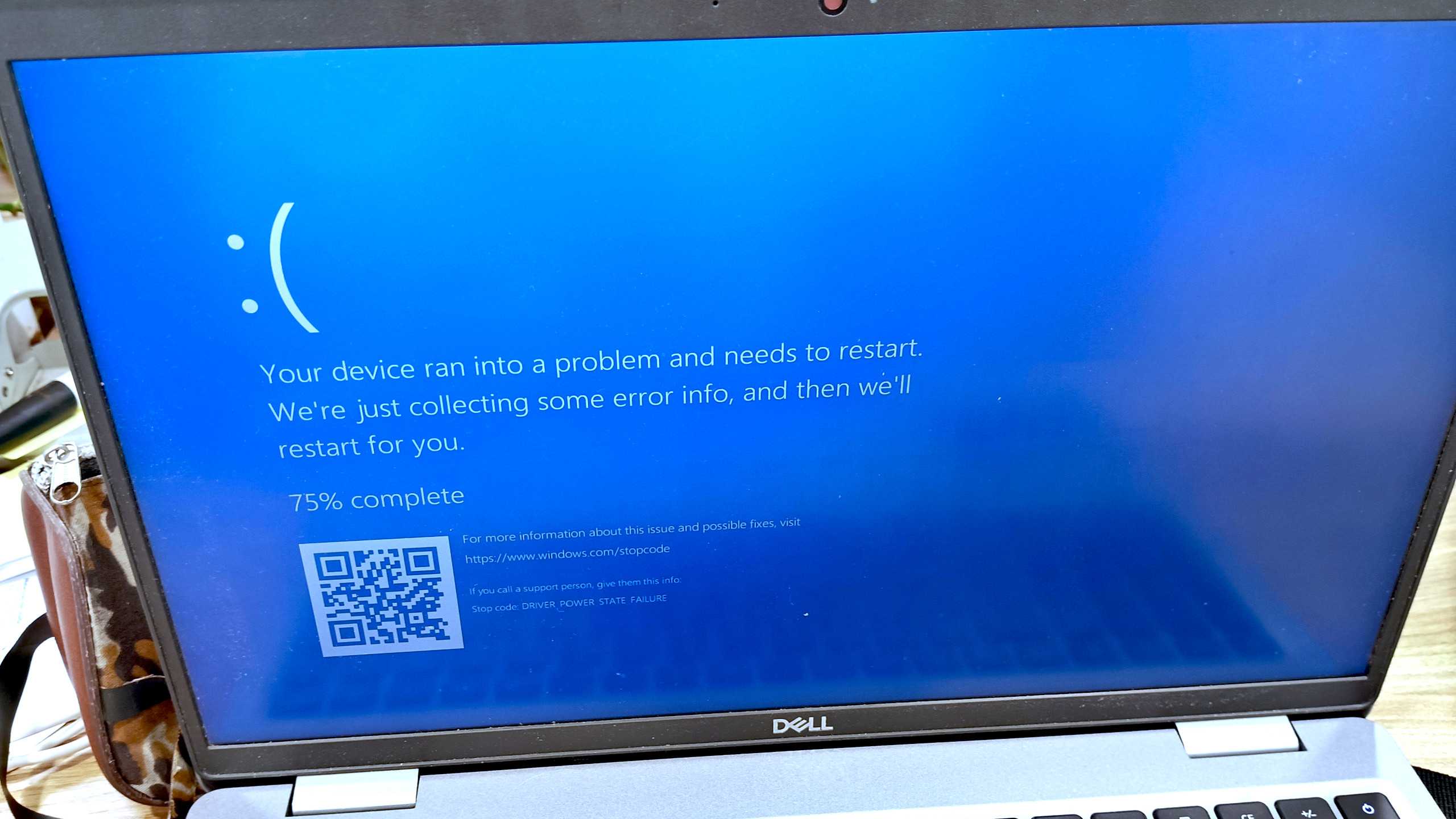
Windows Secure Boot certificates need to be updated on supported PCs, but missing the June 24 deadline will not immediately brick your device. Microsoft has confirmed that affected systems can still receive replacement certificates later, although waiting may require manual work and could create unnecessary problems.
The update affects Windows 11 devices and Windows 10 PCs that continue to receive security patches through the Extended Security Updates program. Secure Boot helps protect your PC during startup by checking that important boot software has not been altered by malware or other threats.
Microsoft began warning people about the certificate change earlier this year. The company has been sending updated Secure Boot certificates through Windows Update, so many PCs may already have what they need without requiring any action.
Why Secure Boot Certificates Need to Be Updated
Secure Boot relies on digital certificates to verify the software that loads before Windows starts. These certificates are used by your PC’s firmware to decide whether boot components are trusted.
Older certificates are approaching expiration, which means Microsoft needs to replace them to keep Secure Boot working correctly over the long term.
This does not mean every PC without the new certificates will fail on June 24. Microsoft has clarified that the date is not an immediate cut-off. However, leaving the issue unresolved could make future Secure Boot updates more difficult and may eventually affect your ability to use the feature safely.
| Situation | What it means |
|---|---|
| Latest Windows updates installed | Your PC may already have the new certificates |
| Secure Boot enabled | Check the certificate status in Windows Security |
| Secure Boot disabled | Certificate updates are not urgent unless you plan to enable it |
| Windows 10 with ESU | Your system may also be affected |
| No update by June 24 | Your PC should still work, but manual action may be needed later |
Missing the Deadline Will Not Immediately Break Your PC
Some reports have suggested that the certificate deadline could leave PCs unable to start. That is not the expected result for most Windows users.
Microsoft says replacement certificates can still be obtained after June 24, with manual options available through at least October 2026. The main reason to act now is to avoid needing those extra steps later.
Installing current Windows updates is the simplest way to keep your system ready. Windows Update has been gradually delivering the replacement certificates, though the exact update package can vary between PCs.
For most people, the best approach is not to panic or make major firmware changes. Check that Windows is fully updated and confirm Secure Boot is working normally.
How to Check Secure Boot Status in Windows 11
You can check Secure Boot through Windows Security.
- Open Settings.
- Select Privacy & security.
- Open Windows Security.
- Choose Device security.
- Look for the Secure Boot section.
A green status message should indicate that Secure Boot is enabled and working correctly.
You can also check whether your PC has pending updates by opening Settings, selecting Windows Update, and choosing Check for updates. Install all available quality and security updates, then restart your PC if Windows asks you to do so.
Should You Enable Secure Boot if It Is Disabled?
If Secure Boot is already disabled and you never plan to use it, the certificate update is not immediately important. However, Microsoft recommends enabling Secure Boot because it helps block boot-level malware and unauthorised software during startup.
Enabling Secure Boot later may be more complicated if your device has missed certificate updates or uses older firmware settings. If your PC supports Secure Boot and you are not using a custom operating system or unusual boot setup, keeping it enabled is generally the safer option.
Before changing Secure Boot settings in your BIOS or UEFI firmware, make sure you understand how it may affect dual-boot systems, older hardware, or custom bootloaders.
Keeping Windows Updated Is the Best Protection
The Secure Boot certificate transition is mainly a maintenance task, not a reason to expect immediate system failure. Still, it is worth taking seriously because Secure Boot protects one of the earliest and most important parts of the Windows startup process.
Install the latest Windows updates, check your Secure Boot status, and restart your PC when required. Doing that now should help your system receive the replacement certificates automatically and avoid manual recovery steps later.



Discussion (0)
Be the first to comment.