



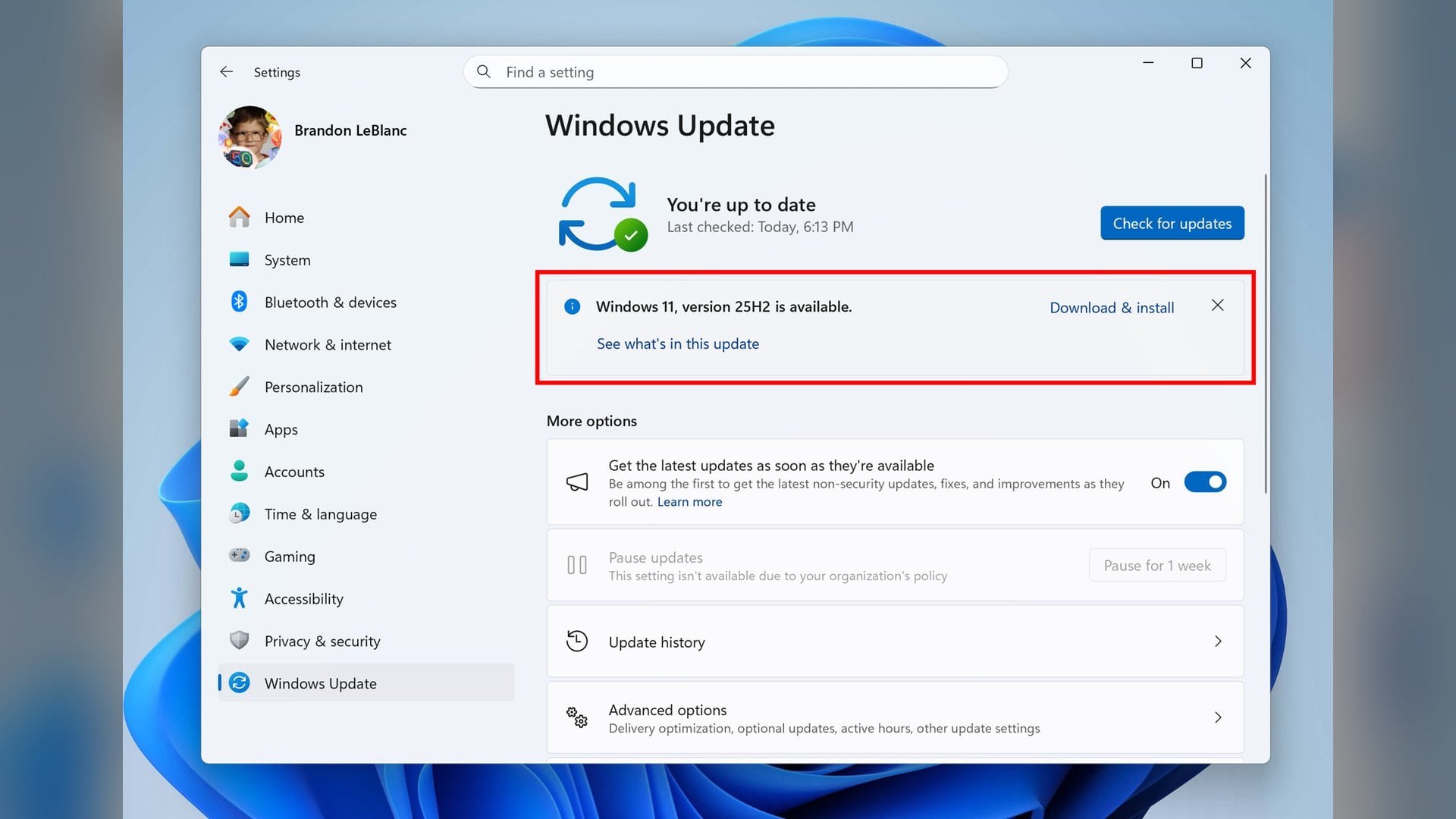
Windows 11 version 26H2 switches Windows settings backup on by default, according to a Microsoft message center entry dated September 30. The change is narrower than that sounds.
The feature needs a Microsoft Entra ID sign-in on a device joined to an employer's directory. A personal PC signed in with a personal Microsoft account is not covered by this default at all.
The name is recent. What Microsoft called Windows Backup for Organizations is now Windows settings backup and restore.
What Microsoft counts as an eligible device
The message center entry says the new default applies only where administrators have not explicitly configured the policy. An explicit enable or an explicit disable is honoured either way, so a managed work laptop can behave differently from the one at the next desk.
Microsoft's configuration overview sets out four conditions. The device has to run Windows 11 version 26H2 or later, with the backup policy left in a Not Configured state.
It also has to sit outside what Microsoft calls a privacy sensitive country or region, and outside any sovereign or restricted cloud. Microsoft does not publish which countries it means.
The same page says the feature is unavailable for GCCH and sovereign clouds or China. Devices that shipped on version 26H1 pick up the default with their next feature update.
That is a different test from the one deciding which PCs are offered 26H2 in the first place.
What the backup contains, and what it leaves out
The scheduled task runs every eight days. Microsoft says it collects user settings, preferences and the list of installed Microsoft Store apps.
The list is not the apps themselves. Microsoft's support FAQ says the feature covers Windows settings and the Store application list only, and points to OneDrive for backing up actual data.
No file content is included. The published catalog is a per-setting checklist grouped the way the Settings app is, running from night light and mouse speed through to Narrator and File Explorer options.
Credentials are the one item Microsoft does not answer cleanly. Settings carries a category switch labelled Accounts, WiFi networks and passwords.
Microsoft's policy reference says that group syncs by default unless an administrator disables it. The catalog marks the same row as not backed up.
Both pages are current. Whether saved Wi-Fi profiles and web credentials ride along on a managed device is therefore not published, and guessing at it would be worse than saying so.
Where the settings actually go
The destination is the employer's tenant rather than a personal OneDrive. Microsoft's FAQ says the data lands in the tenant's region, mapped to a geo-location in the Exchange Online cloud.
That FAQ also classifies the backed-up user settings as personal data. Backups are tied to the current tenant and do not move across tenants.
Desktop and lock screen images are the exception. Those sit in OneDrive, but only when the tenant holds a OneDrive subscription.
Microsoft does not publish whether any of this counts against a OneDrive storage quota. The consumer Windows Backup app is a separate product, and the folder half of it does consume the 5GB that comes with a free Microsoft account.
That distinction is worth holding on to, because the two share a Settings page. A guide to Windows Backup and File History covers what the consumer side does.
How to switch it off
The user-facing control sits in Settings, then Accounts, then Windows backup. Turning off Remember my preferences stops the settings backup, and turning off Remember my apps stops the Store app list.
The category boxes underneath narrow it further. That page is the one walked through in this guide to the Windows Backup app.
Those toggles are not always available. Microsoft says they become actionable only once an administrator has enabled backup or roaming, and the Do not sync policies can grey them out again.
Restore did not change. Microsoft says it remains administrator-controlled and off by default, so settings can bank up in the cloud for a while before anyone is able to pull them back.
What Microsoft has not settled
The documentation has not caught up with its own announcement. The configuration overview carries the default-on note at the top, then states lower down that the feature is opt-in and disabled by default.
The policy reference for EnableWindowsBackup still says backup will not take place if the setting is left unconfigured. The same FAQ calls the schedule weekly in one row and every eight days in another.
None of it reaches a PC running a local account, which cannot join an employer's directory. Microsoft has not said whether the default will ever extend to consumer machines, and the list of privacy sensitive regions it excludes remains unpublished.

Discussion (0)
Be the first to comment.