




When you compare ports on a monitor, TV, or projector, the question usually becomes simple: which is better HDMI or VGA? In everyday use, HDMI delivers sharper image quality, built-in audio, and better support for modern resolutions. VGA still works, but you usually keep it for older PCs, projectors, and budget screens that lack newer ports.
If you want the best picture and the easiest setup at the time of writing, you normally choose HDMI. VGA only wins when you deal with legacy hardware that offers no digital option.
What Is HDMI?
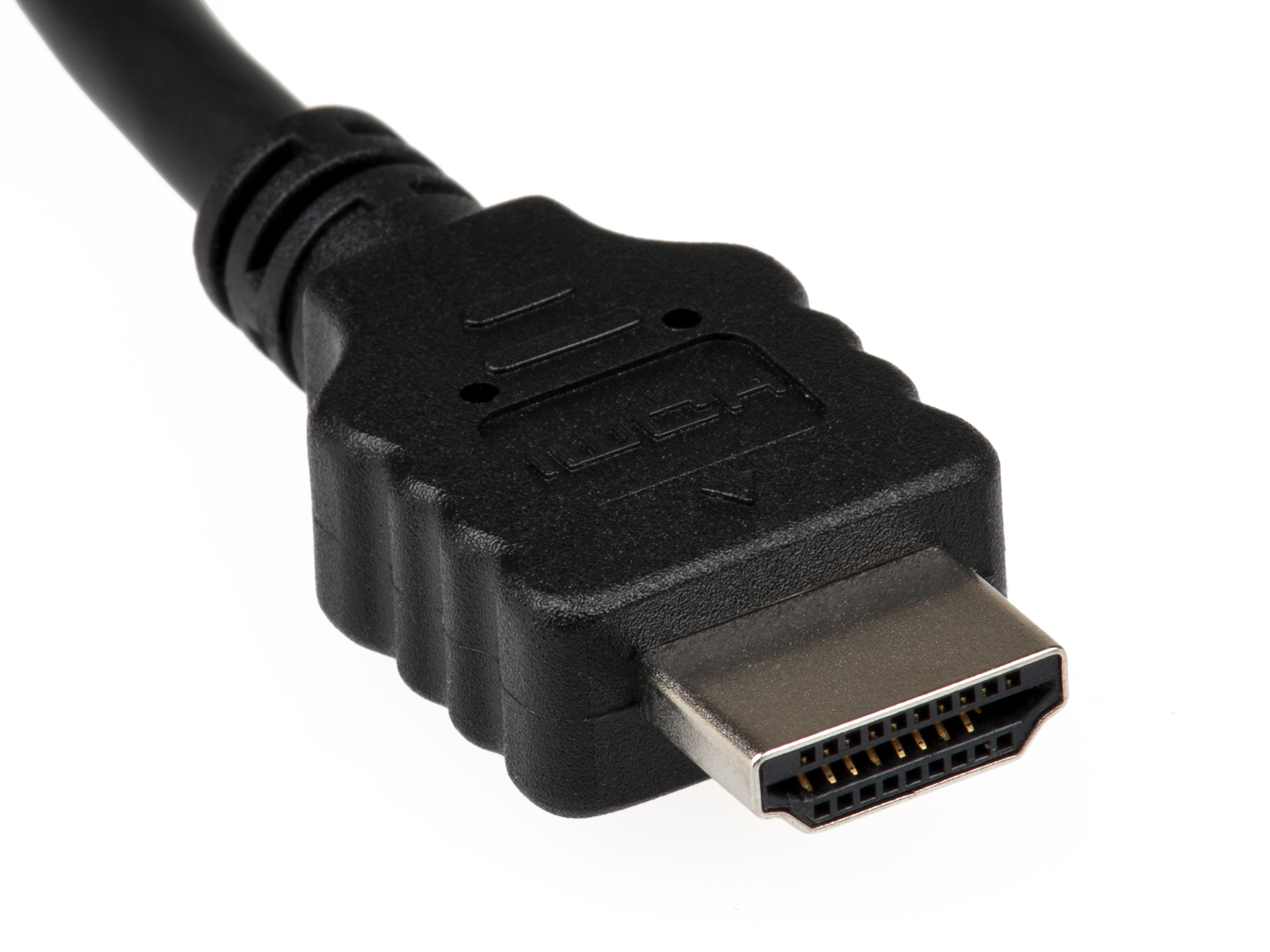
HDMI, or High Definition Multimedia Interface, uses a digital signal to move both video and audio over one cable. You find HDMI ports on most TVs, PC monitors, game consoles, and streaming boxes. Modern HDMI versions handle high resolutions, high refresh rates, and features like HDR and advanced surround sound.
Because HDMI carries audio and video together, you reduce cable clutter and keep your home theater or gaming setup simpler.
What Is VGA?
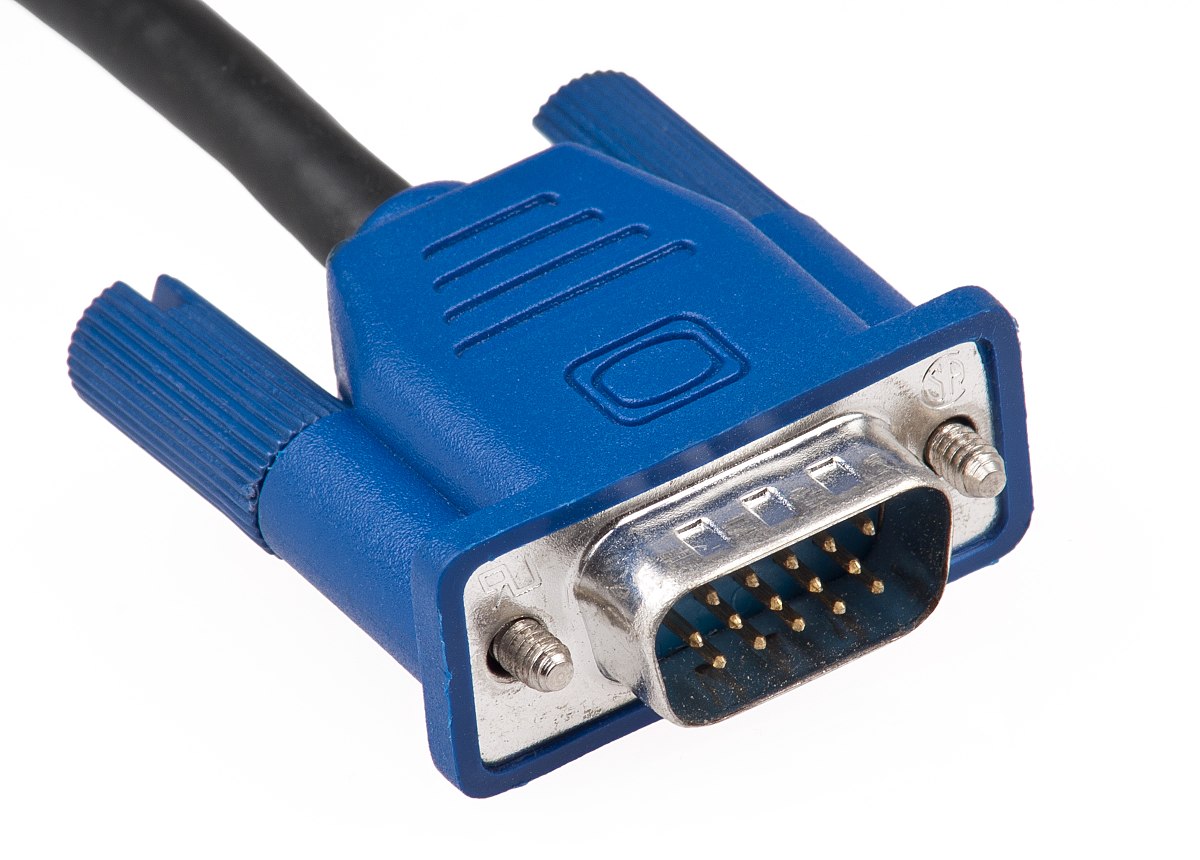
VGA, or Video Graphics Array, sends an analog video signal only. You usually see the blue 15-pin VGA connector on older desktop PCs, office projectors, and budget monitors. VGA cannot carry sound, so you need a separate audio cable if you want speakers or a sound system.
VGA can still drive 1080p in many cases, but image sharpness drops compared to an HDMI connection on the same screen.
HDMI Vs VGA: Key Differences
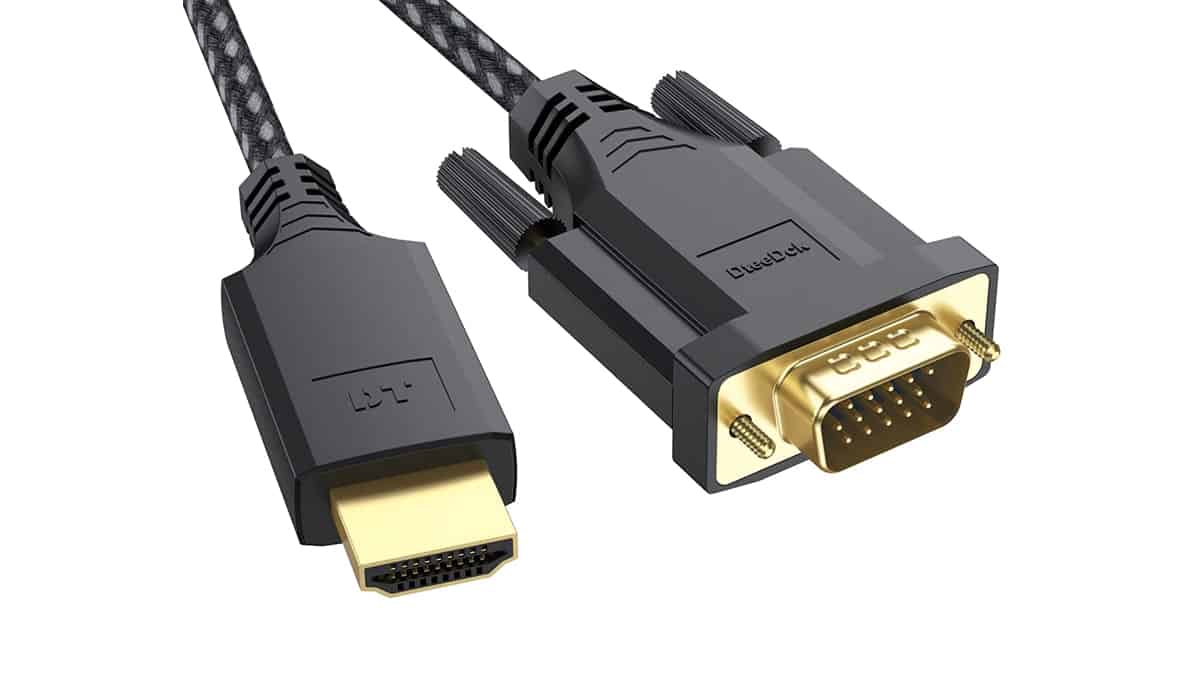
Once you look at picture quality, audio support, and compatibility, HDMI almost always beats VGA for modern setups. VGA still helps when you must connect to older gear, especially in schools, offices, and conference rooms.
Image Quality And Resolution
HDMI uses a digital signal, so each pixel arrives at the display without the analog noise that VGA can introduce. You see cleaner edges on text, better contrast in games, and more accurate colors. HDMI also supports resolutions up to 4K and beyond with recent versions, which helps high-refresh gaming monitors and big 4K TVs.
VGA relies on analog video, so signal quality falls as cable length grows or when you push higher resolutions. On a 1080p or 1440p display, HDMI usually looks noticeably sharper than VGA.
Audio Support
HDMI carries both video and multi-channel audio over the same cable, which suits soundbars, AV receivers, and gaming headsets connected through your display. You simply plug in one HDMI cable and route sound through the TV or receiver.
VGA never carries audio, so you must connect a separate 3.5 mm audio cable or use USB or optical audio from the source device. That adds clutter and more chances for something to fail.
Compatibility And Use Cases
Most modern devices ship with HDMI ports, including laptops, game consoles, Blu-ray players, and streaming sticks. If you look for the safest choice for a new monitor or TV, HDMI gives you the widest compatibility.
VGA still appears in many offices and older classrooms, especially on projectors or older business displays. In those cases, VGA remains useful, but you often treat it as a backup connection rather than your first choice.
Gaming And Home Theater
For console and PC gaming, HDMI usually offers better options. It supports high refresh rates, variable refresh features on newer devices, and high-resolution gaming on 4K TVs. When you compare HDMI vs VGA for gaming, HDMI wins on both clarity and features.
Home theater setups also benefit from HDMI because you can connect a streaming device or Blu-ray player to a receiver, then run a single cable to the TV.
Cost And Availability
Standard HDMI cables cost only slightly more than VGA cables in most US stores now, and you often receive one in the box with a new device. Because HDMI has become the standard, you rarely save meaningful money by choosing VGA.
If you already own older VGA cables and your equipment only supports VGA, you can keep using them. For new gear, HDMI almost always offers better value in the long run.
Troubleshooting Common Problems
You may not deal with complex settings, but HDMI and VGA still cause a few common issues. These quick checks usually fix most problems.
- If the monitor shows “No Signal,” confirm the cable sits firmly in the HDMI or VGA port on both ends.
- When the picture looks blurry on VGA, shorten the cable length and choose the display’s native resolution in your operating system settings.
- If you get sound over HDMI on a TV but not on a PC monitor, set the correct HDMI audio output device in your sound settings.
- When an HDMI port refuses to work, try another HDMI cable or another port on the display to rule out hardware damage.
- If you use a VGA-to-HDMI or HDMI-to-VGA adapter, ensure the adapter supports the direction you need and receives power when required.
Tips
- Pick HDMI for any new monitor, TV, or projector unless you must work with very old hardware.
- Use HDMI for gaming PCs and consoles when possible so you gain higher refresh rates and audio over the same cable.
- Keep one VGA cable in your bag if you present in offices or schools that still use older projectors.
- Match the output resolution from your PC or laptop to the native resolution of the display for the sharpest image.
- Label your HDMI and VGA cables if you run them through tight spaces, so you do not unplug the wrong line later.
FAQ
Which Is Better HDMI Or VGA For A PC Monitor?
For most PC monitors, HDMI works better because it delivers a sharper digital image and includes audio support when the monitor has speakers or a headphone jack.
Is VGA Still Good For Office Use?
Yes, VGA still works for basic office tasks on older monitors and projectors. However, HDMI offers clearer text and better future compatibility when you replace equipment.
Which Is Better HDMI Or VGA For Gaming?
HDMI almost always beats VGA for gaming. You get a cleaner picture, support for higher refresh rates on modern displays, and easy audio routing through the same cable.
Can I Convert HDMI To VGA?
Yes, you can use an HDMI-to-VGA adapter when your source device lacks a VGA port. Expect some limits on resolution, and remember that VGA still needs a separate audio connection.
Does HDMI Always Look Better Than VGA?
On the same display at its native resolution, HDMI usually looks better because it avoids analog signal noise. You may not notice a difference at low resolutions, but HD and higher content tends to favor HDMI.
Summary
- HDMI uses digital video and audio, while VGA uses analog video only.
- HDMI delivers sharper images, better resolution support, and built-in sound.
- VGA mainly helps with older projectors and legacy monitors that lack HDMI.
- For gaming and home theater setups, HDMI almost always offers a better experience.
- When you buy new displays or cables, HDMI gives you the most future-proof choice.
Conclusion
If you choose between HDMI and VGA on a modern display, HDMI usually wins without much debate. It provides clearer video, built-in audio, and support for today’s resolutions and refresh rates. VGA remains useful when you must connect to older projectors and legacy monitors, but it rarely makes sense for new purchases. In most cases, you treat VGA as a fallback and HDMI as the default connection for everyday work, movies, and gaming.


Discussion (0)
Be the first to comment.