




The short answer: a Smart TV is any television with internet access and built-in apps, while Tizen is the operating system that powers many Samsung Smart TVs. In other words, every Samsung Tizen TV is a Smart TV, but not every Smart TV runs Tizen.
If you’re comparing Smart TV vs Tizen, you’re really looking at general Smart TV software like Android TV, Google TV, or Roku TV versus Samsung’s in-house platform called Samsung Tizen OS. This guide explains what each is, outlines their major differences, and helps you decide which operating system is better for TV in your home.
What Is a Smart TV?
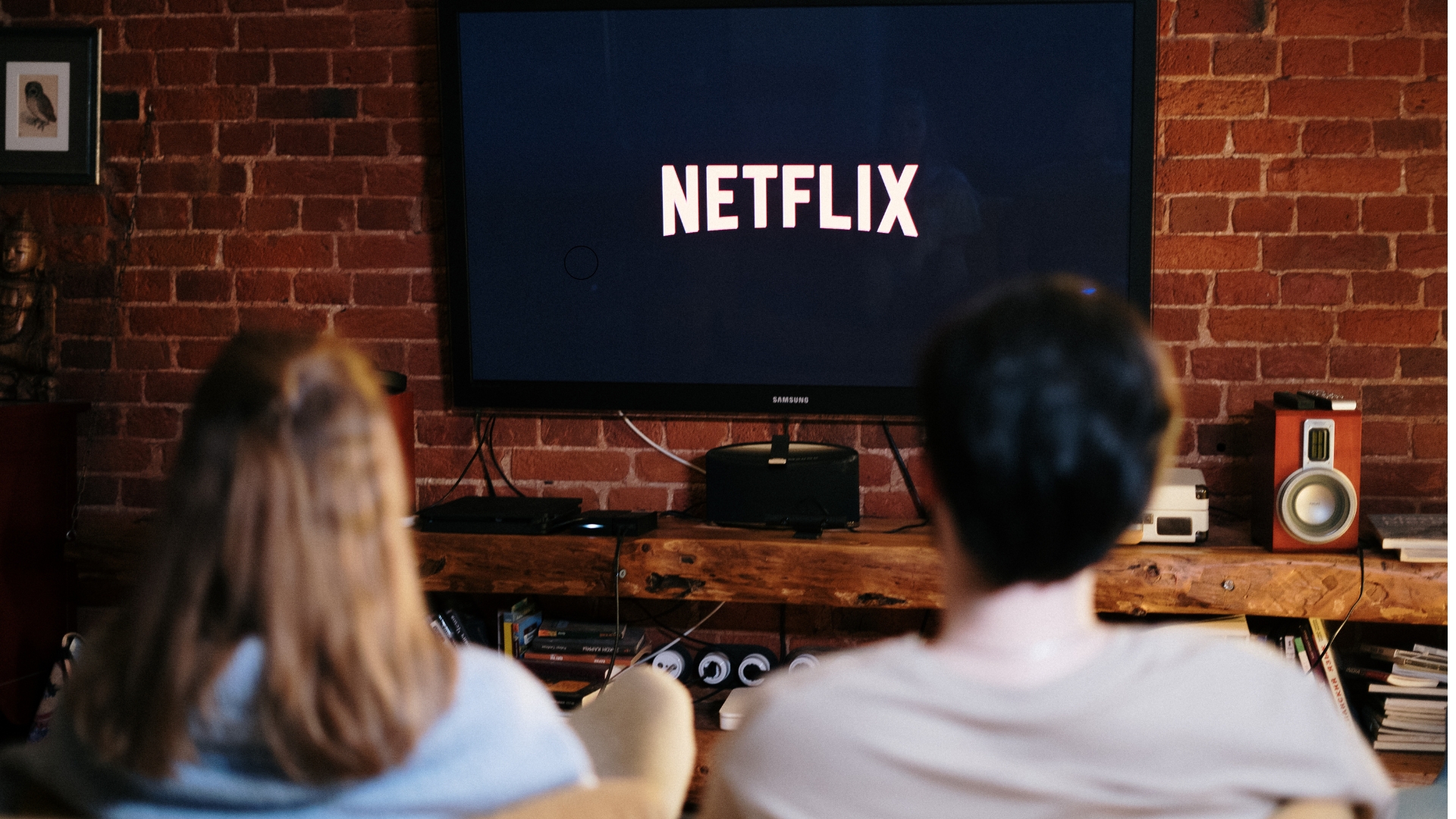
A Smart TV is a television that connects to the internet and can run apps directly. You can stream Netflix, Disney+, YouTube, or Amazon Prime Video without using an external streaming stick or cable box.
Typical Smart TV features include:
- App store: Access hundreds of streaming, news, and entertainment apps directly from your TV.
- Wi-Fi and Ethernet: Connect your TV to your home network for smooth streaming.
- Voice control: Many models include Google Assistant or Alexa so you can search or change channels hands-free.
- Screen mirroring: Share your phone, tablet, or laptop display wirelessly on the big screen.
- Smart home integration: Some models let you view cameras or control connected devices using your remote or voice.
“Smart TV” isn’t one specific system; it’s a category. Major Smart TV operating systems include Google TV, Android TV, LG webOS, Fire TV, Roku TV, and Samsung Tizen OS.
What Is Tizen?
Tizen is Samsung’s proprietary Smart TV operating system. When you buy a Samsung Smart TV, it almost always runs Samsung Tizen OS. This software controls the home screen, app store, menus, voice commands, and smart home features.
Tizen isn’t a separate TV; it’s the software interface that makes your Samsung Smart TV function. It determines how fast apps load, how easy menus feel, and how your devices connect.
Notable features of Samsung Tizen TV include:
- Clean, fast interface: A horizontal launcher bar keeps your favorite apps front and center.
- Samsung TV Plus: Free, ad-supported live channels that don’t require a subscription.
- SmartThings integration: View and control smart lights, thermostats, and cameras directly on your TV.
- Gaming support: Auto-low-latency mode and cloud gaming apps available on select models.
- Multi-view: Watch two sources side by side; for example, a game and a YouTube guide.
- Frequent updates: Samsung regularly updates the Samsung Tizen OS with security patches and new features.
Because Samsung designs both the hardware and the software, Tizen Smart TVs tend to feel smoother and more consistent than generic Smart TVs from smaller brands.
What Is the Difference Between Smart TV and Tizen?
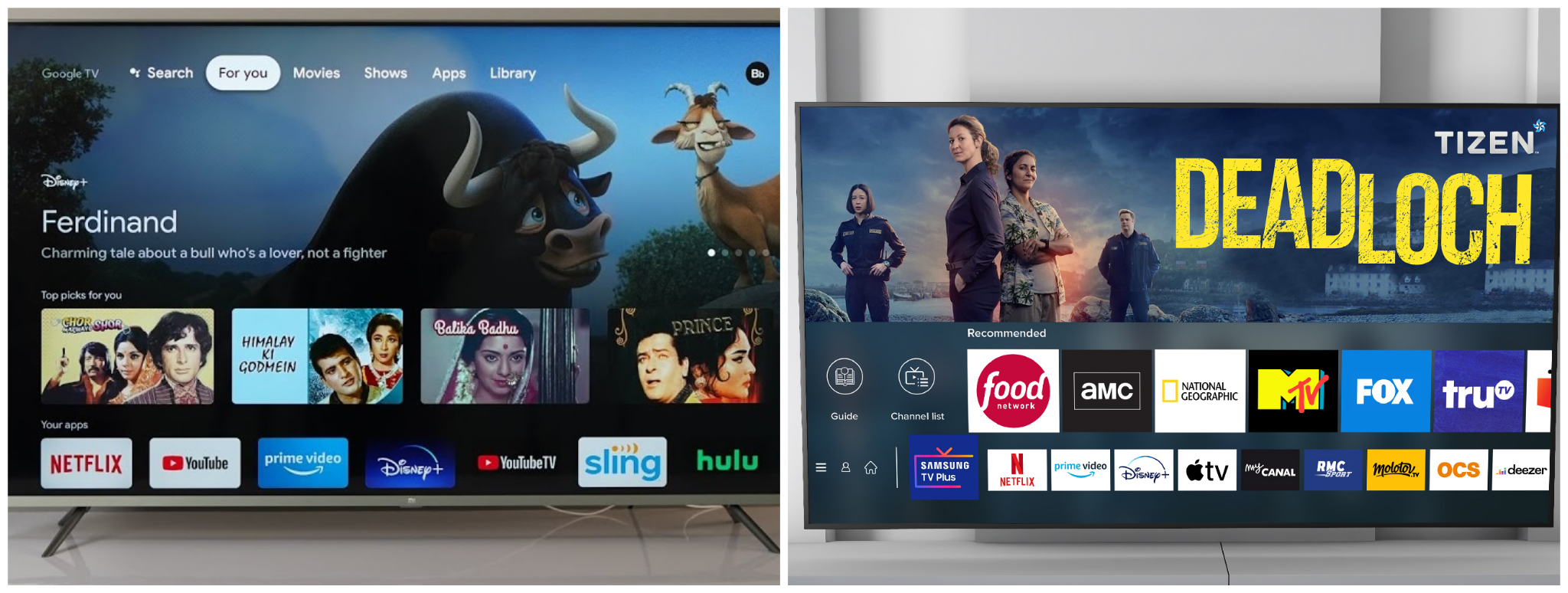
At its core, the difference between Smart TV and Tizen is this:
- A Smart TV is any television that connects to the internet and can run apps.
- Tizen is the specific Smart TV operating system that Samsung uses in its Smart TVs.
Here’s a detailed comparison between a typical non-Samsung Smart TV and a Samsung Tizen TV to help you understand their key differences.
Operating system: Most generic Smart TVs run Android TV, Google TV, Roku TV, or webOS. Samsung Smart TVs run Samsung’s own Tizen OS, which is built for Samsung hardware and stays consistent across models.
App selection: Both types of TVs include all major streaming apps. Generic Smart TVs, especially Android TV sets, usually have a bigger app store with more niche or third-party options. Samsung Tizen TVs have a smaller, more curated app library, and they also include Samsung TV Plus, which gives you free live channels and on-demand content.
Interface speed: Lower-end generic Smart TVs can feel slow when you move around the menu or switch apps. Samsung Tizen TVs are generally smoother and more responsive, with a cleaner layout that looks the same across Samsung’s lineup.
Smart home integration: Generic Smart TVs often support Alexa or Google Assistant for voice control, and that’s about it. Samsung Tizen TVs include a built-in SmartThings dashboard, so you can view and control compatible smart home devices (lights, cameras, etc.) right from the TV.
Gaming features: A normal Smart TV usually supports standard HDMI input for consoles, but that’s where it stops. Samsung Tizen TVs add extras like cloud gaming options, multi-view (watch and play at the same time), and low-latency modes that reduce input lag.
Bottom line: any Smart TV will let you stream Netflix, YouTube, and similar apps. A Samsung Tizen TV goes further with faster navigation, tighter smart home control, and better gaming features built in.
Put simply, a Smart TV gives you streaming, but a Samsung Tizen TV gives you streaming plus Samsung’s ecosystem and smoother performance.
What Are the Disadvantages of Tizen?
While Samsung Tizen TV has many strengths, there are a few disadvantages of Tizen to keep in mind:
- Fewer niche apps: Compared to Android TV or Google TV, Samsung Tizen OS sometimes lacks regional or specialized apps.
- Limited customization: Tizen offers a fixed layout and fewer personalization options than Google TV.
- Voice assistant preference: Samsung emphasizes its own Bixby assistant, though Alexa and Google integration are available on newer models.
- Samsung ecosystem lock-in: Features like SmartThings work best with other Samsung devices.
These drawbacks are minor for most users, but worth knowing if you rely heavily on Android services or prefer deep Google Assistant integration.
Which Operating System Is Better for TV?
There isn’t a single “best” Smart TV platform; it depends on what you value most:
- Choose Samsung Tizen TV for fast performance, polished design, Samsung TV Plus, SmartThings integration, and built-in gaming features.
- Choose Android TV or Google TV for the most extensive app library, deep Google Assistant integration, and strong phone connectivity.
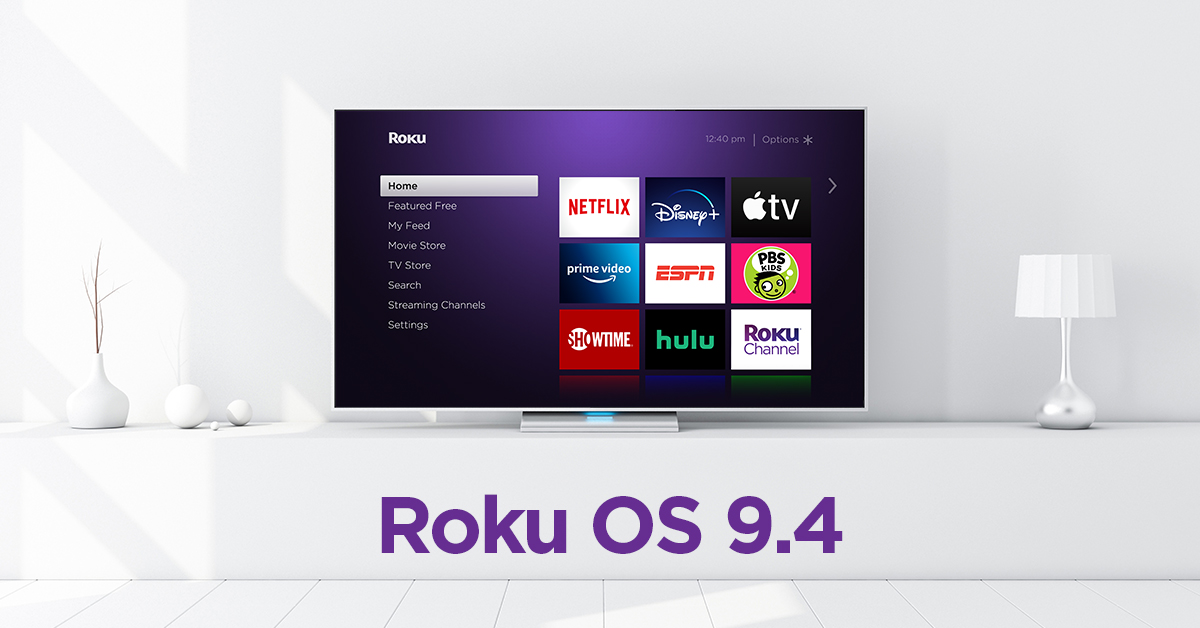
- Choose Roku TV if you want a simple interface and an easy setup for the whole family.
So, what is the difference between Smart TV and Tizen in practical terms? A generic Smart TV gives you access to streaming apps, while a Samsung Tizen TV gives you a faster, more unified experience with additional features and regular updates.
FAQ
Is Tizen a Smart TV?
No, Tizen is the software that powers Samsung Smart TVs. The physical television is the Smart TV; Tizen is its operating system.
Is Tizen OS Android?
No. Samsung Tizen OS is based on Linux, not Android. While both support popular streaming apps, they are entirely different systems.
Is Samsung Tizen TV good for gaming?
Yes. Many Samsung Tizen Smart TVs include low-latency modes, cloud gaming apps, and HDMI 2.1 support for next-gen consoles.
Can I install Android apps on Tizen?
No. You can only install apps from the Samsung Tizen App Store. However, all major streaming apps are available.
Can I replace Tizen with another OS?
No. The operating system is built into the TV. But you can connect a Roku, Fire TV, or Chromecast device to use a different interface.
Should You Buy a Smart TV or a Samsung Tizen TV?
If you want the cheapest screen with Netflix access, any Smart TV will do. But if you care about speed, polish, and consistent updates, a Samsung Tizen TV delivers a stronger overall experience.
For most users, the difference between Smart TV and Tizen comes down to quality and software support. Samsung Tizen OS feels smoother and more secure, while cheaper Smart TVs often slow down over time or stop getting updates.
Conclusion
The main difference between Smart TV and Tizen is that Smart TV describes any internet-enabled television, while Tizen refers to Samsung’s specific Smart TV operating system. Tizen adds speed, SmartThings integration, and a consistent interface across Samsung devices.
If you value performance and smart home features, the Samsung Tizen TV is a reliable choice. If you prefer Google integration or broader app options, Android TV or Google TV might be a better fit. Either way, understanding what Tizen brings helps you choose the right Smart TV platform for your setup!


Discussion (0)
Be the first to comment.