




DDR RAM powers every modern computer by moving data twice per clock cycle. This gives your system higher bandwidth and smoother performance during everyday tasks. Understanding how DDR works helps you choose the right memory for your next upgrade.
1) Overview of DDR RAM
DDR RAM stands for double data rate random access memory. It transfers data on both edges of each clock cycle, which boosts bandwidth without raising base frequency. This section gives you a simple, clear definition of the technology.
2) How DDR works
DDR improves on older SDRAM by performing two data transfers per cycle. This increases throughput and reduces data bottlenecks during multitasking.
Double-pumping explained
DDR sends data on the rising and falling edges of the clock signal. This behavior doubles effective speed while keeping real clock frequency lower and more efficient.
Key technical characteristics
DDR memory relies on prefetch buffers, burst transfers, and lower voltages across generations. These improvements help systems run cooler and more efficiently.
3) DDR generations
Each DDR generation improves speed, efficiency, and capacity. Understanding these versions helps you compare upgrades and performance changes.
DDR
First-generation DDR introduced double data rate signaling. It replaced SDRAM and delivered significantly higher bandwidth.

DDR2
DDR2 reached higher clock speeds and lower voltages. It provided better signaling and efficiency than the previous generation.

DDR3
DDR3 delivered faster performance and lower power draw. It became the most common standard for many years.

DDR4
DDR4 RAM supports higher module capacities and improved power efficiency. Many current desktops and laptops still rely on DDR4.
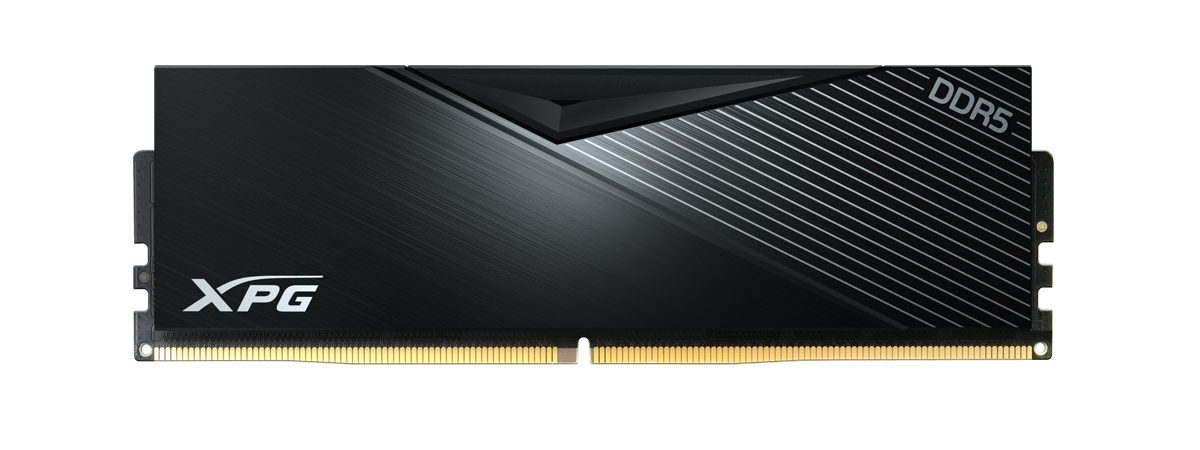
DDR5
DDR5 increases bandwidth and adds better power management. You find it in the latest gaming systems and high-performance workstations.
4) Key differences between DDR generations
Speed, voltage, and capacity shift with every generation. These differences help you understand why one type performs better than another.
Speed and bandwidth
Every DDR generation raises the maximum data transfer rate. Higher bandwidth improves responsiveness in apps and games.
Voltage efficiency
Newer DDR versions drop voltage requirements. Lower power usage supports cooler and more stable systems.
Module density and capacity
Modern DDR generations support larger memory sticks. Higher density helps heavy workloads like 4K editing, virtualization, and gaming.
5) DDR compatibility and upgrade considerations
DDR generations do not work interchangeably. This section helps you avoid buying the wrong RAM for your motherboard.
Motherboard slot compatibility
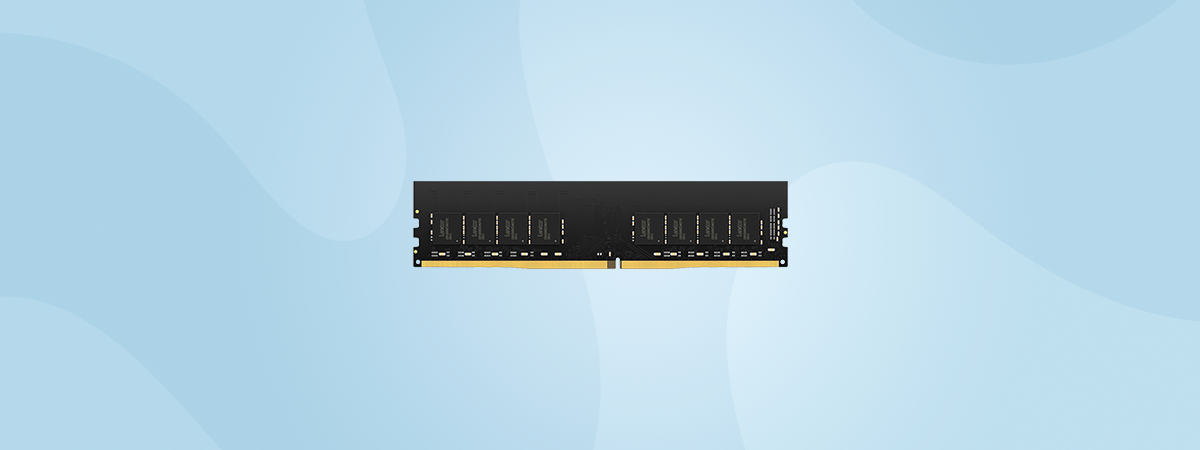
Each DDR generation uses a different notch position and pin configuration. These differences prevent incorrect installation.
CPU and chipset support
Your processor’s memory controller determines which DDR type your system supports. This makes checking CPU specs essential before ordering new RAM.
Identifying your existing DDR type
You can find RAM type information in Task Manager or tools like CPU-Z. Physical labels on the memory stick also help you confirm the generation.
6) Real-world performance impact
DDR improvements affect how fast your PC boots, loads apps, and handles multitasking. You feel these gains immediately in daily use.
Everyday computing
Higher DDR speeds cut down load times and improve app switching. Browsers and office tools feel more responsive.
Gaming
Faster memory reduces stutter and improves CPU-bound performance. Modern games benefit from DDR4 and DDR5’s higher bandwidth.
Professional workloads
Editing, rendering, and data simulations demand more memory capacity and speed. DDR5 provides noticeable gains in these high-end tasks.
7) How to choose the right DDR RAM
This simple checklist helps you pick the right memory for your system.
Match the DDR generation
Your motherboard and CPU determine which DDR type you can install. Checking support up front prevents returns and errors.
Pick the right frequency and latency
Higher frequencies and lower timings improve performance. Balanced specs give you the best value for gaming and multitasking.
Decide capacity based on use case
Light users can work with 8 GB, while creators and gamers usually choose 16–32 GB or more. Capacity affects long-term system performance.
FAQs
What does DDR mean in RAM? DDR stands for double data rate. It moves data twice per clock cycle to increase bandwidth.
Can I install DDR4 memory in a DDR3 motherboard? No. Each DDR generation uses unique physical and electrical standards, so modules only fit into matching slots.
Is DDR5 much faster than DDR4? DDR5 delivers higher bandwidth and improves power efficiency. You see the biggest gains in gaming and content creation.
How do I check which DDR RAM my PC supports? Open Task Manager and check the Memory section, or use a system tool like CPU-Z. Your motherboard manual also lists supported RAM types.
Summary
- DDR RAM transfers data twice per cycle, which boosts performance.
- Generations range from DDR to DDR5, each offering higher speeds and efficiency.
- DDR types are not cross-compatible and must match your motherboard and CPU.
- Faster RAM helps gaming, multitasking, and professional workloads.
- Choosing the right DDR generation and capacity ensures smoother long-term performance.
DDR RAM supports every modern computing task by increasing bandwidth and efficiency. Knowing how each generation differs helps you upgrade your PC with confidence. When you match the correct DDR type, capacity, and speed to your hardware, your system runs faster and stays responsive for years.
Discussion (0)
Be the first to comment.