




If you have ever asked what font is Discord, you are not alone. The app’s text has a very distinct look that helps messages stay readable even in busy servers. At the time of writing, Discord uses its own custom typeface called gg sans across the main interface, with a different font for the Discord logo.
Knowing the Discord font name helps designers, streamers, and server owners build graphics that match the platform’s modern style. It also explains why the text on Discord may look different today than it did a few years ago, when the app relied on a licensed font instead of a fully custom one.
What Font Does Discord Use Now?

Discord’s current default font is gg sans, a custom sans serif typeface created specifically for the platform. This Discord font style appears in channel lists, chat messages, menus, and most of the user interface on desktop, web, and mobile.
Because gg sans is a proprietary Discord font, you cannot install it directly on your computer for general use. Discord uses it internally to keep branding consistent and to fine-tune spacing, weights, and language support without depending on third-party licenses.
Discord Logo Font And Branding
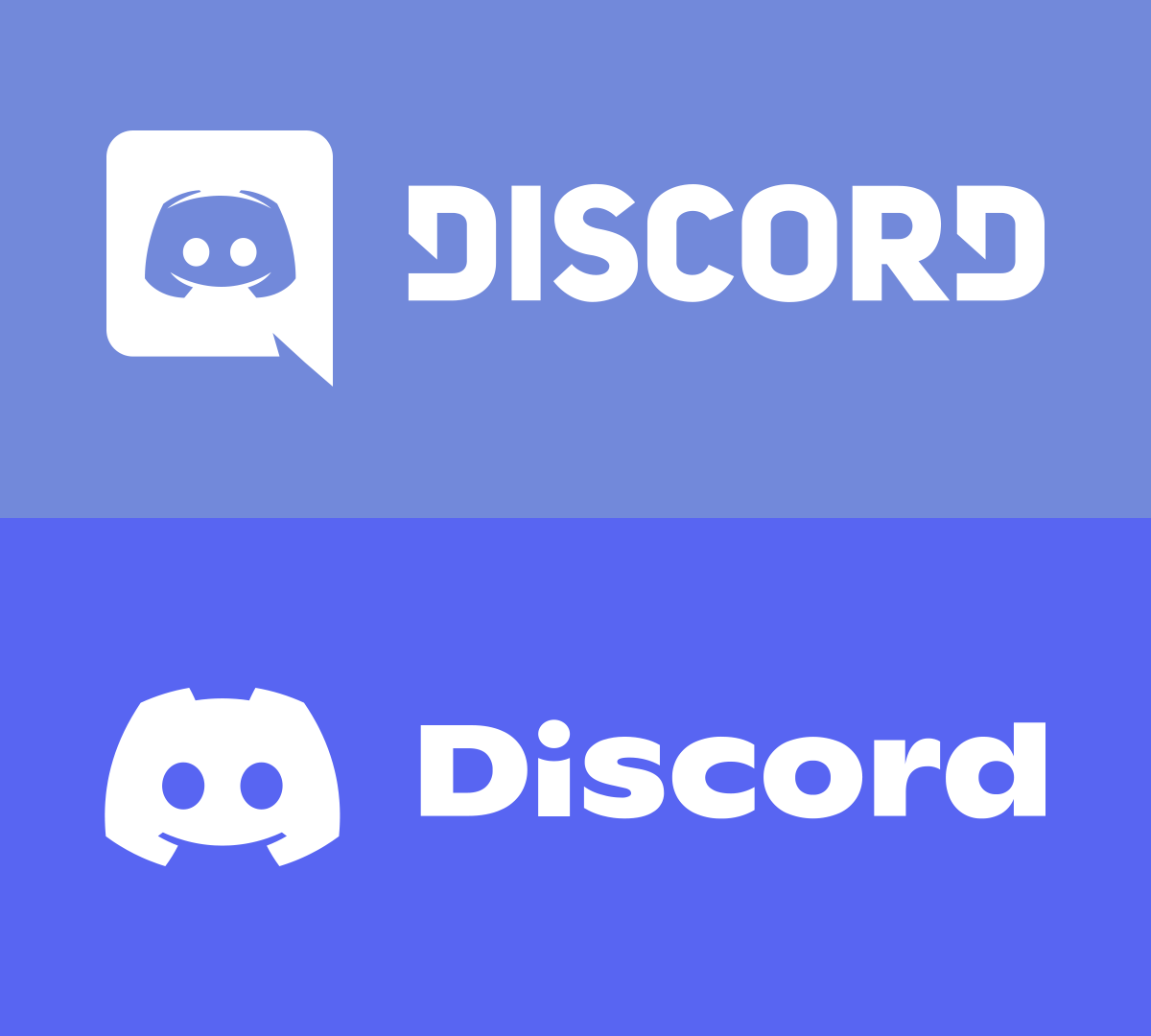
The font in the Discord logo is not the same as the chat font. Discord’s wordmark uses a customized version of a geometric sans serif family inspired by Ginto, tailored to match the brand’s rounded mascot and playful layout. This logo font stays exclusive to official branding assets.
Older versions of the logo looked similar to heavy geometric fonts like Uni Sans or other bold Discord font alternatives. The current logo focuses on smoother curves and tighter letter spacing to feel more modern while still recognizable at small icon sizes.
Discord Font History

Before gg sans, the main Discord font was Whitney, a commercial humanist sans serif. Whitney gave Discord a clean, professional look, but it limited how much the team could tweak letter shapes or expand to new scripts without license changes.
Discord rolled out gg sans starting in late 2022 to gain full control over its typography. The updated Discord UI font improved readability at small sizes, added better multilingual support, and gave the app a unique visual voice instead of sharing a typeface with other brands.
How To Get A Similar Discord Font Look
You cannot legally download and use gg sans for your own projects, but you can mimic the Discord font style with similar sans serif families. Look for fonts with rounded corners, open shapes, and medium contrast strokes.
- Choose a clean sans serif font with friendly, rounded edges.
- Use medium or regular weights for chat-style text and semibold for headings.
- Increase line spacing slightly to keep long messages readable.
- Pair the font with Discord-style colors like deep gray backgrounds and accent blues or purples.
Popular Discord font alternatives that capture a similar feel include modern web fonts such as Inter, Nunito, or Poppins. They do not match gg sans exactly, but they deliver the same smooth, approachable look for overlays, thumbnails, or stream graphics.
Troubleshooting Common Problems
- Discord font looks different than before: The app now uses gg sans instead of Whitney, so the text shape changed slightly.
- Text appears too small or large: Adjust the Chat Font Scaling slider in Discord’s Appearance settings.
- Letters look blurry: Check your display scaling, enable font smoothing in your OS, and update your graphics drivers.
- Fonts look off on one device only: Make sure that Discord is updated and that your system display resolution matches your monitor’s native resolution.
Tips
- Increase chat font size slightly if you spend long sessions reading Discord messages.
- Use higher contrast themes to make the Discord UI font easier to scan quickly.
- When designing graphics, test your chosen Discord font alternative at small sizes to avoid cramped lettering.
- Keep headline fonts bold but not overly condensed so server names stay readable on mobile.
FAQ
What font is Discord using right now? Discord currently uses a custom font called gg sans for most of its interface text.
What font did Discord use before gg sans? In earlier versions, the main Discord font was Whitney, a licensed humanist sans serif typeface.
Can I download the official Discord font? No. gg sans and the Discord logo typeface are proprietary and not available for general download.
Is there a free font that looks like the Discord font? There is no perfect match, but modern sans serif families with rounded shapes can give a similar Discord font style.
Summary
- Discord’s default UI font is a custom typeface called gg sans.
- The Discord logo uses a separate, customized geometric sans serif font.
- Whitney served as the main Discord font before the gg sans update.
- You cannot use gg sans directly, but similar rounded sans serif fonts create a comparable look.
- Font size and readability in Discord can be improved through Appearance and Accessibility settings.
Conclusion
Discord’s move to gg sans turned its typography into a core part of the brand rather than just another system font. Understanding what font Discord uses now, how t


Discussion (0)
Be the first to comment.