




10/100 Ethernet describes network ports and devices that support both 10 Mbps and 100 Mbps wired speeds. These ports still appear on older routers, switches, printers, and budget smart-home devices, so understanding what the label means helps you avoid slow connections.
A 10/100 device automatically chooses the highest speed possible, but issues like bad cables or mismatched hardware may force it to run slower.
1) Understanding 10/100 Ethernet speeds
A 10 Mbps link represents classic Ethernet performance, while 100 Mbps is known as Fast Ethernet. A 10/100 port supports both speeds, switching based on what the connected device can handle.

Modern devices negotiate the best speed automatically. If both ends support 100 Mbps, the link runs at that rate. Damaged wiring or older hardware causes the connection to fall back to 10 Mbps.
Full-duplex vs half-duplex
Duplex determines how data flows. Full-duplex allows sending and receiving at the same time, while half-duplex alternates the direction. Most 10/100 equipment supports full-duplex, but older switches may still default to half.
2) Devices that use 10/100 Ethernet today
Legacy routers and switches
Many early home routers and inexpensive switches ship with 10/100 ports. These devices work fine for light browsing, but limit faster home internet plans.
Smart home hubs, printers, and IoT devices
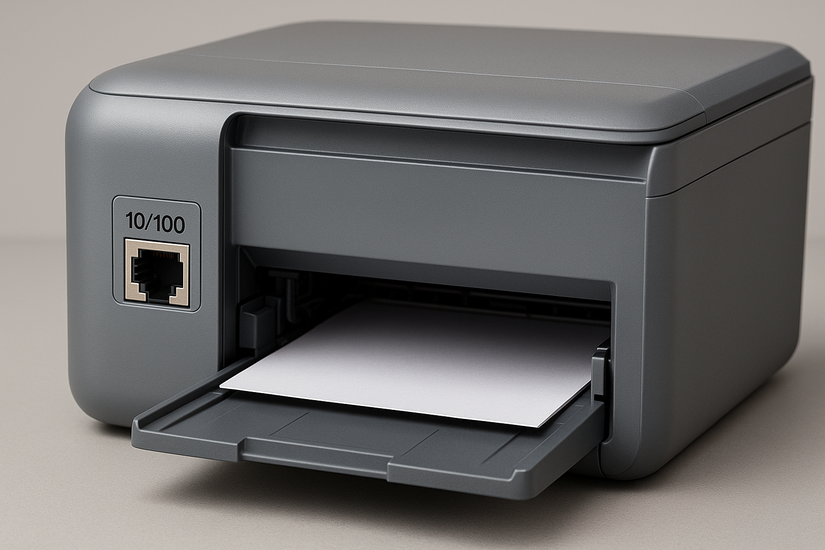
Smart hubs, wired printers, and budget IoT controllers often use 10/100 ports because they require very little bandwidth. These devices do not benefit from gigabit speeds.
3) Real-world performance of 10/100 Ethernet
When 100 Mbps is good enough
100 Mbps works well for general browsing, HD video streaming, and common office tasks. For many single-device setups, the difference between 100 Mbps and a gigabit feels minor in daily use.
When 10/100 becomes a bottleneck
Large file transfers, NAS backups, 4K streaming, and modern game downloads saturate a 100 Mbps link quickly. These tasks require faster gear to avoid long wait times.
How cable quality affects speed
Old or damaged Cat5 cables can limit performance. If a cable cannot maintain all four wire pairs, the link may drop to 10 Mbps. Replacing cables with Cat5e or Cat6 usually restores full speed.
4) 10/100 vs 10/100/1000 (gigabit)
Key differences in speed and latency
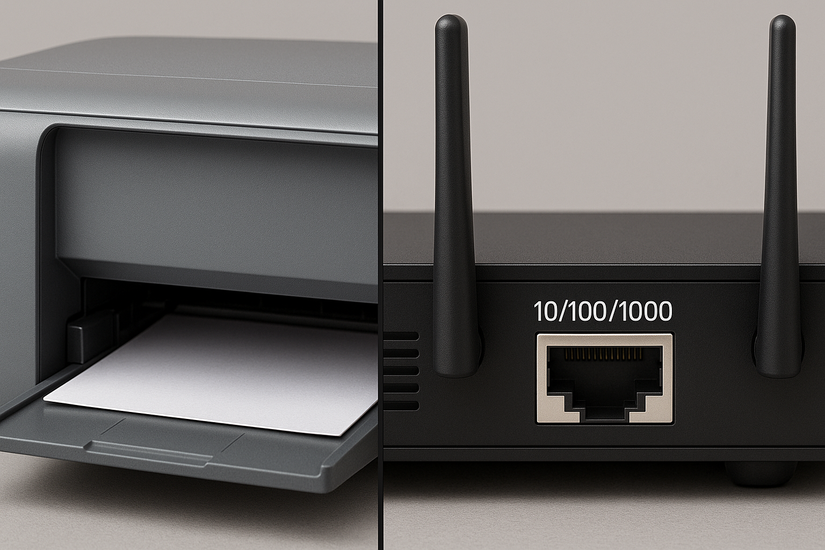
Gigabit links run up to ten times faster than Fast Ethernet. The higher bandwidth reduces transfer times and improves responsiveness in busy home networks.
Hardware requirements for gigabit
You need gigabit-capable network cards, gigabit switches, and at least Cat5e cabling. Older 10/100 devices cannot exceed 100 Mbps regardless of cable quality.
Is upgrading worth it?
Most homes benefit from gigabit networking because gigabit gear is affordable and widely available. Heavy users, gamers, and offices notice meaningful speed gains.
5) Compatibility and backward support
Connecting modern devices to 10/100 ports
Newer laptops and PCs can still connect to 10/100 hardware because Ethernet standards maintain backward compatibility. The connection simply runs at the highest mutually supported speed.
Impact on mixed-speed networks
A single 10/100 device in a chain can slow traffic moving through that switch. Using gigabit gear for the backbone prevents these bottlenecks.
6) Should you replace 10/100 equipment?
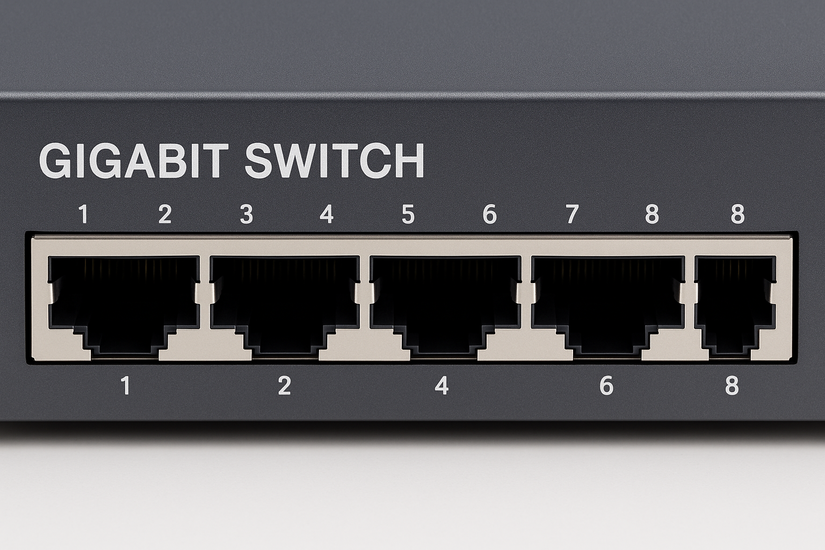
Move to gigabit switches and routers when possible. They provide future-proof bandwidth and improve overall network performance.
Note that gigabit devices cost a little more than 10/100 models and deliver significantly higher performance. Upgrading makes sense for nearly every home and small office.
7) Troubleshooting a slow 10/100 connection
- Fixing a 10 Mbps fallback issue: Before changing hardware, confirm the negotiated speed in your network adapter settings. Replace suspect cables and test another port on your switch or router.
- Checking duplex mismatches: A mismatch occurs when one device uses full-duplex while the other uses half-duplex. This causes slowdowns and packet loss. Set both devices to auto-negotiation to fix the issue.
- Testing cable length and damage: Long cable runs or crushed cables reduce signal quality. Shorten the run and check for visible bends or kinks. A simple cable swap often resolves speed drops.
FAQs
Is 10/100 Ethernet fast enough for streaming? Yes, 100 Mbps handles HD streaming with ease, but 4K or multiple streams may push its limits.
Why does my device only connect at 10 Mbps? A bad cable, old port, duplex mismatch, or damaged wiring forces the link to fall back to 10 Mbps.
Can I use Cat5 cables for 100 Mbps? Yes, Cat5 supports 100 Mbps if the cable is intact and wired correctly, but Cat5e or Cat6 offers better reliability.
Does 10/100 support PoE? Yes, PoE works on 10/100 ports as long as the switch and device both support power delivery.
Summary
- 10/100 Ethernet supports 10 Mbps and 100 Mbps speeds.
- Auto-negotiation chooses the fastest possible link.
- Many smart hubs and printers still use 10/100.
- 100 Mbps works for light tasks but bottlenecks heavy workloads.
- Gigabit hardware offers faster, smoother performance.
- Upgrading cables and switches prevents slowdowns.
Conclusion
10/100 Ethernet remains common in printers, smart-home hubs, and older routers, but its speed ceiling limits modern workloads. If your network feels slow or your internet plan exceeds 100 Mbps, upgrading to gigabit hardware delivers immediate performance gains.


Discussion (0)
Be the first to comment.