




Wired connections still beat Wi-Fi for consistency, especially when you care about ping, 4K streaming quality, or large file transfers. That is where modern Ethernet standards like Cat 7 come in. Understanding what Cat 7 Ethernet cable is helps you decide if it is worth using over Cat 5e, Cat 6, or even Cat 8 in your home or office network.
What Is Cat 7 Ethernet Cable?
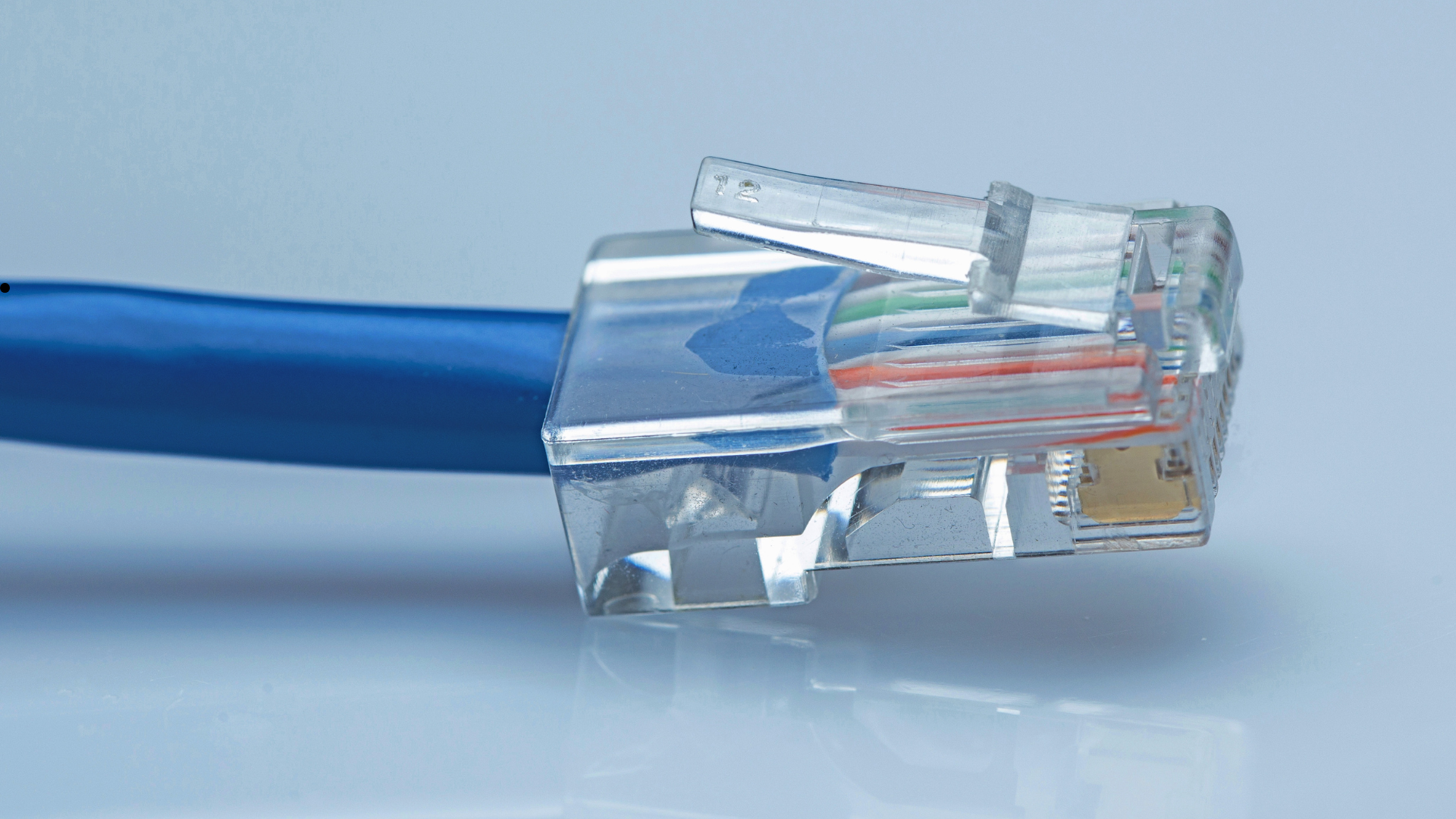
Cat 7 Ethernet cable, short for Category 7, is a copper network cable designed for high-speed wired networking. It supports up to 10 Gbps Ethernet over copper on runs up to 100 meters when used with compatible hardware. Compared with older standards, a Cat 7 Ethernet cable uses heavier shielding and tighter construction to reduce interference and keep your signal more stable.
In practical terms, a Cat 7 cable is a shielded twisted pair cable that targets demanding use cases like NAS backups, local media servers, online gaming machines, and office networks that push a lot of data. It stays backward compatible with Cat 6 and Cat 5e equipment, so you can plug it into regular RJ45 ports on most consumer routers and switches.
Key Specifications Of Cat 7 Cable
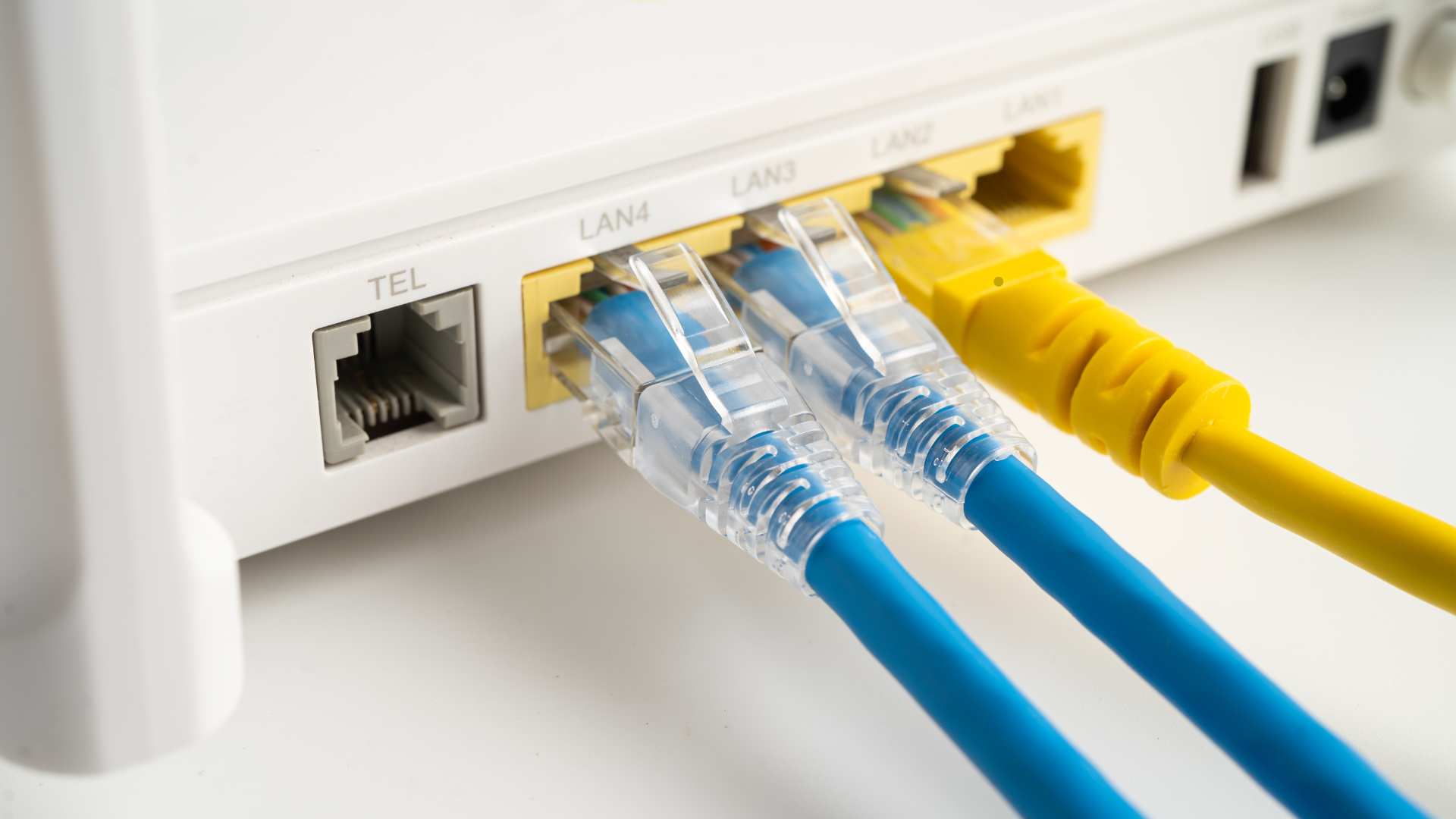
To understand what makes Cat 7 Ethernet cable different, it helps to look at the core specs that manufacturers target when they design a Category 7 cable.
- Maximum speed: Supports up to 10 Gbps Ethernet under the right conditions.
- Bandwidth rating: Typically rated up to 600 MHz, higher than Cat 6 and Cat 5e.
- Cable structure: Shielded twisted pairs with an overall shield around the bundle.
- Maximum length: Up to 100 meters for standard Ethernet runs.
- Connector style: Often uses GG45 or TERA in enterprise gear, but many consumer Cat 7 patch cables ship with standard RJ45 plugs for easier use.
These characteristics make Cat 7 cable a good fit for 10 Gbps links in environments with a lot of electrical noise, such as behind entertainment centers, near power strips, or inside dense server racks.
How Cat 7 Ethernet Cable Works
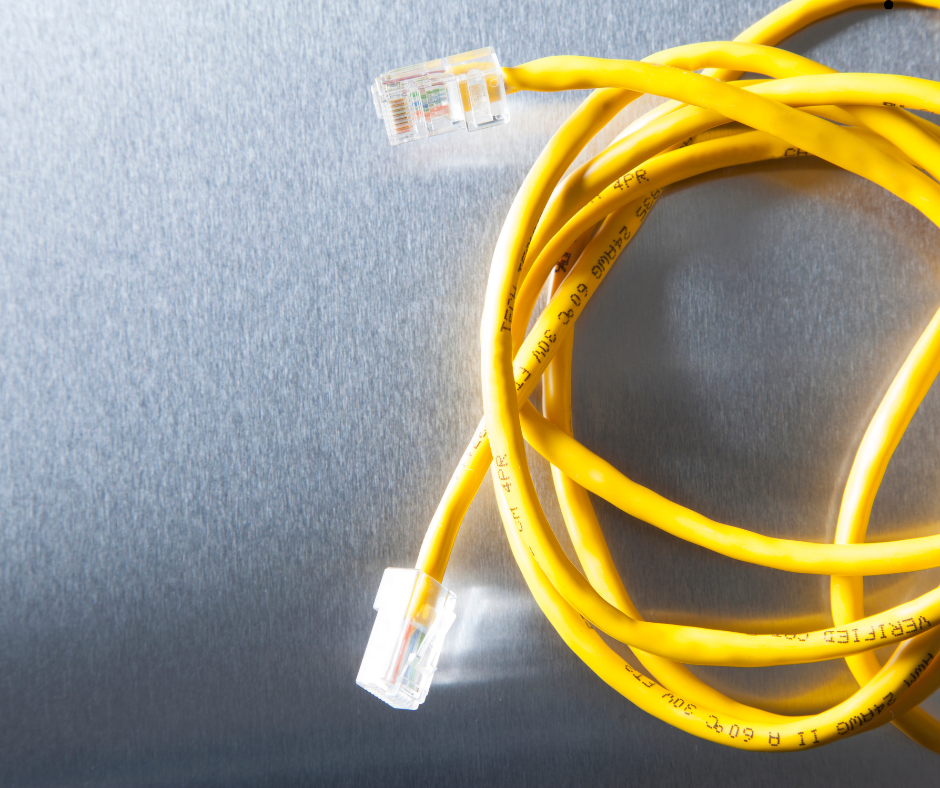
Cat 7 Ethernet cable still uses the same basic idea as earlier twisted pair cables. Data travels over four pairs of copper wires that are twisted together to cancel out interference. Cat 7 enhances this design with more robust shielding and stricter performance requirements.
- Each pair of copper wires is twisted to reduce electromagnetic interference.
- Every twisted pair receives its own layer of shielding to block outside noise.
- An overall foil or braided shield wraps the internal bundle for another layer of protection.
- The shielding and copper pairs work together to carry high-frequency signals with less crosstalk.
- When you connect compatible 10 Gbps Ethernet devices, the link negotiates the highest supported speed automatically.
This heavier construction is why Cat 7 Ethernet cable usually feels thicker and less flexible than Cat 5e or basic Cat 6 patch cords. You trade a bit of flexibility for better noise rejection and more consistent performance at high speeds.
Cat 7 Vs Cat 6 And Cat 5e
When people search for what Cat 7 Ethernet cable is, they often really want to know whether it is noticeably better than Cat 6 or Cat 5e in real-world use. The answer depends on your equipment and environment.
- Cat 5e: Typically supports up to 1 Gbps at 100 meters. It works fine for basic web browsing and streaming but can bottleneck multi-gig internet plans or fast local file transfers.
- Cat 6: Rated for 1 Gbps at 100 meters and can support 10 Gbps over shorter runs under ideal conditions. Many home networks use Cat 6 patch cables today.
- Cat 7: Designed for more consistent 10 Gbps performance with stronger shielding and up to 600 MHz bandwidth.
If your router, switch, and connected devices only support 1 Gbps, you will not see a speed boost just from swapping Cat 5e for Cat 7. You mainly gain better shielding and some future-proofing for later multi-gig upgrades.
Cat 7 Vs Cat 8: Do You Need The Newest Standard?
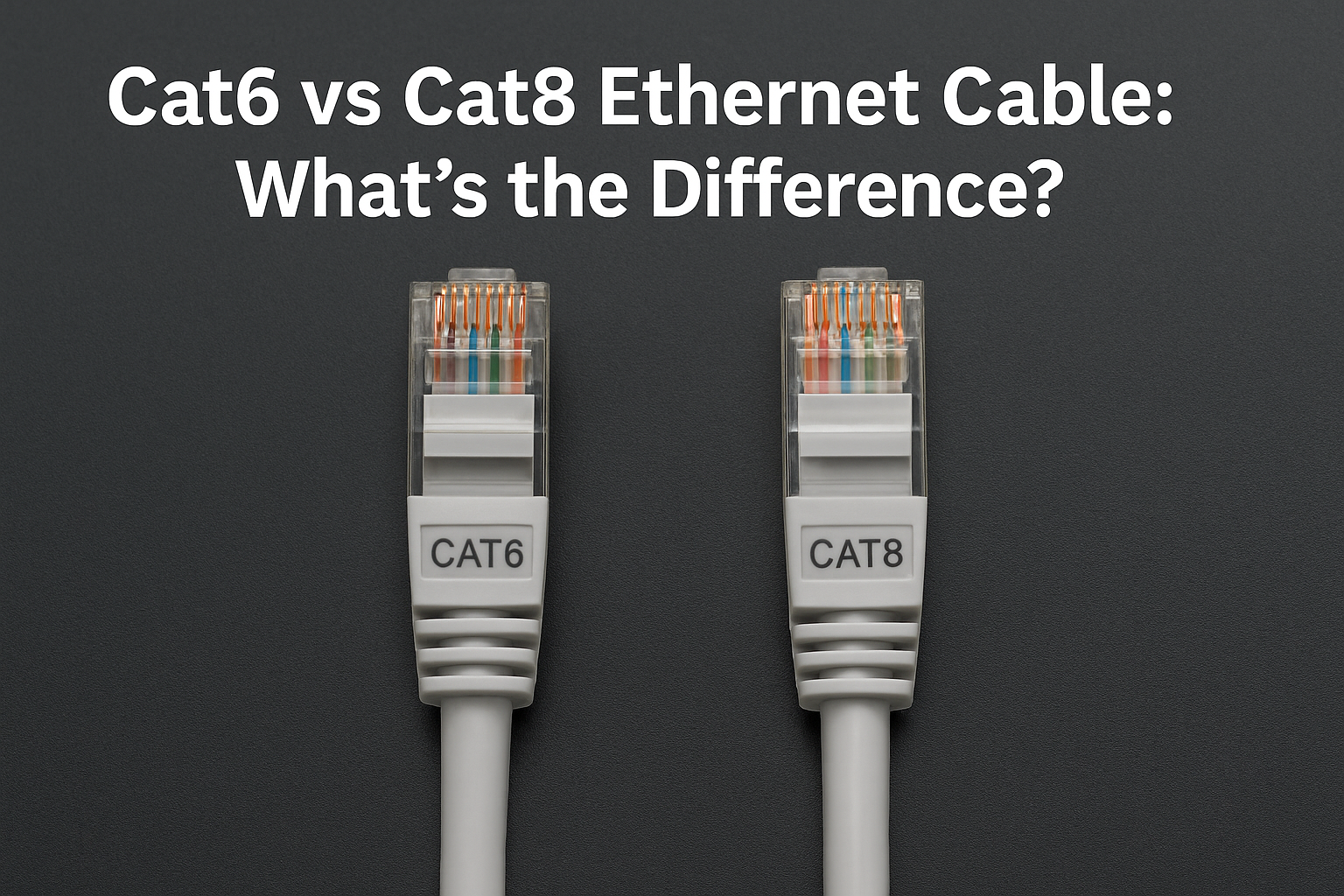
Cat 8 Ethernet cable goes even further, with support for very short 25 Gbps or 40 Gbps links and higher frequency ratings. It targets data centers and specialized setups more than typical homes. For most users who ask what Cat 7 Ethernet cable is, Cat 7 already exceeds their current internet speed and hardware capabilities.
- Cat 7 focuses on stable 10 Gbps connections across typical residential and office distances.
- Cat 8 is more expensive, has a shorter recommended run length, and is overkill for many home networks.
Unless you run enterprise-grade switches or plan complex rack layouts, Cat 7 Ethernet cable usually hits the sweet spot between performance, cost, and ease of installation.
Advantages Of Using Cat 7 Ethernet Cable
Once you understand what Cat 7 Ethernet cable is on paper, it helps to translate that into everyday benefits for gaming, streaming, and office work.
- Higher headroom for speed: Supports 10 Gbps networking, which helps with NAS backups, 4K or 8K media servers, and multi-gig internet plans.
- Better shielding: Individually shielded pairs and an overall shield reduce crosstalk and outside noise, which keeps your wired link stable.
- Future-proofing: Even if you only use 1 Gbps now, Cat 7 cable can support faster switches and routers later without rewiring walls.
- Lower latency: Wired Cat 7 connections reduce lag and jitter compared with Wi-Fi for online gaming and live streaming.
- Backward compatibility: Works with existing Cat 5e and Cat 6 ports and devices, as long as the connectors and pinouts match.
Typical Use Cases For Cat 7 Cables
You do not need Cat 7 Ethernet cable for every short patch cord in the house, but certain situations benefit from the extra shielding and speed potential.
- Wiring between a 10 Gbps switch and a desktop PC or gaming rig.
- Backbone runs from a router to a media center or home theater rack.
- Connections to a network-attached storage device used for video editing or backups.
- Office environments with many cables routed near power lines or fluorescent lighting.
- Any structured cabling project where walls will be closed up and you prefer extra bandwidth headroom.
How To Install Cat 7 Ethernet Cable
Installing Cat 7 Ethernet cable feels similar to running Cat 6, but the thicker jacket and shielding require a bit more care. If you build your own cables or run in-wall lines, follow basic best practices.
- Plan the cable path to avoid tight bends, power cables, and sources of electrical noise.
- Use quality Cat 7 bulk cable and connectors rated for the same category.
- Strip the outer jacket gently so you do not nick the shield or copper pairs.
- Maintain the twist in each pair as close as possible to the termination point.
- Crimp RJ45 connectors carefully or use punch-down keystone jacks for wall plates.
- Test each Cat 7 cable run with a network tester before closing walls or racks.
If you do not want to terminate bulk Cat 7 yourself, you can buy pre-made Cat 7 patch cables for shorter runs between devices and leave the in-wall work to a professional installer.
How To Choose The Right Cat 7 Cable
Not all Cat 7 Ethernet cables are equal. When you shop, look beyond the marketing and check a few basic details so you get a cable that actually delivers Cat 7 performance.
- Pick the correct length with extra slack rather than stretching the cable tight.
- Look for shielded twisted pair construction and clear Cat 7 or Category 7 labeling.
- Check that the connectors are solid RJ45 plugs with gold-plated contacts.
- Choose reputable brands that publish test results or certifications.
- Decide whether you need flat Cat 7 cables for routing under carpets or round cables for better durability.
For most home users, a well-reviewed Cat 7 patch cable with RJ45 connectors will handle everything from console gaming to streaming on a smart TV without any extra tuning.
Is Cat 7 Ethernet Cable Worth It?
If you only browse the web, watch a single HD stream, and use a basic router, Cat 5e or Cat 6 cables may be enough. However, if you plan to run multi-gig equipment, build out a home lab, or rely on low-latency wired connections for work and gaming, Cat 7 Ethernet cable gives you more breathing room.
Upgrading to Cat 7 does not magically increase the speed of a slow internet plan, but it ensures your cabling will not be the bottleneck when you improve your hardware or subscribe to faster service. For many users, that balance of long-term flexibility and better shielding makes Cat 7 a smart, one-time upgrade when pulling new cable through walls or ceilings.
Conclusion
Cat 7 Ethernet cable sits in the sweet spot between older Cat 6 wiring and more specialized Cat 8 data center cabling. It delivers strong 10 Gbps performance, adds robust shielding for noisy environments, and stays compatible with standard RJ45 network gear. Once you understand what Cat 7 Ethernet cable is and where it shines, you can match your cabling to your actual needs instead of overpaying or underbuilding your network.
If you are building a new wired network or refreshing existing runs that already need attention, choosing Cat 7 now can save you from rewiring again when your devices and internet connection catch up.


Discussion (0)
Be the first to comment.