UP

Windows

Tutorials, how-to guides, and blog posts about using Windows. How to use laptops, tablets, PCs, and other gadgets with Windows.

What are libraries in Windows, and how to use them for organizing your files

Libraries are one of the most misunderstood and, at the same time, the most useful features in Windows. They can help users organize their files and folders efficiently. By using libraries, you can build a system so that you can always find what you want in seconds. Not only that, but you can also sort, tag or edit files and folders with just a few clicks (or taps). In this

Security for everyone - Review Kaspersky Free Antivirus

The market for free antivirus solutions includes many choices, but not many of them genuinely offer what they promise. Kaspersky is a newcomer on this market, and since last year, they have offered their antivirus engine for free, to anyone who wants to use it. It is distributed under the name of Kaspersky Free Antivirus, and you can download and start using right away, without having to pay anything. We

Security for everyone - Review Webroot Internet Security Complete

Webroot is an IT company which specializes in creating and delivering security products that rely on cloud-based intelligence. That means that their security products are minimal, with little regarding system requirements, and rely on your internet connection to protect you. But do their antivirus products manage to efficiently protect you against malware, phishing attempts, and network attacks? In this review, we assess the company's premium security product, which is called
tutorial How to work with custom views in Event Viewer (all Windows versions)

How to work with custom views in Event Viewer (all Windows versions)

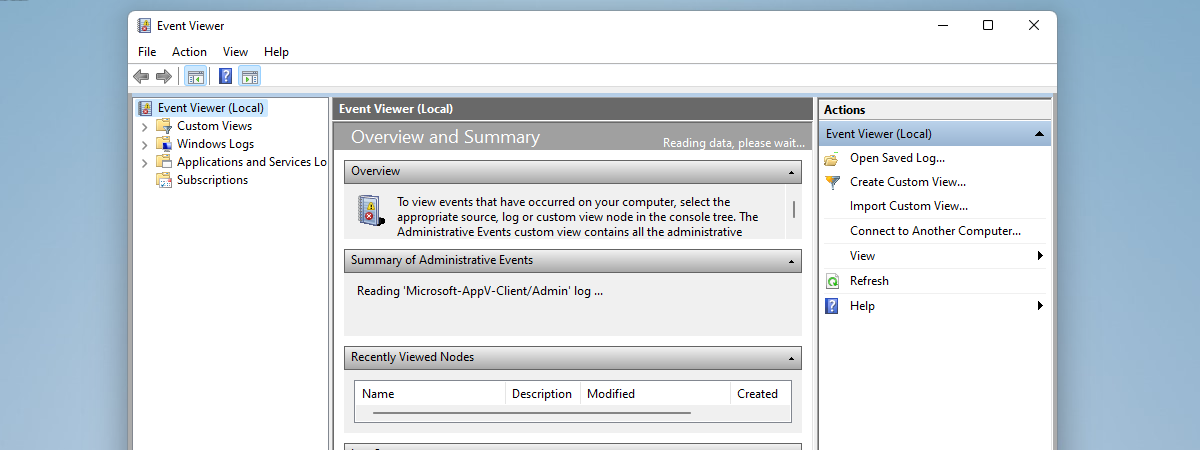
Event Viewer is one of those tools in Windows that are hidden treasures. It can show logs about pretty much everything that happened on your computer, and it can help you troubleshoot any problems your computer might have. However, the information it shows can often be overwhelming in amount and details. Fortunately, it also offers ways of sorting and filtering all that information so

Set up two-step verification for your Microsoft account with Google Authenticator

Microsoft offers two-step verification for your Microsoft account. However, when you try to enable it, the company tries to force you into using their Microsoft Authenticator app. While using this app has some benefits, some users might prefer using another two-step verification app, like Google Authenticator. Here is how to enable two-step verification for your Microsoft account and use any third-party authenticator app you prefer and how to turn it

Security for everyone - Review Bitdefender Total Security

Bitdefender is one of the best antivirus developers in the world, and their security products have consistently offered users a great level of protection against all kinds of security threats. Their latest top security product for consumers - Bitdefender Total Security 2018 - has been out for quite some time now and we wanted to see for ourselves what it has to offer and how well it performs. After more

What are disk quotas and how to use them to limit the space of each user

If you are not the only person using your computer, you might want to limit the amount of storage space that every user can use. If you do that, you ensure that the storage space on a specific drive or partition is never filled up by only one user account. Everybody has their personal space to fill, and nobody can trespass his or her limits. In Windows, this is called
tutorial Make Windows correctly display characters from languages other than English (set non-Unicode programs)

Make Windows correctly display characters from languages other than English (set non-Unicode programs)

Do you use Windows in English, and run apps, files and multimedia files in other languages with different characters? Have you ever had problems with apps or content written in languages which use different characters from those found in English? Languages like Spanish, German, Polish, Arabic, Russian, Romanian or Hebrew? If you do, then you should read this article and understand how to make
tutorial How to work with the Event Viewer in Windows

How to work with the Event Viewer in Windows

Some of our readers have asked themselves "What on Earth is the Event Viewer, and why would I want to work with it?" Windows starts to keep track of what it is doing as soon as you start it up, and continuously saves log files that can provide a wealth of information when something goes wrong, and even when everything is fine. The Event
tutorial How to change the language for your Microsoft account, Outlook, Office Online, etc

How to change the language for your Microsoft account, Outlook, Office Online, etc

Many people use Microsoft services in their web browsers. Millions of people use the Outlook.com e-mail and calendar service. Some use OneNote online, others OneDrive, and so on. You may use these online services in English and need to switch to another language, like Spanish, German, or French. What do you do in this case? Fortunately, all of Microsoft's online services can be used

Security for everyone - Review 360 Total Security

360 Total Security is a security suite that is developed by a Chinese company called Qihoo 360. The company was founded in 2005, and its business is doing very well, as more than 496 million users worldwide were using its security products in 2014. Nowadays, that number could be even more significant. The company's top free antivirus product is called 360 Total Security and promises to clean up, and also

Security for everyone - Review Panda Gold Protection

Panda Security is an IT security company headquartered in Spain, which focuses on developing and selling specialized antivirus software for home users and businesses alike. It has been around since the dawn of the internet, 1990 to be more exact. The company is well-known for its security innovations based on cloud technologies and, generally, for preventing cybercrime. The most "complete" security solution that is developed by Panda Security, aimed at
tutorial How to work with WordPad in Windows

How to work with WordPad in Windows

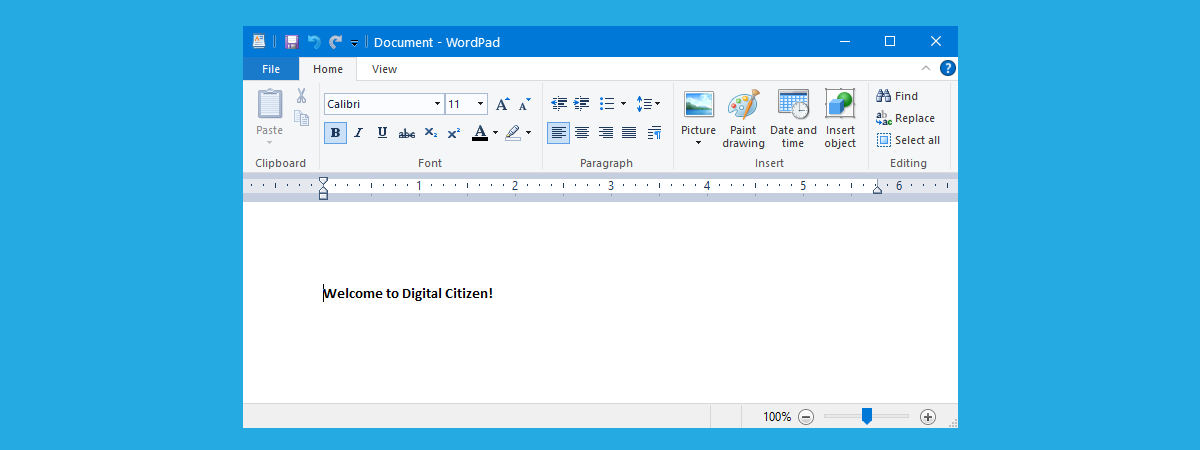
Since its earliest versions, Windows has come with a handy text editing tool called WordPad. You can consider it a light version of Microsoft Word and a more advanced app than other simple text editors like Notepad. As new versions of Windows were released WordPad became more user-friendly and received some new features. This tool allows you to create, edit, view, and print text

Review MIO MiVue C320: A good entry-level dash cam that records Full HD video

Not too long ago, we have had the chance to test the MIO MiVue C320, a dash cam that has a few great features. For starters, this dash cam has an entry-level price tag, can record road videos while you are driving, at a high resolution of 1080p Full HD. Also, it has a built-in G-sensor that can identify the direction from which your car was hit, if you have

Security for everyone - Reviewing Sophos Home

Sophos is a company that focuses mostly on developing and selling business security products. However, they are also offering a home security product for free, which any home user can download and use. We were curious to see what Sophos Home is all about and whether it is efficient at protecting our Windows computers. Therefore, we have taken it for a test drive, and now we would like to tell
tutorial How to use Remote Desktop Connection (RDC) to connect to a Windows PC

How to use Remote Desktop Connection (RDC) to connect to a Windows PC

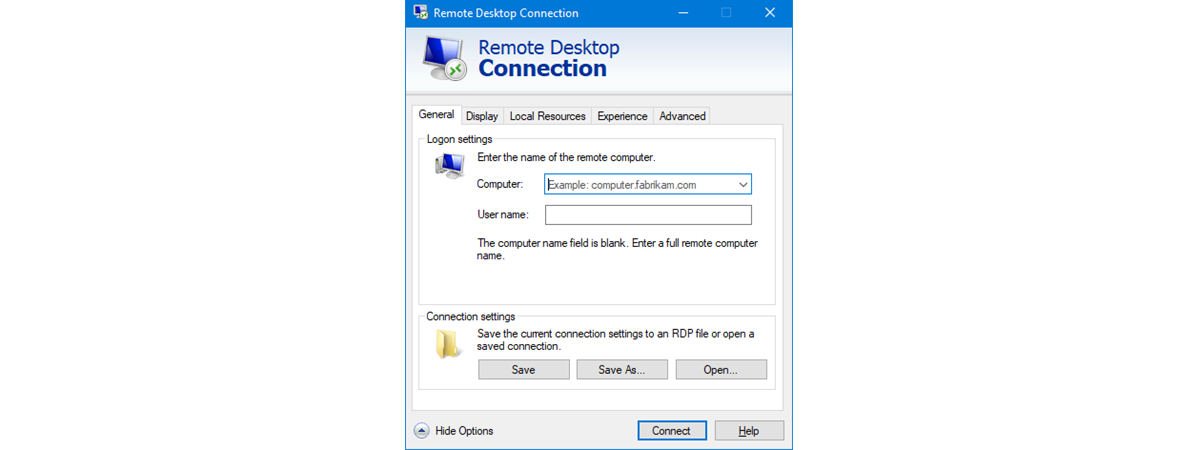
If you are running a Windows-based computer or similar device, you can connect to another one using Remote Desktop Connection. This application uses the RDP (Remote Desktop Protocol) to allow you to use all the resources of the host machine through your PC's display. In other words, using this program, you can control another Windows PC from your computer, remotely on your local network

Security for everyone - Review Bullguard Premium Protection

BullGuard is a Danish IT security company established in 2002 with the purpose of developing antivirus products that are easy to use by anyone, but also include all the advanced tools an experienced user desires. Their top security product is called BullGuard Premium Protection, and it includes an antivirus engine, a firewall module, and other tools that should improve your security, both online and offline. We used and tested BullGuard