UP

Windows

Tutorials, how-to guides, and blog posts about using Windows. How to use laptops, tablets, PCs, and other gadgets with Windows.

9 things you can do with System Configuration, in Windows

Do you know how excellent the System Configuration (msconfig.exe) tool from Windows is? Although it is a small and somewhat hidden tool, it allows you to change quite a few things about the way Windows works. Among other things, the System Configuration tool lets you configure how Windows starts, change the boot procedure, select startup services, and programs, and also start a series of useful administrative programs. If you want
tutorial How to create basic tasks with Task Scheduler, in 5 steps

How to create basic tasks with Task Scheduler, in 5 steps

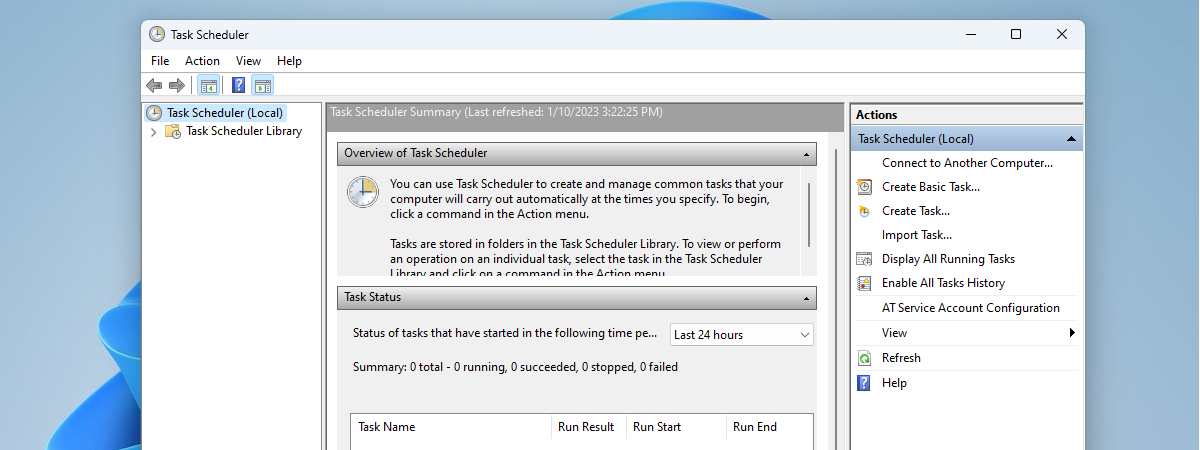
With the help of the Task Scheduler, you can create all kinds of automated tasks to be run by Windows. For example, you can schedule some apps to run at specific time intervals or display a message on your desktop when something happens. Unfortunately, not many people know about this tool, as Windows does not advertise it as much as it deserves. To help

8 ways to start System Configuration in Windows (all versions)

The System Configuration tool is also known by its msconfig.exe executable file. This app is useful to people who want to manage the Windows startup and the boot options, as well as troubleshoot stability and performance issues. You can do all that from this handy little tool, but before that, you first have to open it. In this article, we show you eight ways to start System Configuration (msconfig.exe) in

stretchly: Schedule regular breaks & implement the Pomodoro Technique

Regularly sitting in front of your computer for long hours means that you increase the risk of developing health problems like visual fatigue, back pain, discopathy, and more. To reduce the health risks, it is a great idea to take regular breaks. The medical advice says that you should take a 5-10 minutes break away from your computer each hour. In some countries, this is also a legal requirement. But
tutorial 8 things you can do with Computer Management in Windows

8 things you can do with Computer Management in Windows

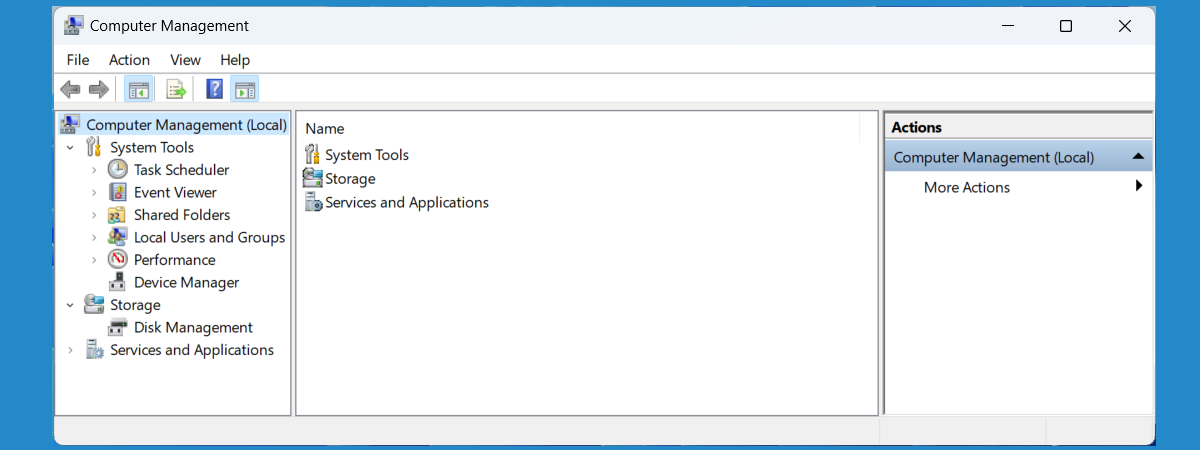
Modern versions of Windows offer many tools that you can use to manage different aspects of the operating system. One lesser known administrative tool in Windows is named Computer Management. Few people know of its existence, and even fewer use it. Over the years, we have come to love Computer Management, and we use it more often than other similar tools from Windows. In
tutorial 2 ways to create a partition, in Windows (all versions)

2 ways to create a partition, in Windows (all versions)

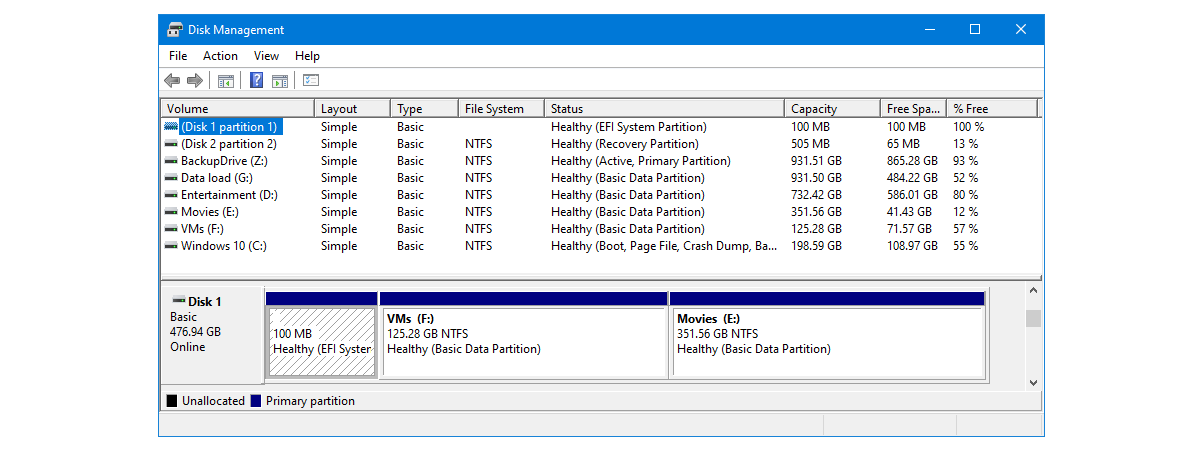
When you get your hands on a new hard disk or solid state drive, the first thing you have to do is partition it. That means that you must create one or more partitions so that you can then store data. Although you could use third-party tools for this task, the Windows operating system includes tools that can handle partitioning disks just as well.

ASUS ROG Strix Flare review: The keyboard to light your gaming

We recently received one of the newest gaming keyboards created by ASUS: the ROG Strix Flare. It is a mechanical keyboard, with RGB lighting, that is designed for gamers and which comes with a few unique features. It promises stunning lighting effects, great design and the confirmed quality and endurance provided by the Cherry MX switches. After testing and playing on it for a week, we would like to share

Digital Citizen Awards: The most popular antivirus product of the year 2018

This year we asked our readers again to cast a vote for their favorite antivirus product. The nominees from which you could choose were the best security products we reviewed in the last couple of months. Alphabetically, your choices were: Bitdefender Total Security, BullGuard Premium Protection, ESET Smart Security Premium, F-Secure Total, G Data Total Security, and Kaspersky Total Security. The voting has ended, and it is time to reveal

Digital Citizen Awards: The best antivirus product of the year 2018

One of the most asked questions on Google regarding security is: "What is the best antivirus?". It is a legitimate question as most people are not security experts and need recommendations to identify the best antivirus product for their computers and devices. The time has come for us to name the best antivirus product of the year, based on our experience in testing the many commercial antivirus products for Windows

Digital Citizen Awards: The best free antivirus product of the year 2018

Many users look for free antivirus software. Unfortunately, this niche of products is dominated by products which do things that are not in the interest of their users. For example, some try to change your browser's homepage to a page that is monetized by your antivirus provider. Others, bundle crapware or dodgy tools that compromise your privacy. However, there are a few antivirus products that do not do that and

Comparison: Which is the best antivirus for Windows devices, in 2018?

Antivirus products and security solutions in general, come in various forms, shapes, and sizes, and most of them include more than a few distinct protection layers. The number and variety of security solutions that are sold to Windows users is quite large, and it is difficult to classify them. We checked the best security products that are found on the market for Windows users, we reviewed them one by one,
news Windows 10 Spring Creators Update has been silently delayed by Microsoft

Windows 10 Spring Creators Update has been silently delayed by Microsoft

Microsoft has never said anything publicly about the next release of Windows 10: it did not communicate an exact launch date, and it did not even confirm the name - Windows 10 Spring Creators Update. That name only showed up on several occasions to users that are members of the Windows Insider program. Most Windows insiders assumed from the little information that was available
article 12+ reasons why you should get Windows 10 April 2018 Update

12+ reasons why you should get Windows 10 April 2018 Update

On April 30th, 2018, Microsoft releases the next major update to Windows 10: April 2018 Update, which has the codename Redstone 4. The upgrade brings several new features and many quality-of-life improvements to the previous Fall Creators Update. If you want to know what is new, and whether it is worth installing, for free, on your Windows 10 computers and devices, read this article:

FAT32, exFAT or NTFS? How to format SD cards, memory sticks and hard drives

How should I format my SD card, my USB memory stick, USB external hard disk or my new SSD drive? Should I use the old FAT32 file format or the newer NTFS file format? Or should I try exFAT? It is a tough question for most people, and the right answer differs depending on the type of device that you need to format, as well as how and where you
tutorial Fix problem: Google Chrome uses a lot of processor (CPU) when I visit a website

Fix problem: Google Chrome uses a lot of processor (CPU) when I visit a website

A new trend on the internet is that of using websites to mine cryptocurrencies without the knowledge of their visitors. As a result, the visitor's web browser gets slow, and the web browsing experience becomes incredibly frustrating. If you use Google Chrome and your computer's processor usage goes up a lot, when visiting a specific website, then you must read this article. We explain

9 important criteria to use when choosing your antivirus software

Are you searching for the best antivirus or the best security solution for your Windows computer or device? There are so many options on the market that you may not know which to choose. You know that you need an antivirus, but you do not know which criteria it should meet. All security companies market their products as being the best, having the greatest antivirus or firewall, being complete products

Top 5 annoying practices of antivirus vendors

Do you remember the good old days when security vendors used to sell what you asked for? When you wanted to buy antivirus or a security suite, the vendor would sell you precisely that: an antivirus or a security suite. However, times have changed, and many companies do not do that anymore. Instead, they charge for the product you buy, but they also make money off you by bundling all

What is SSD TRIM, why is it useful, and how to check whether it is turned on

In the last couple of years, solid state drives have increasingly gained popularity. It is also probable that you have read or at least heard someone else talking about how fast an SSD (Solid State Drive) is compared to traditional hard drives. If you are already using one or you want to buy an SSD to improve your computer's performance, you should know that TRIM support is essential. What is