UP

Windows

Tutorials, how-to guides, and blog posts about using Windows. How to use laptops, tablets, PCs, and other gadgets with Windows.

tutorial How to resize the Start Menu in Windows 10 (3 methods)

How to resize the Start Menu in Windows 10 (3 methods)

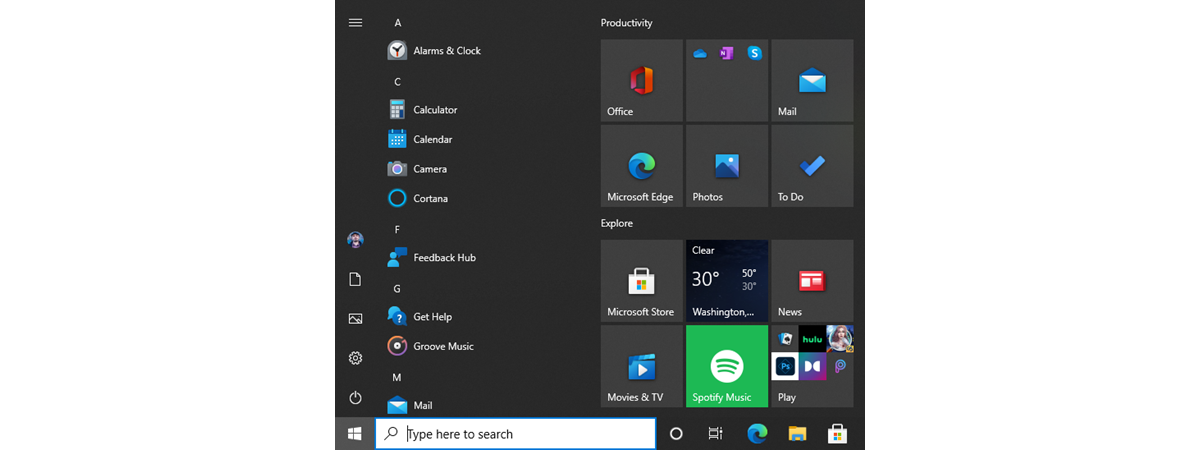
After its highly controversial removal from Windows 8, the Start Menu made a comeback in Windows 10. In an effort to please its entire user base, Microsoft redesigned the Start Menu from scratch, making it highly customizable and better than ever before. One of the best Start Menu features in Windows 10 is that it can be resized. Read this guide to find out


How to remove or hide the ribbon from File Explorer in Windows 10

Did you ever think about making the File Explorer in Windows 10 look and work more like the Windows Explorer from Windows 7? If you could hide or completely remove its ribbon and get rid of all those large buttons shown on it, you might feel more at home in Windows 10 than you do now. If you want to know how to hide or disable the ribbon from File

ASUS ROG Crosshair VIII Impact review: A powerful heart for your gaming mini PC!

The ASUS ROG Crosshair VIII Impact motherboard has a special form factor called mini-DTX and it shows off with some impressive specifications and a cool design. If you're looking for a small motherboard to build a small monster gaming computer, and you want to have every "trick or treat" available in the world of AMD 3rd Gen of Ryzen processors, check out our review. You might have found the motherboard

Windows Movie Maker - Download the 7 best free alternatives

Microsoft's Windows Movie Maker has been one of the most popular video editing programs for Windows for a very long time. It was free, it was easy to use, and it produced excellent results for casual computer users. Since the company has decided to terminate it, it no longer offers any support or development for Movie Maker. If you're using Windows 10, a great alternative is Microsoft's own Video Editor

Eight Windows 10 features that are useful to developers

With Windows 10, Microsoft does not try just to make the lives of home users easier. They also have quite a few features addressed strictly to developers. They allow you to install, run, test and manage apps that were not certified by the Microsoft Store, while also enabling you to track and monitor them both locally and remotely. Here are eight Windows 10 features that are useful to software developers:

How to remote control your Windows PC from Android, using Unified Remote

Picture this: you come home after a day's work, and you want to read a book while listening to your favorite music. You power up your computer, launch your favorite media player, load your music playlist and throw yourself in bed, book in hand. You start reading, but only a few seconds in, you realize the music is too loud, and you need to turn down the volume. The only

7 better alternatives to the Task Manager from Windows

The Task Manager app from Windows is an essential feature of the operating system, and nearly everyone has used it on their computers. We also think that the most frequent use of this tool is to close apps that no longer respond to clicks and commands. Besides that, the Task Manager gives you a perspective of the resources available on your devices, how they are used, the performance of your

The performance impact of Precision Boost for AMD Ryzen processors

Modern processors come with two stock frequencies, or clocks if you prefer, which tell us their base speed and their boost speed. To be able to adjust their speed on-the-fly, processors need algorithms that tell them when to do that. For AMD's Ryzen processors, those algorithms are called Precision Boost. It is a feature that's built into them and which, theoretically, has a significant effect on their performance. We were
tutorial How to convert a PDF into a Word document that can be edited

How to convert a PDF into a Word document that can be edited

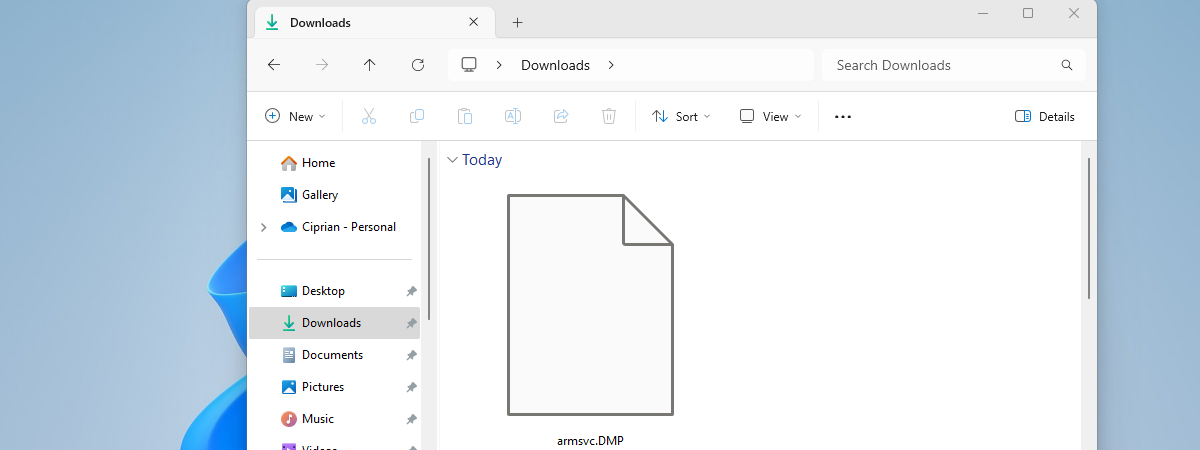
Do you have a PDF file that you want to be able to edit using Microsoft Word? Do you want to learn how to do that without having to buy specialized software or uploading your PDF files to online conversion tools? If you answered yes, then here are two easy and free ways to convert a PDF file into an editable Word document, using

How do I get the Windows Subsystem for Linux?

It's been a while since Microsoft declared its love for Linux, and, at first, it felt strange to see Windows 10 embrace the Tux penguin. However, the fact that Windows 10 can run native Linux applications directly, without having to resort to using virtual machines, is proof of Microsoft's new strategy of embracing other ecosystems. Strange times we're living in, right? Were you expecting to see Ubuntu, openSUSE, Fedora, and

Does AMD's PBO, and AutoOC increase performance?

One of the features that increases the performance of AMD Ryzen processors is Precision Boost, which raises the frequency of the processor's cores when the workload increases, while keeping both the energy consumption and the temperature in check. If you look into the BIOS of your motherboard, you can also see other terms like PBO (Precision Boost Overdrive) and AutoOC (Auto OverClocking). You may be confused by what they mean,
article What's new in Windows 10 November 2019 Update?

What's new in Windows 10 November 2019 Update?

In November 2019, Microsoft has scheduled the release of the next feature update for Windows 10, bringing it to version 1909. However, this update does not bring significant new features or changes, like previous updates. For November 2019 Update, Microsoft has changed its focus to fixing bugs, and the update comes with smaller fixes and improvements. Most of them are related to fine-tuning how

3 ways to see what processor is inside your PC, its speed, temperature, etc.

Regardless of what type of computer you have, be it a desktop PC, a laptop, a tablet, or a 2-in-1 device, it has a processor inside that makes it tick. Do you wonder what processor it is? Do you want to find out the exact model of processor that your computer has? Furthermore, wouldn't you like to know how to monitor its speed, temperature, voltages, and other similar details? This

Overclocking the AMD Ryzen 7 3700X: What you get and what you lose?

Ryzen 7 3700X is one of the best processors released by AMD in 2019. With its eight cores and sixteen threads, running at a base clock of 3.6 GHz, and having the ability to boost to a maximum of 4.4 GHz, the Ryzen 7 3700X offers a great balance between price and performance. It is a high performance processor, both in gaming machines, as well as in multi-threaded situations, like

ASUS ZenBook Pro Duo review: Beautiful innovation!

I haven't been this excited to test a laptop in a long-time, and when ASUS told us that they wanted to ship their new ZenBook Pro Duo for review, I immediately said yes. That's because ASUS ZenBook Pro Duo is a laptop which innovates in a market crowded with similar devices that do not bring anything new, except for updated hardware. Read this review, and see what you get from
tutorial 14 things you can do with the Photos app from Windows 10

14 things you can do with the Photos app from Windows 10

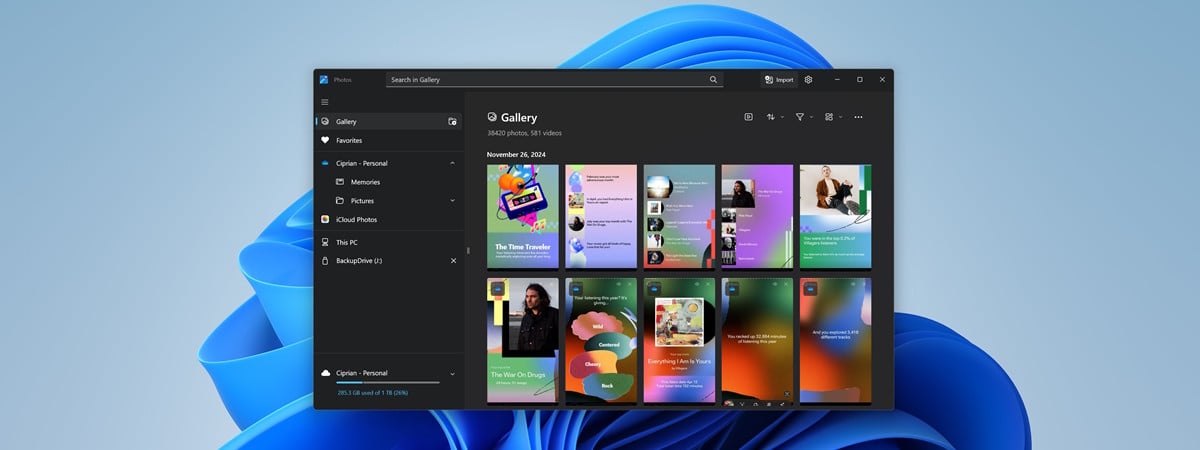
The Photos app is a relatively new app because, although it was first introduced in Windows 8 to replace the old Windows Photo Viewer, it continually evolved with each new iteration of Windows 10. Nowadays, Photos is not just an ordinary picture viewer, but has become a complex app that offers a lot of editing and organizing tools for photographs and videos. Here are

How to compare two files by content, in Windows

There are times when you need to compare two files and check whether their content is different. In some situations, you could just open the two files and look through their contents, like when you want to compare two pictures or two text files. However, that's a rather tedious task to perform, and you might miss small differences, like a slight change in tint on a photo, or a phrase
tutorial How to configure your touchpad in Windows 10

How to configure your touchpad in Windows 10

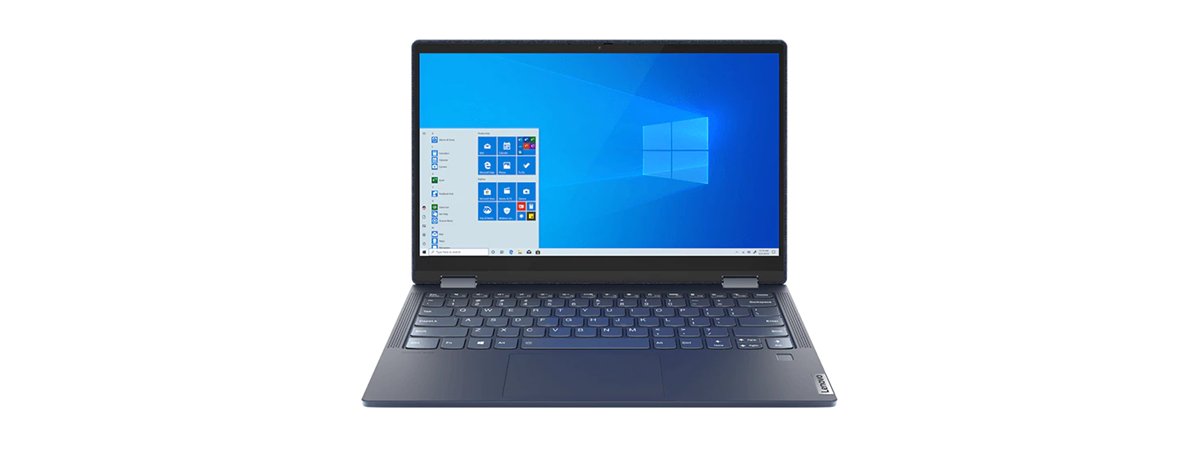
If you use a laptop, a 2-in-1 device, or any other kind of mobile computer, you are also probably using a touchpad. Therefore, you should set your touchpad to work the way you want it. Windows 10 gives you many options for handling simple settings like adjusting the touchpad sensitivity, along with advanced settings for configuring touchpad gestures that trigger different actions. Of course,

The Windows 10 system tray - How to show or hide icons!

  Located on the right side of the taskbar, the system tray, correctly called the Notification area, has been a part of Windows for over 20 years. It kept on improving since it was first introduced with Windows 95, providing easy access to system functions, notifications, and applications. The Windows 10 system tray is more customizable than ever before, as you get to configure which system and apps icons are