UP

Tutorials

Tutorials and how to guides about using gadgets, hardware, and software. Our tutorials cover all major operating systems: Windows, Android, iOS and others.

How to hide the top notch on Android smartphones like Huawei P20, P20 lite, or P20 Pro

Many new smartphones have the front camera integrated into the display, in the form of a notch that is displayed on the top side of the screen. While your smartphone may be beautiful, the notch is plain ugly, and it makes apps and games look bad. Fortunately, if you have a Huawei P20, Huawei P20 lite or Huawei P20 Pro smartphone, you can disable the notch, so that apps and
tutorial 8 things you can do with Computer Management in Windows

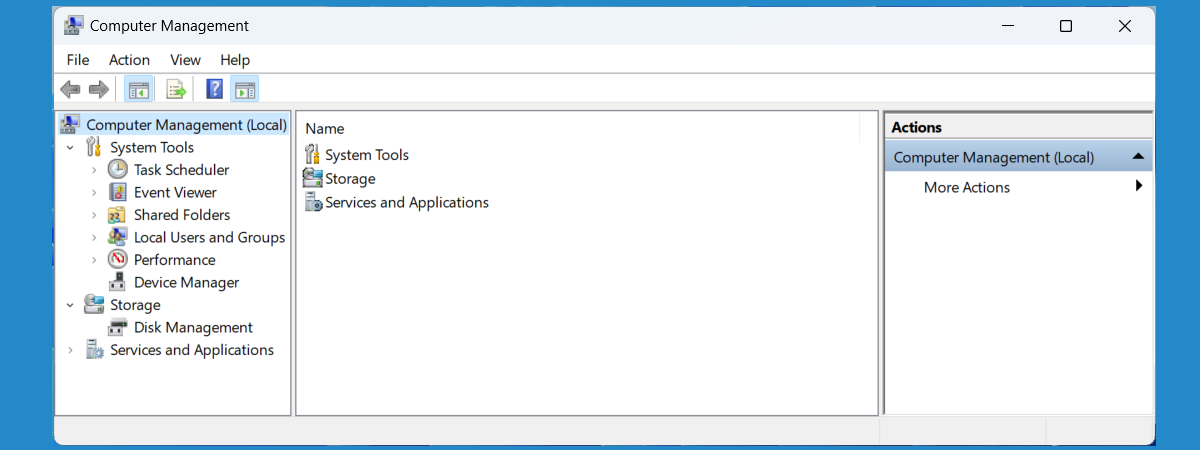
8 things you can do with Computer Management in Windows

Modern versions of Windows offer many tools that you can use to manage different aspects of the operating system. One lesser known administrative tool in Windows is named Computer Management. Few people know of its existence, and even fewer use it. Over the years, we have come to love Computer Management, and we use it more often than other similar tools from Windows. In
tutorial 2 ways to create a partition, in Windows (all versions)

2 ways to create a partition, in Windows (all versions)

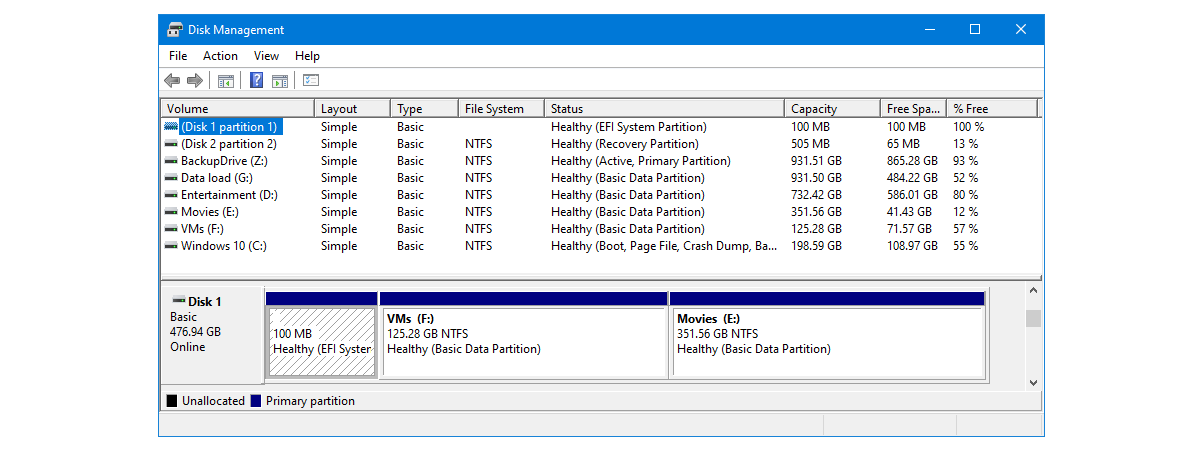
When you get your hands on a new hard disk or solid state drive, the first thing you have to do is partition it. That means that you must create one or more partitions so that you can then store data. Although you could use third-party tools for this task, the Windows operating system includes tools that can handle partitioning disks just as well.

FAT32, exFAT or NTFS? How to format SD cards, memory sticks and hard drives

How should I format my SD card, my USB memory stick, USB external hard disk or my new SSD drive? Should I use the old FAT32 file format or the newer NTFS file format? Or should I try exFAT? It is a tough question for most people, and the right answer differs depending on the type of device that you need to format, as well as how and where you

Simple questions: What is FAT32 and why is it useful?

If you ever used a Windows PC or a storage device like a USB memory stick or an SD card, it is almost impossible that you have not heard about FAT32. It is one of the most popular file systems ever used on storage devices of all kinds. If you want to learn more about its history, its purpose and uses, read on. In this article, we are talking about
tutorial Fix problem: Google Chrome uses a lot of processor (CPU) when I visit a website

Fix problem: Google Chrome uses a lot of processor (CPU) when I visit a website

A new trend on the internet is that of using websites to mine cryptocurrencies without the knowledge of their visitors. As a result, the visitor's web browser gets slow, and the web browsing experience becomes incredibly frustrating. If you use Google Chrome and your computer's processor usage goes up a lot, when visiting a specific website, then you must read this article. We explain

What is SSD TRIM, why is it useful, and how to check whether it is turned on

In the last couple of years, solid state drives have increasingly gained popularity. It is also probable that you have read or at least heard someone else talking about how fast an SSD (Solid State Drive) is compared to traditional hard drives. If you are already using one or you want to buy an SSD to improve your computer's performance, you should know that TRIM support is essential. What is

What are libraries in Windows, and how to use them for organizing your files

Libraries are one of the most misunderstood and, at the same time, the most useful features in Windows. They can help users organize their files and folders efficiently. By using libraries, you can build a system so that you can always find what you want in seconds. Not only that, but you can also sort, tag or edit files and folders with just a few clicks (or taps). In this
tutorial How to work with custom views in Event Viewer (all Windows versions)

How to work with custom views in Event Viewer (all Windows versions)

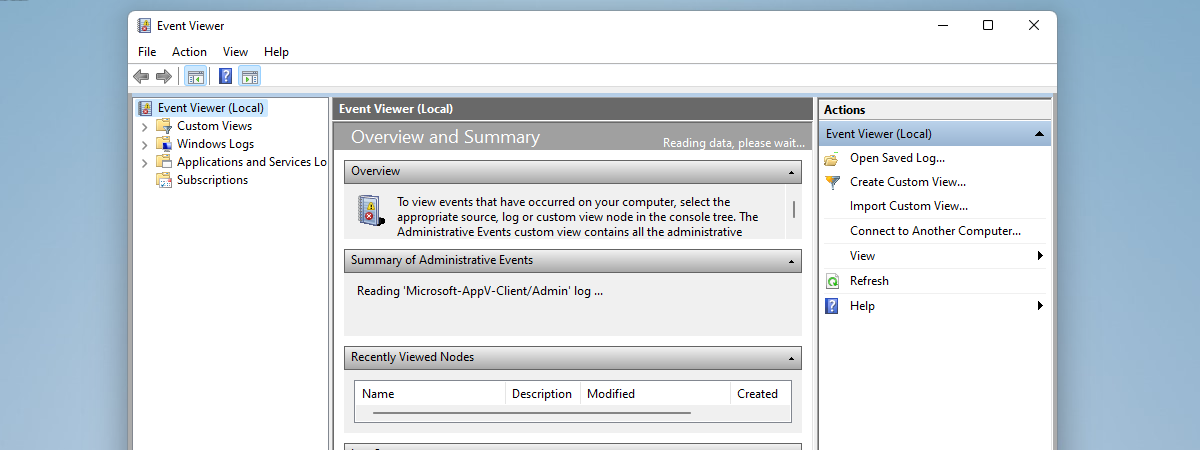
Event Viewer is one of those tools in Windows that are hidden treasures. It can show logs about pretty much everything that happened on your computer, and it can help you troubleshoot any problems your computer might have. However, the information it shows can often be overwhelming in amount and details. Fortunately, it also offers ways of sorting and filtering all that information so

Set up two-step verification for your Microsoft account with Google Authenticator

Microsoft offers two-step verification for your Microsoft account. However, when you try to enable it, the company tries to force you into using their Microsoft Authenticator app. While using this app has some benefits, some users might prefer using another two-step verification app, like Google Authenticator. Here is how to enable two-step verification for your Microsoft account and use any third-party authenticator app you prefer and how to turn it

What are disk quotas and how to use them to limit the space of each user

If you are not the only person using your computer, you might want to limit the amount of storage space that every user can use. If you do that, you ensure that the storage space on a specific drive or partition is never filled up by only one user account. Everybody has their personal space to fill, and nobody can trespass his or her limits. In Windows, this is called
tutorial Make Windows correctly display characters from languages other than English (set non-Unicode programs)

Make Windows correctly display characters from languages other than English (set non-Unicode programs)

Do you use Windows in English, and run apps, files and multimedia files in other languages with different characters? Have you ever had problems with apps or content written in languages which use different characters from those found in English? Languages like Spanish, German, Polish, Arabic, Russian, Romanian or Hebrew? If you do, then you should read this article and understand how to make
tutorial How to work with the Event Viewer in Windows

How to work with the Event Viewer in Windows

Some of our readers have asked themselves "What on Earth is the Event Viewer, and why would I want to work with it?" Windows starts to keep track of what it is doing as soon as you start it up, and continuously saves log files that can provide a wealth of information when something goes wrong, and even when everything is fine. The Event
tutorial How to change the language for your Microsoft account, Outlook, Office Online, etc

How to change the language for your Microsoft account, Outlook, Office Online, etc

Many people use Microsoft services in their web browsers. Millions of people use the Outlook.com e-mail and calendar service. Some use OneNote online, others OneDrive, and so on. You may use these online services in English and need to switch to another language, like Spanish, German, or French. What do you do in this case? Fortunately, all of Microsoft's online services can be used

Simple questions: What is NTFS and why is it useful?

If you have ever formatted a drive, be it removable or internal to your computer, then you have seen the term NTFS displayed as an option for formatting. You may have asked yourself what NTFS meant and, if you landed on this article, you are looking for the answer. If you want to know what the NTFS file system is and why you should format your drives using NTFS, read

What is the NKRO technology for keyboards?

Have you ever heard of the term NKRO or 6KRO? Did you hear a friend who is into computer games, talking about his or her brand new 10-key rollover keyboard? Have you wondered what that means and whether it is an important aspect to consider when buying a new keyboard? If you want to know more about this subject, you should read this article, in which we explain what NKRO
tutorial How to work with WordPad in Windows

How to work with WordPad in Windows

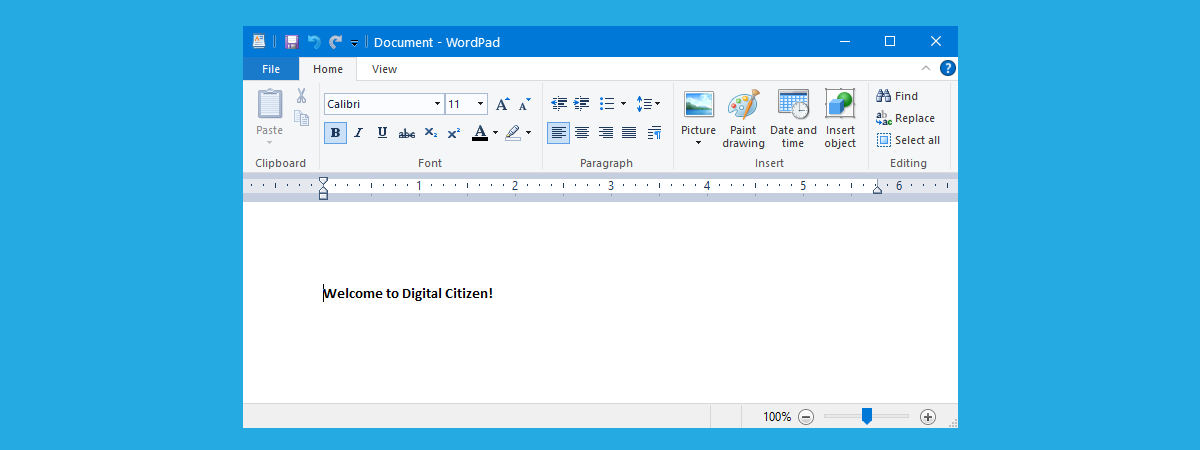
Since its earliest versions, Windows has come with a handy text editing tool called WordPad. You can consider it a light version of Microsoft Word and a more advanced app than other simple text editors like Notepad. As new versions of Windows were released WordPad became more user-friendly and received some new features. This tool allows you to create, edit, view, and print text
tutorial How to use Remote Desktop Connection (RDC) to connect to a Windows PC

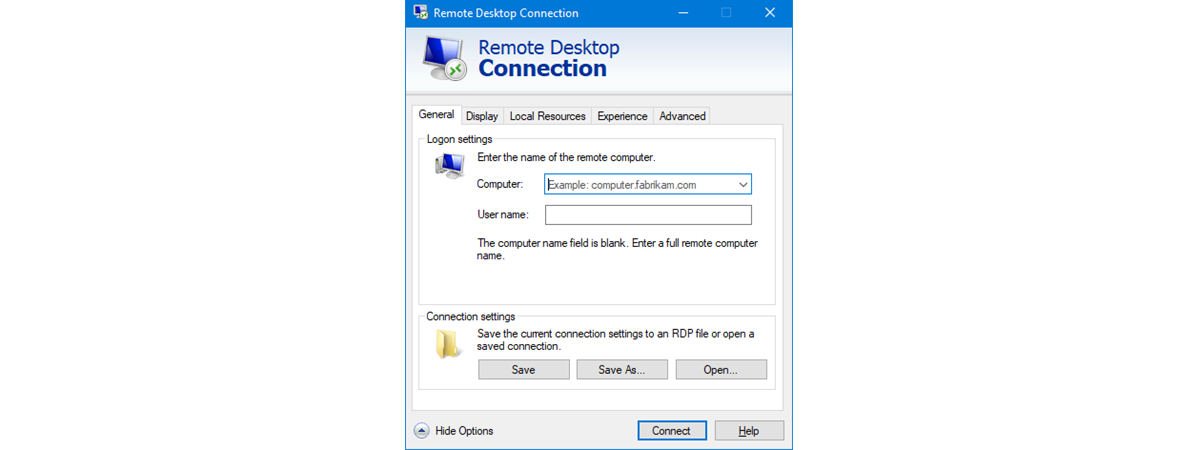
How to use Remote Desktop Connection (RDC) to connect to a Windows PC

If you are running a Windows-based computer or similar device, you can connect to another one using Remote Desktop Connection. This application uses the RDP (Remote Desktop Protocol) to allow you to use all the resources of the host machine through your PC's display. In other words, using this program, you can control another Windows PC from your computer, remotely on your local network