UP

System

Articles and tutorials about dealing with system settings, fixing bugs, and adjusting how your computer or devices works. This collection of articles includes guides for all major platforms: Windows, Android, iOS, and more.

Security for everyone - Reviewing ExpressVPN 6 for Windows

If you generally care about your privacy and the protection of your information, then you should also care about your digital life. Nowadays we store an increasing amount of data digitally, and we're sure that you wouldn't like any of that to be compromised. It is well known that you should protect your computers and devices against malware, but what about the security of your online connections and web browsing

Ten reasons why the Task Manager rocks in Windows 10 (and in Windows 8.1)

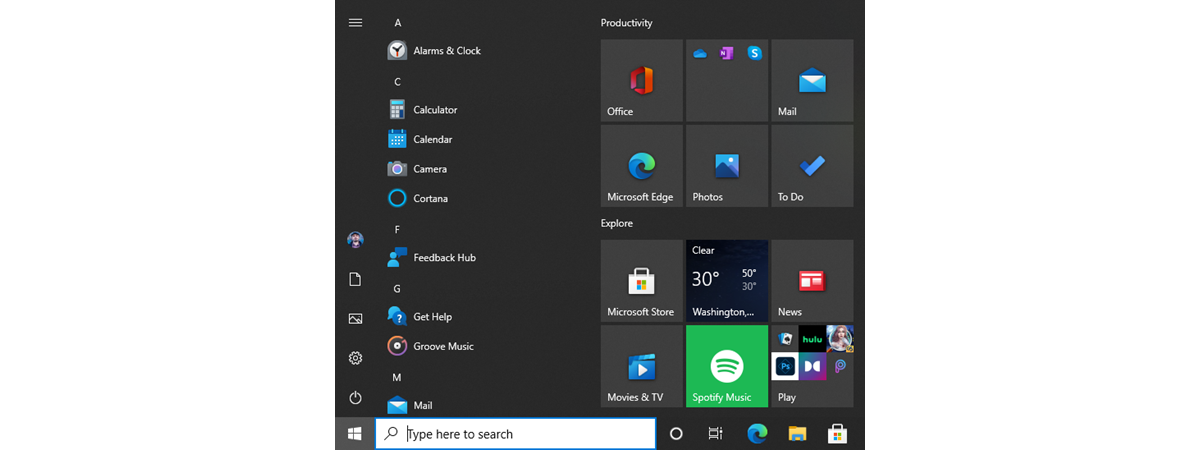
The Task Manager has always been one of the most useful tools in Windows, but it has also been one of the most boring ones. Fortunately, that was a thing of the past, as the new Task Manager from Windows 8.1 and Windows 10 went through a major overhaul. Now it looks better, it received new features and it is more useful than ever before. If you want to know

What is exFAT and why is it useful?

Did you hear about exFAT? It is the new kid in town when it comes to file systems that are used on flash drives and mobile devices. If you are both a Windows and a Mac OS user, you are probably familiar with exFAT, but if you are not, chances are you have never used this file system. Either way, if you want to know what it is, when and

Which is the best startup manager for Windows?

Some of our readers asked us to recommend the best programs for managing the Windows startup. We listened to their request, and we did some thorough testing on the subject. Now we are ready to share our recommendations for the best startup managers we have found on the internet. If you have asked yourself: "Which startup manager should I use?", don't hesitate to read this analysis. By the end of

Simple questions: What is the Windows Firewall and how to turn it on or off?

The Windows Firewall is a silent tool that keeps our systems safe from all kinds of network threats and has been included in each version of Windows for the last decade. Because it is a silent ally, doing most of its work in the background, few users interact with it on a regular basis, and even fewer know what this tool is and how it works. That's why, in this

Security for everyone - Reviewing GlassWire. The beautiful network monitoring tool!

GlassWire is security software that monitors your network activity and lets you block any suspicious activity, by using its internal firewall. Moreover, it promises to deliver its services in an elegant manner and through a beautiful interface. While it is not a full security solution, it can be helpful when you need to analyze what's going on your network. We were quite curious how GlassWire works, and after using it
article What is Windows 10 Creators Update and why should you install it?

What is Windows 10 Creators Update and why should you install it?

When Windows 10 was released for the first time, Microsoft said that this would be their last operating system. And they have kept their promise up until now: they have developed no new operating systems. However, that doesn't mean that Windows 10 is stalling. Quite the contrary! Windows 10 is probably the most dynamic operating system created by Microsoft. Last year, Microsoft gave us

PowerLinks ads put millions of readers at risk, from major publications

Readers of major websites like Vice News, CNET, The Verge, Neowin and more, have been exposed to security risks since 2015 because the ads they run from the PowerLinks advertising platform use expired SSL certificates. Here's what is going on, what you are exposing yourself to when reading publications that include PowerLinks ads and what you can do to stay safe: [DC-SUMMARY-BREAK] The ads served through PowerLinks have SSL certificates
article 5 things you can do with the new Windows Defender Security Center

5 things you can do with the new Windows Defender Security Center

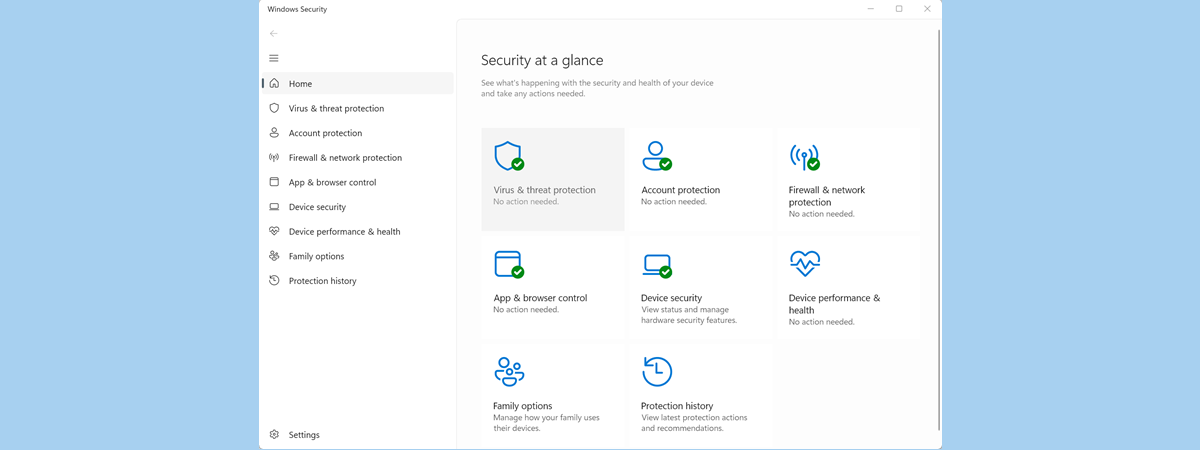
Windows Defender is Microsoft's in-house antivirus product, and it has been protecting users for a long time now. However, in Microsoft's Windows 8.1 and Windows 10, its interface and usability didn't improve much. Luckily, good times have come to it too, and in Windows 10 Creators Update we get a new app called Windows Defender Security Center, which promises to make it easier than
article Digital Citizen Awards - The best antivirus product of the year 2017

Digital Citizen Awards - The best antivirus product of the year 2017

One of the most asked questions on Google regarding of security is: "What is the best antivirus?". It is a legitimate question as most people are not security experts and need recommendations to identify the best antivirus product for their needs. The time has come for us to name the best antivirus product of the year, based on our experience in testing the many

Digital Citizen Awards - The most popular antivirus product of the year 2017

A couple of weeks ago, we asked you to cast a vote for your favorite antivirus product of 2017. The nominees from which you could choose were the best security products we reviewed in the last couple of months. Alphabetically, your choices were: Bitdefender Total Security 2017, BullGuard Premium Protection, ESET Smart Security Premium, F-Secure Total Security and Privacy 2017, Kaspersky Total Security 2017, and Trend Micro Maximum Security 2017.

Digital Citizen Awards - The most innovative antivirus product of 2017

Some people regard antivirus products as being rather conservative, software which doesn't evolve very quickly. But that couldn't be more false - cyber criminals don't lose time in creating malware that's the same as last year's. If that were true, we wouldn't have to fight today against things like advanced ransomware. Viruses and other cyber crime vectors are evolving at a very fast pace, and antivirus products must follow suit.

How to infect your Windows PC while browsing the web for free stuff

Do you believe that if you don't download many things from the internet and you use your web browser only for visiting popular websites, you don't need an antivirus solution? Do you think that your personal information can't be stolen by criminals because you can identify dodgy websites without the help of an antivirus? If you do, we have some bad news for you. Web browsers represent one of the

How to make safe banking and financial transactions when online

Very few people think about the safe way of making financial transactions when online. Some connect to public WiFi and purchase items on Amazon or do online banking. Such behavior exposes you to many risks and it makes it easy for others to steal your financial data like your credit card details and use it to harm you. That's why we decided to write this guide in which we will

3 Steps to restoring your Windows PC to a working state, with System Restore

Did your Windows computer just crash because of a faulty driver or Windows Update? Did you install an app that causes you problems? If this is the kind of trouble you are dealing with, then restoring your computer or device to a previous working state, with System Restore , is the first step in fixing it. Here's how to use System Restore to go back in time and have your

Reviewing the IronKey D300 - Durability meets hardware encryption!

IronKey is a solid brand in the world of data privacy and security. The company develops mostly encrypted storage solutions like USB memory sticks. Since February 2016, they have been acquired by Kingston and now they have also entered the retail space. One of the first few encrypted USB drives that are aimed both at consumers and businesses is the IronKey D300. It's a USB 3.0 memory stick that's waterproof,

Security for everyone - Reviewing Norton Security and Antivirus for Android

Android devices have taken the world by storm and so did mobile malware. Because of that, we need to virus-proof not just our computers, but also our Android smartphones or tablets. Just like most security vendors, Norton also offers a security app for Android devices. It is called Norton Security and Antivirus and it bundles many security features like web protection, anti-theft, call blocking and more. If you want to

New features coming to Windows Defender in Windows 10 Creators Update

At today's #MicrosoftEvent in New York, Microsoft played a clip that gave a very brief recap of the most important new features that are coming to Windows 10. In that clip, they showed for just one second, a screenshot of the upcoming Windows Defender, that will be included in Windows 10 Creators Update. From that screenshot alone, we were able to deduce that major improvements are coming to this old