UP

Recommended

The articles we recommend reading. The list includes some of the best gadgets we’ve reviewed, useful tutorials, detailed benchmarks and comparisons, and much more.

Review TP-Link Deco M5 v2: A beautiful whole-home WiFi system!

TP-Link is famous for its affordably priced home networking products. They manufacture not only wireless routers but also mesh WiFi systems. Their top-selling product in this niche is Deco M5, which now has a new v2 variant, which brings several quality-of-life improvements compared to the first model. We very much enjoyed testing TP-Link Deco M5 v1, and we were curious to see whether v2 is an even better model. Read
tutorial How to create advanced tasks with the Task Scheduler

How to create advanced tasks with the Task Scheduler

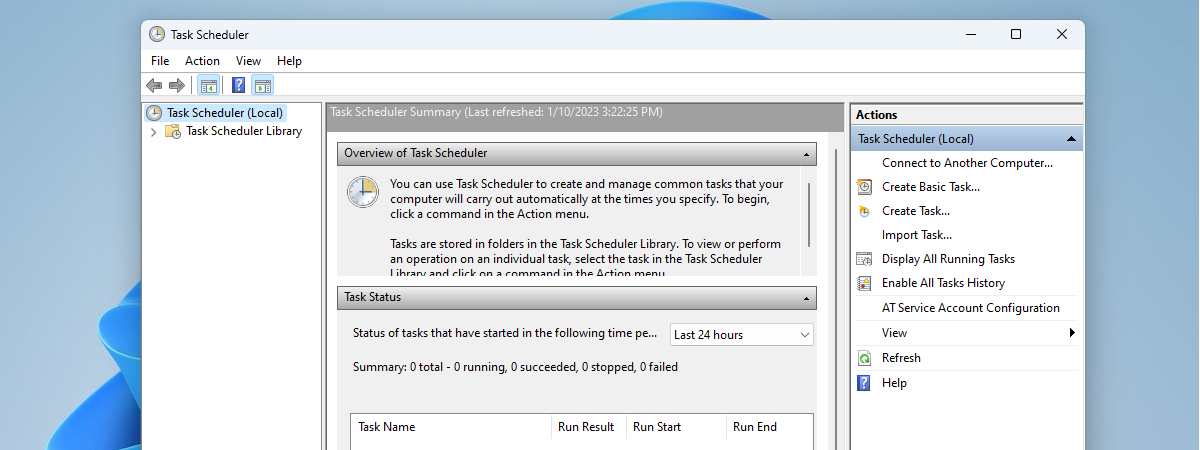
Do you want to make your PC sleep or shut down at a particular time every day? Or maybe you want your PC to start playing a motivational video each time you start it or when it is 12 o'clock? If you wished for a way to program your PC to do certain things at certain times, you should read this article, as we
tutorial How to work with the Performance Monitor in Windows

How to work with the Performance Monitor in Windows

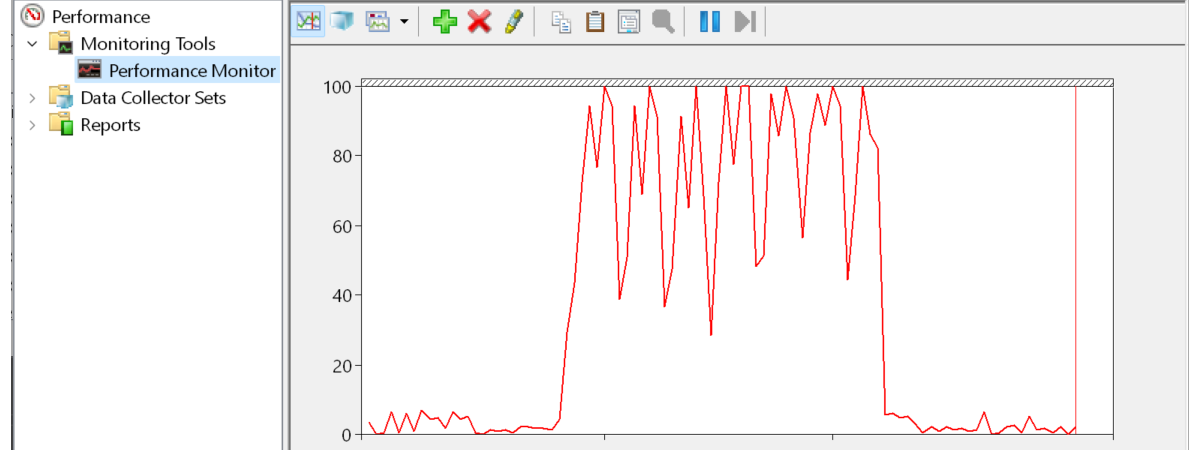
Have you heard about the Performance Monitor, also known as PerfMon.exe or PerfMon.msc? It is a sophisticated tool that can be used to monitor the performance of your Windows computer or device. Using it, you can see how your computer manages its resources. The information it gives you can help you make decisions about software and hardware choices, especially when your computer's performance is

Simple questions: What is two-factor authentication or two-step verification?

In recent years a new security concept has made the headlines - two-step verification or two-factor authentication (2FA). It all started with Google enabling it for its users, and since then, many companies followed their example, including Microsoft, Apple, and Facebook. Even gaming companies joined this trend. If you would like to understand what two-factor authentication is, how it works, why you should enable it and where read this article:

How to delete values from cells but keep your formulas, in Microsoft Excel

One of the blessings of working with spreadsheets in Microsoft Excel is the ability to reuse the formulas and apply them to new situations. In those cases, you want to make sure you do not copy by mistake any of the old entry values that could distort and taint the outcome. When you receive a spreadsheet from someone else or even when you work on one of yours that contains
tutorial 7 things you can do with the existing tasks from Task Scheduler

7 things you can do with the existing tasks from Task Scheduler

You may know what the Task Scheduler is and what it does. Maybe you also know how to create new scheduled tasks. But what about managing the existing scheduled tasks? Do you know how to run or stop scheduled tasks manually? Do you know how to disable, delete, export or import some scheduled tasks? Read on and find out the essential seven things that

Review CyberGhost: One of the best VPNs money can buy

CyberGhost VPN is one of the most popular VPN services in the world. Also, it is one of the easiest to use and one of the most affordable. Due to the elimination of Net Neutrality rules in the USA, and other legislative changes around the world, privacy and security have become more critical than ever. Is CyberGhost's VPN service up to the task of protecting your privacy? Find out from

Synology MR2200ac review: Not your average mesh WiFi system!

Synology MR2200ac is the second Synology networking device that we have tested, and we are impressed. It is clear to us that this company knows how to deliver excellent networking devices to the consumer market, with top-notch security, privacy built-in, as well as advanced controls for the users those who need them. Synology MR2200ac is not just another mesh WiFi system. Its looks are rather dull, but its performance is

Synology RT2600ac review: Security, privacy, and flexibility!

Synology is a Taiwanese company that specializes in network-attached storage products, which are famous for their quality. Two former Microsoft employees founded the company that started by coding an operating system. Today, Synology manufactures wireless routers for homes and businesses, and the company offers a few attractive models. Their most premium wireless router is Synology RT2600ac. It is a solid device, with modern specs, and some incredible software. If you

How to use Diagnostic Data Viewer and see what data Windows 10 sends to Microsoft

In Windows 10, starting with April 2018 Update (version 1803), Microsoft introduced a new app called the Diagnostic Data Viewer. It is a tool that you can download and install on your Windows 10 PC to see what diagnostic data you are sending to Microsoft. The information it displays is structured into categories and can be filtered as you wish. But even so, understanding it is not easy for a

How to see details about your PC's hardware and software, using System Information

Windows has always been able to tell you nearly everything you want to know about your computer: hardware, software, drivers, you name it. System Information puts all the information neatly at your fingertips. Let's take a look at this useful Windows app and what it can show you about your computer, in all modern versions of Windows: [DC-SUMMARY-BREAK] NOTE: This guide applies to Windows 10, Windows 8.1 and Windows 7.

ROCCAT Kone AIMO review: An excellent gaming mouse with bold design and illumination

ROCCAT is a well-known gaming company, and their devices are usually of excellent quality. Recently, we received in testing one of their newest gaming mouses: the ROCCAT Kone AIMO. It is a large mouse with a bold design and powerful illumination. You might ask yourself: how good is it in real-life gaming? What about for general computer use? After a few weeks of playing with it, we have answers for
tutorial 7 things you can do with Paint in Windows 10

7 things you can do with Paint in Windows 10

Paint is a nifty little tool that is available for free in Windows 10. Whether you want to make simple adjustments to your holiday pictures or your screen captures, Paint is surprisingly capable for a tool that made its debut in Windows in 1985. Let see how you can use Paint to edit and improve images, in Windows 10: How to work with
article 7 reasons why you should get Windows 10 October 2018 Update

7 reasons why you should get Windows 10 October 2018 Update

Windows 10 is an ever-changing operating system, and Microsoft introduces new features periodically. The latest major update for Windows 10 is called October 2018 Update, and it was launched on October 2nd. Although the new October 2018 Update does not add tons of new features to the operating system, there are a few that are exciting or at least interesting. They are reasons for
tutorial 4 ways to learn your WiFi password in Windows 10, when you forget it

4 ways to learn your WiFi password in Windows 10, when you forget it

Did you ever find yourself in a situation in which you need your Wi-Fi password, but you cannot remember it? What if you never knew your wireless password at home, just because a friend or a relative did all your network configuration and did not tell you the password? What can you do to find your Wi-Fi password? Fortunately, there are several ways in

Reviewing ASUS Chromebox 3: Chrome OS is fast in a mini PC with lots of options

ASUS Chromebox 3 is a small form factor PC that runs on Chrome OS and offers almost everything the regular computer user might want. The ASUS Chromebox 3 comes in many hardware configurations, for each budget size. Furthermore, it also supports 4K, WiFi using the fast 802.11ac wireless standard, and USB 3.1 Gen 1 Type-C. To make things even better, you can install apps from the Google Play Store on

10 great things about Chrome OS, Chromebooks, and Chromeboxes

Google has offered an alternative to traditional Windows PCs and Macs, for quite a while now. It is called Chrome OS, and it is an operating system built around the Google Chrome web browser. Chrome OS is fast, simple and easy to use. To make it even better, it works well on cheap hardware. We have not used Chrome OS devices in the past, but we recently started doing so,