




Removing a friend on Snapchat helps you clean up your friends list and control who can interact with you. Snapchat does not notify the other person when you unfriend them, which makes the process discreet and stress-free.
You can remove someone directly from your chat list, your friends list, or their profile. Each method works the same way and takes only a few seconds to complete.
How To Remove Someone From Snapchat
Snapchat offers multiple ways to unfriend someone depending on where you last interacted with them. Use whichever option feels fastest based on how you access their profile.
Remove A Friend From The Chat List
This option works best if you recently exchanged messages with the person.
- Open the Snapchat app and tap the Chat icon.
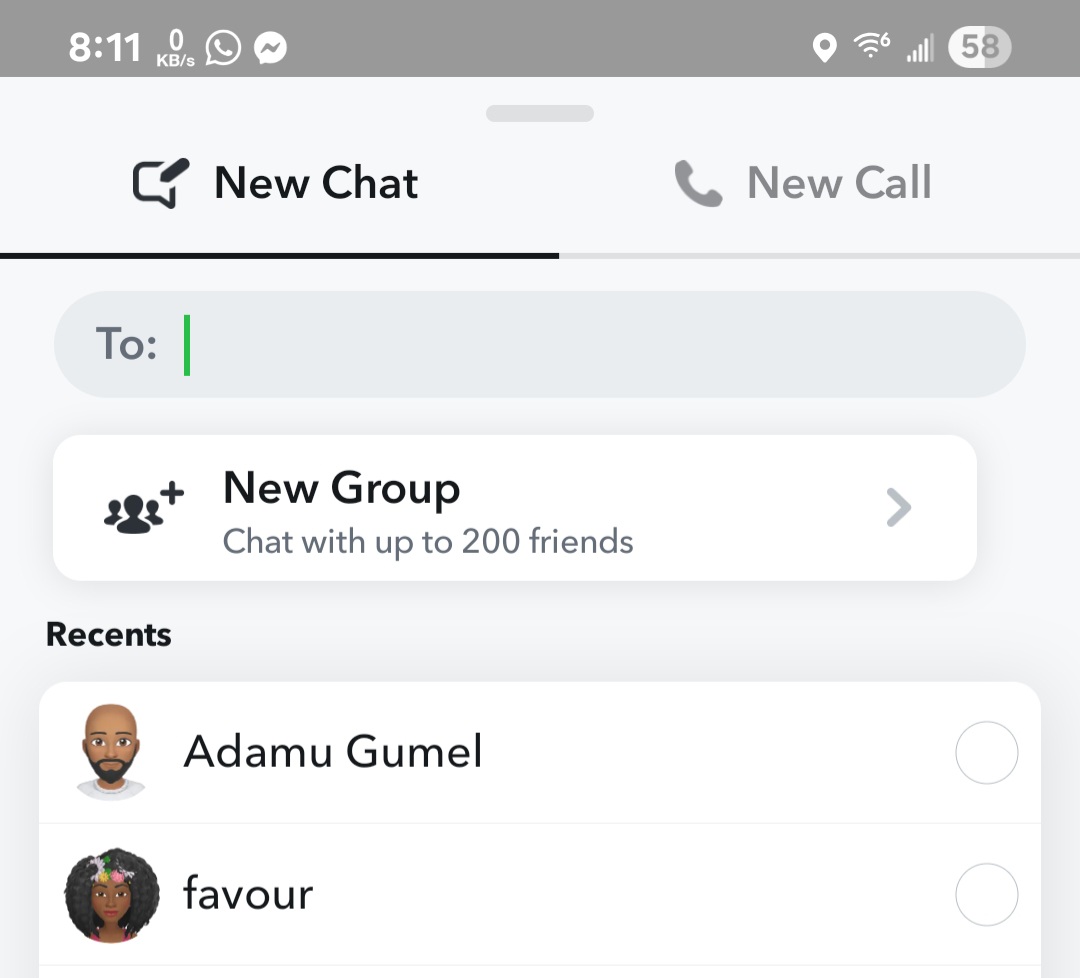
- Find the conversation with the person you want to remove.
- Tap and hold their name until a menu appears.

- Select Manage Friendship.
- Tap Remove Friend, then confirm.

Remove A Friend From Your Friends List
If you no longer have an active chat, you can remove the person from your full friends list.
- Open Snapchat and tap your profile icon.
- Select My Friends.
- Locate the person you want to remove.
- Tap and hold their name.
- Choose Manage Friendship, then tap Remove Friend.
Remove A Friend From Their Profile
This method works even if you cleared past chats or rarely interacted with the person.
- Tap the Search icon in Snapchat.
- Type the person’s username or display name.
- Open their profile.
- Tap the three-dot menu in the top-right corner.
- Select Manage Friendship and tap Remove Friend.
What Happens When You Remove Someone On Snapchat
Unfriending someone changes how they can interact with you, but it does not completely block them.
- The person does not receive a notification.
- They can no longer view your private Stories or Charms.
- Previous chats may remain unless you clear them manually.
- Saved messages may still be visible in old conversations.
- They may still send messages if your privacy settings allow it.
- Your public profile remains visible.
Troubleshooting Common Problems
If you cannot find the person you want to remove, they may already be unfriended or blocked. Searching by username usually resolves this issue.
If the Remove Friend option does not appear, make sure the person is still on your friends list and not already removed.
Tips
- Clear chat history if you want removed friends to disappear from your chat list.
- Adjust privacy settings to limit who can contact you after unfriending.
- Block the user instead if you want to prevent all interaction.
FAQ
Does Snapchat notify someone when you remove them?
No, Snapchat does not send any notification when you unfriend someone.
Can a removed friend still message me on Snapchat?
Yes, depending on your privacy settings, they may still send messages.
Will removing someone delete past chats?
No, chats remain unless you manually clear them.
Is blocking better than removing a friend?
Blocking offers complete privacy, while removing only limits certain interactions.
Summary
- You can remove friends from chats, your friends list, or profiles.
- Snapchat does not notify users when they are unfriended.
- Privacy settings determine what happens after removal.
Conclusion
Removing a friend on Snapchat gives you more control over your social experience without creating unnecessary conflict. If you want stronger privacy protection, blocking remains the better long-term solution.


Discussion (0)
Be the first to comment.