



Facebook does not notify users when they are blocked, which often leaves people guessing whether someone cut off contact or simply unfriended them. At the time of writing, there is still no official feature that reveals who blocked you on Facebook, but certain signs can help you figure it out.
Before checking, it helps to understand the difference between being unfriended and being blocked. When someone unfriends you, their profile and public posts may still be visible. When someone blocks you, their profile effectively disappears, and interaction becomes impossible.
Check If The Person Appears In Facebook Search
The quickest way to start is by searching for the person’s name directly on Facebook. Blocking removes their profile from your search results entirely.
- Open Facebook and tap the search bar.
- Type the person’s full name.
- Check whether their profile appears in results.
If the profile does not appear, it may indicate a block or a deactivated account.
Try Searching From Another Account
If you suspect a block, confirm it by checking from a mutual friend’s account. This helps rule out account deactivation.
- Ask a friend to search for the same profile.
- Compare the results with what you see.
If the profile appears for others but not for you, blocking is the likely reason.
Check Facebook Messenger Availability
Blocking affects Facebook Messenger access as well. Conversations may remain visible, but communication options disappear.
- Open Messenger and locate the conversation.
- Try sending a new message.
- Look for “This person is unavailable on Messenger.”
If messaging is disabled entirely, it strongly suggests a block.
Look For The Person In Your Friends List
Blocked users are removed from your friends list automatically.
- Open your Facebook profile.
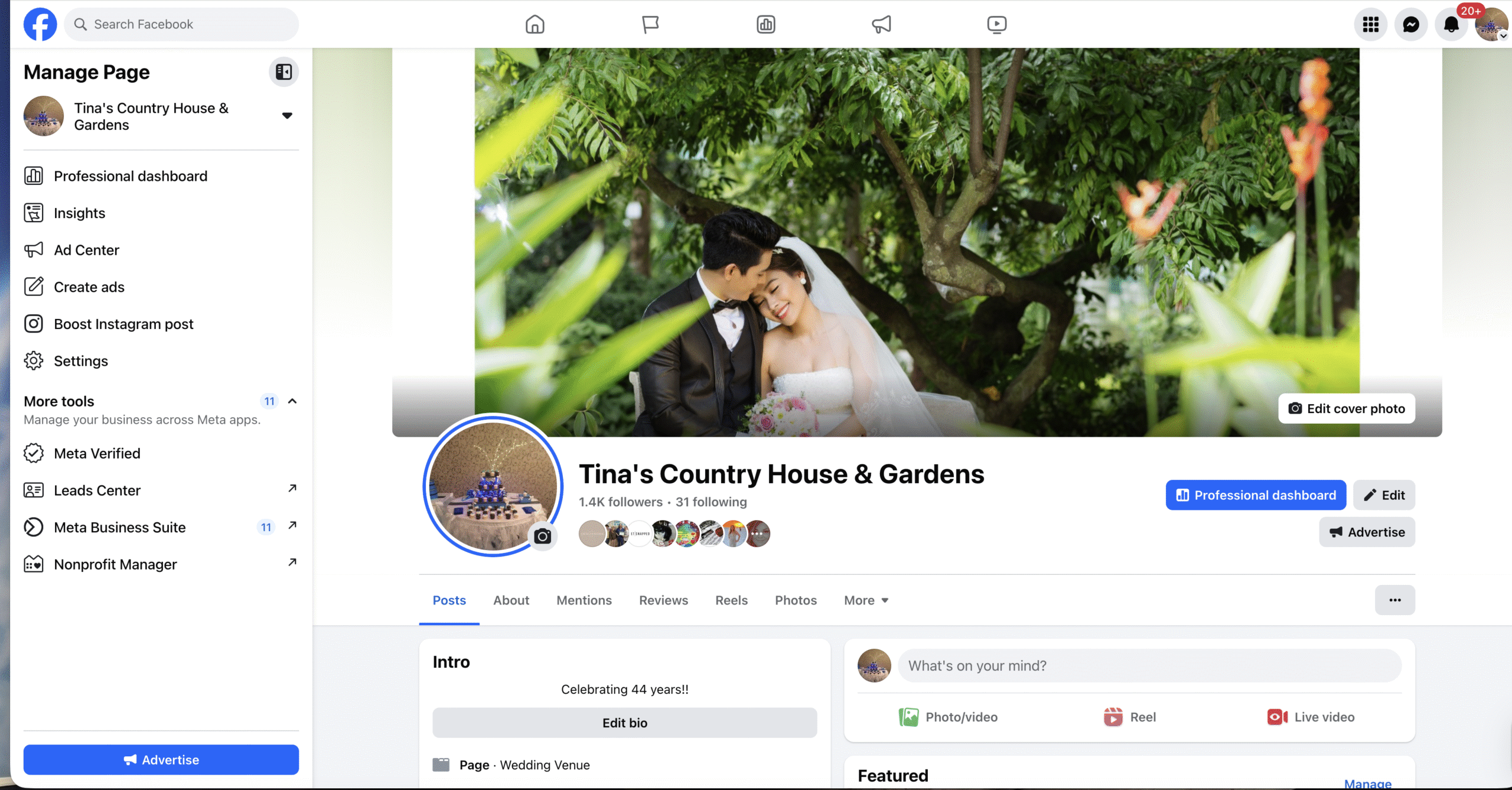
- Go to Friends.
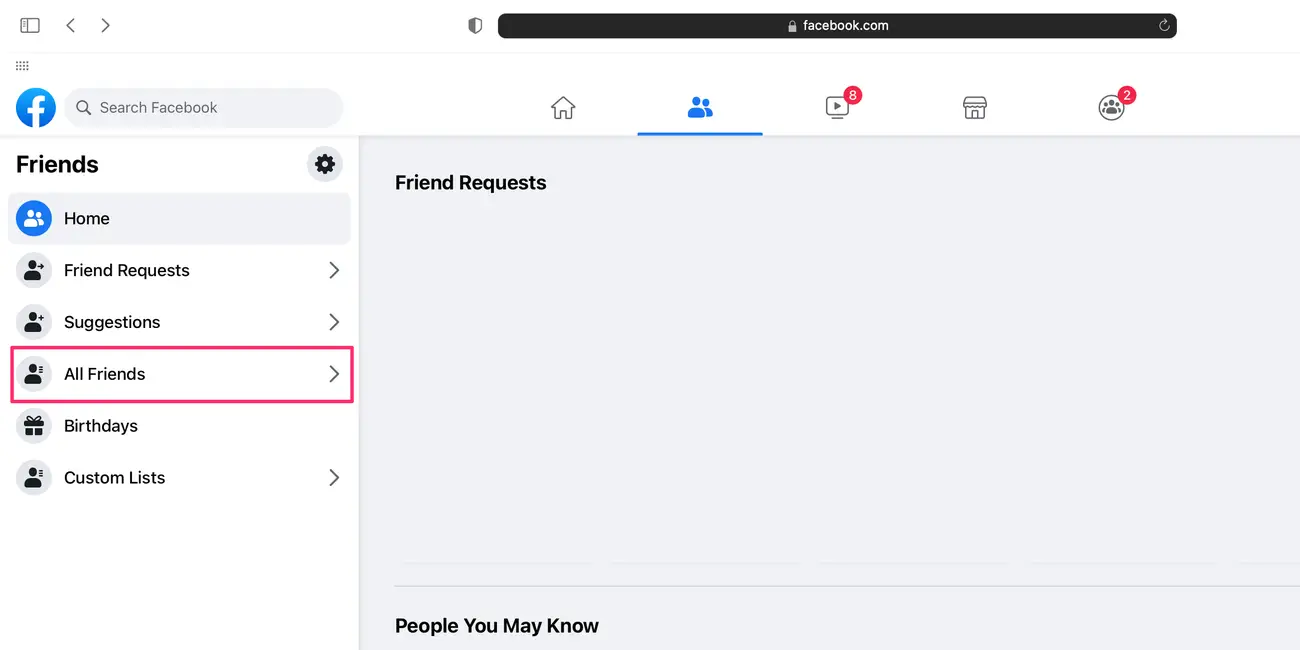
- Search for the person’s name.
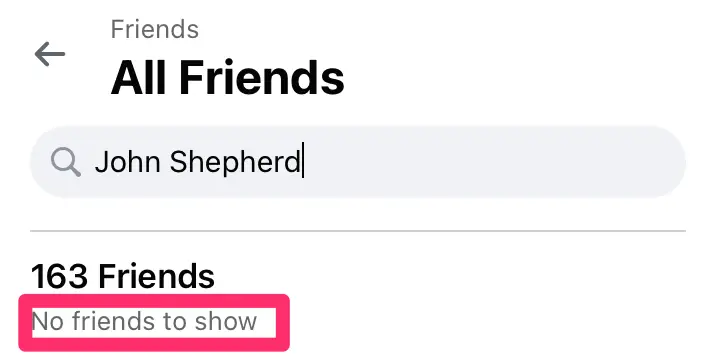
If the name no longer appears and search also fails, blocking is likely.
Try Tagging The Person In A Post Or Comment
Facebook prevents tagging users who have blocked you.
- Create a new post.
- Tap Tag People.
- Type the person’s name.
If their name never appears as an option, that is another sign.
Attempt To Invite Them To An Event
Blocked users cannot be invited to events or groups.
- Create a new Facebook event.
- Use the invite field to search for the person.
If the person does not appear in the invite list, blocking may be in effect.
Open The Profile Using A Direct Link
If you previously saved the profile URL, opening it can confirm a block.
- Paste the profile link into your browser.
- Check whether Facebook displays a content unavailable message.
This usually indicates the profile is hidden from you specifically.
Troubleshooting Common Problems
Some situations can look like blocking even when they are not.
- The person may have deactivated their Facebook account.
- Privacy settings may limit profile visibility.
- You may be logged into the wrong Facebook account.
Confirm using multiple methods before assuming a block.
Tips
- Do not rely on third-party apps claiming to reveal blockers.
- Use at least two methods for confirmation.
- Respect privacy and avoid repeated checks.
FAQ
Does Facebook notify you when someone blocks you?
No, Facebook does not send notifications when blocking occurs.
Can someone block you and still appear in search?
No, blocked profiles do not appear in search results.
Can I see public posts if I am blocked?
No, blocking removes all profile visibility.
Can Messenger still show old chats?
Yes, but new messages cannot be sent.
Summary
- Facebook does not show who blocked you directly.
- Search, Messenger, and tagging checks help confirm a block.
- Comparing results with another account improves accuracy.
Conclusion
Being blocked on Facebook can feel confusing, but clear signs usually confirm it. By checking profile visibility, Messenger access, tagging options, and search results, you can determine whether someone blocked you without using unsafe tools. Understanding these signals helps you move forward without guesswork.


Discussion (0)
Be the first to comment.