




Facebook has billions of users, which makes it a common place to look for people. In many cases, you may only have a photo and want to find the Facebook profile connected to it or see where that image appears on the platform.
Facebook does not offer a built-in reverse image search feature. However, several reliable workarounds can help you perform a Facebook image search using photo IDs, search engines, and reverse image search tools.
Can You Search Facebook By Image?
Facebook does not support direct image-based searches. This means you cannot upload a photo and search for matching profiles within Facebook itself.
That said, you can still search Facebook photos indirectly if the image is public or indexed by search engines. The success of these methods depends heavily on privacy settings and image visibility.
How To Perform Facebook Image Search
The methods below use publicly available tools and workarounds to locate Facebook images or profiles connected to a photo. Results vary depending on image clarity, uniqueness, and privacy restrictions.
Method 1: Search Using Facebook Image ID
Older Facebook images often include a numeric image ID in the file name. This ID can sometimes be used to locate the original post or profile.
- Locate the image file downloaded from Facebook.
- Copy the numeric ID from the file name.
- Paste the ID into a Facebook photo URL format in your browser.
This method works mostly with older images, as Facebook no longer uses the same naming structure for newer uploads.
Method 2: Use Google Image Search
Google Image Search is one of the most effective ways to perform a Facebook reverse image search. It can locate public Facebook photos indexed on the web.
- Open Google Images in your browser.
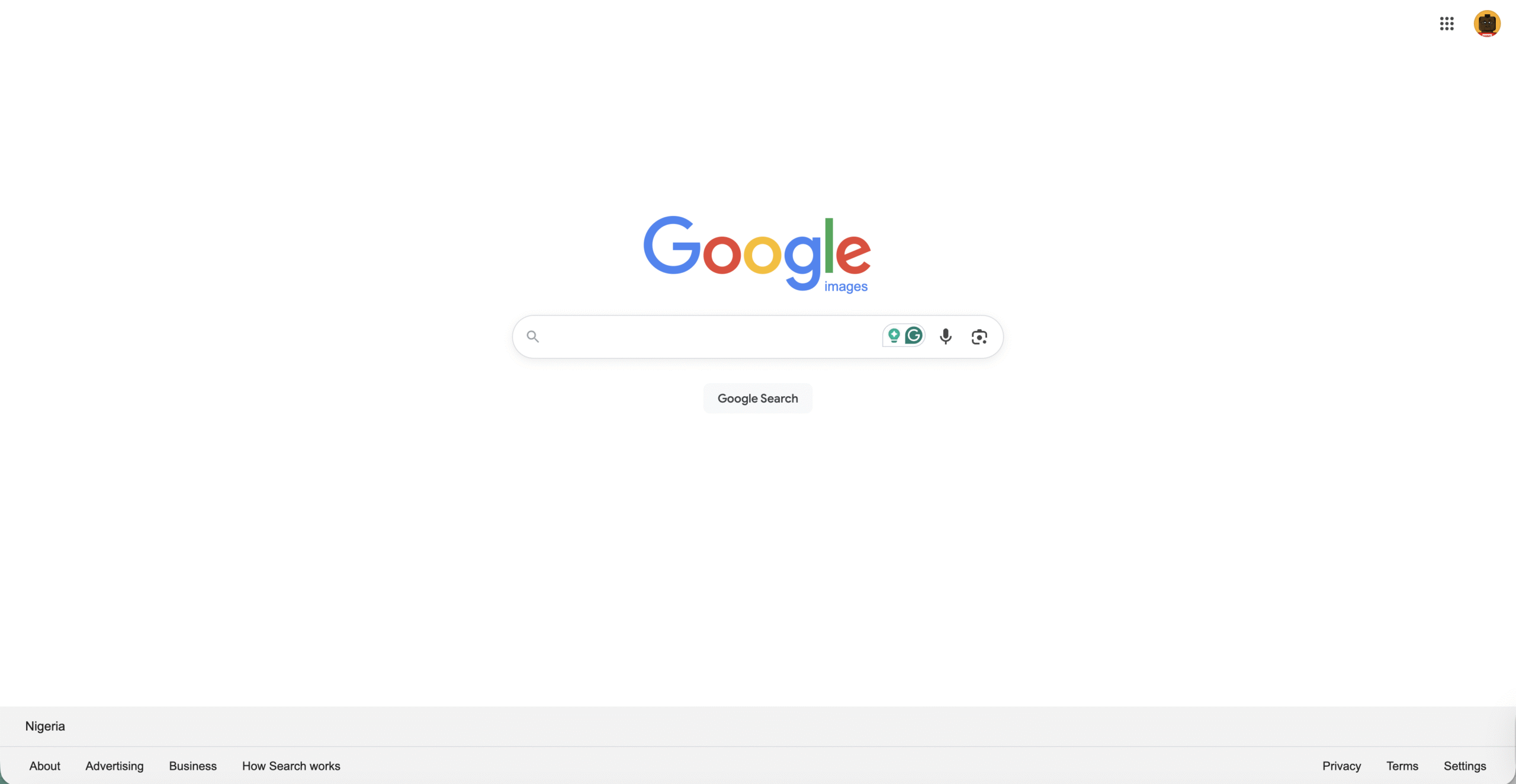
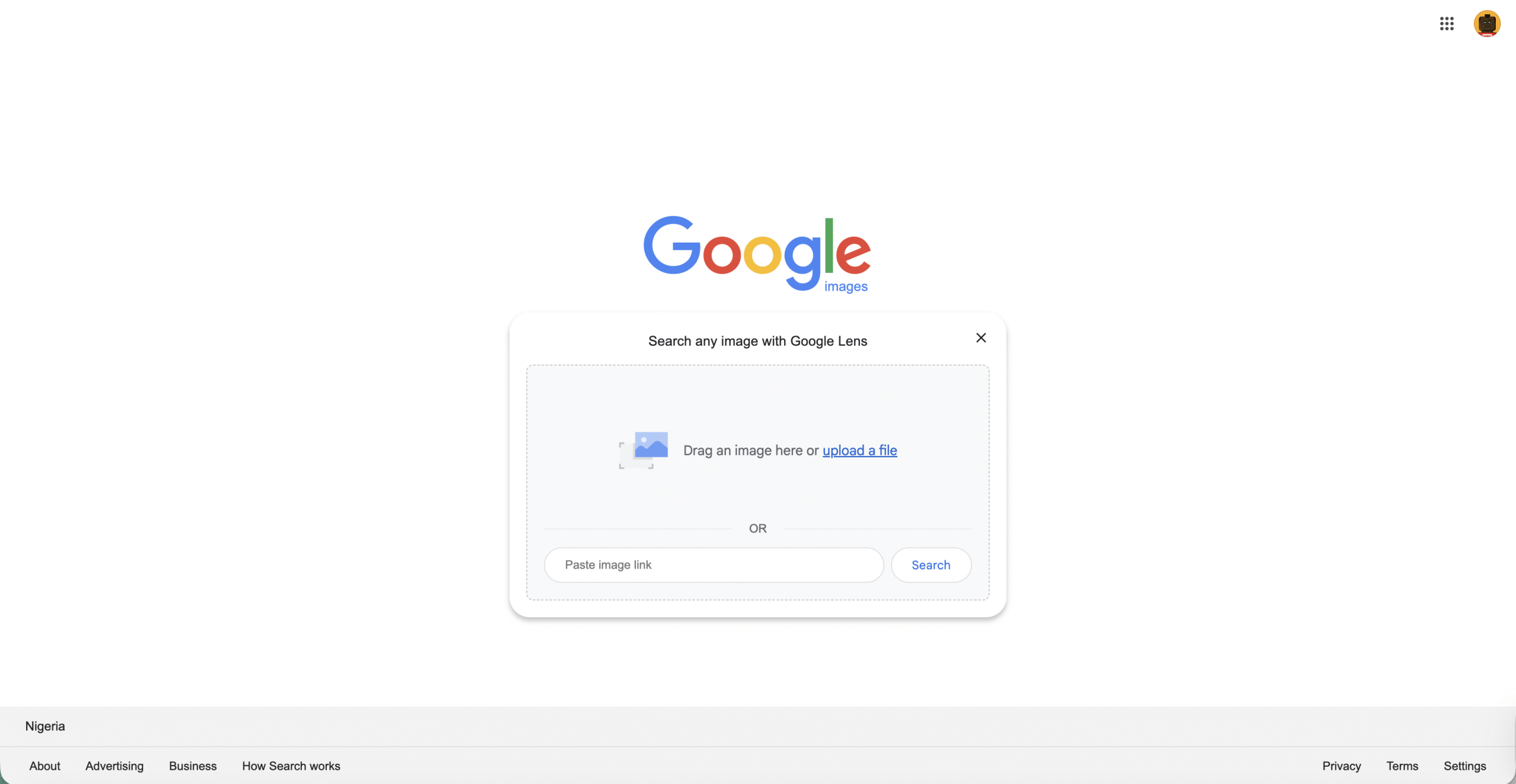
- Upload the photo you want to search.
- Review visually similar images and linked pages.
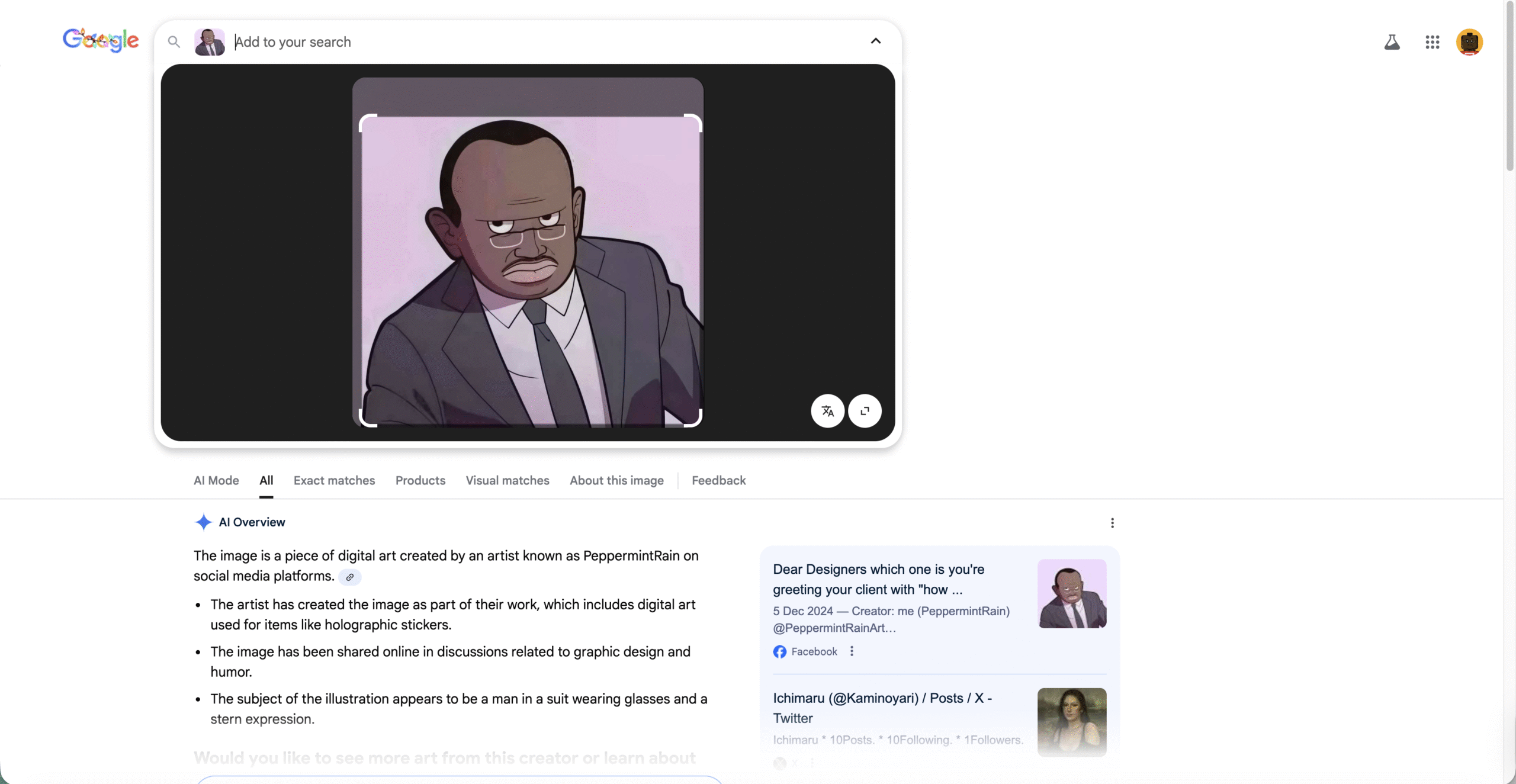
Only Facebook images marked as public can appear in Google search results.
Method 3: Use Third-Party Reverse Image Search Tools
Reverse image search tools scan multiple platforms for matching or similar images. These tools are helpful when search engines fail.
- Upload the image to a reverse image search service.
- Allow the tool to scan indexed websites.
- Check results for Facebook profile or post matches.
Accuracy depends on how widely the image has been shared online.
Method 4: Use Bing Image Search
Bing Image Search works similarly to Google and sometimes produces different results. It can be useful for finding Facebook photos missed by other engines.
- Open Bing Image Search.
- Upload the image.
- Browse visually similar results.
Method 5: Search Facebook Using Keywords From The Image
If the image contains text, landmarks, or identifiable details, keyword searching can help locate the post.
- Open Facebook and use the search bar.
- Enter descriptive keywords related to the image.
- Switch to the Posts filter and review results.
This method works best for images with captions, quotes, or recognizable locations.
Troubleshooting Common Problems
Facebook image search methods may fail due to privacy controls or image limitations.
- Private images cannot be indexed or searched.
- Low-quality images reduce match accuracy.
- Recently uploaded photos may not appear in search results.
- Edited or cropped images may not match originals.
Tips
- Use the highest quality version of the image available.
- Try multiple search engines for better coverage.
- Combine image search with keyword searches.
- Be mindful of privacy and ethical considerations.
FAQ
Can I search Facebook directly by image?
No, Facebook does not support native image-based searches.
Can Google Image Search find Facebook photos?
Yes, but only if the photos are public and indexed.
Do reverse image search tools work for Facebook profiles?
They can, but success depends on how widely the image is shared.
Why can’t I find a match for my image?
Privacy settings, image quality, and limited online presence can block results.
Summary
- Facebook does not offer built-in image search.
- Reverse image search tools provide effective workarounds.
- Public images are easier to find than private ones.
- Using multiple methods improves success rates.
Conclusion
Facebook image search requires patience and the right approach. While there is no direct way to search by image on Facebook, combining reverse image search tools, search engines, and keyword strategies can help you find profiles or posts connected to a photo when privacy settings allow it.



Discussion (0)
Be the first to comment.