




If you watch a lot of VK videos and want a way to save them offline, you’re not alone. VKontakte (VK) doesn’t offer a reliable built-in download button for most videos, so you need other methods to save content for later. At the time of writing, several safe and verified approaches still work, whether you prefer using an online VK video downloader, a browser extension, a built-in VK option, or a full video-downloader program. This guide keeps things simple and shows every working way to save videos with clear steps and updated instructions.
These methods help if you want to back up clips, save tutorials, or keep entertainment videos for offline viewing. Just make sure you have the right to download the content and use it for personal purposes only.
Use An Online VK Video Downloader
Online video downloaders offer the fastest way to save a video without installing anything. They work directly in your browser and support most VK links, making them a simple option for beginners.
To download a VK video with an online tool:
- Open the VK video in your browser and copy its URL.
- Visit a trusted online VK downloader and paste the link in the search field.
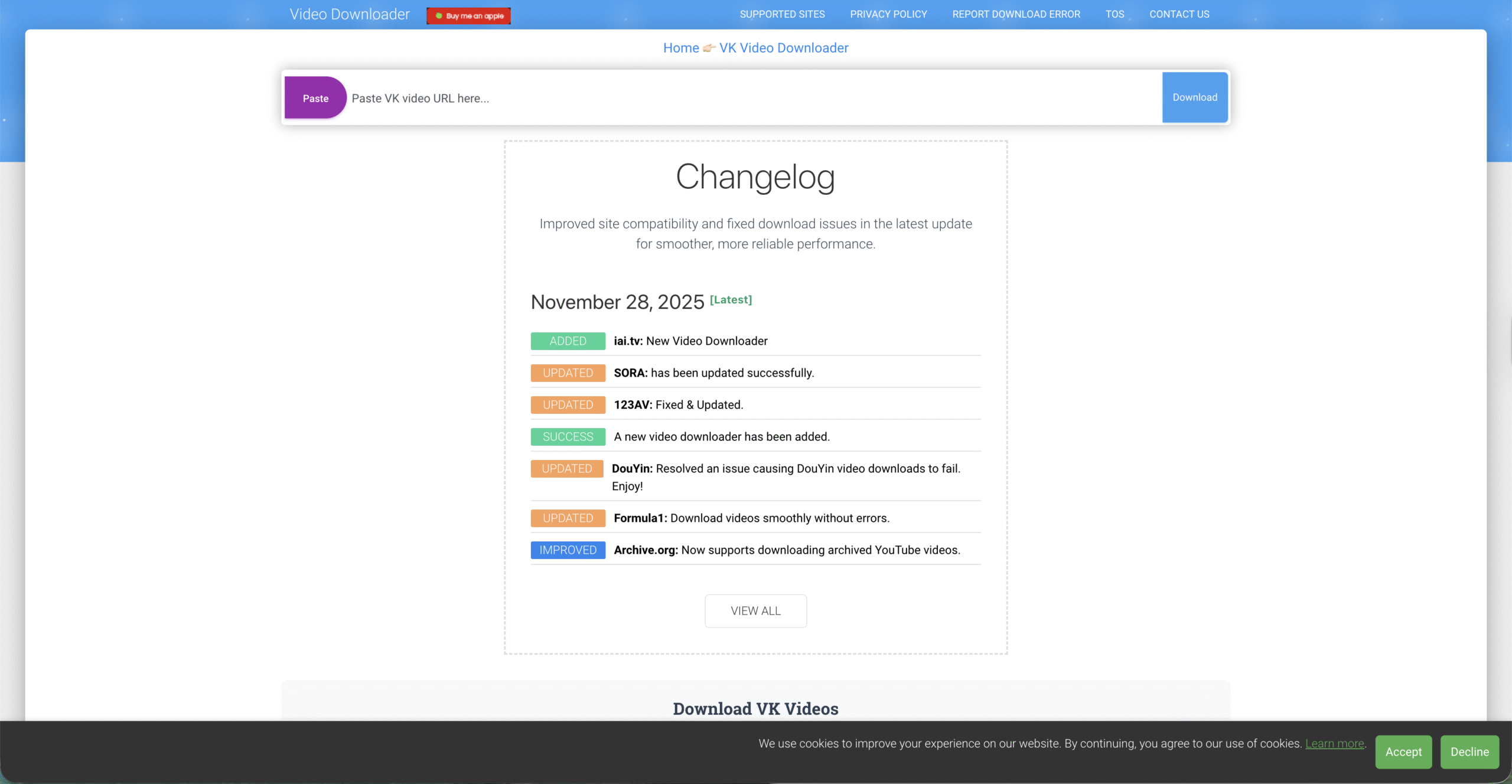
- Select a video quality option if one appears.
- Click the download button and save the file to your device.
Most online VK video downloaders support MP4, so you can watch the file on your PC, phone, or tablet easily. This method works well when you only need to save a few videos quickly.
Use Browser Extensions
Browser extensions offer a smoother way to download VK videos because they detect playable media automatically on the page. If you often save VK content, this option gives you faster access than an online downloader.
To save VK videos with a browser extension:
- Install a reputable video-download extension designed for Chrome, Firefox, or Edge.
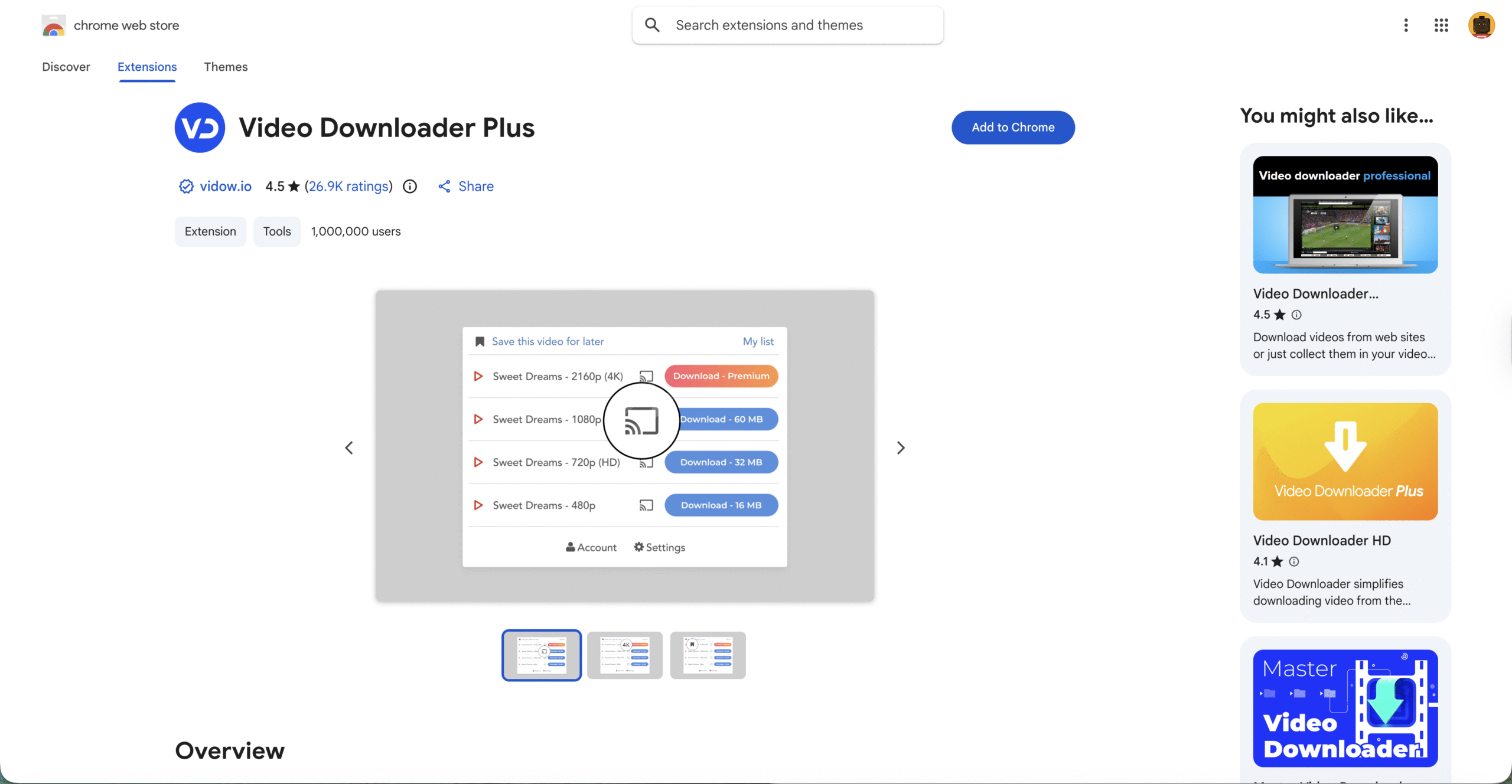
- Open the VK video you want to save.
- Click the extension icon in your toolbar.
- Choose the video format and save it to your device.
Extensions work well for long playlists or when you prefer a one-click VK video download method built directly into your browser.
Use The Built-In VK Download Option
Some VK pages, groups, or uploaders still allow direct downloading through VK’s own interface. This option doesn’t appear on every video, but when it does, it’s the fastest way to download videos from Vkontakte without tools or plugins.
To check for VK’s built-in download button:
- Open the VK video you want to save.
- Look for a downward arrow icon or a “Download” label under the player.
- Select the quality option if prompted.
- Save the file to your preferred folder.
Because this option depends on the uploader’s settings, you may not see it on every clip. Still, when it’s available, it’s more reliable than external tools.
Use Dedicated Video Downloader Software
video downloadIf you download VK videos often, full software programs offer more control than any browser-based tool. These video downloader apps support larger downloads, higher quality, and batch saving.
To download VK videos with dedicated software:
- Install a trusted desktop video-downloader program.
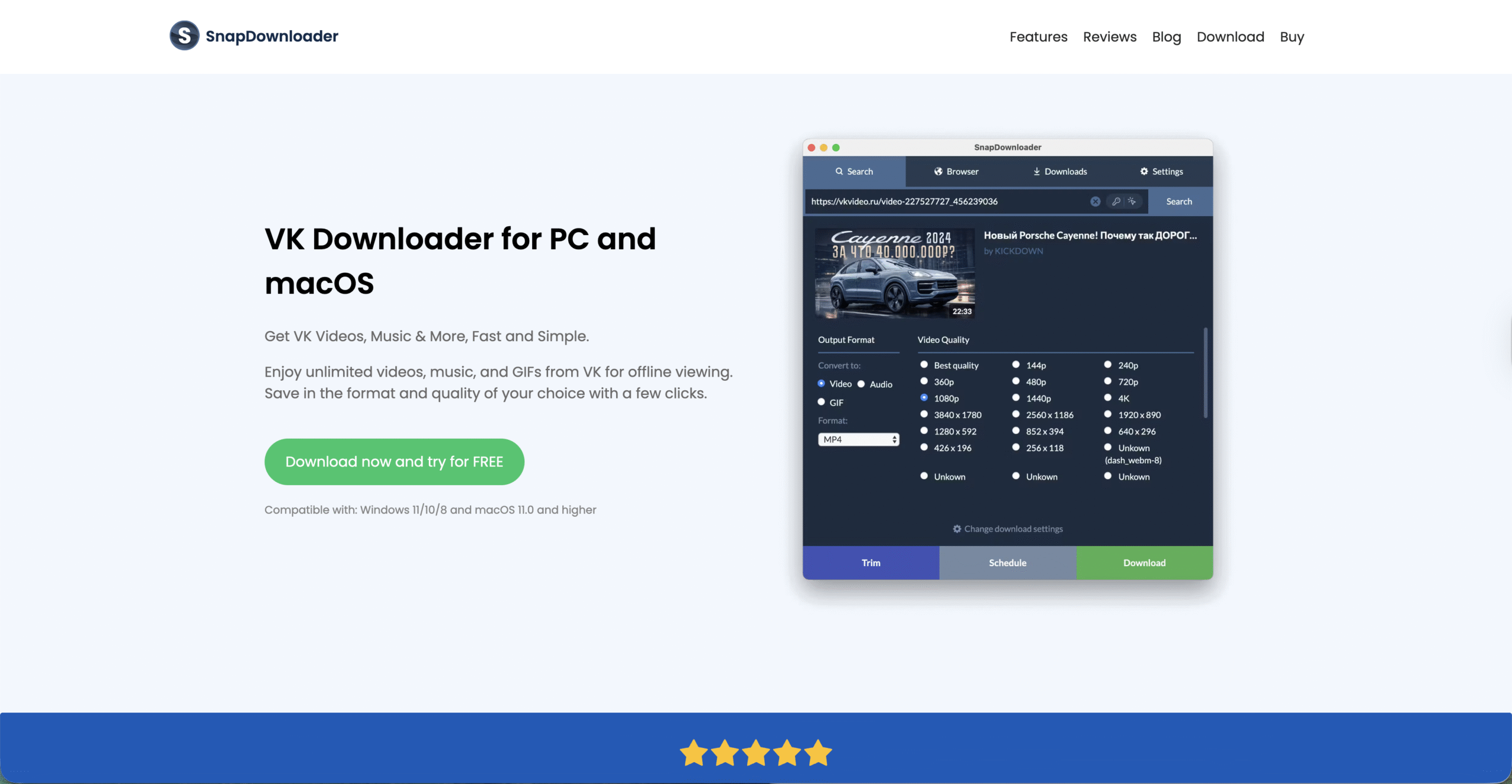
- Copy the VK video link from your browser.
- Paste the link into the software’s URL field.
- Select video quality, output format, or download folder.
- Start the download and wait for the process to finish.
This method is ideal for saving multiple VK videos quickly or converting clips into different file types for editing or sharing.
Troubleshooting Common Problems
- Video won’t download: Try another method or confirm the link is public.
- Audio missing: Choose a higher quality option when available.
- Extension not detecting video: Refresh the page or clear your browser cache.
- Software errors: Update the program or reinstall it.
Tips
- Save VK videos to a dedicated folder so they're easier to organize.
- Use MP4 whenever possible for the widest device compatibility.
- Scan all downloaded files for security before opening them.
- Bookmark your preferred VK downloader to save time.
FAQ
Can I download private VK videos?
Only if you’re part of the group or have access to the original post.
Do I need an extension to save VK videos?
No. Online VK downloaders also work without any installation.
Can I download VK videos on mobile?
Yes. Many online VK video downloaders work on mobile browsers.
What format should I use?
MP4 is the best option for most devices.
Summary
- Use online VK downloaders for fast one-time saves.
- Install a browser extension for quick in-browser downloads.
- Check for VK’s built-in download button when available.
- Use downloader software for bulk or high-quality downloads.
Conclusion
You can try any of these methods to save VK videos safely and keep them available offline whenever you need them.
Downloading videos from VKontakte becomes much easier once you know which tools are still working. These updated methods help you save content for personal use, whether you rely on a lightweight online tool or a full desktop program.


Discussion (0)
Be the first to comment.