




Need to watch something when you do not have Wi-Fi or mobile data? Learning how to download a streamable video helps you save tutorials, webinars, and your own uploads for offline viewing. You must always respect copyright and only download streaming videos you have permission to save.
This guide walks you through safe, legal options to download streamable videos on desktop and mobile. You start with official download buttons, then move to browser tools, online video downloaders, and screen recording software for content you own or that is clearly free to save.
Before You Download Any Streaming Video
Not every platform allows you to download a streamable video. Many services lock content behind Digital Rights Management (DRM), and bypassing that protection can break the law or the site’s Terms of Service.
Before you use any online video downloader or video downloader extension, check these points:
- Read the platform’s Terms Of Service to see whether downloading is allowed.
- Only download streamable videos you created, purchased, or that are clearly free to reuse.
- Avoid tools that promise to “break DRM,” “crack” protected streams, or bypass paywalls.
- Scan any new app or software with trusted security tools before installing it.
When you stay on the right side of copyright law, downloading streaming video becomes a helpful way to study offline, review training, or archive your own content.
Method One Use The Service’s Built In Download Option
The easiest and safest way to download streamable videos comes from the streaming service itself. Many major platforms include an offline viewing or download feature in their official apps.
Use this method whenever the service offers a download option next to the video.
- Open the official app for the streaming service on your phone, tablet, or PC.
- Sign in with the account that owns or has access to the video.

- Search for the episode, movie, tutorial, or course you want to save.

- Look for a Download, Save Offline, or Watch Offline button near the title.
- Choose your preferred video quality if the app offers options.
- Wait for the download to finish, then open the app’s Downloads or Library section to watch offline.
This approach keeps you within the platform’s rules and avoids shady software. The main downside is that some apps store the file in an encrypted format, so you can only play it inside that app.
Method Two Use A Video Downloader Extension In Your Browser
When a site does not offer native downloads but clearly allows saving content, a reputable video downloader extension can help. These browser add-ons sit next to the address bar and try to detect playable media on the page.
Use a video downloader extension only for sites that allow downloads or for your own uploads.
- Open your browser’s add on or extension store on Chrome, Edge, Firefox, or another supported browser.
- Search for a well-reviewed Video Downloader Extension that supports common streaming formats.
- Install the extension and restart your browser if prompted.
- Visit the site that hosts the streamable video you want to save.
- Play a few seconds of the video so the extension can detect the stream.
- Click the extension’s icon in the toolbar to view available download options.
- Select the desired resolution and format, then choose a folder on your computer.
- Wait until the video finishes downloading before closing the browser tab.
A good extension makes it simple to download streaming video in one or two clicks. If the tool never detects a video, the site may use DRM, and you should not attempt to bypass it.
Method Three Use A Reputable Online Video Downloader
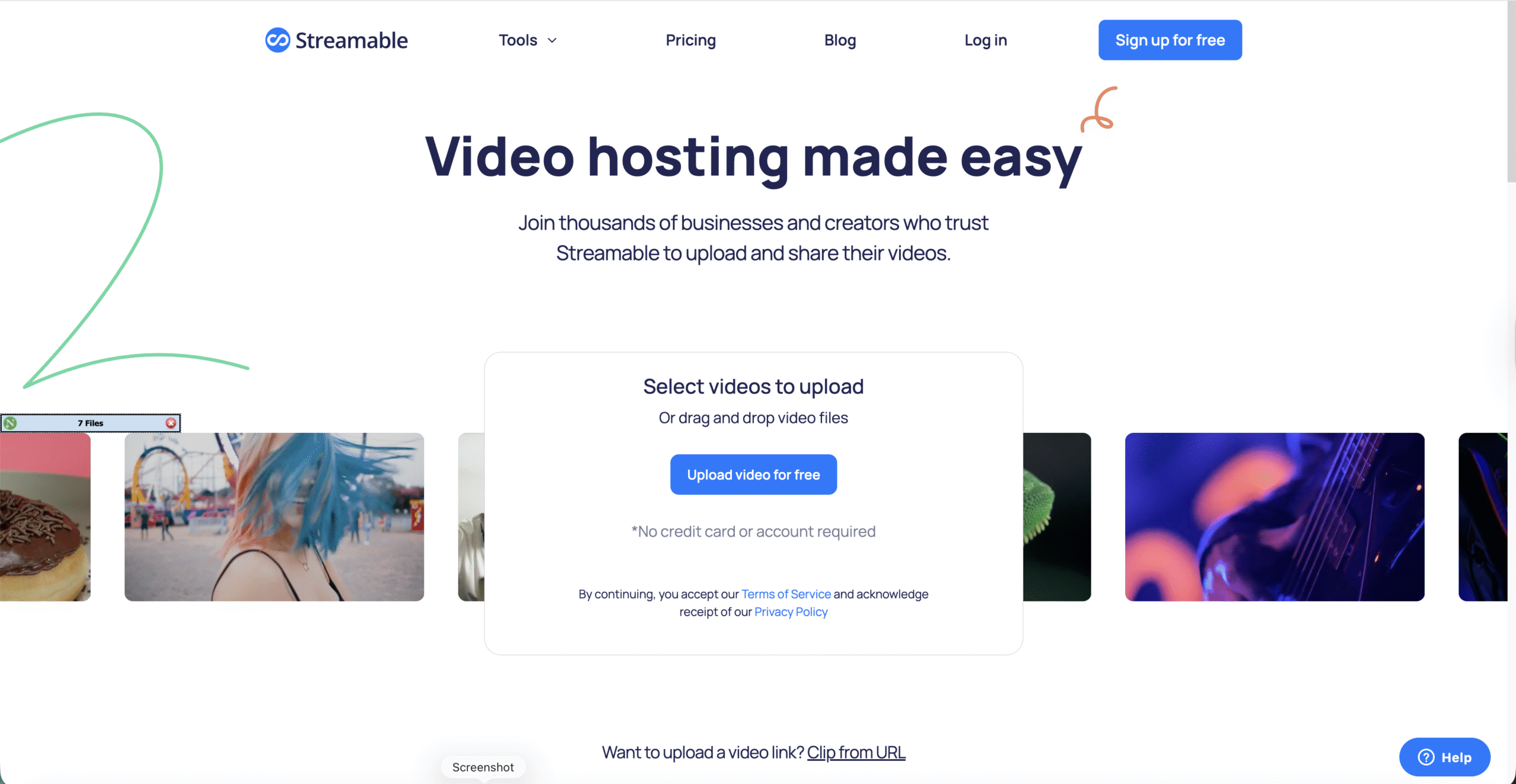
Online video downloader sites let you paste a link and receive a downloadable file in return. This works well when you cannot install a video downloader extension, or when you use a shared computer.
Stick to trusted services and avoid any website that looks overloaded with fake download buttons or pop ups.
- Copy the full URL of the streamable video from your browser’s address bar.
- Open a new tab and navigate to a trusted Online Video Downloader website.
- Paste the video link into the downloader’s input field.
- Choose a supported format and resolution such as MP4 at 720p or 1080p.
- Click the button to start processing and wait while the site prepares the download.
- Click the final download link and save the file to your preferred folder.
- Play the downloaded streaming video in a standard media player to confirm everything worked.
This method keeps your browser clean from extra extensions and still lets you download streamable videos you are allowed to save.
Method Four Record The Screen While The Video Plays
Screen recording software does not grab the original file. Instead, it records what appears on your display while the streaming video plays. This approach works on almost any site that allows personal recording but may fall under fair use or personal backup depending on your region.
Use screen recording when you want a copy of your own livestream, a video conference, or other content you created or have written permission to capture.
- Install a trusted Screen Recording Software on your Windows, macOS, or Linux computer.
- Open the recorder and choose whether to capture the full screen, a specific window, or a region around the video player.
- Set the output format to MP4 and a frame rate that matches the video for smoother playback.
- Open the site that hosts the streamable video and load it to the starting frame you want.
- Start the recording, then immediately start playing the streaming video in full screen.
- Let the video play to the end or stop when you captured the portion you need.
- Stop the recorder and save the captured file to your local drive.
- Trim the beginning and end in a simple video editor if you want a cleaner clip.
Screen recording takes more time because you must play the full video in real time, but it works across many platforms that do not offer direct downloads for your own content.
Method Five Download A Streamable Video On Mobile
If you mainly watch streaming video on a phone or tablet, you can download streamable videos straight to your device. The safest option remains the official download feature inside each app, but some services let you save allowed content through mobile browsers and apps.
Download Streaming Videos On Android
- Open the official streaming app and sign in to your account.
- Find the video you want to save for offline viewing.
- Tap the Download or Offline icon if the app provides one.
- Choose a quality level that fits your storage and data limits.
- Open the app’s Downloads section to watch the saved video later without a connection.
Some Android friendly browser apps and file managers also support downloading videos from sites that allow it, often using built in online video downloader tools. Always verify that the site permits downloads before saving anything.
Download Streaming Videos On Ios
- Launch the streaming service’s official app on your iPhone or iPad.
- Open the movie, show, or tutorial that supports offline viewing.
- Tap the Download icon next to the title or episode name.
- Wait for the circle or progress bar to complete.
- Go to the app’s Downloads or Library tab to watch the saved video in airplane mode or without data.
Because iOS locks down file access, most third party video downloader apps cannot save streaming video outside their own sandbox. Rely on official app downloads for the best experience.
Tips For Downloading Streamable Videos Safely
- Use strong, unique passwords for streaming accounts to protect purchased content.
- Keep your browser, extensions, and video downloader apps updated to avoid security flaws.
- Delete old downloads you no longer need to free disk space and keep your library organized.
- Label files clearly with the video title and date so you can find them quickly.
- Use trusted antivirus software if you frequently download streaming content from the web.
Good security hygiene matters as much as learning how to download a streamable video. It keeps your devices clean and your accounts protected.
Frequently Asked Questions
Is It Legal To Download A Streamable Video?
Legality depends on what you download and how you use it. Saving your own videos, public domain clips, or media that explicitly allows downloads is usually fine. Downloading copyrighted movies, shows, or sports streams without permission can violate both copyright law and the service’s Terms Of Service.
Why Does My Video Downloader Extension Not Work On Some Sites?
Many major streaming platforms rely on DRM and encrypted streams. Video downloader extensions and online video downloaders often cannot see these protected files. When a site uses strong protection, you should not attempt to bypass it.
What Is The Safest Way To Download Streaming Video?
The safest approach is the official offline viewing feature inside each streaming app. It respects copyright, keeps your account secure, and avoids shady software. When that is not available, use trusted tools only for content you own or that the creator clearly allows you to save.
Can I Move Downloaded Videos To A Usb Drive?
If you download a streamable video as a standard MP4 file to your computer, you can copy it to a USB drive like any other file. If the video stays inside a protected app’s download folder, you usually cannot move or play it anywhere else.
Which Method Should I Use First?
Start with the service’s built in offline feature. If that does not exist, try a reputable video downloader extension or online video downloader for content you are allowed to save. Use screen recording software as a last resort for your own streams, meetings, or training sessions.
Summary
- Use the official download or offline button in the streaming app whenever possible.
- Install a trusted video downloader extension to download streamable videos from supported sites.
- Rely on reputable online video downloader tools when you cannot add extensions.
- Capture your own content with screen recording software if direct downloads are not available.
- Download streaming videos on mobile through official app downloads on Android and iOS.
- Always respect copyright laws and avoid tools that promise to defeat DRM.
Conclusion
Learning how to download a streamable video gives you more control over when and where you watch important content. Between official offline downloads, browser based tools, online video downloaders, and screen recording software, you can build a workflow that fits your devices and your schedule.
Use these methods responsibly, stay within each platform’s rules, and focus on videos you own or have permission to save. When you pair smart security habits with the right download method, offline viewing becomes simple, safe, and convenient.


Discussion (0)
Be the first to comment.